
Most contracts land on your desk already drafted to favor the other side. Before you sign the vendor agreement, the NDA, or the 40-page lease, someone has to actually read it, and careful reading is the first thing that gets skipped when the queue is long. Contract reading software closes that gap: you upload the document and AI explains what it says, pulls out the obligations and deadlines buried in the definitions, and points at the clauses that should worry you.
The problem is the same whether you are an attorney triaging twenty agreements a week or a founder signing your first SaaS deal: too many pages, too little time, and a high cost for missing one sentence.
Reading is its own job, distinct from the neighboring contract-AI categories. This guide is about comprehension: plain-language answers about paper someone else drafted, before you sign it. When the task shifts to marking up a draft in negotiation, that is the territory of AI contract review tools; when you need exposure scored and triaged rather than explained, look at AI contract risk analysis software.
This guide compares six contract reading tools on pricing, strengths, and honest limitations, then gives you a short framework for choosing.
Contract reading software: a brief overview
- LegesGPT: Best overall: uploads any contract and returns a plain-language summary, answers questions about specific terms, and flags risky clauses with suggested fixes.
- Robin AI: Best free starting point: chat with an uploaded contract on a permanent free tier before paying anything.
- Spellbook: Best for Word loyalists: reads and questions the contract you already have open in Microsoft Word.
- LexCheck: Best for playbook consistency: checks every incoming contract against your standard positions and redlines deviations.
- Docusign IAM: Best for signed archives: reads every agreement stored in Docusign and extracts dates, renewal terms, and liability caps.
- Luminance: Best for enterprise volume: autonomous first-pass reading and markup across thousands of contracts.
| Tool | Best for | Starting price | Free trial | Platform |
|---|---|---|---|---|
| LegesGPT | Plain-language summaries, Q&A, and risk flags | From $19.99/mo | 3-day for $1 | Web (38+ countries) |
| Robin AI | Contract Q&A with a free tier | Free tier; Pro paid | Free tier | Web |
| Spellbook | Reading inside Microsoft Word | Custom (per seat) | 7-day | Word add-in |
| LexCheck | Playbook-based deviation checks | Custom (per playbook) | Demo only | Word add-in |
| Docusign IAM | Term extraction from a Docusign repository | From $45/user/mo | 30-day refund | Web |
| Luminance | Enterprise-scale autonomous reading | Custom (enterprise) | Demo only | Web + Word |
1. LegesGPT, best overall contract reading software
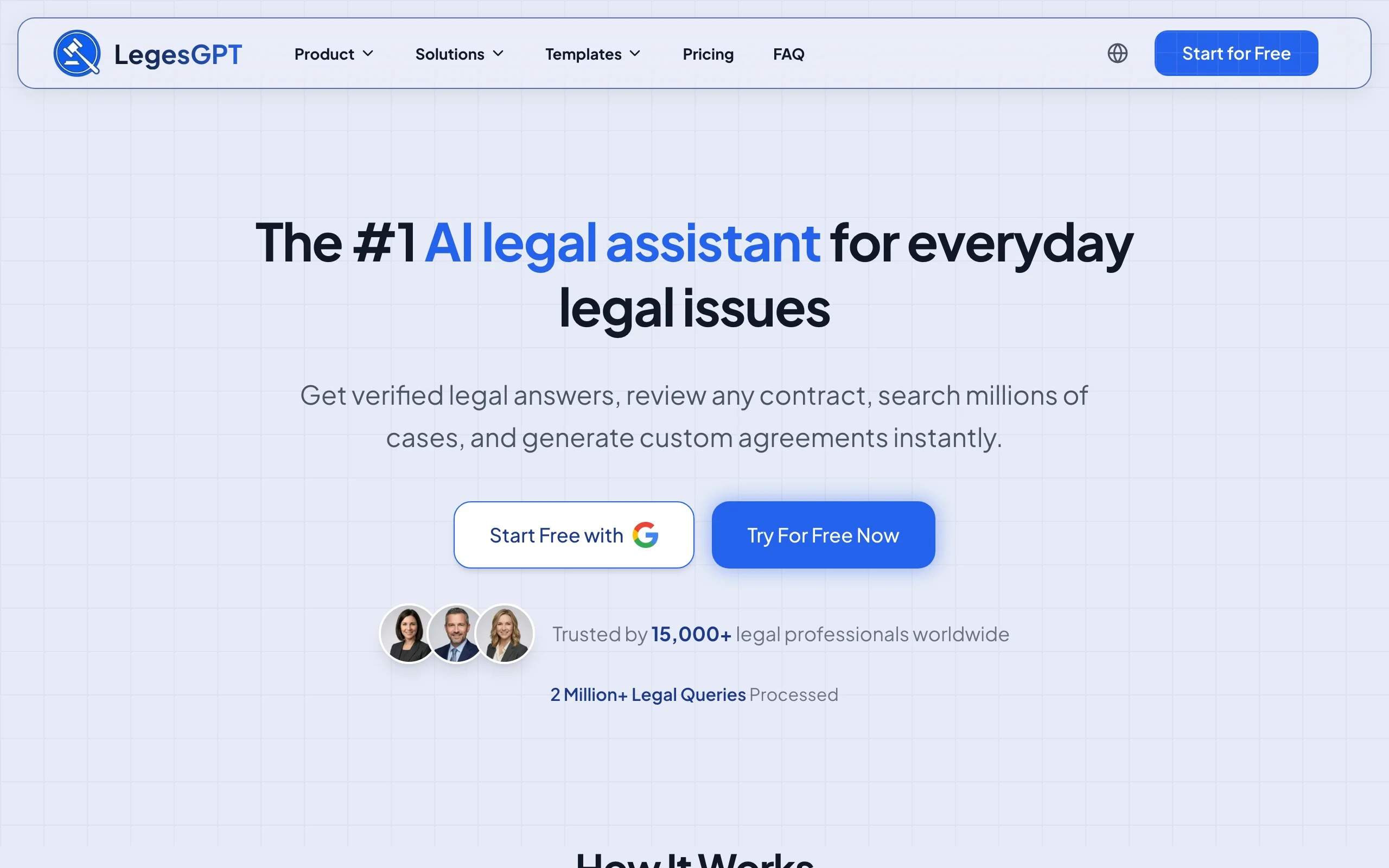
LegesGPT is built around one question: what does this contract actually mean for you? Drop in a PDF, DOCX, PPTX, TXT file, or even a photographed page, and it walks through the agreement in plain English: who owes what, when payments and deadlines land, how either side can exit. You can then interrogate the document directly ("what happens if we miss the delivery date?") and get answers tied to the exact clause, not a generic explanation.
The reading is skeptical by design. Every upload gets a risk pass that highlights one-sided language, from silent auto-renewals to uncapped liability, and proposes replacement wording, so you learn what a clause says and what to do about it before you sign. If you also need portfolio-level analytics after signing, pair it with a tool from our contract analysis software guide.
Key features
- Plain-language summaries of uploaded contracts (PDF, DOCX, PPTX, TXT, images)
- Ask questions about any term and get answers grounded in the document itself
- Risk flagging that explains the problem and proposes concrete clause changes
- Deep Research mode for questions that span the contract and the law behind it
- AI drafting, e-signature, and 100+ attorney-drafted templates in the same subscription
- Legal research with verified citations for checking a clause against actual law
Best for
- Solo lawyers and 2-50 attorney firms doing daily first-pass contract reads
- Business owners and in-house teams who need to understand agreements before signing, without enterprise procurement
Pricing
- Basic $19.99/mo (AI legal Q&A, case law and statute search); Plus $49.99/mo adds document upload with 50 reviews/month
- Premium $99.99/mo: unlimited document review, Deep Research, web search
- 3-day trial for $1; about 30% off on annual billing
Pros
- Cheapest self-serve route to real contract comprehension: uploads start at $49.99/mo, far below per-seat enterprise quotes
- Answers cite the contract text and legal sources, so you can verify rather than trust
- Reading flows straight into redrafting and e-signature without switching tools
Cons
- Web-only: no Microsoft Word add-in, API, or native mobile app, so Word-centric redlining stays in the browser
- Newer brand than incumbents like Litera or Docusign, and contract uploads require the Plus tier rather than the entry plan
2. Robin AI, best free way to start reading contracts with AI
Robin AI makes the on-ramp as short as possible: upload an agreement and start chatting with it, free, at up to 10 messages a day for a single user. The company has publicly committed to keeping a free version, which makes Robin the rare tool in this category you can evaluate with zero budget approval. Paid plans remove the message and upload limits for small teams, and the enterprise tier grows into clause comparison, centralized obligations tracking, SSO, and custom playbooks.
Key features
- Chat-style Q&A over any uploaded contract
- Permanent free tier: 10 messages per day for one user
- Pro plan with unlimited messages and uploads for teams up to 5
- Enterprise adds clause comparison, obligations management, and bespoke playbooks
- Cross-document reports that summarize findings
Best for
- Individuals and teams that want to test AI contract reading before spending anything
- Mid-market in-house teams that have outgrown pasting clauses into ChatGPT
Pricing
- Free tier: 10 daily messages, single user
- Pro: per-seat pricing with no published rate card; third-party listings report around $100/user/mo
- Enterprise: custom, via sales
Pros
- Lowest barrier to entry on this list
- Scales into obligations tracking without forcing a full CLM migration
Cons
- No official published pricing beyond the free tier, so budgeting means a sales call
- Reading and Q&A only: no research, drafting, or e-signature layer around it
3. Spellbook, best for reading contracts without leaving Word
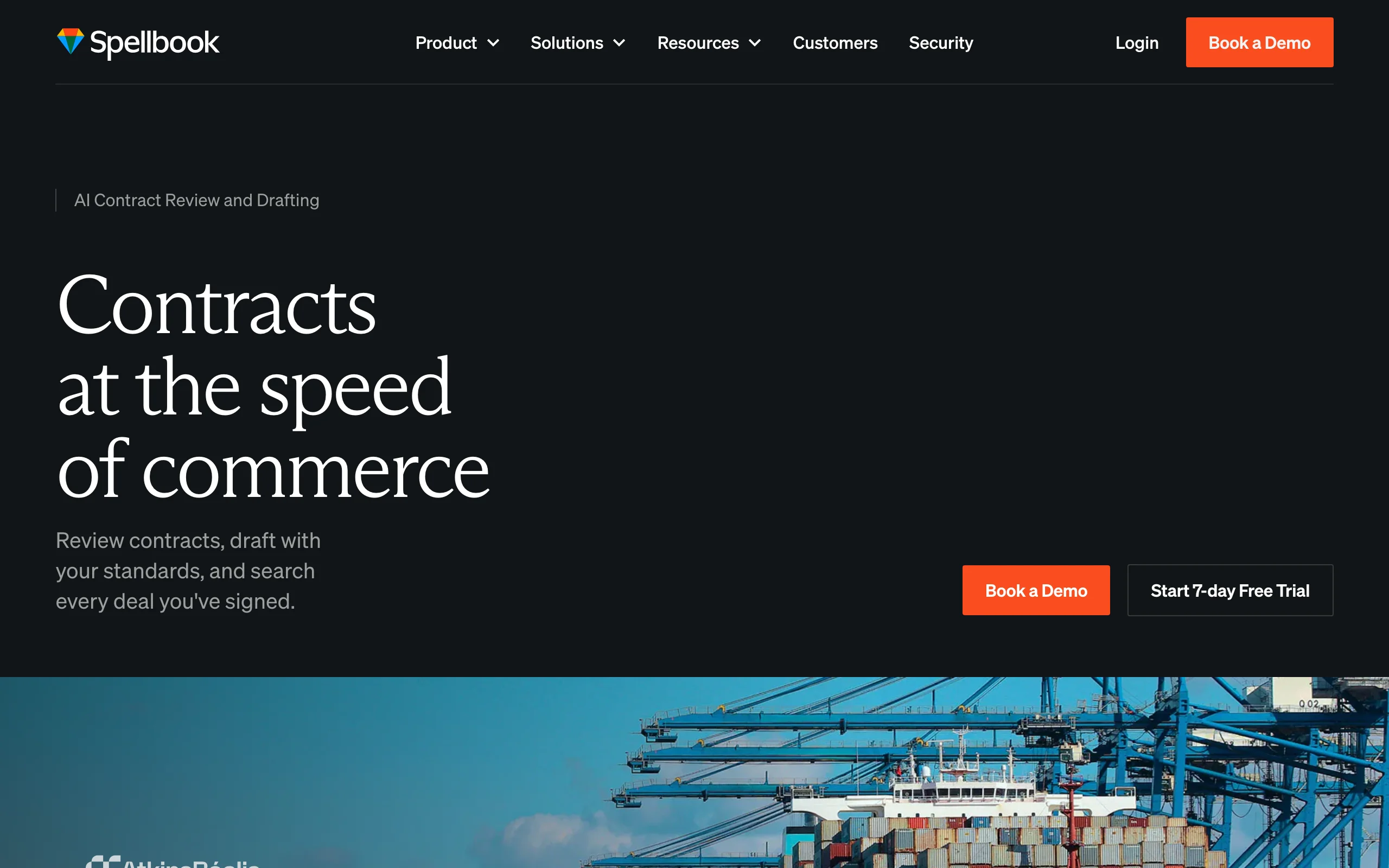
Spellbook lives where most legal teams already open their contracts: inside Microsoft Word. Rather than uploading files to a separate app, you work on the open document, ask questions about it, and get clause suggestions benchmarked against market-standard terms. Its Suite spans Review, Draft, Ask, Benchmarks, and Playbooks, so a junior associate can see how a limitation-of-liability clause compares to market without pinging a partner. For teams whose entire contract life is .docx, the zero-context-switch design is the core appeal.
Key features
- Reads, marks up, and answers questions about the contract open in Word
- Benchmarks clause language against market-standard terms
- Playbooks enforce your firm's preferred positions during review
- Separate configurations for law firms and in-house teams
Best for
- Law firm associates who negotiate and redline exclusively in Word
- In-house counsel who want playbook checks during negotiation, not after
Pricing
- Custom pricing based on the number of licensed team members; no public rate card
- 7-day free trial
Pros
- The most refined Word-native reading experience in the category
- Market benchmarks give junior lawyers context they would otherwise have to ask for
Cons
- Pricing requires a demo call, and per-seat quotes run well above self-serve tools
- Scanned PDFs and photos of signed pages fall outside its Word-first lane
4. LexCheck, best for checking contracts against a playbook
LexCheck answers a narrower but high-volume question: does this incoming contract match our standard positions? It reads each agreement against your playbook, catches every deviation in seconds, and redlines the offending terms directly in Microsoft Word. Playbooks come pre-trained on common provisions, so teams can start checking most contract types without months of setup. The pricing model is unusual and deliberate: a flat annual fee per playbook with unlimited users and unlimited document volume. If your bottleneck is negotiation-stage markup rather than comprehension, see our roundup of document redline software.
Key features
- Reads every incoming contract against your playbook and flags deviations
- Automated redlining of problematic terms inside Word
- Pre-trained playbooks covering common provisions across contract types
- AES-256 encryption at rest, TLS 1.2+ in transit
Best for
- Procurement, sales, and PE teams pushing high volumes of a few contract types
- Legal departments that want every reviewer applying identical standards
Pricing
- Flat yearly subscription per playbook, including unlimited users, unlimited volume, implementation, and support
- Specific figures are not published; quotes via sales
Pros
- Unlimited-user flat pricing beats per-seat economics for large teams
- Machine deviation-checking is more consistent than tired human first passes
Cons
- Playbook-centric design earns its keep on repeated contract types, less so on one-off bespoke deals
- No public pricing complicates comparison shopping
5. Docusign IAM, best for reading terms across a signed-contract archive
Docusign IAM (Intelligent Agreement Management) reads at portfolio scale. Its Navigator repository stores your agreements and applies AI to each one, extracting structured fields: parties, effective and expiration dates, renewal windows, payment terms, governing law, liability caps, and termination rights. The question it answers is not "what does this contract say?" but "what do all our contracts say?", which is exactly what a legal ops team chasing renewal dates needs. If your company already signs through Docusign, the archive becomes searchable with minimal setup. For more tools in this repository-intelligence category, see our contract intelligence software comparison.
Key features
- Navigator stores and AI-reads every agreement in one place
- Automatic extraction of dates, renewal terms, governing law, and liability caps
- AI-powered search across the whole agreement portfolio
- Native integration with Docusign e-signature workflows
Best for
- Companies with hundreds of executed agreements already in Docusign
- Legal ops teams tracking obligations and renewals portfolio-wide
Pricing
- IAM Starter from $45/user/mo (1-50 users); Standard $50/user/mo and Professional $80/user/mo with 3-user minimums
- Enterprise: custom pricing; 30-day refund window on annual self-serve plans
Pros
- Turns an existing signature archive into structured, queryable data
- Publishes self-serve pricing, which is rare in this market
Cons
- Extraction-first: strong on fields and dates, weaker on deep clause-level judgment and Q&A
- Most of the value assumes you are already a Docusign customer
6. Luminance, best for enterprise-scale autonomous reading
Luminance treats contract reading as an industrial process. Its AI performs an instant first-pass read of any contract under negotiation, highlights risk, and can auto-redline the document against your playbook in seconds. The headline capability is Autopilot, an agent that negotiates standard NDAs end-to-end with minimal human involvement. More than 1,000 organizations across 70+ countries use it, including Big Four firms and multinational corporates, and a Diligence module reads thousands of documents at once to flag unusual clauses and inconsistencies.
Key features
- Autonomous first-pass reading with instant risk highlighting
- Auto-markup: redlines generated against preferred positions
- Autopilot agent that negotiates standard NDAs end-to-end
- Diligence module for reading thousands of documents in bulk
- Used across legal, procurement, and compliance functions
Best for
- Enterprise legal teams processing high contract volume with standardized playbooks
- Big Four and BigLaw groups running large transactional workloads
Pricing
- Custom subscription with usage components; no public pricing, quotes via sales consultation
- Third-party analyses note implementation costs typically add 20-50% of the first-year license fee
Pros
- Routine NDAs can genuinely go from inbox to signed with little human touch
- Proven at enterprise scale across jurisdictions
Cons
- Built and priced for enterprises; small teams will not clear procurement or budget
- Opaque pricing plus implementation costs make total spend hard to predict
How to choose the best contract reading software for your team
Four questions narrow six tools down to one.
1) One contract at a time, or a whole portfolio?
- If you need to understand the contract in front of you (summary, Q&A, risk flags): LegesGPT, Robin AI, or Spellbook.
- If you need structured data across hundreds of signed agreements: Docusign IAM; at diligence scale, Luminance.
2) Where do your contracts actually arrive?
- If everything happens in Word: Spellbook or LexCheck keep the read inside the document.
- If contracts show up as PDFs, scans, or phone photos from counterparties: LegesGPT handles all of those in the browser, and Robin AI accepts uploads too.
3) What can you actually spend?
- Under $100/mo total: LegesGPT is the only option here with self-serve document upload at $49.99/mo; Robin AI's free tier works for very light use.
- $100+/user/mo budgets: Robin AI Pro or Docusign IAM Professional.
- Enterprise procurement: Luminance, LexCheck, or Spellbook. Run the price-to-value math first: a $50,000/year platform must save roughly 250 attorney hours annually to break even.
4) Is reading the end of the job, or the start?
- If a flagged clause should flow into research, redrafting, and signature, LegesGPT closes that loop in one subscription.
- If reading feeds negotiation-stage markup you run elsewhere, a specialist like LexCheck fits cleaner, and our guide to the best AI contract review tools covers that adjacent category.
Whichever direction you lean, shortlist two or three tools and test them on 3-5 of your own real contracts. Vendor demos run on clean documents; your scanned, amended, exhibit-heavy agreements are the benchmark that matters.
Frequently Asked Questions
What is contract reading software?
Contract reading software is AI that ingests a contract you upload and helps you understand it: it summarizes the agreement in plain language, extracts obligations, deadlines, and key terms, answers questions about specific clauses, and flags language that could hurt you. It is aimed at comprehension before signing, as opposed to contract management tools that track agreements after execution.
Is contract reading software accurate enough to rely on?
For first-pass reading, yes: modern tools reliably surface parties, dates, payment terms, and risky clauses, and the better ones ground every answer in the contract text so you can verify it. They are not a substitute for legal judgment on high-stakes agreements. Treat the AI read as a fast, thorough first pass and have a lawyer confirm anything material.
Can non-lawyers use contract reading software?
Yes, and plain-language output is exactly what makes these tools useful to business readers. LegesGPT and Robin AI let anyone upload an agreement and ask questions in normal English, with no legal training required. Tools like Luminance and LexCheck are built for legal and procurement professionals and assume more context.
What is the cheapest contract reading software?
Robin AI's free tier (10 messages per day for one user) is the cheapest way to try contract Q&A. For regular use, LegesGPT is the lowest-cost self-serve option with document upload: the Plus plan is $49.99/mo with 50 document reviews, after a 3-day trial for $1. Most enterprise tools in this category require custom quotes well above that.
What is the difference between contract reading software and contract review software?
Contract reading software focuses on comprehension: summaries, key-term extraction, and answering questions about an agreement you received. Contract review software leans toward negotiation, producing redlines and markup against your preferred positions. The categories overlap heavily, and tools like LegesGPT and Luminance do both, but the emphasis differs.
Is it safe to upload confidential contracts to AI reading tools?
Legal-specific vendors generally encrypt documents in transit and at rest and contractually commit not to train public models on your data; LexCheck, for example, uses AES-256 encryption and TLS 1.2+. Check the vendor's security page and data processing terms before uploading, and avoid pasting confidential contracts into general-purpose consumer chatbots that lack those commitments.
Can contract reading software handle scanned PDFs and photos of signed contracts?
Some can. LegesGPT reads PDFs, DOCX, PPTX, TXT, and image files, so a photographed signature page works. Word add-in tools like Spellbook and LexCheck are designed for editable .docx files and are a poor fit for scans. If your contracts arrive from counterparties in mixed formats, test each tool with a real scan before buying.
If I mainly need plain-language summaries of contracts before I sign, which tool should I use?
LegesGPT is the strongest fit: upload the contract, get a plain-language summary of obligations and exit rights, ask follow-up questions, and see risky clauses flagged with suggested fixes. It starts at $19.99/mo with a 3-day trial for $1, and the same subscription covers legal research, drafting, and e-signature if you need to act on what you find.