Redlining is where contract negotiation actually happens. Every time a draft goes back and forth, someone has to see exactly what changed, mark up what should change next, and catch the risky edit buried in a reformatted paragraph. The software you use for that determines how fast and how safely you work. And redlining now means two different things: comparing two versions to produce a blackline, and using AI to suggest edits and flag risks before you send.
Some tools do one, some do both, and the right pick depends on your workload and budget. In this guide we compare the best document redline software, from AI-powered review tools to the enterprise comparison engines and free built-in options, with verified pricing and clear notes on what each one is actually for.
Best document redline software: a quick overview
- LegesGPT: Best for AI-powered redlining and risk review, flagging problematic clauses and proposing changes from $13.99/month.
- Litera Compare: Best enterprise-standard document comparison, the default across large firms.
- Draftable: Best affordable dedicated comparison tool with published pricing.
- Microsoft Word: Best free baseline, with built-in Track Changes and Compare.
- Spellbook: Best AI redlining inside Microsoft Word for contract drafters.
- Diffchecker: Best budget standalone comparison with a free tier.
| Tool | Best for | Starting price | Free tier / trial | Type |
|---|---|---|---|---|
| LegesGPT | AI redlining & risk review | From $13.99/mo | 3-day, $1 | AI review |
| Litera Compare | Enterprise document comparison | Quote-based | Demo only | Comparison |
| Draftable | Affordable dedicated comparison | $261/user/yr (Legal) | Free online; 5-day | Comparison |
| Microsoft Word | Free built-in redlining | Included with M365 | Free with Word | Comparison |
| Spellbook | AI redlining in Word | Per-seat quote | 7-day free | AI review |
| Diffchecker | Budget standalone comparison | $15/user/mo | Free tier | Comparison |
1. LegesGPT, best for AI-powered redlining and risk review
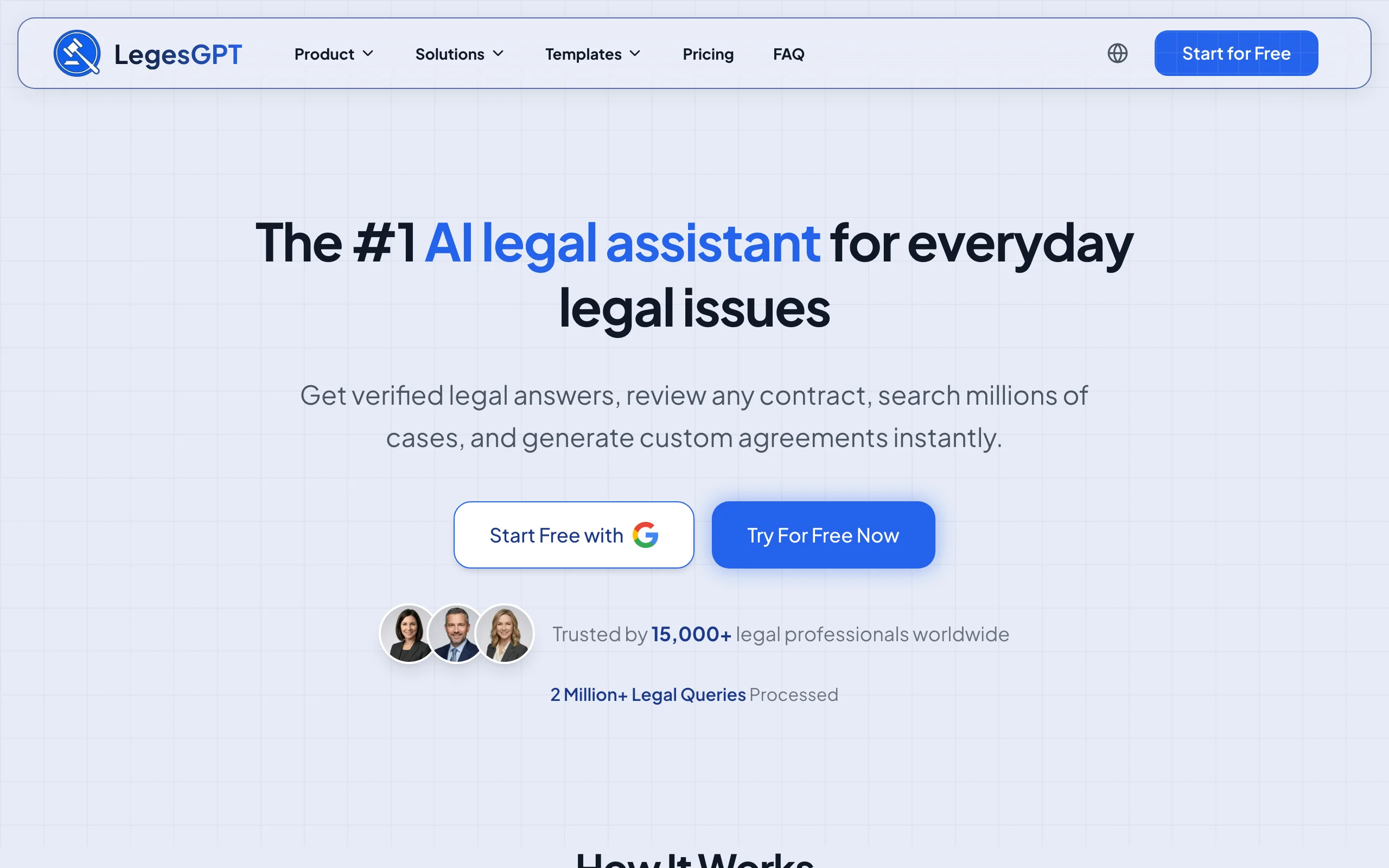
LegesGPT approaches redlining as review, not just comparison. Upload a contract and it reads the document, flags problematic clauses, proposes specific changes, and explains each one with verified citations, effectively an AI first-pass redline against sound legal standards. For a lawyer who cares less about which words changed between versions and more about what is wrong with the current draft and how to fix it, that is the more useful kind of markup.
It is not a two-version blackline engine like Litera or Draftable, so it will not produce a traditional side-by-side comparison of draft A versus draft B. What it does instead is tell you where the risk is and rewrite it, then let you draft and e-sign in the same tool, which is why it leads for AI redlining even though it plays a different role than a pure comparison product.
Key features:
- AI document review that flags risky clauses and proposes changes
- Clause explanations backed by verified citations
- Plain-language summaries of complex documents
- AI drafting and built-in e-signature
- Supports PDF, DOCX, PPTX, TXT, and images
Best for:
- Solos and small firms that want AI to review and improve drafts
- Risk-focused review rather than version-by-version comparison
- Teams wanting redlining, drafting, and signing in one tool
Pricing:
- Basic $13.99/month: unlimited AI queries and legal research
- Plus $34.99/month: adds document upload and 50 document reviews per month
- Premium $69.99/month: adds unlimited document review, Deep Research, and web search
- 3-day trial for $1; about 30% off annual billing
Pros:
- AI-suggested edits with cited explanations, not just change tracking
- Combines review, drafting, and e-signature affordably
- Self-serve with a low-cost trial
Cons:
- Not a traditional two-version blackline comparison tool
- Document review is capped on lower tiers
- Web-only, with no native Word add-in
Compare it with the broader field in our roundup of the best AI contract review tools.
2. Litera Compare, best enterprise-standard comparison
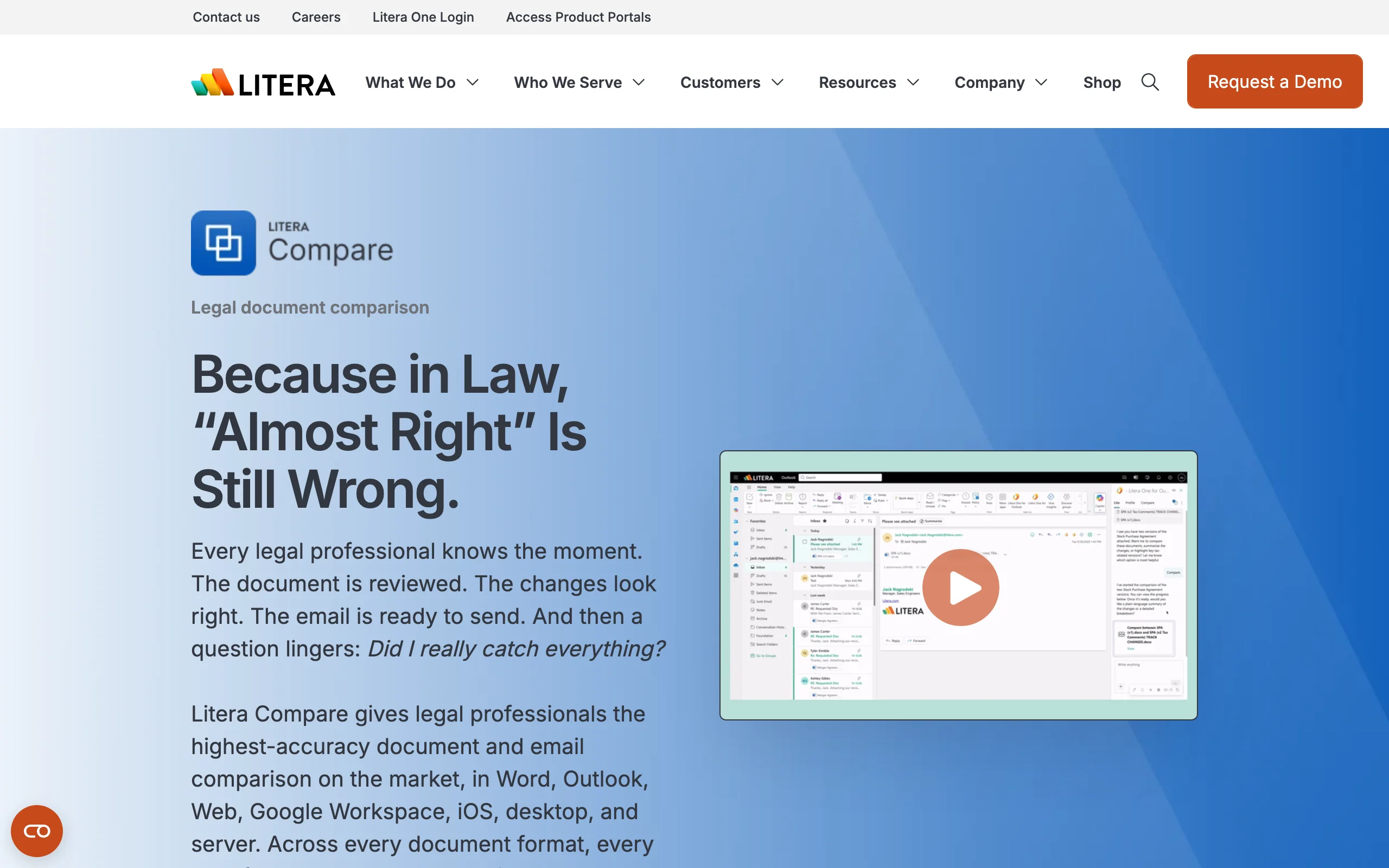
Litera Compare is the document-comparison tool most large firms already run. Built from the Workshare Compare and DeltaView lineage Litera acquired, it produces highly accurate redlines across Word, PDF, Excel, PowerPoint, and even email threads, handles bulk multi-document comparison, and integrates tightly with Word, Outlook, and document management systems. Litera reports adoption across the vast majority of the Am Law 100, which tells you where it sits: the enterprise default.
It has also added an AI layer, Lito, for chat-based redlining, summarization, and clause rewrites. The trade-off is the enterprise model: no published pricing, and access through a demo and sales process rather than self-serve signup.
Key features:
- High-accuracy redlines across Word, PDF, Excel, PowerPoint, and email
- Bulk multi-document comparison
- Word, Outlook, and DMS integration
- Lito AI layer for chat-based redlining and summaries
- Email-thread body comparison in Outlook
Best for:
- Mid-to-large firms and enterprise legal teams
- DMS-integrated environments
- High-volume, high-accuracy comparison needs
Pricing:
- Not published; quote-based, with a store for organizations under 10 employees and sales-led pricing above
- Demo-based access, no public free trial
Pros:
- Best-in-class comparison accuracy and format coverage
- Deep integration with legal workflows and DMS
- Trusted standard across large firms
Cons:
- No transparent pricing or self-serve trial
- Enterprise-oriented, heavier than a solo needs
- AI features are newer than the core compare engine
3. Draftable, best affordable dedicated comparison
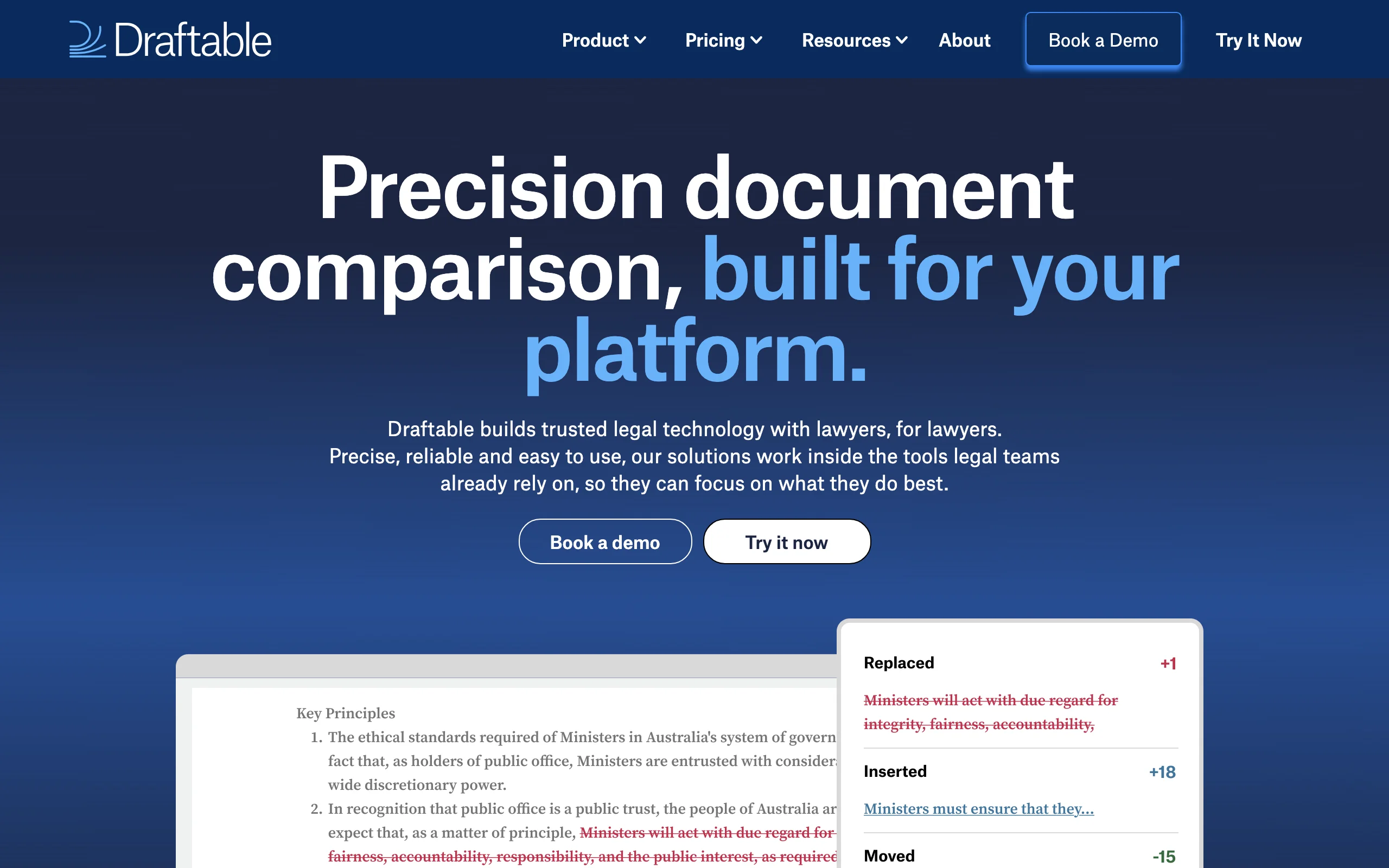
Draftable is the transparent, published-price alternative to Litera for dedicated comparison. Its Legal tier produces full redline output across Word, PDF, Excel, PowerPoint, and Outlook emails, supports bulk compare and one-click workflows, and integrates with iManage, NetDocuments, SharePoint, and other systems. There is also a free online tool for quick one-off comparisons and a lower Business tier for straightforward side-by-side compares.
For a small or midsize firm that wants accurate, DMS-integrated redlining without an enterprise contract, Draftable hits the sweet spot on price and capability.
Key features:
- Full redline output across Word, PDF, Excel, PowerPoint, and email
- Free online comparison tool for quick checks
- Bulk compare and one-click workflows
- DMS integrations with iManage, NetDocuments, and SharePoint
- Scanned-PDF and free-text comparison support
Best for:
- Solos, small, and midsize firms wanting affordable dedicated comparison
- Teams that need DMS integration without enterprise pricing
- Anyone wanting a free online tool for occasional compares
Pricing:
- Draftable Online: free web tool
- Business: about $129 per user per year (billed annually)
- Legal: about $261 per user per year (billed annually), with full redline and DMS integrations
- 5-day free trial with all features
Pros:
- Transparent, published, affordable pricing
- Strong format coverage and DMS integrations
- Free online tool and a real trial
Cons:
- Desktop app is Windows-first, with Mac support arriving later
- Focused on comparison, without AI redlining suggestions
- API pricing is quote-based
4. Microsoft Word, best free built-in redlining
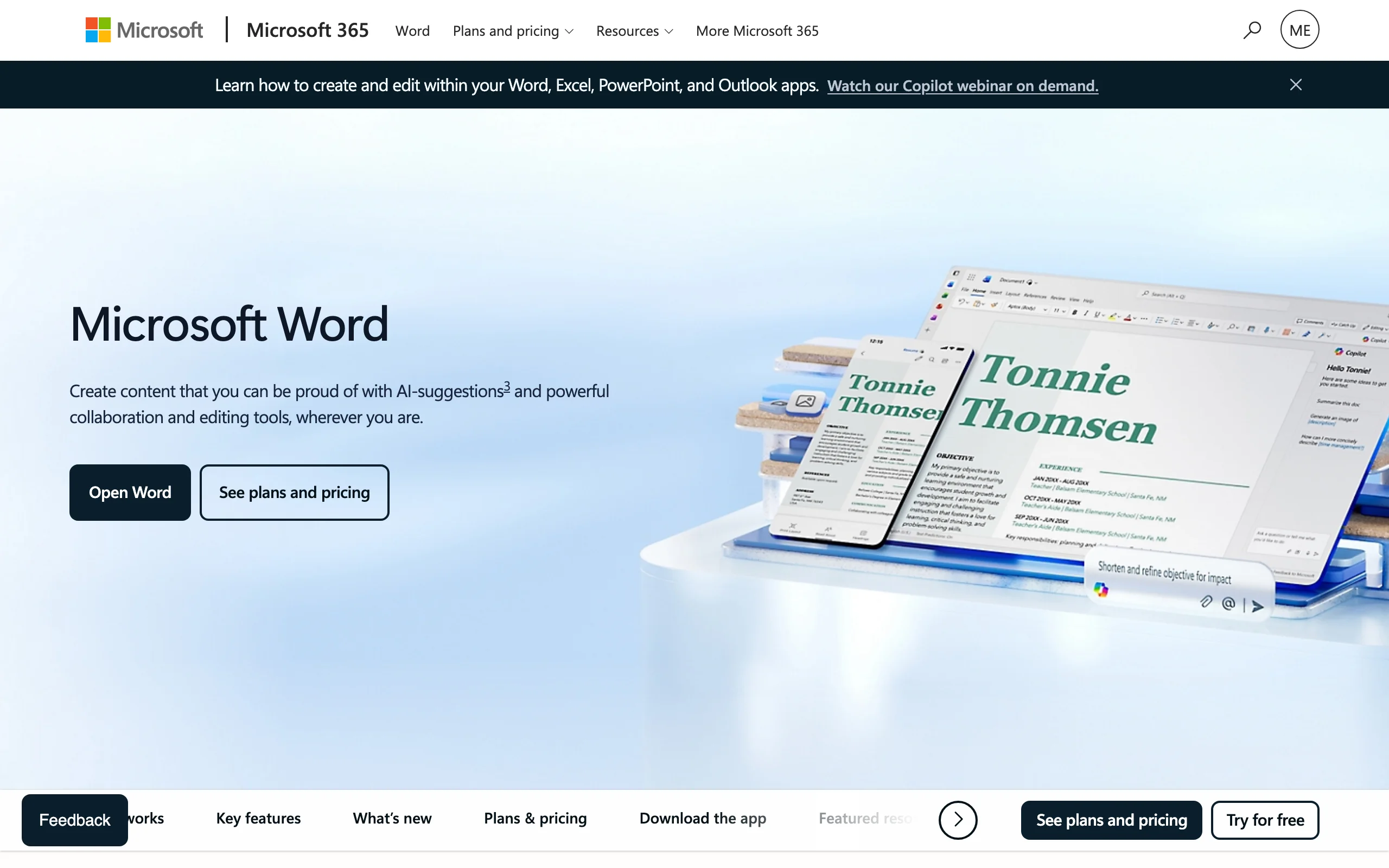
Microsoft Word is the redline tool every lawyer already owns. Its Review tab includes Track Changes for recording edits and Compare, the legal blackline, for comparing two versions and generating a marked-up document. For straightforward two-version comparisons and everyday negotiation, it costs nothing beyond the Microsoft 365 subscription you already pay for, and everyone on the other side of a deal can open the result.
The limitation shows up on complex documents: Word's Compare is less accurate than dedicated tools when formatting is heavy, tables shift, or files are large, and it lacks bulk comparison and DMS workflows. But as a free baseline, it is hard to beat.
Key features:
- Track Changes for recording edits
- Compare and Combine for legal blackline output
- Universal compatibility, everyone can open the result
- Comments and review workflow built in
- Included with desktop Word in Microsoft 365
Best for:
- Solos and small firms doing straightforward compares
- Anyone who wants a free, universal baseline
- Everyday negotiation without bulk or AI needs
Pricing:
- Included with Microsoft 365 plans that have desktop Word
- Microsoft 365 Apps for business about $10 per user per month; Business Basic about $7 per user per month
- One-month free trial on some business plans
Pros:
- Free with a subscription you likely already have
- Universally compatible output
- Familiar to every lawyer
Cons:
- Less accurate than dedicated tools on complex documents
- No bulk comparison or AI redlining
- Web-only Word has limited Compare functionality
5. Spellbook, best AI redlining inside Word
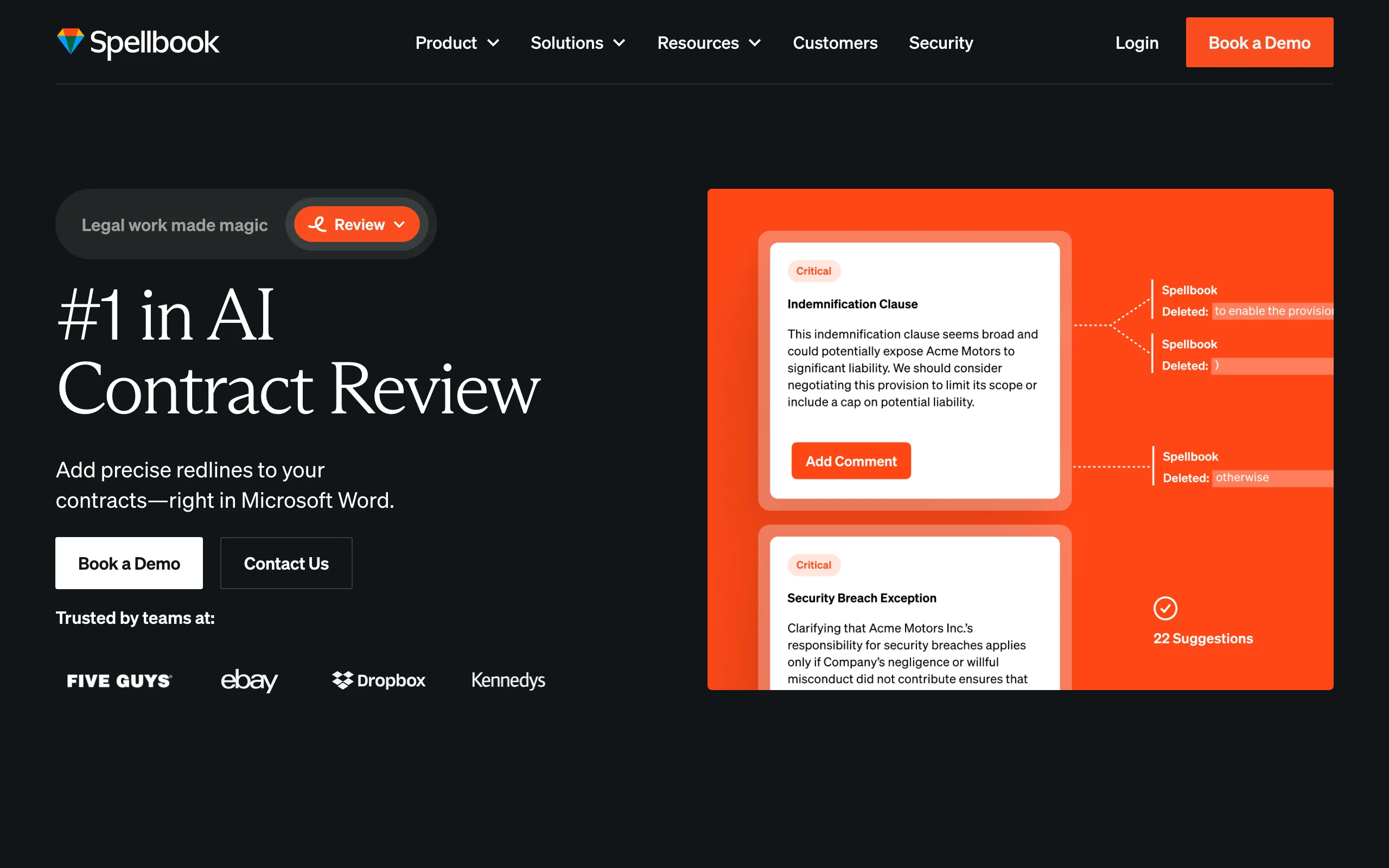
Spellbook brings AI redlining into the Word environment lawyers already draft in. As a Word add-in, it generates precise redlines and comment suggestions, scans for client risk and drafting errors, and lets you accept edits in bulk. A nice touch for professionals: its anonymous redlines appear under the lawyer's name rather than the software's, and custom playbooks let you encode your review standards so the AI marks up to your positions.
It is an AI review layer rather than a version-comparison engine, so it complements Word's Compare rather than replacing it. Pricing is quote-based per seat, with a trial to evaluate the fit.
Key features:
- AI-generated redlines and comments in Word
- Risk and drafting-error detection
- Bulk review, edit, and accept
- Anonymous redlines under the lawyer's name
- Custom playbooks for review standards
Best for:
- Transactional lawyers and in-house counsel who draft in Word
- Teams wanting AI-suggested markup against a playbook
- Contract-heavy review workflows
Pricing:
- Not published; priced per license seat
- 7-day free trial, with no permanent free tier
Pros:
- AI redlining directly in the Word workflow
- Playbooks tailor the markup to your standards
- Self-serve trial
Cons:
- No transparent published price
- Contract-focused, not a general comparison tool
- Tied to Microsoft Word
6. Diffchecker, best budget standalone comparison
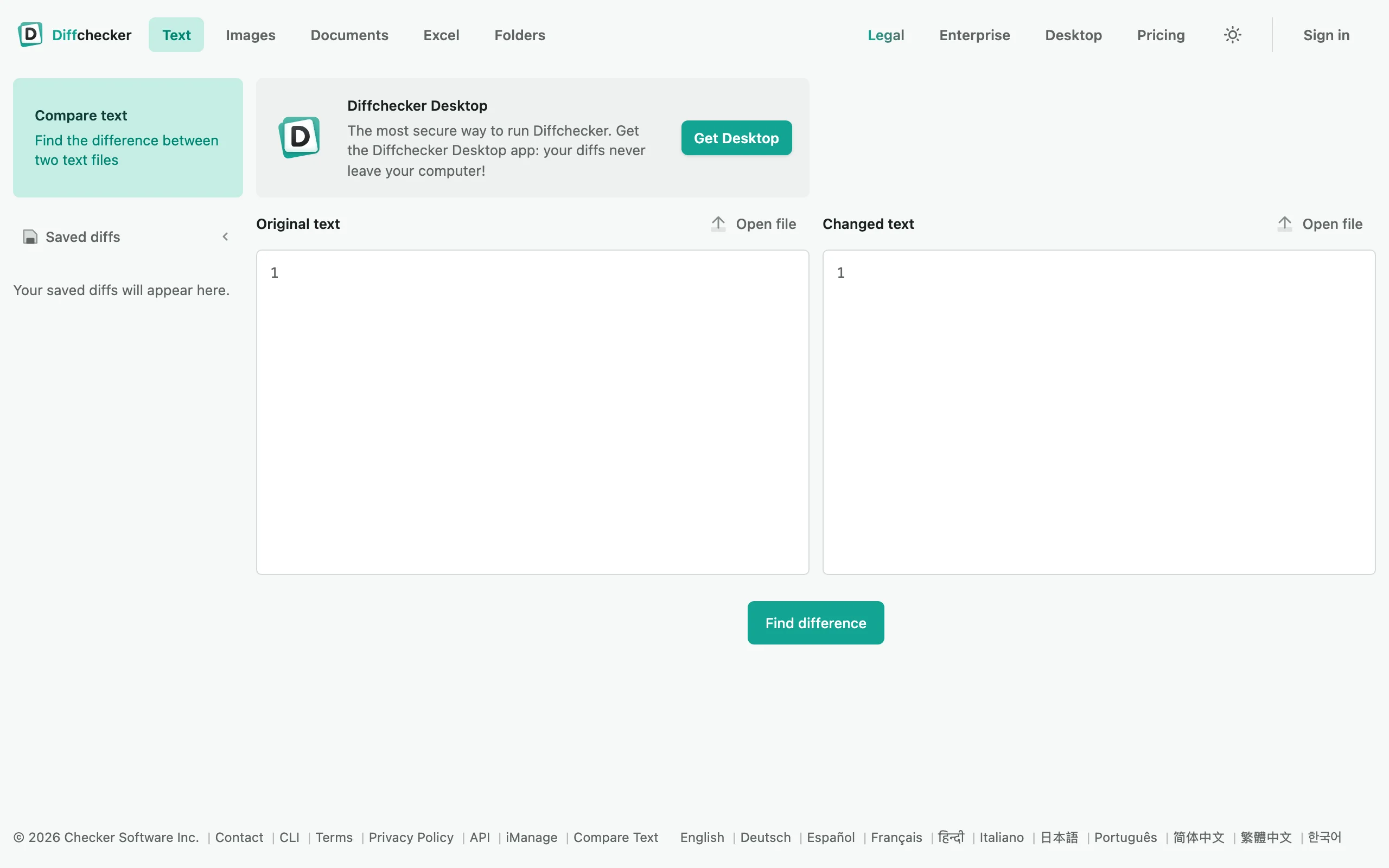
Diffchecker is a lightweight, affordable comparison tool with published pricing and a genuinely free tier. Its free web version handles quick text and document comparisons, while the paid desktop plans add redline and PDF redline export, and its Legal tier adds iManage integration and comparison profiles. For a solo or small firm that wants a simple, cheap dedicated compare tool without committing to an enterprise platform, it is an easy pick.
It is more general-purpose than the legal-specific engines, so it lacks the deep DMS ecosystem and format edge cases Litera handles, but the price and simplicity are the point.
Key features:
- Free web-based text and document comparison
- Redline and PDF redline export on desktop plans
- iManage integration on the Legal tier
- Comparison profiles for consistent output
- Simple, fast interface
Best for:
- Solos and small firms wanting a cheap dedicated compare tool
- Occasional comparison needs on a free tier
- Teams that do not need a full legal comparison suite
Pricing:
- Basic: free web tool
- Pro with Desktop: about $15 per user per month
- Legal: about $20 per user per month, with iManage integration
- Enterprise: about $40 per user per month
Pros:
- Published, affordable pricing with a free tier
- Redline export and DMS integration on paid plans
- Simple and quick to use
Cons:
- Less legal-specific depth than Litera or Draftable
- No AI redlining suggestions
- General-purpose rather than built solely for law
How to choose the best document redline software for your practice
The right tool depends on whether you need version comparison, AI review, or both, and on your firm size and budget. Work through these questions.
1) Do you need comparison, AI review, or both?
- Compare two versions and produce a blackline: Litera Compare, Draftable, Microsoft Word, or Diffchecker.
- Have AI flag risks and propose edits: LegesGPT or Spellbook.
- Both: pair a comparison tool for versioning with an AI reviewer like LegesGPT for risk.
Be clear about the task. A blackline tells you what changed; an AI reviewer tells you what is wrong and how to fix it. Many lawyers benefit from one of each.
2) What is your budget and firm size?
- Free or minimal: Microsoft Word's built-in Compare, or the free tiers of Draftable and Diffchecker.
- Affordable dedicated comparison: Draftable Legal or Diffchecker.
- AI review on a budget: LegesGPT from $13.99/month.
- Enterprise-scale comparison: Litera Compare.
3) Do you need DMS integration?
- Yes (iManage, NetDocuments, SharePoint): Litera Compare or Draftable Legal, and Diffchecker's Legal tier for iManage.
- No: Word or an AI reviewer like LegesGPT keeps it simple.
4) Test on your real documents
Run a few of your actual contracts and revision pairs through your shortlist and compare the accuracy, speed, and clarity of the output. Draftable and Diffchecker offer free tiers or trials, and LegesGPT's 3-day $1 trial lets you test AI review on your own drafts. For many small firms, the best setup is Word or Draftable for version comparison plus LegesGPT for AI-powered risk review, covering both kinds of redlining without an enterprise budget.