Contract authoring software handles the stage of the contract lifecycle that eats the most lawyer hours for the least glory: producing the first draft. Whether you start from a plain-language description, an approved template, or a clause library that enforces house style, the right tool gets you from "we need an NDA by Friday" to a negotiation-ready document in minutes instead of hours.
Authoring is not the same job as review or full lifecycle management, and buying a $60,000 CLM suite because you needed a drafting assistant is an expensive mistake. This guide compares 6 tools that genuinely help you write contracts, from a $19.99/month AI workspace to enterprise clause-governance platforms, with real prices where they exist and honest notes where vendors hide them.
One boundary before the list, because "authoring" gets used loosely. What defines this category is structure: templates, clause libraries, approval rules, and workflows that make the two-hundredth draft as consistent as the first. Lawyers who would rather steer a freeform AI and shape the language themselves are shopping a different aisle — that market is covered in our comparison of the best AI contract writers for lawyers. And if your day is clause-by-clause work on live negotiations rather than producing structured first drafts, start with the best AI contract drafting tools instead.
Contract authoring software: a brief overview
- LegesGPT: Best overall contract authoring software: turns plain-language instructions or any of its 100+ attorney-drafted templates into a negotiation-ready draft, then lets you review the risks and e-sign in the same app.
- Spellbook: Best for drafting inside Microsoft Word: suggests clauses and full sections while you write, so house style lives where your lawyers already work.
- Juro: Best for letting business teams self-serve routine contracts: legal locks down a template once, then sales and HR generate compliant agreements through guided forms.
- Concord: Best for flat-fee authoring with unlimited e-signatures: one of the few platforms in this category with published pricing.
- Ironclad: Best for high-volume authoring wrapped in enterprise workflow: intake forms, approval chains, and a repository for teams generating thousands of contracts a year.
- Icertis: Best for governed clause libraries in regulated industries: business units assemble contracts only from language legal has pre-approved.
| Tool | Best for | Starting price | Free trial | Jurisdictions |
|---|---|---|---|---|
| LegesGPT | All-in-one authoring for solo, small, and lean teams | From $19.99/mo | 3-day for $1 | 38+ countries |
| Spellbook | Drafting inside Microsoft Word | Custom (per user) | 7-day | US, UK, common law focus |
| Juro | Self-serve templates for business teams | Custom (est. $18K-$35K/yr) | Demo only | Global, UK/EU leaning |
| Concord | Published flat-fee plans | From $499/mo | Yes | Global, US-based |
| Ironclad | Enterprise authoring workflows | Custom (est. $40K-$80K/yr) | Demo only | Global enterprise |
| Icertis | Regulated global enterprises | Custom (est. $150K+/yr) | Demo only | Global enterprise |
1. LegesGPT, best overall contract authoring software
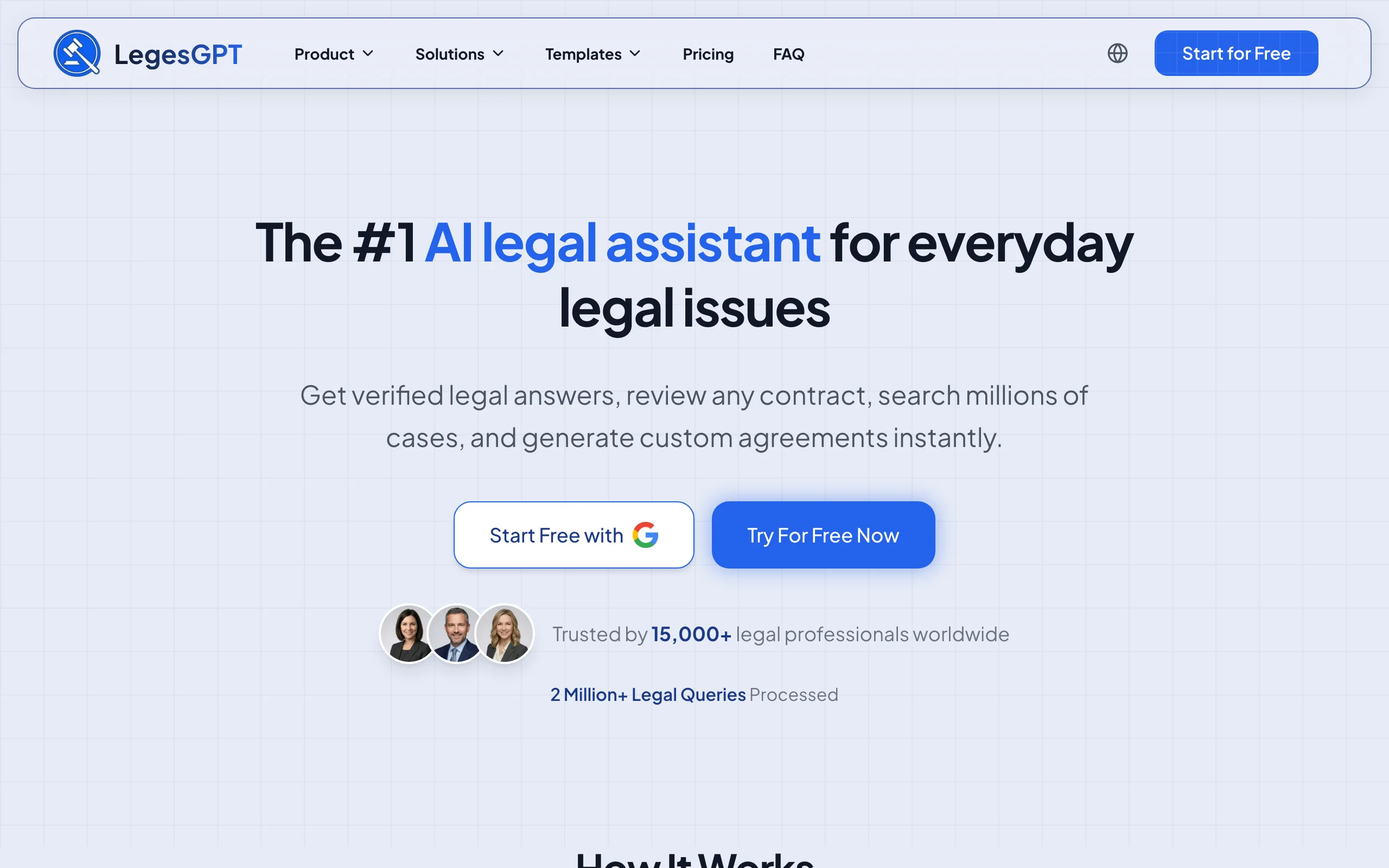
LegesGPT treats authoring as a conversation, not a form-filling exercise. Tell it what you need in plain language (the parties, the deal terms, the governing jurisdiction, any unusual conditions) and it drafts the full agreement, clause by clause, ready for you to tighten or expand. Prefer a proven starting point? Pick one of 100+ attorney-drafted templates covering NDAs, service agreements, employment contracts, and leases, and adapt it from there.
What separates it from single-purpose drafting tools is what happens after the draft. You can ask legal questions about a clause and get answers with verified citations, run the finished document through AI review to catch weak language before the other side does, and collect e-signatures without ever exporting the file. For solo practitioners, small firms, and founders authoring their own agreements, that is the whole contract workflow in one browser tab.
Key features
- AI drafting from plain-language instructions: describe the deal, get a structured, editable contract
- 100+ attorney-drafted templates as alternative starting points for common agreement types
- Clause-level Q&A backed by verified citations and source links when a term needs a statutory check
- AI document review that flags risky language in your draft (or counterparty paper) and proposes changes
- Built-in e-signature to execute the contract in the same app
Best for
- Solo lawyers and firms of 2-50 attorneys drafting client agreements from scratch or from templates
- Founders, sales, and operations teams that author routine contracts without a legal ops budget
- Anyone who wants drafting, risk review, and signing in a single subscription
Pricing
- Basic $19.99/month; Plus $49.99/month adds document upload and 50 reviews per month; Premium $99.99/month adds unlimited review, Deep Research, and web search
- 3-day trial for $1 (no free tier)
- Roughly 30% off with annual billing
Pros
- Fastest path on this list from a blank page to a negotiation-ready draft
- Authoring, review, and e-signature in one place, so nothing gets emailed between tools
- Self-serve signup with no demo call, seat minimum, or annual commitment required
Cons
- Web-only: no Microsoft Word add-in, API, or native mobile app
- Newer brand without the enterprise track record of Ironclad or Icertis
2. Spellbook, best for drafting contracts inside Microsoft Word
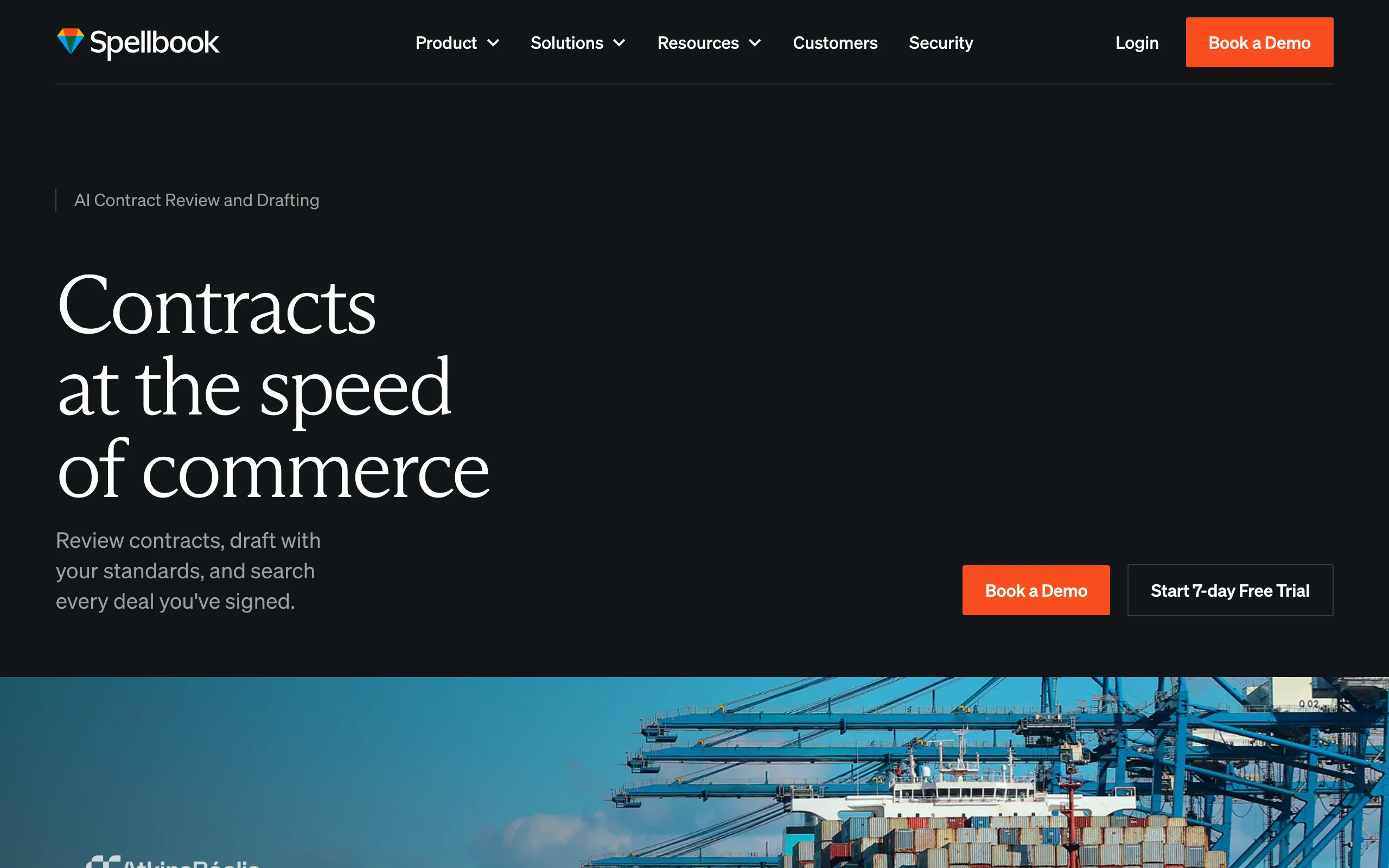
Spellbook answers a simple objection: most lawyers author contracts in Microsoft Word and have no intention of stopping. Its add-in generates clauses and entire sections in place as you draft, pulls from custom clause libraries so team-approved language stays consistent, and benchmarks your terms against market standards during negotiation. Because everything happens in .docx with tracked changes, adopting it requires no workflow change at all. It pairs authoring with strong redlining of counterparty paper, which is why it also appears in our roundup of the best AI contract drafting tools.
Key features
- In-editor clause and section generation while you write in Word
- Custom clause libraries that enforce firm-approved house style
- Market benchmarking of contract terms to support negotiation positions
- Review mode that redlines counterparty drafts and flags aggressive terms
Best for
- Transactional lawyers whose entire authoring workflow is Word plus tracked changes
- Firms that want AI drafting help without migrating to a new platform
Pricing
- Custom per-user pricing; no list price published (third-party analyses cite roughly $149-$199/user/month depending on tier)
- 7-day free trial
Pros
- Zero workflow disruption: drafting, house style, and redlining all live inside Word
- Clause suggestions are tuned specifically for legal language, not generic text
Cons
- No e-signature or repository, so you still need separate tools to execute and store contracts
- Per-seat cost climbs quickly for teams, and you must contact sales to learn it
3. Juro, best for self-serve authoring by business teams
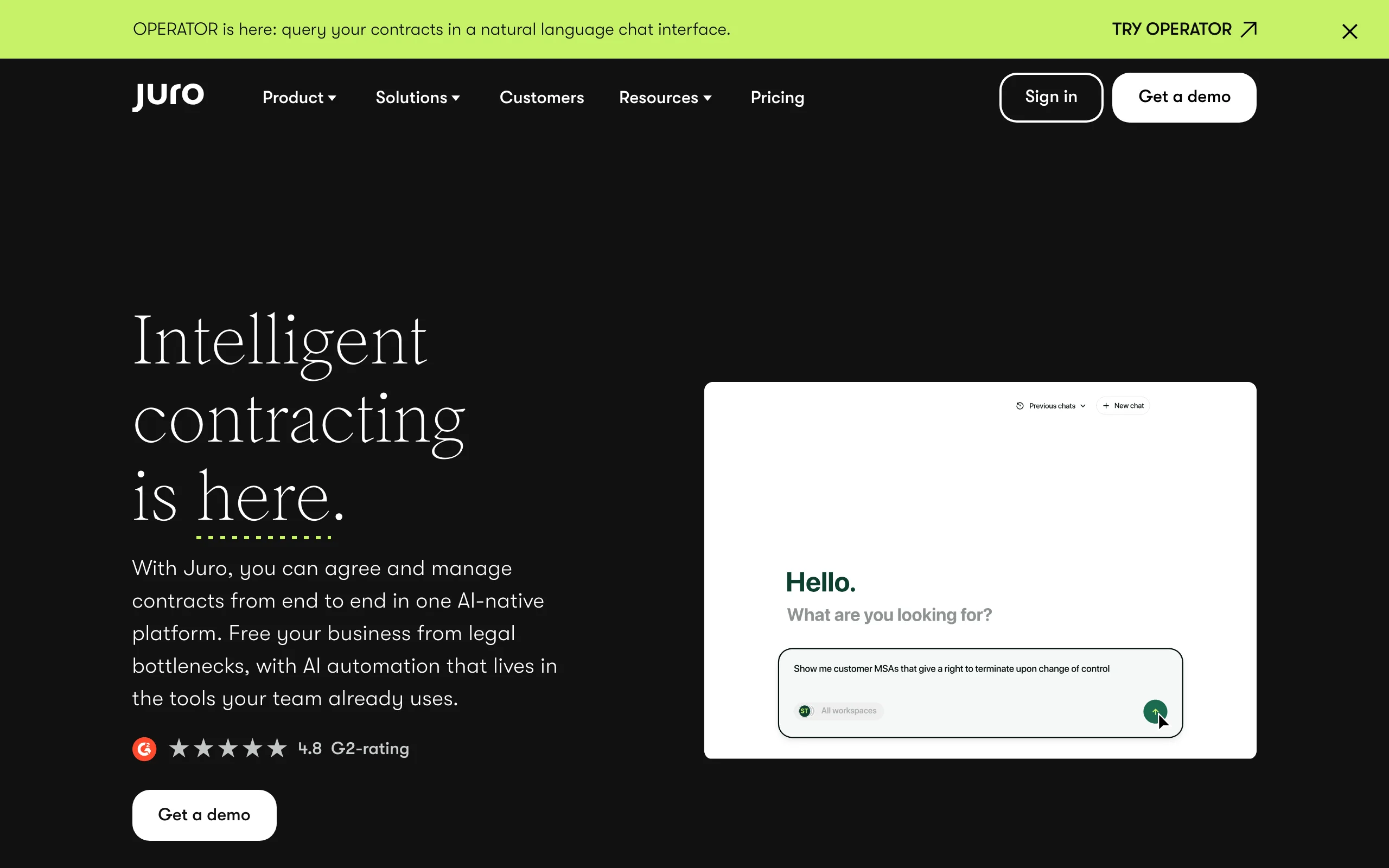
Juro approaches authoring from the in-house side of the desk. The bottleneck it removes is not the lawyer staring at a blank page but the sales rep waiting three days for legal to produce a standard order form. Legal builds an approved template once, with conditional logic and locked clauses, and business colleagues then generate compliant contracts themselves through guided question flows. Approval workflows intercept anything non-standard, and every agreement is negotiated, signed, and stored in the same browser workspace. Unlimited users on every plan means the whole company can author without per-seat math.
Key features
- Guided, template-driven contract generation for non-lawyers
- Conditional logic and locked clauses that keep self-serve drafts compliant
- Approval workflows for exceptions and non-standard requests
- AI assistant for drafting help and term summaries
- Native e-signature plus a searchable repository, with unlimited users on all plans
Best for
- In-house legal teams enabling sales and HR to generate their own routine agreements
- Scale-ups producing hundreds of NDAs, offer letters, and order forms each month
Pricing
- Quote-based; no published prices
- Third-party pricing research reports typical contracts around $18,000-$35,000/year for smaller teams
Pros
- Business users author compliant contracts without queuing for legal
- Unlimited-user pricing model suits fast-growing headcount
Cons
- Entry cost excludes solo practitioners and small firms entirely
- Built for routine, templatable paper; bespoke negotiated agreements fit less well
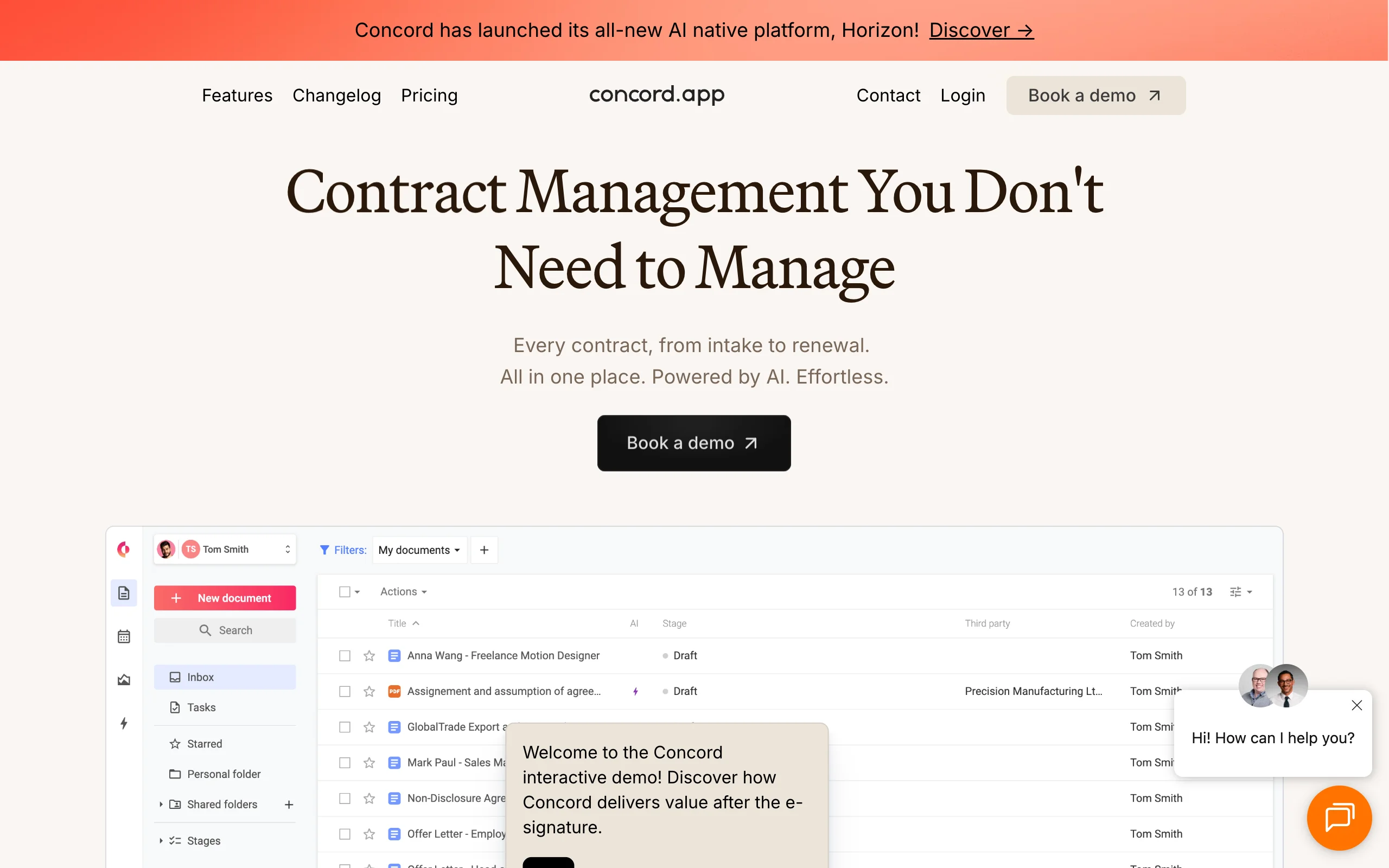
4. Concord, best for flat-fee authoring with unlimited e-signatures
Concord is the rare tool in this category that tells you the price before a sales call. Plans start at $499/month with five users included, and every tier bundles unlimited documents and unlimited e-signatures, which matters if per-envelope signature fees have been quietly inflating your contract costs. Authoring happens in a collaborative browser editor: build templates, generate agreements from them, negotiate with live redlining, and sign, all in one place. An AI copilot assists with drafting and pulls key data out of executed agreements.
Key features
- Template-based authoring in a collaborative online editor
- Live redlining and negotiation with counterparties in the browser
- Unlimited documents and unlimited e-signatures on every plan
- AI copilot for drafting assistance and data extraction
- Approval workflows and deadline reminders on higher tiers
Best for
- Small and mid-size businesses that want authoring plus CLM basics at a predictable cost
- Teams signing at volumes where per-signature fees add up
Pricing
- Essentials $499/month (billed annually) with 5 users; additional users $49/user/month
- Business $899/month and Enterprise $1,299/month, with extra users at $69 and $89/user/month
- Free trial available
Pros
- Published, predictable pricing in a category dominated by opaque quotes
- Unlimited e-signatures included at every tier
Cons
- $499/month floor is steep for solos and very small teams
- AI drafting is lighter than AI-first tools like LegesGPT or Spellbook
5. Ironclad, best for enterprise authoring workflows at scale
Ironclad is where contract authoring becomes a managed business process. A no-code workflow designer lets legal ops teams build intake forms that generate contracts automatically, route them through the right approval chain, and log every step for audit. The Jurist AI assistant helps draft and review language along the way, and a searchable repository tracks obligations and renewals after signature. The authoring itself is solid, but the platform's real product is process: standardized generation across departments producing thousands of contracts a year, alongside the systems covered in our guide to the best law firm contract automation software.
Key features
- No-code designer for intake, generation, and approval workflows
- Jurist AI assistant for drafting and reviewing contract language
- Searchable repository with obligation and renewal tracking
- Integrations with Salesforce, Coupa, and enterprise SSO
Best for
- Enterprise legal and legal ops teams standardizing contract creation company-wide
- Organizations generating 1,000+ contracts a year across departments
Pricing
- Quote-based; no published tiers
- Third-party data reports typical mid-market quotes of $40,000-$80,000/year, with enterprise deployments above $200,000 plus implementation fees
Pros
- Workflow automation is the strongest in the category once configured
- Full audit trails and repository intelligence at very high volumes
Cons
- Cost and implementation effort are unjustifiable below the mid-market
- Simple "draft me an agreement" jobs carry heavy platform overhead
6. Icertis, best for governed clause libraries in regulated industries
Icertis Contract Intelligence approaches authoring through governance. Instead of free-form drafting, legal defines approved clause language, fallback positions, and assembly rules; business units then compose contracts only from those sanctioned blocks, with every deviation tracked. For a pharmaceutical, energy, or financial services multinational managing tens of thousands of active contracts under regulatory scrutiny, that constraint is the feature. AI models trained on contract data surface risk, deviations, and obligations across the whole estate, and deep SAP, Microsoft, and Salesforce integrations tie authoring into enterprise systems.
Key features
- Governed clause and template libraries managed at global scale
- Rule-based assembly with approved fallbacks and deviation tracking
- AI analytics for risk, obligations, and compliance across the repository
- Native integrations with SAP, Microsoft, and Salesforce ecosystems
Best for
- Large enterprises in regulated industries (pharma, energy, finance) with strict language control
- Procurement and legal organizations managing tens of thousands of contracts
Pricing
- Quote-based; no public pricing
- Third-party sources report annual subscriptions commonly from $150,000 to $500,000+, with 6-12 month implementations
Pros
- Deepest clause governance and compliance controls on this list
- Proven at extreme contract volumes across global business units
Cons
- Priced and scoped exclusively for large enterprises
- Deliberately constrains creative drafting; wrong tool for bespoke agreements
How to choose the best contract authoring software for your practice
Four questions separate the right tool from an expensive shelf ornament.
Do you draft from scratch or assemble from approved language?
- If you need first drafts generated from a description of the deal: LegesGPT (plain-language instructions in the browser) or Spellbook (AI suggestions inside Word).
- If legal has approved templates and the goal is safe self-service by business teams: Juro, Concord, or Ironclad.
- If compliance demands that every clause come from a pre-approved library: Icertis. For pure template-assembly workflows, see our guide to the best document assembly software.
What does the price actually buy per contract?
- Under $100/month: LegesGPT is the only real option here; everything else starts at $499/month or a five-figure annual quote.
- Run the math on volume: a $60,000/year platform authoring 10 contracts a month costs $500 per contract before anyone negotiates a word. At 500 contracts a month, the same platform costs $10 each and the calculus flips.
- Treat all third-party price estimates for quote-based tools as directional, and get your own quote in writing.
Where should authoring happen: browser or Word?
- If your lawyers will not leave Word and tracked changes: Spellbook.
- If you want the draft, negotiation, and signature in one browser tab: LegesGPT for individuals and small teams, Juro or Concord for company-wide self-service.
Does your need end at the draft, or continue after signature?
- If you need renewal tracking, obligation management, and portfolio analytics, you are buying CLM: Ironclad, Icertis, or Juro.
- If the job is author, review, sign, done: LegesGPT or Concord cover it without CLM overhead. For the checking step between draft and signature, our comparison of the best AI contract review tools covers that stage in depth.
Whatever you shortlist, test each finalist by authoring 3-5 of your real agreement types. The tool that produces your actual MSA cleanly beats the one with the longest feature list.