
A contract draft is only useful if it survives contact with the other side. That is the real test for AI contract drafting tools in 2026: not whether they can produce something that looks like an NDA, but whether the clauses hold up when a counterparty starts marking them up. The strongest tools now draft at the clause level, apply your positions consistently, and hand you a document you would actually send.
They also solve very different problems. Some write first drafts from a short instruction. Some live inside Microsoft Word and tighten language as you type. Some exist mainly to fight through redline rounds.
Worth drawing the line early: everything on this list is professional drafting software, judged on clause-level control and negotiation-ready output. If you would rather steer ChatGPT or Claude yourself and act as your own editor, that approach has its own trade-offs and its own roundup — the best AI contract writers for lawyers. And if what your team really needs is template governance, approvals, and workflow around the draft rather than sharper drafting itself, you are shopping for contract authoring software, not a drafting tool.
This guide compares six AI contract drafting tools built for legal work, with pricing, honest limitations, and a short framework for matching one to how your team actually drafts.
AI contract drafting tools: a brief overview
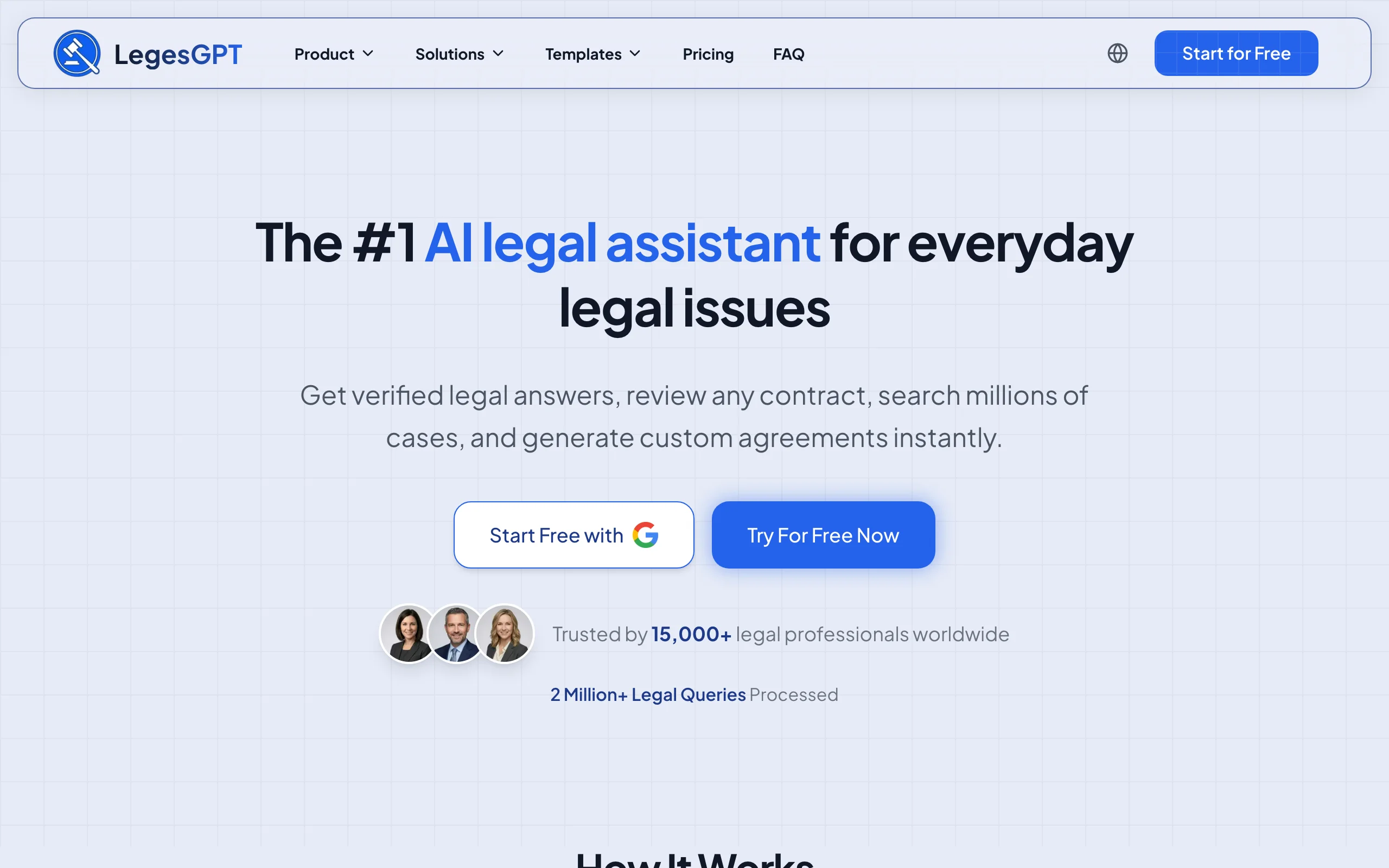
- LegesGPT: Best overall AI contract drafting tool: drafts contracts from plain-language instructions or attorney-drafted templates, reviews its own output for risky clauses, and finishes with e-signature in the same app.
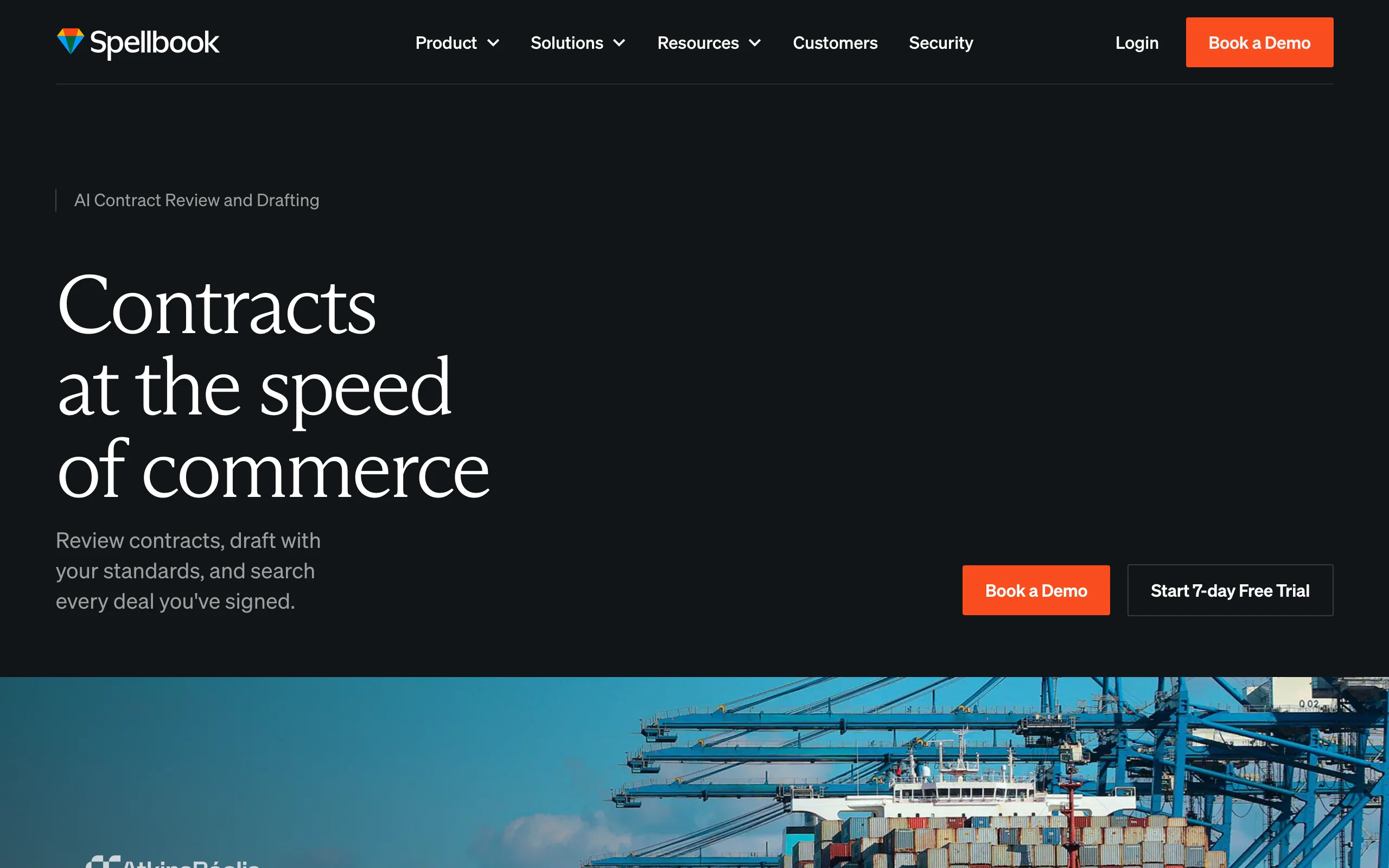
- Spellbook: Best for clause-level drafting inside Microsoft Word: suggests, rewrites, and benchmarks contract language as tracked changes in your open document.
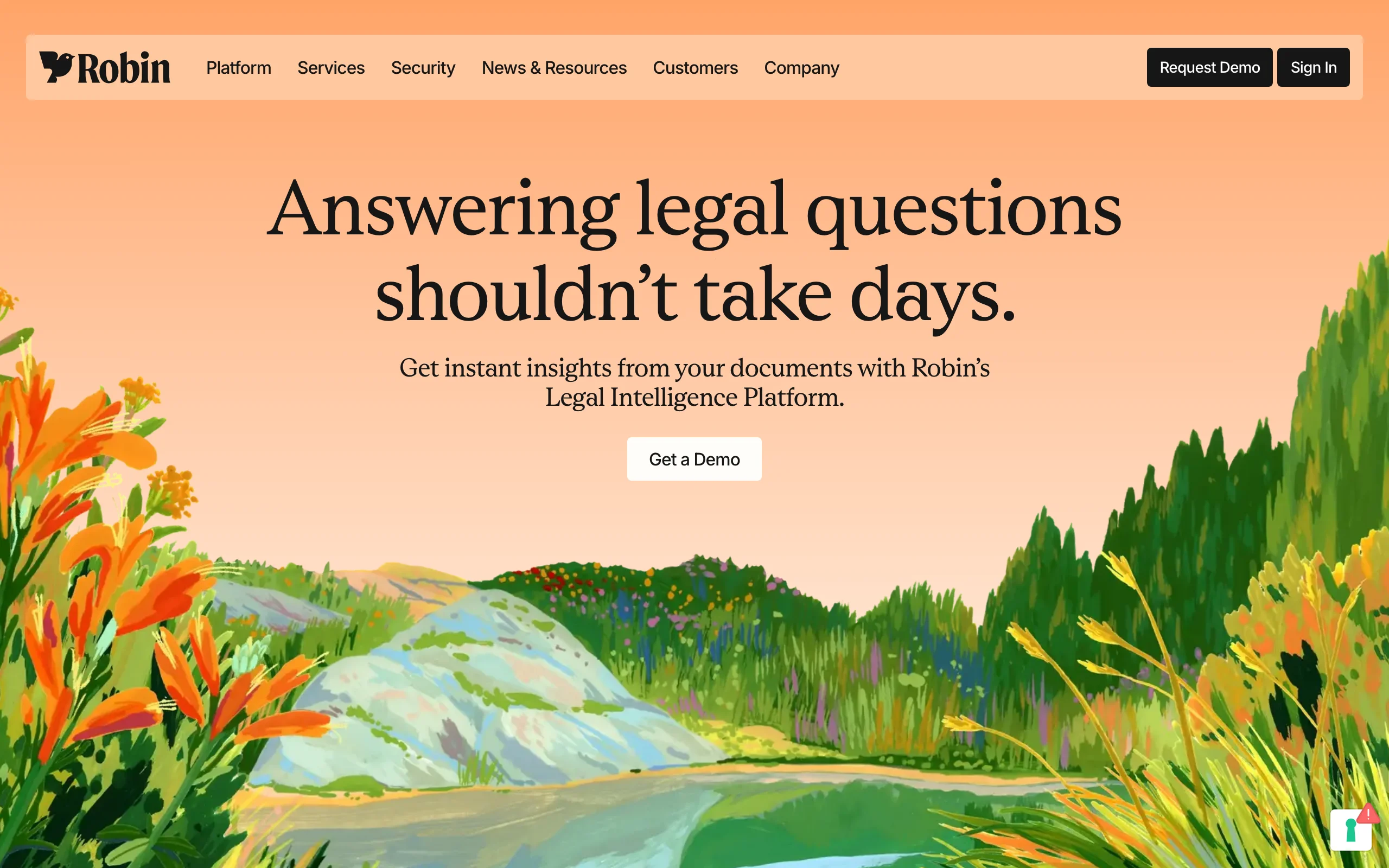
- Robin AI: Best for negotiation-ready output: applies your playbook to counterparty drafts and tracks how positions shift across redline rounds.
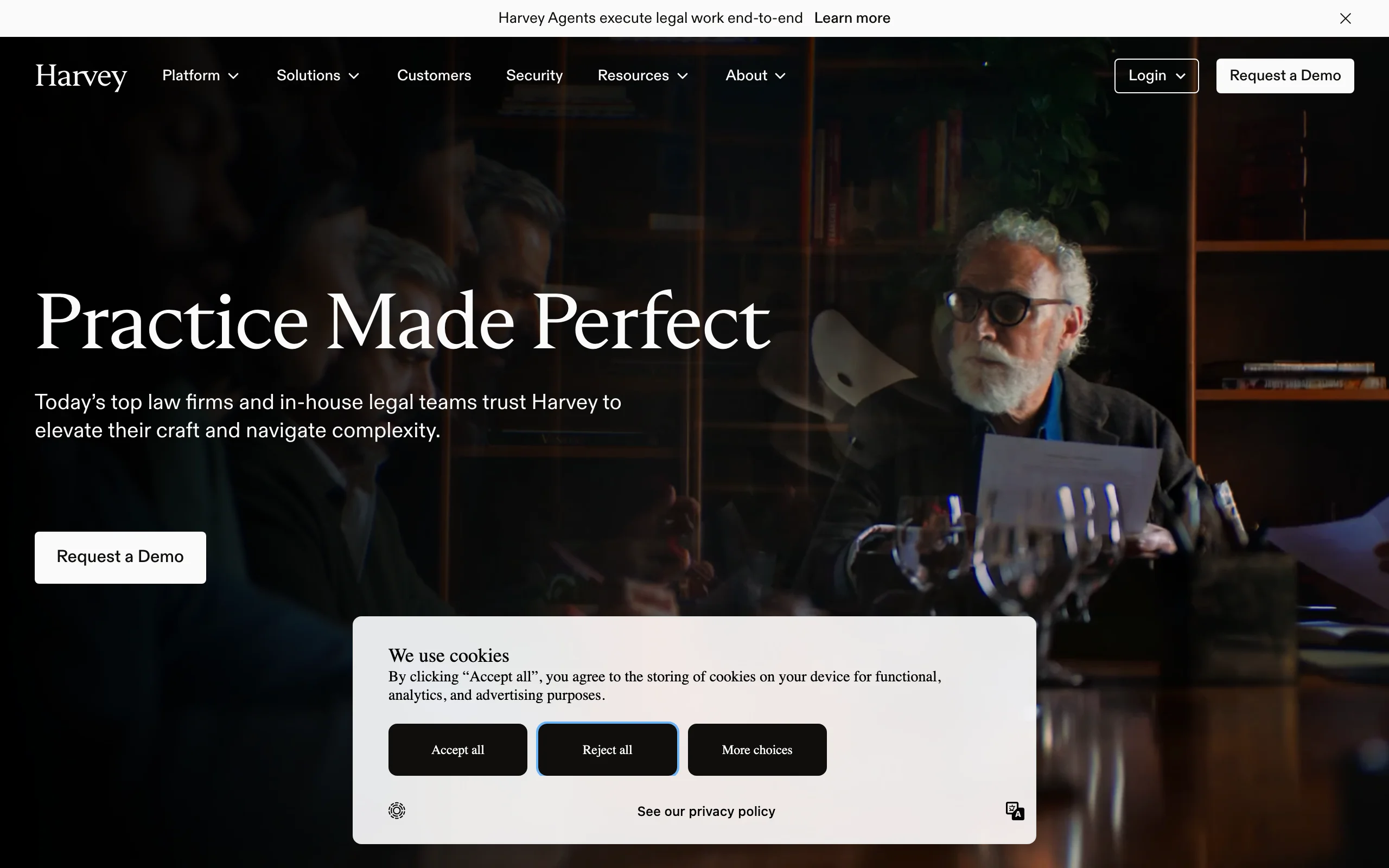
- Harvey AI: Best for drafting from firm precedent: enterprise platform that learns your organization's past deals and playbooks before it writes a word.
- Juro: Best for keeping routine drafting on approved language: locked templates, fallback positions, and approval rules that make every draft come out on-standard.
- Lexis+ AI: Best for law-grounded drafting: generates contract and litigation documents tied to the LexisNexis primary-source database.
| Tool | Best for | Starting price | Free trial | Jurisdictions |
|---|---|---|---|---|
| LegesGPT | Best overall: clause-level drafting, risk review, and e-signature in one app | From $19.99/mo | 3-day for $1 | 38+ countries |
| Spellbook | Drafting and redlining inside Microsoft Word | From $89/user/mo | Yes | Follows your templates |
| Robin AI | Playbook-driven negotiation and redlines | From $239/user/mo | Demo only | Playbook-defined |
| Harvey AI | Enterprise drafting from firm precedent | Custom (contact sales) | Demo only | Configured per client |
| Juro | Drafting standardization on approved templates | Free individual plan; teams from $33,000/yr | Free individual plan | Jurisdiction-agnostic |
| Lexis+ AI | Drafting grounded in primary law | Custom (contact sales) | On request | US-first (Lexis database) |
1. LegesGPT, best overall AI contract drafting tool
LegesGPT treats a contract as something you draft, pressure-test, and sign, not just generate. You describe the deal in plain language (or start from one of 100+ attorney-drafted templates), and it produces a clause-by-clause draft you can edit conversationally: tighten the indemnity, cap the liability, add a non-solicit. Before anything goes out, the built-in document review pass flags risky or missing clauses in the draft and proposes specific changes, so the first version a counterparty sees is already defensible.
When a clause depends on the law, LegesGPT backs its reasoning with verified citations and source links rather than confident guesses. Once both sides agree, e-signature is built into the same app, so a routine NDA or service agreement never leaves the platform.
Key features
- Drafts contracts from plain-language instructions or 100+ attorney-drafted templates
- Clause-level editing through conversation: rewrite, strengthen, or simplify any provision
- AI document review that flags risky clauses and proposes changes before you send
- Verified citations with source links when a clause turns on statute or case law
- Built-in e-signature, plus upload review for counterparty documents (PDF, DOCX, PPTX, images)
- Runs in the browser with no IT setup
Best for
- Solo lawyers and small firms drafting client contracts without a clause-library budget
- In-house teams that want drafting, risk review, and signature in one subscription
- Founders and operators who draft their own agreements and want a legal safety net
Pricing
- Basic $19.99/mo; Plus $49.99/mo adds document upload and 50 reviews per month
- Premium $99.99/mo adds unlimited review, Deep Research, and web search
- 3-day trial for $1; roughly 30% off on annual billing
Pros
- The draft-review-sign loop lives in one app, so no exporting between tools
- Self-review catches one-sided or missing clauses before the other side does
- Cheapest legal-specific entry point on this list by a wide margin
Cons
- Newer brand without the enterprise track record of Harvey or Lexis
- Web-only: no Word add-in, API, or native mobile app yet
2. Spellbook, best for clause-level drafting in Microsoft Word
Spellbook's bet is that lawyers will not leave Word, so the AI should move in. Installed as an add-in, it drafts new sections, rewrites selected clauses, and proposes redlines that appear as tracked changes in the document you already have open. Ask it to make a termination clause mutual or bring a liability cap in line with market practice, and the edit lands exactly where it belongs.
It rewards teams with an established template stack and playbooks: Spellbook can benchmark counterparty language against market norms and apply your house positions consistently. If your team drafts in Google Docs or a browser editor, the Word-only design rules it out.
Key features
- Native Microsoft Word add-in with suggestions delivered as tracked changes
- Clause rewrites and new-section drafting inside the open document
- Playbooks that encode firm positions and risk tolerance
- Benchmarking of counterparty terms against market-standard language
Best for
- Transactional lawyers who spend most of the day in Word
- Firms with mature template libraries that want AI to respect them
Pricing
- From $89/user/month (figure per LegesGPT editorial research, July 2026)
- Higher tiers add playbook and benchmarking features; free trial available
Pros
- No workflow change for Word-first teams; adoption is nearly frictionless
- Redlining quality is strong because edits are native tracked changes
- Benchmark data adds negotiation context most drafting tools lack
Cons
- Useless outside Word; browser and Google Docs teams are excluded
- Per-seat cost stacks up quickly across a mid-size firm
- Leans on your existing templates rather than generating novel structures from scratch
3. Robin AI, best for negotiation-ready redlines
Robin AI starts where most drafting tools stop: the moment the counterparty sends their version back. It reads inbound contracts against your playbook, flags every clause that deviates from your standard positions, and drafts the redlines you would have written by hand. Across multiple rounds it tracks which positions moved, which held, and where the negotiation actually stands.
That focus makes Robin the strongest pick on this list for teams whose contract work is mostly defensive: reviewing vendor paper, pushing back on customer MSAs, and holding a consistent line across many negotiators. It is a weaker fit if your main need is generating outbound first drafts.
Key features
- Playbook-driven review that flags deviations from your standard positions
- Suggested redlines drafted in your negotiating posture
- Position tracking across successive negotiation rounds
- Word add-in for working directly on counterparty paper
Best for
- In-house teams reviewing a steady stream of vendor and customer contracts
- Legal functions that need consistent positions across many reviewers
Pricing
- From $239/user/month (figure per LegesGPT editorial research, July 2026)
- Team and enterprise tiers priced through a demo
Pros
- Negotiation tracking gives you an honest picture of concessions over time
- Playbooks keep junior reviewers aligned with senior positions
Cons
- Not designed as a from-scratch first-draft generator
- Per-seat price is steep for small teams with modest volume
4. Harvey AI, best for drafting from firm precedent
Harvey AI is the enterprise answer to a specific problem: large firms do not want a generic draft, they want a draft that sounds like their firm. Harvey trains on an organization's own precedent, playbooks, and knowledge base, then applies that to drafting, due diligence, and research workflows. The output reflects how your firm papers deals, not how the average of the internet does.
The trade-off is scale. Harvey sells through enterprise procurement, with security review, SSO, custom implementation, and pricing to match. For AmLaw-scale firms and large in-house departments it is a serious platform; for anyone smaller the economics rarely work.
Key features
- Drafting tuned to firm-specific precedent and playbooks
- Workflows spanning drafting, due diligence, and research on one platform
- Enterprise security: SSO, data residency options, dedicated implementation
- API access for embedding into internal systems
Best for
- Large law firms that want AI output consistent with house style
- Fortune 500 legal departments with procurement and security requirements
Pricing
- Custom (contact sales); enterprise agreements only
- No self-serve tier or published pricing
Pros
- Precedent-trained drafting produces the most on-brand output in this category
- Strongest compliance and security posture on this list
Cons
- Priced and packaged out of reach for solos, small firms, and most SMBs
- Onboarding and custom training take weeks before the tool earns its keep
5. Juro, best for keeping routine drafting on approved language
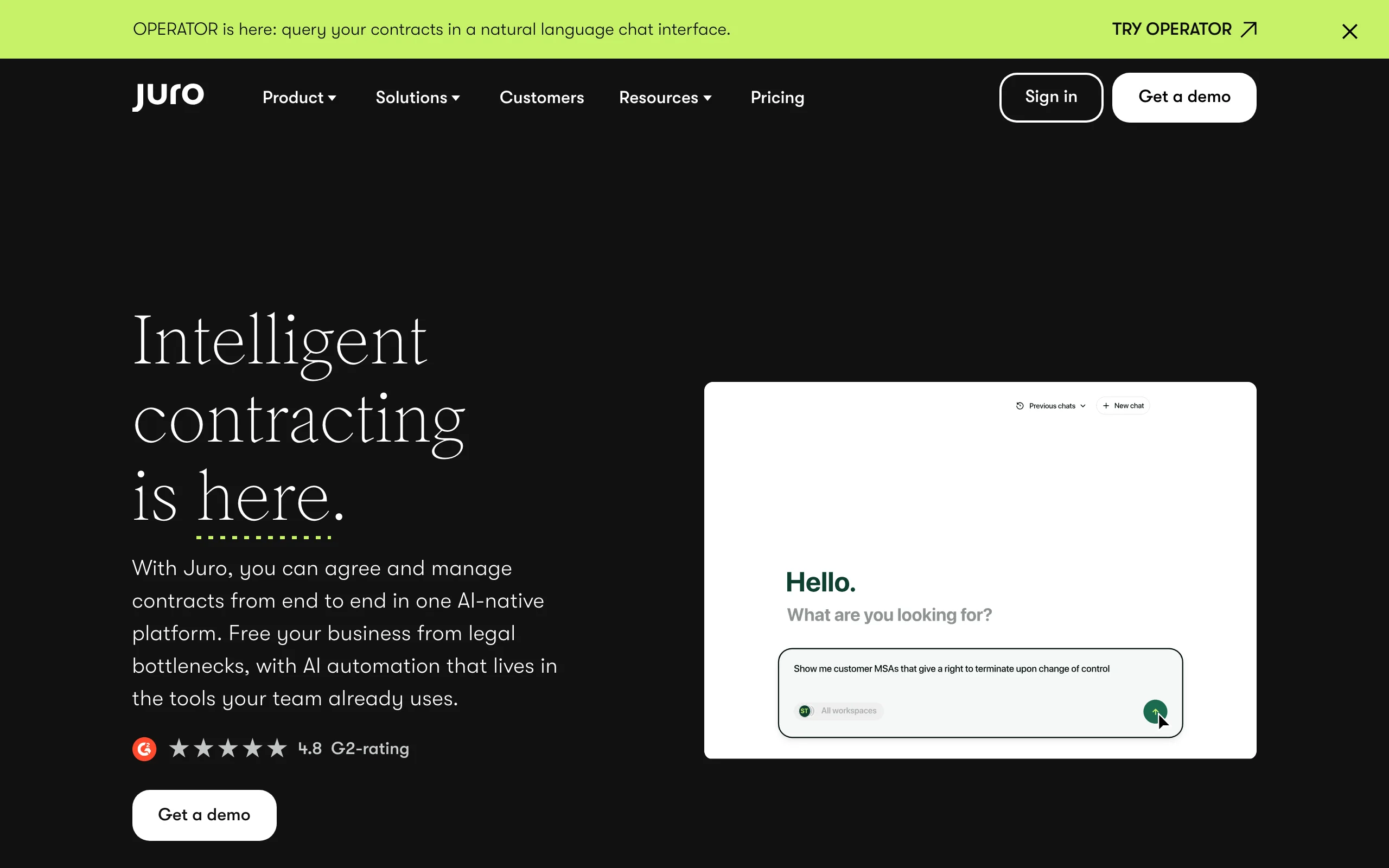
Juro earns its place on this list for a different reason than the drafting specialists above: it standardizes the drafting itself. The recurring failure in routine paper is drift — five lawyers produce five slightly different NDAs, and nobody knows which liability cap is current policy. Juro fixes that at the source. Legal defines the template once in a browser-native editor, locks the clauses that must not move, and sets fallback positions; every agreement drafted afterward starts from that approved language instead of an improvised rewrite, and approval rules intercept anything that strays.
In other words, Juro is less a writing tool than a consistency tool. If the drafting problem you are solving is "our standard agreements come out different every time," it is the strongest option here. If the problem is bespoke language for novel deals, the clause-level specialists above earn their keep faster.
Key features
- Locked clauses and fallback positions that keep every draft on firm-approved language
- Browser-native contract editor with AI assistance for amendments and rewording
- Approval routing that catches deviations before a draft leaves the building
- Built-in e-signature, searchable repository, and Salesforce integration
Best for
- In-house teams at 50-500 person companies whose routine paper has drifted off-standard
- Legal functions that care more about consistent positions than drafting speed
Pricing
- Free plan for individuals
- Team plans from about $33,000/year (figure per LegesGPT editorial research, July 2026); enterprise custom
Pros
- Locked templates end clause drift across everyone who touches routine agreements
- Browser editor avoids Word version-control chaos
Cons
- AI drafting is thinner than drafting-specialist tools for non-standard contracts
- The jump from the free tier to team pricing is substantial
6. Lexis+ AI, best for law-grounded drafting
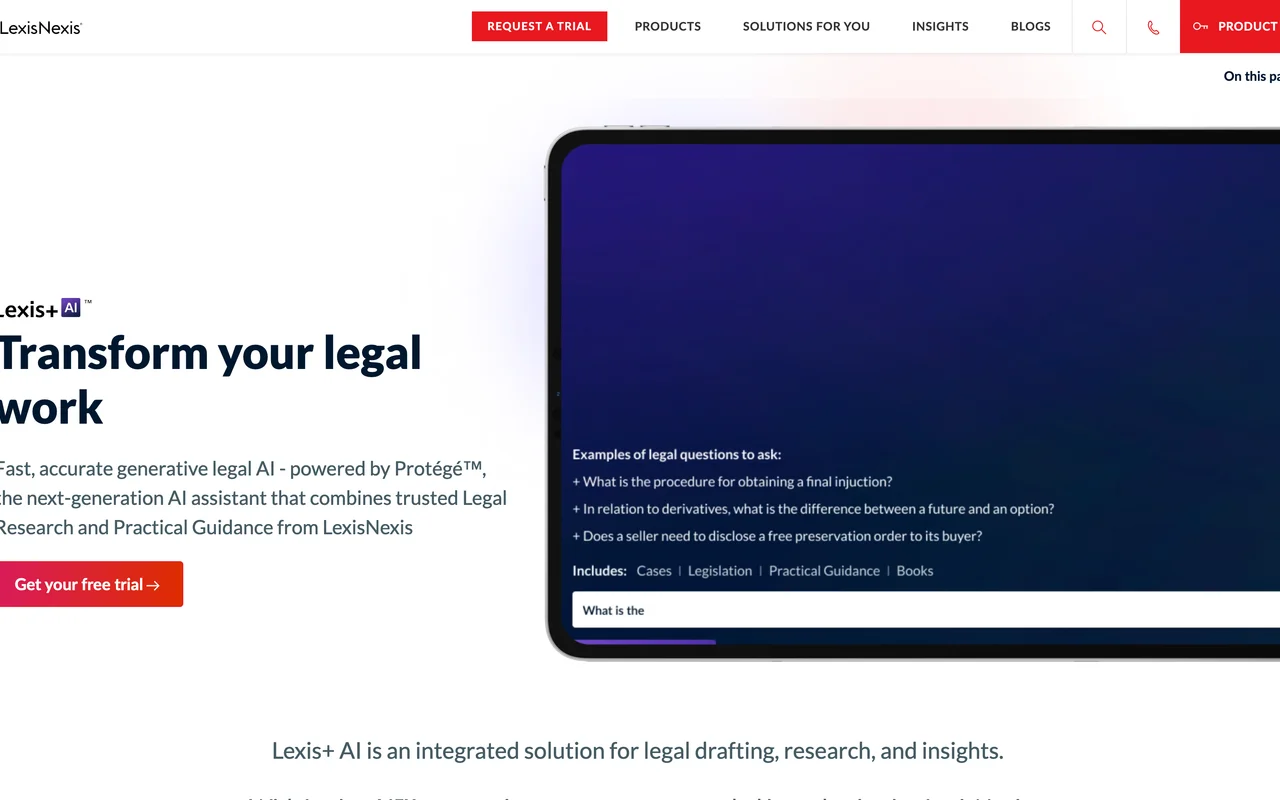
Lexis+ AI puts generative drafting on top of the LexisNexis research database. When you ask it to draft a clause, an agreement, or a litigation document, the output can lean on primary law and Lexis editorial content rather than model memory alone. For lawyers who already live in Lexis for research, drafting in the same environment keeps citations, precedent, and work product in one place.
As a pure contract drafting tool it is competent rather than exceptional: standard transactional documents and filings are well covered, novel commercial structures less so. The value case is strongest as an add-on to an existing Lexis relationship, not as a standalone purchase.
Key features
- Drafting, research, and document analysis on one platform
- Output grounded in the LexisNexis primary-source database
- Covers litigation documents alongside transactional drafting
- Bundles with existing Lexis+ subscriptions
Best for
- Firms already paying for LexisNexis research
- Litigators whose drafting mixes filings with occasional contracts
Pricing
- Custom (contact sales); typically packaged with a Lexis+ subscription
Pros
- Citations trace back to an authoritative primary-law database
- One vendor across research and drafting simplifies procurement
Cons
- Hard to justify without an existing Lexis subscription
- Less flexible than drafting specialists for bespoke commercial deals
How to choose the best AI contract drafting tool for your practice
Six tools, three real questions. Answer them in order and the shortlist mostly builds itself.
Which direction do your contracts flow?
Outbound drafting and inbound review reward different tools.
- If you mostly generate first drafts (NDAs, MSAs, engagement letters): use LegesGPT or Spellbook, which are built for from-scratch and from-template drafting.
- If you mostly receive counterparty paper and negotiate it: use Robin AI, or pair drafting with a dedicated option from our roundup of AI contract review tools.
- If both flows matter and you want one bill: use LegesGPT, which handles drafting and review in the same subscription.
- If your "drafting" is really the same five templates on repeat: a standardization platform like Juro, or one of the AI contract generators we compared separately, fits better than a drafting specialist.
Where does your team edit?
The best AI in the wrong editor goes unused.
- If your firm is contractually attached to Microsoft Word: use Spellbook for drafting or Robin AI for review; both live in the document.
- If you work in the browser and want zero installation: use LegesGPT or Juro.
- If you draft inside an existing research platform: Lexis+ AI keeps drafting next to your Lexis research; Harvey does the same at enterprise scale for firm knowledge.
What does the price buy at your volume?
Judge price against contracts per month, not feature lists. LegesGPT Plus at $49.99/mo covers unlimited drafting plus 50 reviews, which comfortably absorbs a small firm's monthly flow. Spellbook at $89/user and Robin at $239/user make sense when each seat handles serious daily volume. Juro's team pricing and Harvey's enterprise agreements only pay off when dozens of people touch contracts. Larger departments comparing platform-level options should also see our guide to AI tools for in-house legal teams.
Then run the deciding test yourself: take 3-5 contracts your team actually drafted or negotiated last quarter and push them through your top two candidates. Count the edits you make to reach send-ready. The tool that needs the fewest is the right one, whatever the marketing says.