A good contract starts from a sound structure, not a blank page. AI contract generators turn a short description or a template into a complete, editable agreement in minutes, then help you adjust clauses, explain terms, and catch the gaps you would otherwise hunt for by hand. For solo lawyers, in-house teams, and businesses drafting their own paperwork, that is the difference between an afternoon and ten minutes.
The tools differ a lot, though. Some are full contract-lifecycle platforms built for enterprise legal ops, some live inside Microsoft Word, and some pair generation with verified legal citations so you can trust what comes out. In this guide we compare the 6 best AI contract generators in 2026 by what they do, what they cost, and who each one fits, starting with LegesGPT and a quick look at how it works.
Best AI contract generators: a brief overview
Here is the quick map before the details. Each tool earns its own "best for," so match it to your workflow and budget.
- LegesGPT: Best overall for solo and small firms. You choose the document type, answer a few questions, and the AI generates a contract to finalize and e-sign, with verified-citation help on the clauses and risk review built in.
- Spellbook: Best for generating and redlining contracts without leaving Microsoft Word.
- Juro: Best for in-house legal and operations teams that want contract automation with approval workflows.
- PandaDoc: Best for template-driven business documents with built-in e-signature.
- Gavel: Best for automating the same documents you produce over and over from intake answers.
- Ironclad: Best for large enterprises that need full contract-lifecycle management.
| Tool | Best for | Starting price | Free trial | Platform |
|---|---|---|---|---|
| LegesGPT | All-in-one generation for solo & small firms | From $13.99/mo | 3-day trial | Web app |
| Spellbook | Generating & redlining in Word | Custom (contact sales) | 7-day trial | Word add-in |
| Juro | Contract automation for in-house teams | Custom (~$25/user/mo) | Demo only | Web (CLM) |
| PandaDoc | Template docs + e-signature | From $19/user/mo | Free plan | Web app |
| Gavel | Automating repeatable documents | From ~$83/mo | 7-day trial | Web app |
| Ironclad | Enterprise contract lifecycle | Custom (enterprise) | Demo only | Web (CLM) |
1. LegesGPT, best overall for solo and small firms
LegesGPT is an all-in-one legal AI workspace, and contract generation is one of the things it does best. Its AI generator is guided rather than a blank box: you choose the document type, answer a few questions about your deal, and the AI produces a complete contract for you to finalize and sign. It then stays with you to refine, explain, and review the result. For a solo or small-firm lawyer, that means generating, checking, and signing a contract without switching between three different tools.
How AI contract generation works, step by step:
- Choose the document type. Pick what you need, such as an NDA, a service agreement, or a lease.
- Answer a few questions. LegesGPT asks about the parties, key terms, and specifics of your deal.
- Generate. The AI produces a complete, editable contract built from your answers.
- Finalize. Review and adjust the draft, and ask LegesGPT to tighten, add, or explain any clause, with links to the underlying case or statute when the law is involved so you can verify it.
- Add signature. Built-in e-signature lets you sign and send the finished contract in the same workspace.
Separately, LegesGPT also offers 100+ free, attorney-drafted fill-in templates. Those are static documents you complete yourself and are a different feature from the AI generator described above, useful when you just want a standard form rather than a tailored, question-driven draft.
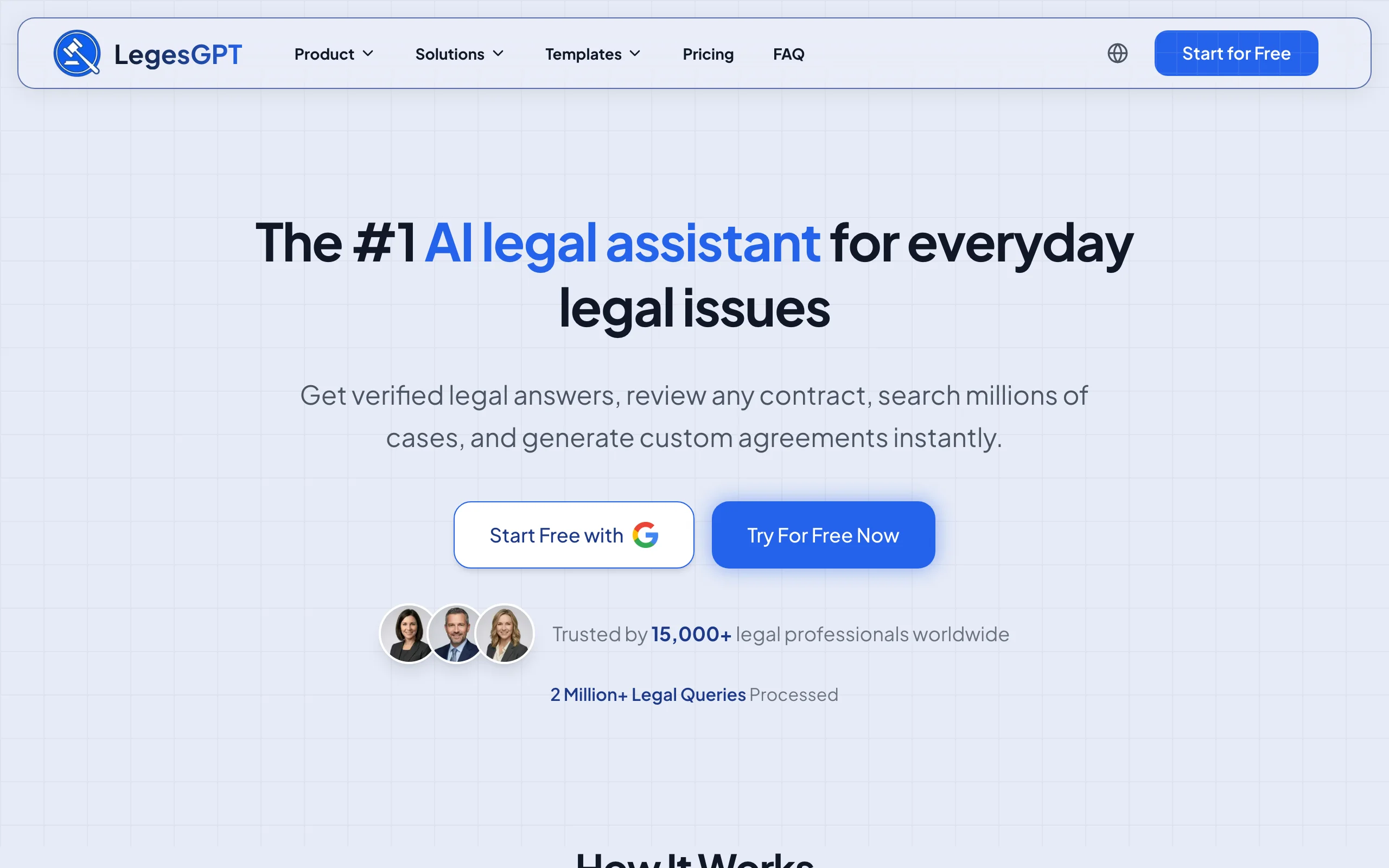
Key features
- Guided AI generation: choose a document type, answer a few questions, and get a finished contract to finalize and sign
- Explains and rewrites clauses, with verified citations and source links when the law is involved
- Reviews uploaded contracts for risk and proposes clause-level changes
- Built-in e-signature to sign and send finished agreements
- 100+ free fill-in templates (a separate, non-AI feature) and citation tools for quick one-off documents
Best for
- Solo practitioners and 2-50 attorney firms generating contracts across practice areas
- In-house counsel and business owners who draft their own routine agreements
- Anyone who wants generation, review, and signing in one place
Pricing
- Basic: $13.99/month, unlimited AI queries, case law and statute search, citation verification
- Plus: $34.99/month, adds document upload and 50 document reviews per month
- Premium: $69.99/month, adds unlimited document review, Deep Research, and web search
- 3-day trial to start; roughly 30% off annual billing; custom Enterprise plans available
Pros
- One subscription generates, reviews, and signs contracts end to end
- Verified citations make AI-generated language easier to trust and check
- Transparent, self-serve pricing well below enterprise CLM tools
Cons
- Newer brand with a smaller footprint than enterprise incumbents
- Web-only, with no native Word add-in for in-editor generation
2. Spellbook, best for generating and redlining in Word
Spellbook generates and marks up contracts as an add-in inside Microsoft Word, so transactional lawyers never leave the editor they already use. It can draft clauses or entire agreements from scratch or from a saved clause library, suggest redlines, and review across a set of related documents. If your day is spent negotiating contracts in Word, the in-editor experience is the draw. It sits alongside the other options in our roundup of the best AI contract drafting tools.
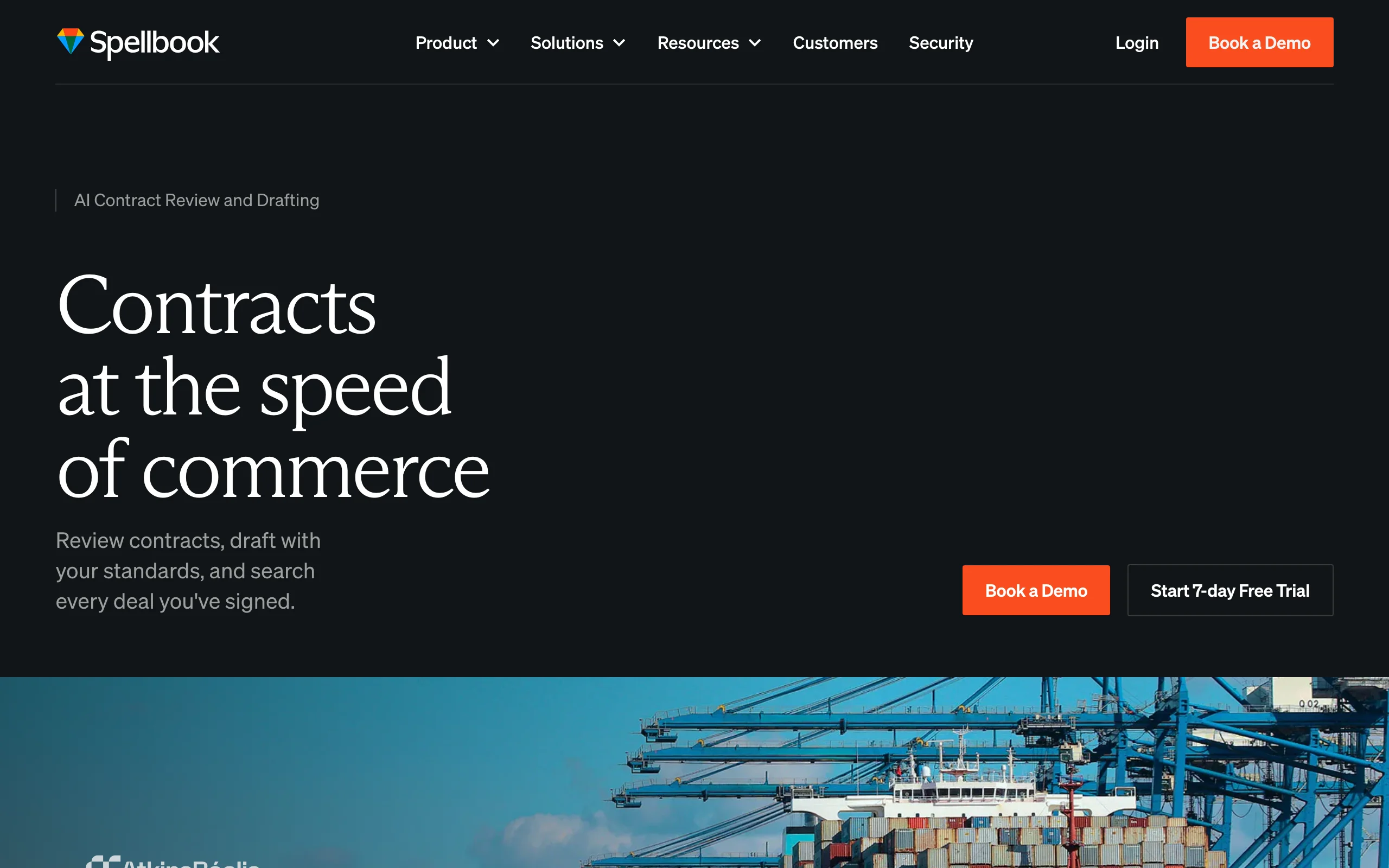
Key features
- Native Microsoft Word add-in for generating and redlining in place
- Drafts clauses and full agreements from scratch or saved libraries
- Suggests redlines and flags missing or non-standard terms
- Playbook support so generated language matches your standards
Best for
- Transactional and corporate teams that draft contracts in Word
- In-house teams standardizing clause language across agreements
Pricing
- Custom pricing based on the number of seats; not published publicly
- 7-day free trial; free access for academic institutions
Pros
- Generation and redlining happen inside Word, with no copy-paste
- Strong fit for playbook-driven contract workflows
Cons
- Contract-focused, not a general drafting or research tool
- Quote-based pricing means contacting sales to learn the cost
3. Juro, best for in-house legal and operations teams
Juro is an intelligent contracting platform aimed at in-house legal and operations teams. It generates contracts from no-code templates, routes them through approval workflows, and uses AI for summarization, clause extraction, and risk flagging. Where a solo tool stops at the draft, Juro manages the contract through review, signing, and storage, which is what busy in-house teams need.
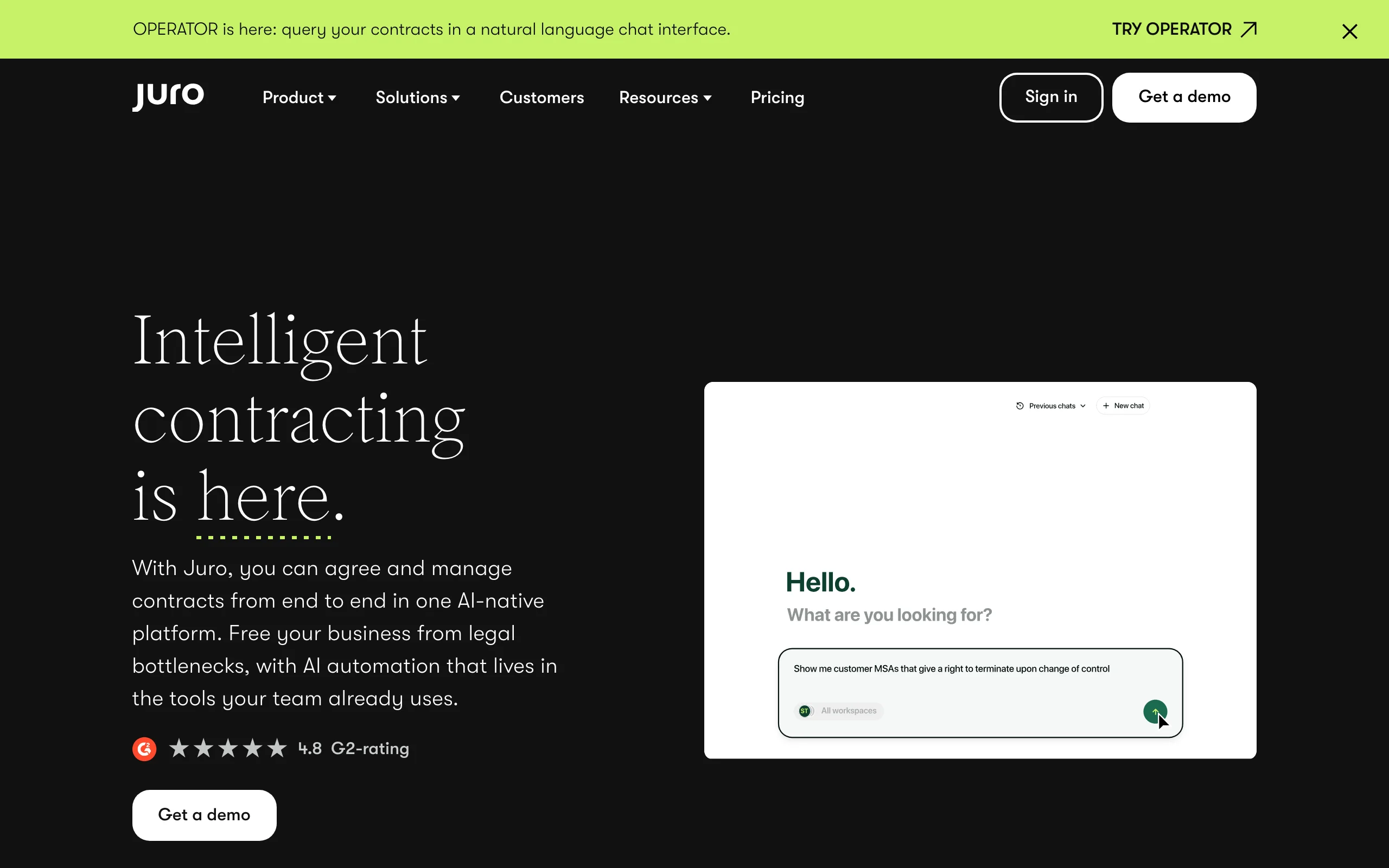
Key features
- No-code template creation and self-serve contract generation
- Automated approval routing and collaborative editing
- AI assistant for summaries, clause extraction, and risk
- Native e-signature and a searchable contract repository
Best for
- In-house legal and legal-ops teams managing recurring contracts
- Companies that want business users to self-serve standard agreements
Pricing
- Custom, quote-based pricing; not published publicly
- Third-party estimates put seats around $25 to $50 per user/month, with typical annual deals ranging from roughly $15,000 to $120,000+ depending on users and volume
- Demos only; no self-serve trial
Pros
- Strong contract automation and workflow for in-house teams
- Combines generation, signing, and storage in one platform
Cons
- Quote-based pricing and annual commitments suit teams, not solos
- Built for in-house workflows rather than litigation or general legal drafting
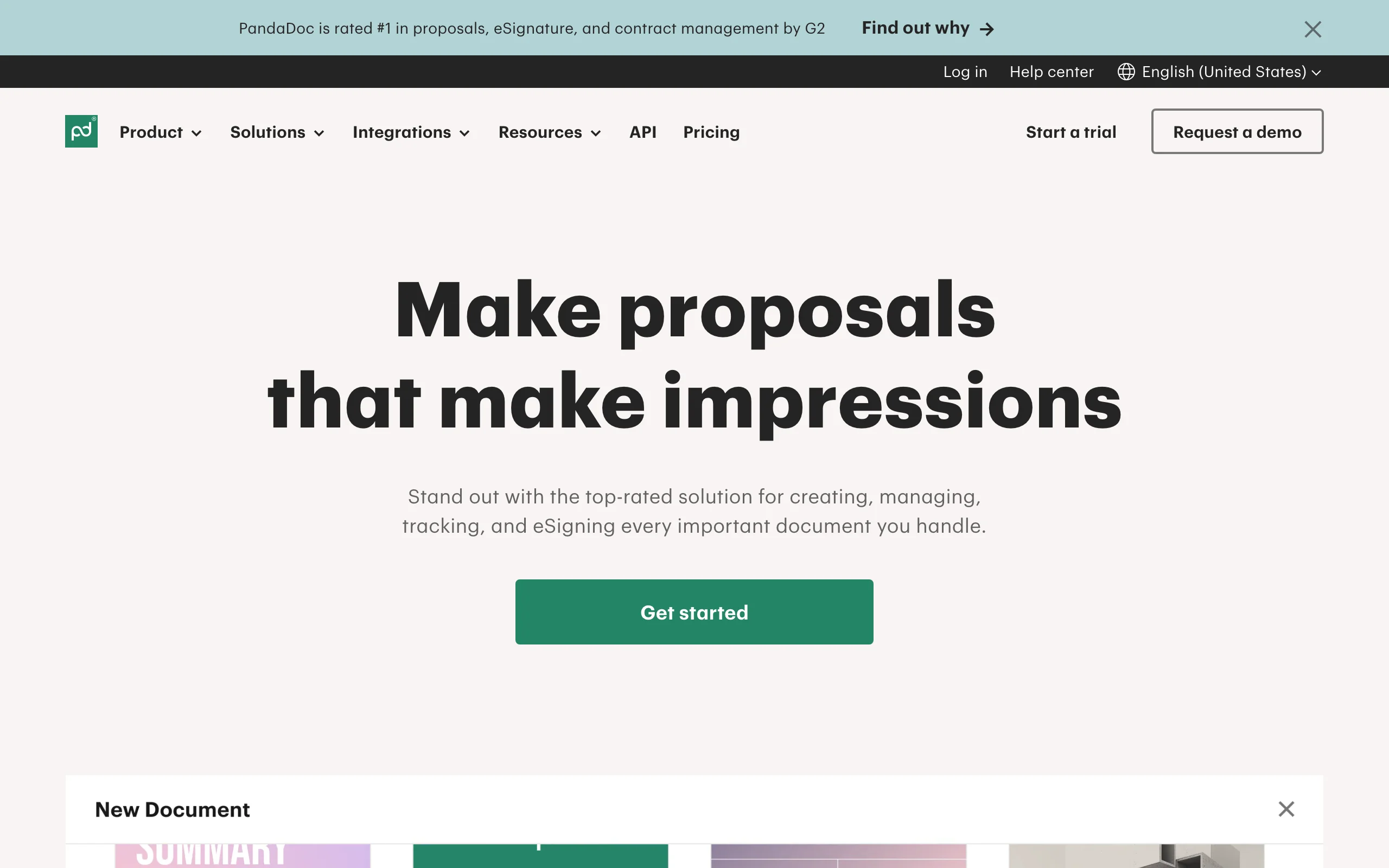
4. PandaDoc, best for template documents with e-signature
PandaDoc is a document-automation platform that generates contracts, proposals, and forms from reusable templates, then collects signatures and payments. It is not legal-specific, but for businesses that send the same agreements repeatedly, the template builder plus built-in e-signature makes it a fast, affordable contract generator with a genuine free tier.
Key features
- Drag-and-drop template builder for contracts and proposals
- Built-in e-signature and payment collection
- Content library for reusable clauses and sections
- CRM integrations and document analytics
Best for
- Small businesses and sales teams generating standard agreements
- Users who want generation plus signing without legal-specific features
Pricing
- Free plan with up to 5 documents per month and basic signing
- Starter: from $19 per user/month (annual); Business: from $49 per user/month (annual)
- Enterprise: custom pricing
Pros
- Affordable, with a free tier and transparent published pricing
- Generation, signing, and payments in one tool
Cons
- General business tool, not built for legal nuance or verified citations
- Per-user pricing adds up for larger teams
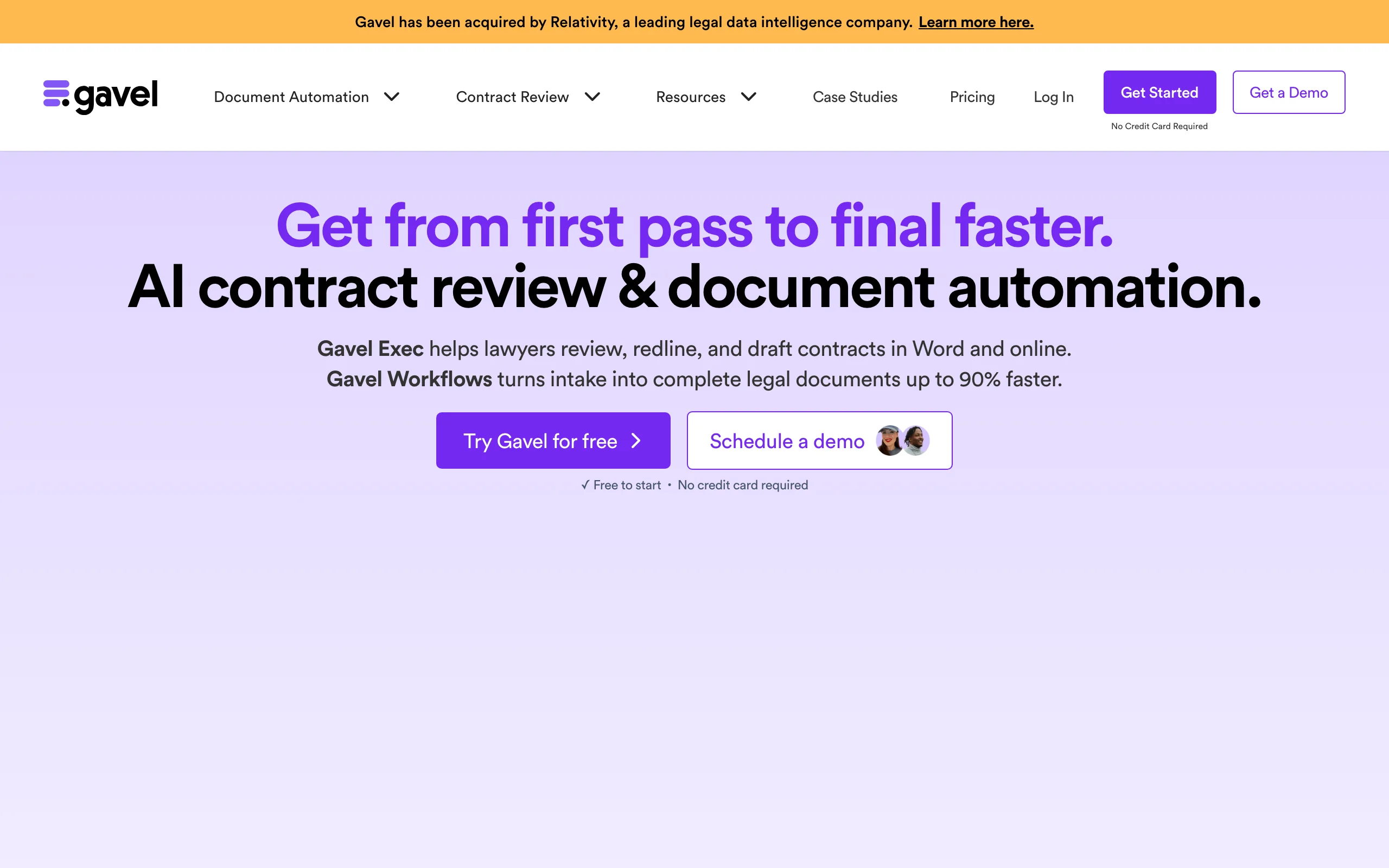
5. Gavel, best for automating repeatable documents
Gavel (formerly Documate) turns documents you produce repeatedly into automated workflows: you build a questionnaire once, and Gavel generates the finished document from the answers. It is popular with firms and legal-aid organizations that churn out the same forms at volume, and it now includes AI features for drafting and review.
Key features
- No-code document automation from intake questionnaires
- Generates multiple documents from a single set of answers
- Client-facing intake forms and workflows
- AI-assisted drafting and contract review
Best for
- Firms and legal departments producing the same documents repeatedly
- Legal-aid and high-volume, form-driven practices
Pricing
- Free tier for basic automation; 7-day free trial, no credit card
- Paid plans start around $83 to $99/month, with higher tiers for API access and per-seat needs
- Annual billing discounts available
Pros
- Excellent for high-volume, repeatable document generation
- Published entry pricing and a free tier to start
Cons
- Best value comes from setting up reusable workflows, which takes upfront effort
- Less suited to one-off, ad hoc contracts than a conversational tool
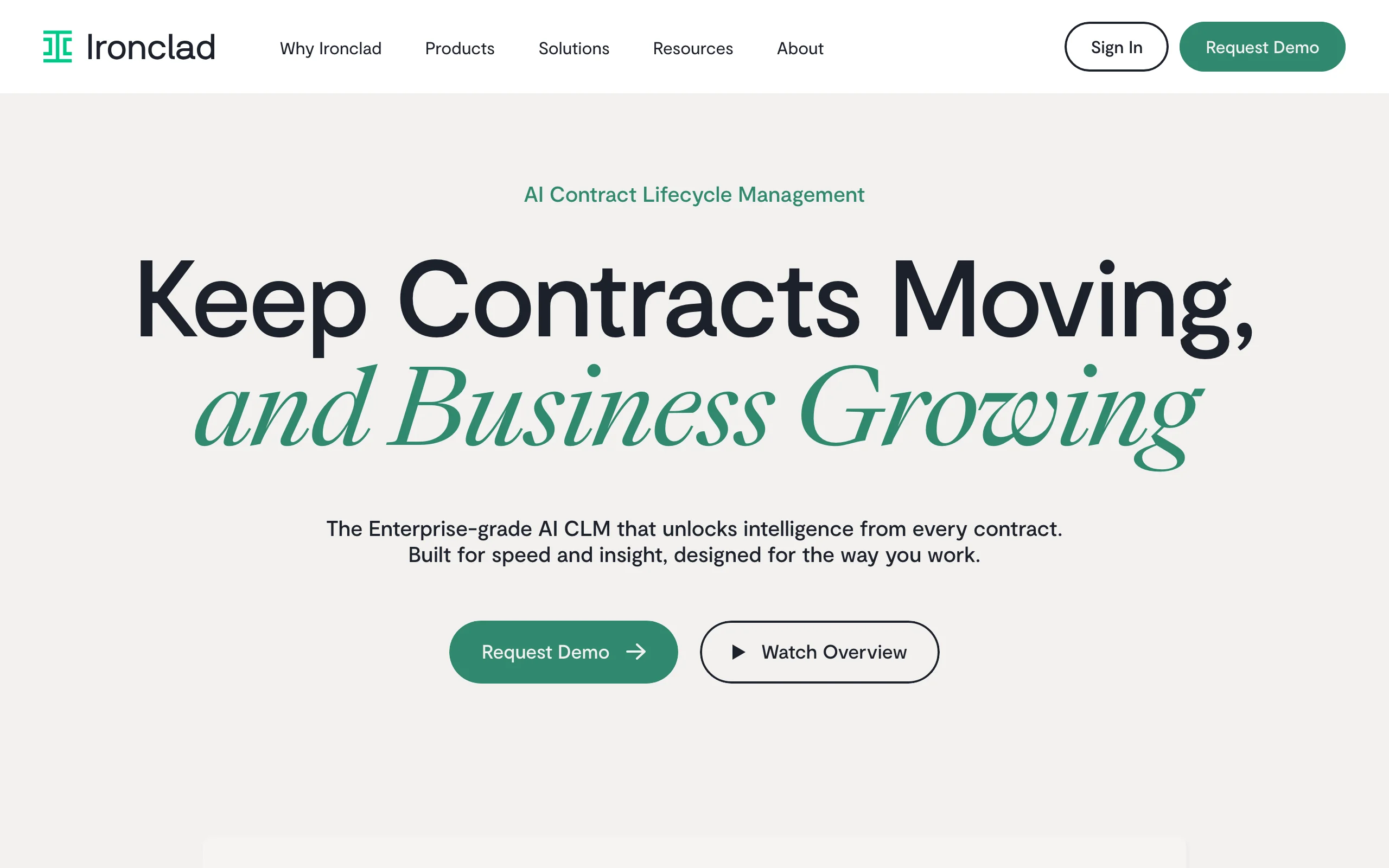
6. Ironclad, best for enterprise contract lifecycle
Ironclad is an enterprise contract-lifecycle management (CLM) platform that generates, negotiates, signs, and stores contracts at scale, with AI layered across the workflow. It is built for large legal and procurement teams with high contract volume and the budget to match, not for individual practitioners.
Key features
- Workflow-based contract generation and approvals
- AI for extraction, review, and repository search across thousands of contracts
- Deep integrations with Salesforce, Workday, and other enterprise systems
- Analytics and reporting across the contract portfolio
Best for
- Large enterprises and procurement teams managing high contract volume
- Organizations needing end-to-end CLM, not just generation
Pricing
- Custom, quote-based; no public pricing
- Annual contracts commonly range from roughly $30,000 to $250,000+, plus implementation fees
- Demos only; enterprise sales process
Pros
- Powerful end-to-end CLM for complex, high-volume contracting
- Strong integrations and portfolio-wide analytics
Cons
- Enterprise pricing and implementation put it out of reach for small firms
- Overkill if you only need to generate and sign occasional contracts
How to choose the best AI contract generator for your practice
The right generator depends on how many contracts you produce, who produces them, and what you can spend. Use these questions to narrow it down.
1) Do you need an all-in-one workflow or just generation?
- If you want to generate, review, and sign in one place: LegesGPT covers the full cycle in a single subscription.
- If you only need to generate and redline in Word: Spellbook lives in your editor.
- If you manage contracts through approvals and storage: Juro or Ironclad add lifecycle workflow.
2) What is your firm size and budget?
- Solo and small firms: LegesGPT and PandaDoc publish accessible, self-serve pricing; Spellbook quotes by seat.
- In-house teams and enterprise: Juro and Ironclad are built for scale, with quote-based annual contracts.
3) How repeatable are your documents?
- If you generate the same forms constantly: Gavel's questionnaire-to-document automation saves the most time.
- If your contracts vary case by case: a guided AI generator like LegesGPT (choose a type, answer questions) is faster than building templates.
4) How much do verified citations matter?
- If generated language has to be checked against the law: LegesGPT links clauses to sources so you can verify them, much like the workflow in our guide on how to draft a contract.
- If you are generating standard business paperwork: a template tool like PandaDoc is enough.
Whatever you shortlist, generate three to five of your real contracts in each tool before committing, and read every clause: an AI draft is a starting point, not final legal advice. For more on getting clean output from AI, see our guide on how to generate documents with AI.