Every legal team produces a core set of documents on repeat: engagement letters, NDAs, powers of attorney, board consents, court filings. Document assembly software turns those repeat documents into reusable templates, then completes them through questionnaires, merge fields, and conditional logic, so a clean draft comes out in minutes instead of an afternoon of copy-paste.
The mechanics matter more than the marketing. Some platforms expect you to code every template yourself. Some sell you a maintained form library. Some skip the template step entirely and draft with AI. Choose wrong and you inherit a template-building project that nobody on your team ever finishes.
This guide compares six tools on exactly those mechanics: how templates get built, who answers the questionnaire, what the logic engine can handle, and what each option really costs.
Document assembly software: a quick overview
- LegesGPT: Best overall: pairs 100+ attorney-drafted templates with AI drafting for everything you have not templated, plus built-in e-signature, all self-serve from $19.99/month.
- Gavel: Best for client-facing guided interviews: a no-code builder that lets clients answer the questionnaire themselves and receive assembled Word or PDF documents.
- HotDocs: Best for complex conditional logic at enterprise scale: nested logic, calculations, and repeat tables across libraries of thousands of templates.
- Knackly: Best for outsourced template building: a Done For You tier where the vendor's experts build and maintain your automations.
- Clio Draft: Best for automated court forms: a maintained library of jurisdiction-specific fillable forms plus Word template automation synced to Clio Manage.
- MyCase Document Automation: Best for merge-field templates inside case management: the former Woodpecker engine, now populating Word templates from MyCase case data.
| Tool | Best for | Starting price | Free trial | Template setup |
|---|---|---|---|---|
| LegesGPT | Assembly plus AI drafting for solo and small firms | From $19.99/mo | 3-day for $1 | None (ready templates and AI) |
| Gavel | Client-facing guided interviews | From $83/mo (annual) | 7-day | Self-build, no-code |
| HotDocs | Complex enterprise template logic | Custom | No trial | Expert authoring in Word |
| Knackly | Outsourced template building | From $209/mo (annual) | Demo only | Vendor builds it for you |
| Clio Draft | Automated court forms | About $70/mo (unofficial) | Demo only | Pre-built forms, light tagging |
| MyCase | Merge-field templates tied to case data | From $130/user/mo (annual) | 10-day | Self-build in Word |
1. LegesGPT, best overall for template-plus-AI document assembly
LegesGPT solves the two problems classic assembly tools leave open. First, the setup problem: instead of spending weeks tagging variables and scripting interviews, you start from 100+ attorney-drafted templates covering firm staples like NDAs, service agreements, and powers of attorney, answer a few plain-language questions, and get a completed draft. Second, the coverage problem: templates only help with documents you have templated. For everything else, LegesGPT's AI drafts contracts and legal documents from your instructions, adapted to your facts and jurisdiction.
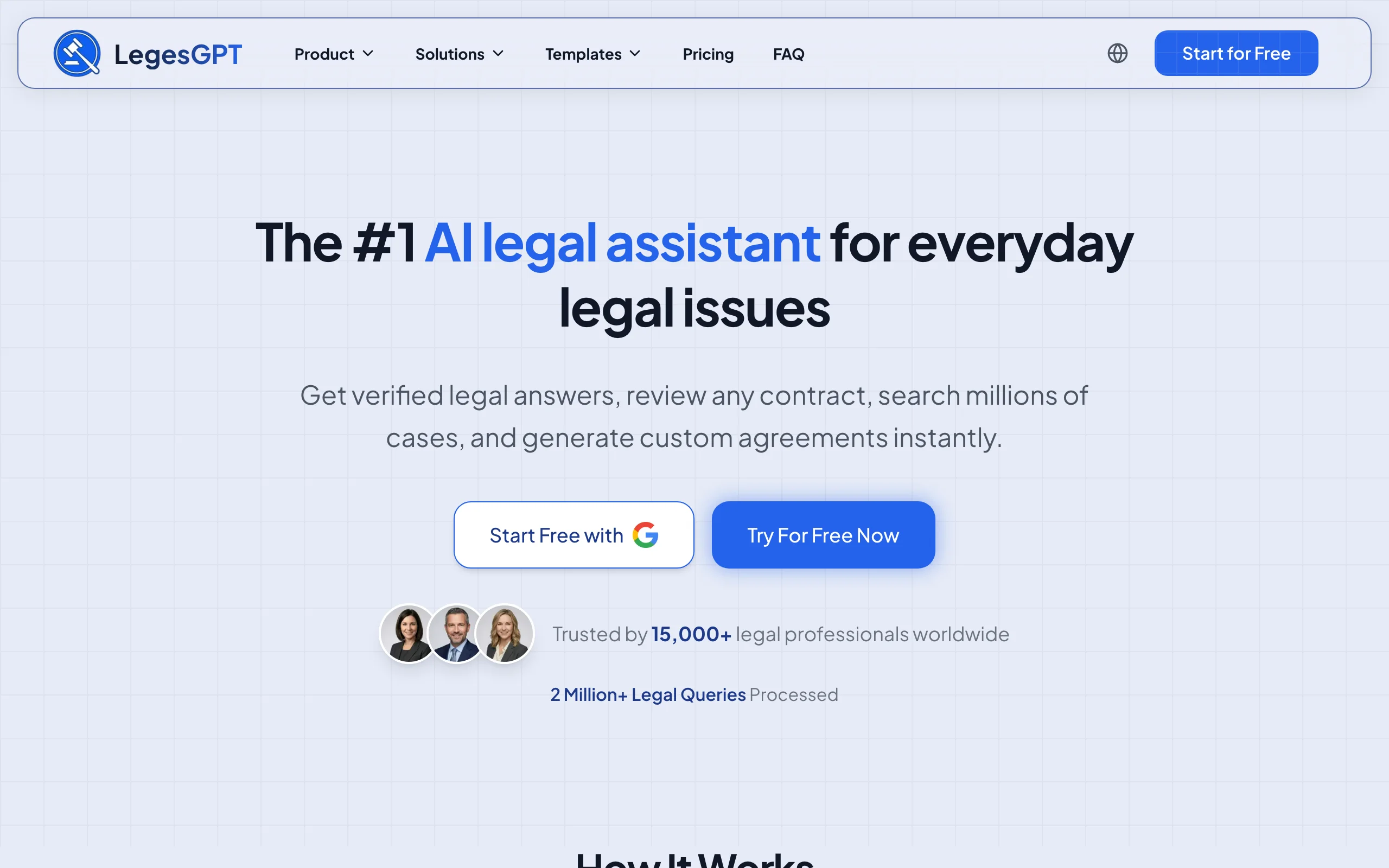
The output does not dead-end in a download folder either. You can run AI document review on a counterparty's markup to flag risks and propose changes, then send the final version for signature with the built-in e-signature tool. Drafting, review, and signing sit in one browser-based subscription with no IT setup.
Key features
- 100+ attorney-drafted templates completed through plain-language questions, no variable coding
- AI drafting of contracts and legal documents for anything outside your template library
- Built-in e-signature to execute and send assembled documents
- AI document review (PDF, DOCX, PPTX, TXT, images) that flags risks and proposes changes
- Legal Q&A with verified citations, plus case law and statute search to support drafting decisions
Best for
- Solo attorneys and 2-50 lawyer firms that want assembled documents on day one, not after an automation project
- Legal departments that want drafting, review, and e-signature in a single subscription
Pricing
- Basic: $19.99/month with unlimited AI queries and case law and statute search
- Plus: $49.99/month adds document upload and 50 reviews/month; Premium: $99.99/month adds unlimited review, Deep Research, and web search
- 3-day trial for $1; roughly 30% off with annual billing
Pros
- No template-authoring learning curve: usable output in your first session
- Covers non-templated documents that pure assembly engines cannot touch
- Replaces separate drafting, review, and e-signature subscriptions at a lower combined price
Cons
- Web only: no Microsoft Word add-in, so Word-centric teams export finished drafts
- No client-facing intake portal with conditional interview logic, the specialty of Gavel and Knackly
- Newer brand than veterans like HotDocs
2. Gavel, best for client-facing guided interviews
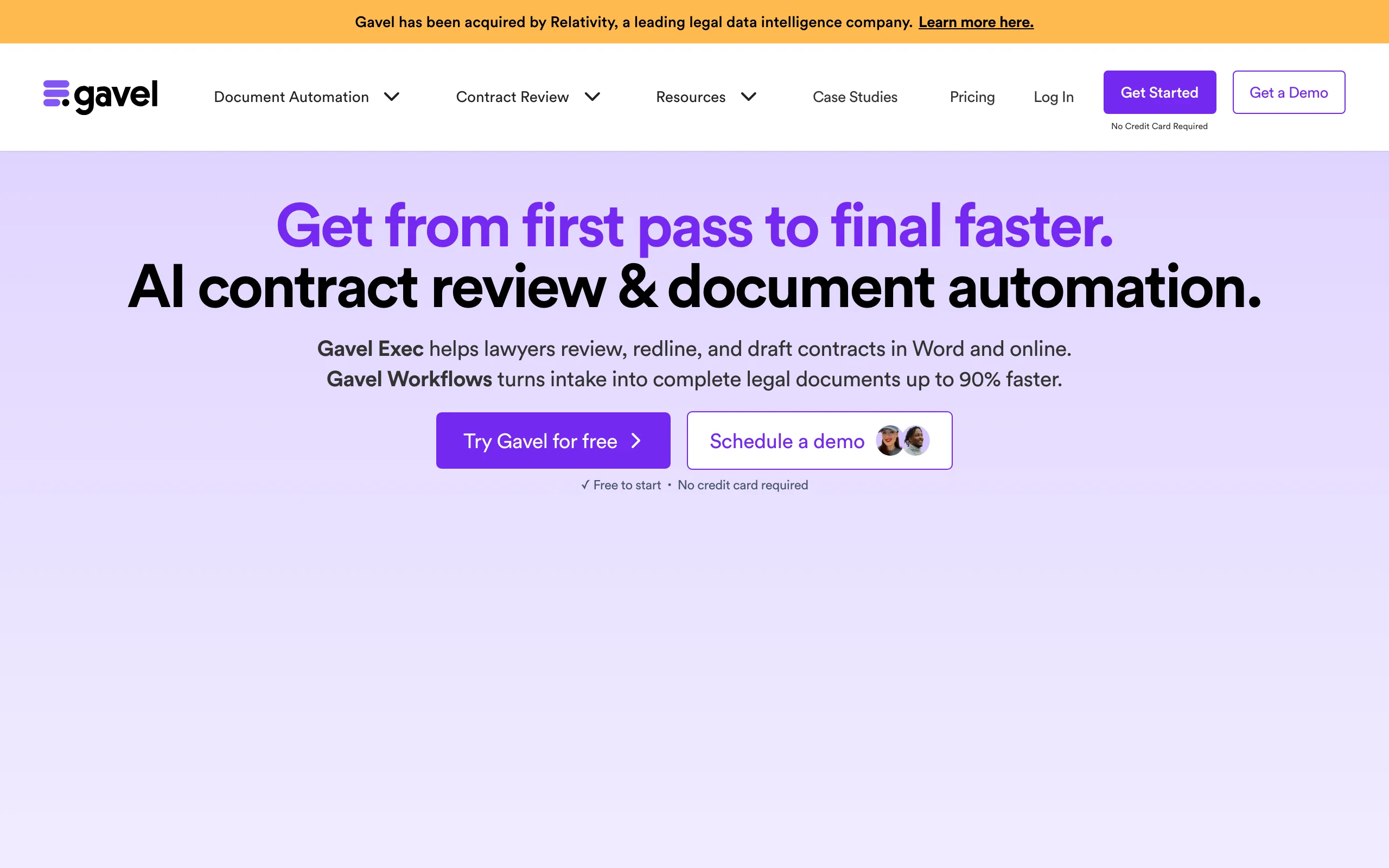
Gavel (formerly Documate, acquired by Relativity in June 2026) is a no-code assembly platform whose defining mechanic is who answers the questionnaire. You upload Word or PDF documents, tag the variable fields, and build a guided interview around them. Then you hand that interview to your client: an estate planning client works through it from home, and your paralegal receives assembled drafts instead of raw intake notes. Firms also use Gavel to sell self-service legal products online, collecting payment through Stripe before the documents generate.
Key features
- No-code interview builder that populates Word and PDF templates
- Client-facing questionnaires you can embed on your site or share by link
- Stripe payments for productized, self-service legal documents
- Integrations with Clio, Zapier, and DocuSign depending on tier
- API access and SSO on the Scale plan; Gavel Exec (separate product) adds AI contract work in Word
Best for
- Estate planning, family law, and immigration practices that want clients to self-complete intake
- Firms selling document packages online as a productized service
Pricing
- Lite: $83/month billed annually ($99 monthly) with 1 builder seat, 10 workflows, and 100 sessions/month
- Standard: $210/month annual ($250 monthly); Pro: $290/month annual ($350 monthly); Scale from $417/month, annual only
- 7-day free trial, no credit card required
Pros
- One of the most genuinely usable no-code builders in legal tech
- Merges intake and assembly into a single client-driven step
Cons
- Every template is still yours to build and maintain, which takes real hours upfront
- Workflow and session caps push growing firms up the pricing tiers quickly
3. HotDocs, best for complex conditional logic at enterprise scale
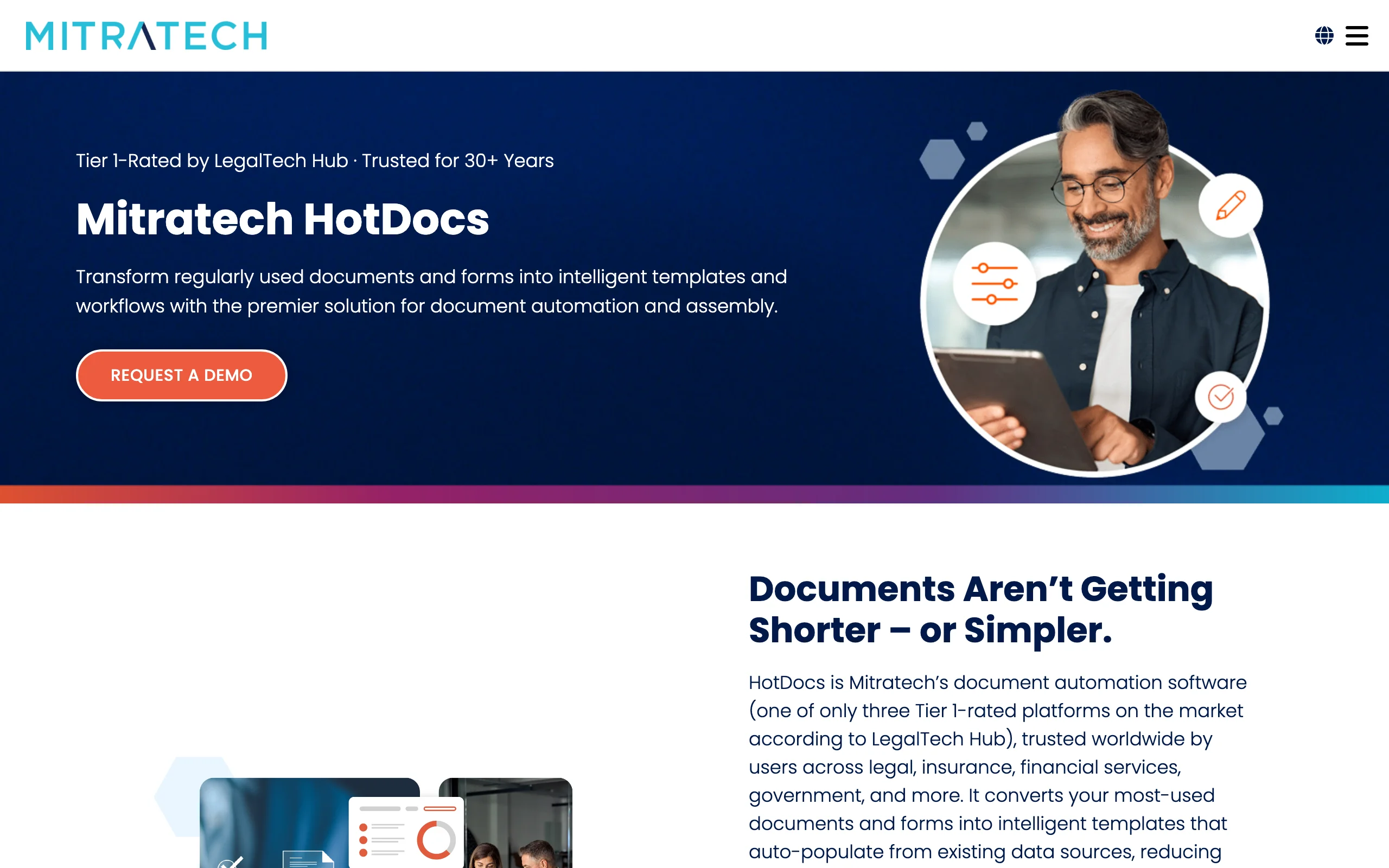
HotDocs, now owned by Mitratech, has been the heavyweight of document assembly for over three decades. Where lighter tools handle simple merge fields, HotDocs expresses deeply nested conditional logic, calculations, and repeating tables, with version control built for regulated libraries of thousands of templates. Authoring happens through a Microsoft Word add-in, and assembly can run through its cloud platform or be embedded into other systems via API. Banks, government legal departments, and large firms with dedicated template developers are its natural habitat.
Key features
- Template authoring inside Microsoft Word via add-in
- Guided interviews with nested conditional logic, calculations, and repeat tables
- Version control across large, regulated template libraries
- Open API plus integrations with multiple practice management systems
Best for
- Enterprises, banks, and government legal teams assembling high volumes of logic-heavy documents
- Organizations with a dedicated template developer or legal engineering function
Pricing
- Custom only: Mitratech publishes no pricing, so budgeting starts with a sales demo
- No free trial
Pros
- The deepest logic engine on this list; it can model documents lighter tools simply cannot
- Proven at massive scale, with an API for embedding assembly anywhere
Cons
- Steep authoring learning curve; realistically not a solo or small-firm tool
- No native e-signature or payments, so you wire those in separately
- No public pricing and no trial makes evaluation slow
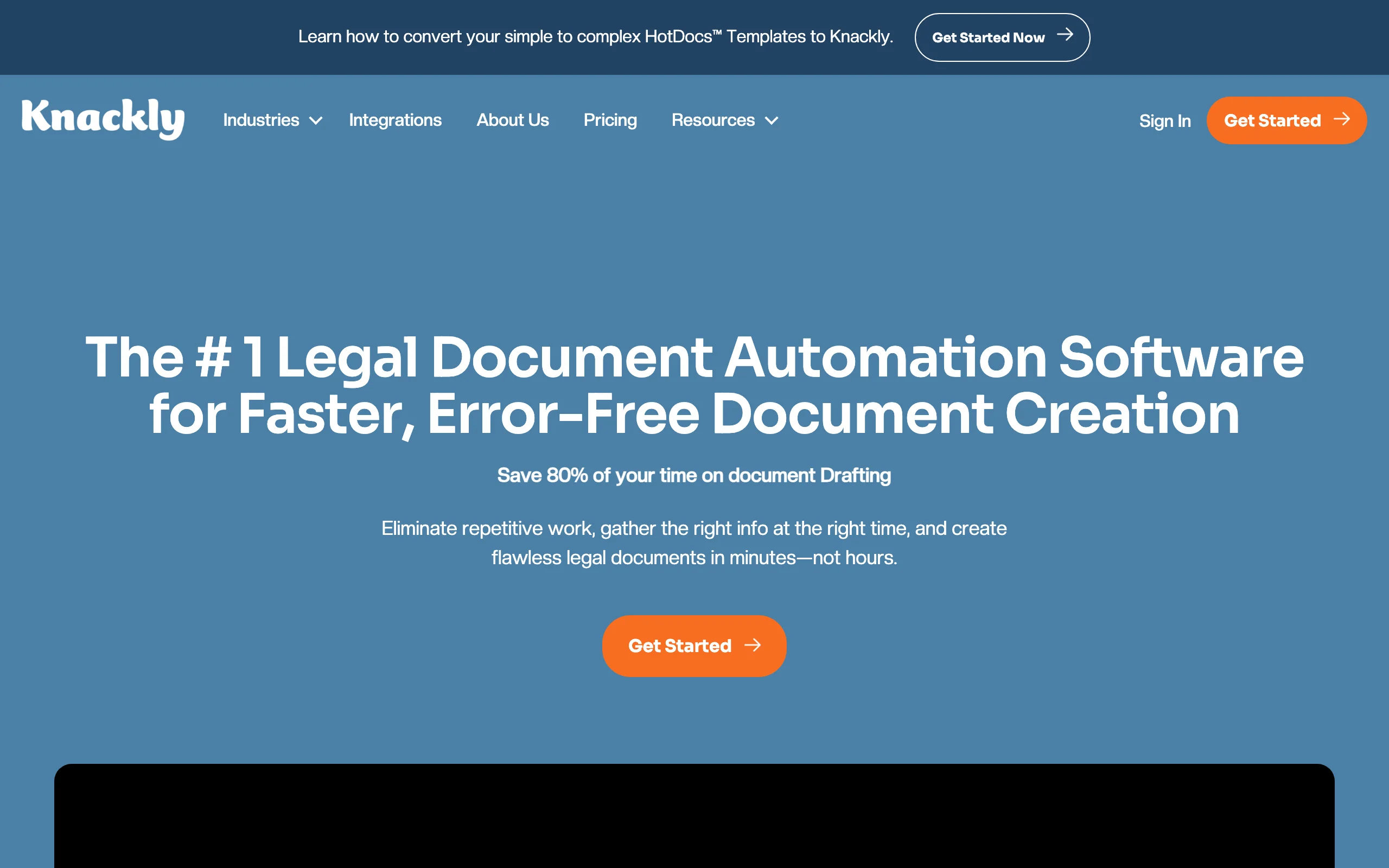
4. Knackly, best for outsourced template building
Knackly attacks the hidden cost every template engine carries: the hours your staff spends building and maintaining automations. The platform itself covers external client questionnaires, internal guided interviews, and Word and PDF assembly, all fed from one shared client data layer so information entered once flows into every document. The signature offering is the Done For You plan, where Knackly's own specialists build your templates, with three hours of managed template work included every month.
Key features
- External intake questionnaires and internal interviews writing to one client data store
- Word and PDF assembly with conditional logic
- Done For You tier with monthly expert template building included
- Integrations with Clio, Zapier, and OneDrive; API on the Professional plan
- Users bundled per plan (4 on Starter, 12 on Professional) instead of per-seat pricing
Best for
- Estate planning and transactional firms that want automation without becoming template engineers
- Teams of three or more staff assembling documents daily, where bundled seats beat per-user pricing
Pricing
- Starter: $250/month, or $209/month billed annually, with 4 users included; extra users $40/month
- Done For You: $500/month ($417 annually) including 3 hours of template building per month; Professional: $1,000/month ($834 annually) with 12 users and API access
- No self-serve trial; evaluation runs through a demo, with no setup fees or long-term contracts
Pros
- Done For You removes the template-building bottleneck entirely
- Bundled users make the math favorable for small teams
Cons
- Highest entry price among the standalone tools here
- Monthly caps on new client records (400 on Starter) can pinch high-volume consumer practices
5. Clio Draft, best for automated court forms
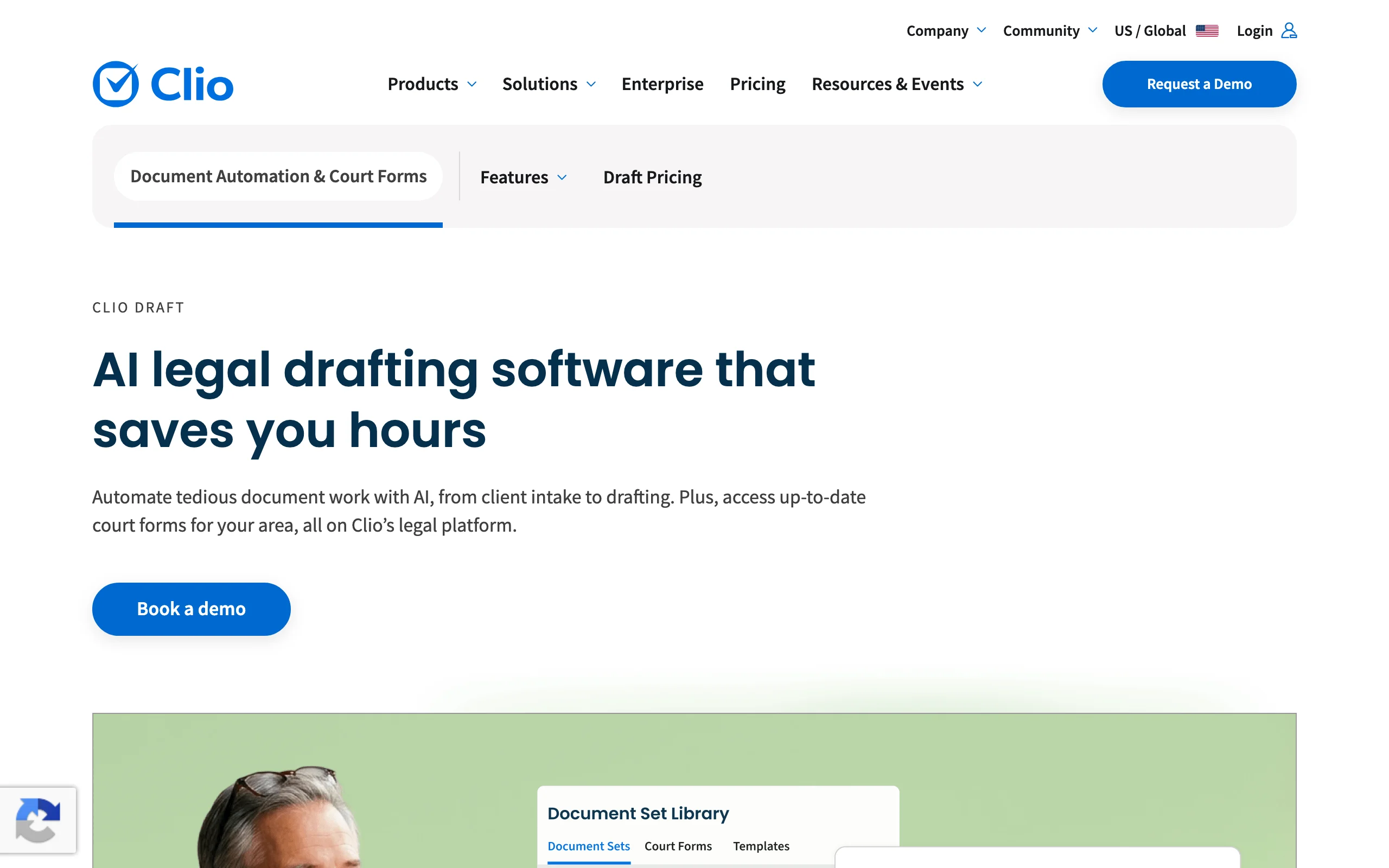
Clio Draft (formerly Lawyaw) is really two assembly engines in one product. The first is a maintained library of jurisdiction-specific fillable court forms that auto-populate from client data, which is a serious time-saver for litigation and family law teams buried in judicial council forms. The second converts your own Word documents into reusable templates with AI-assisted questionnaires, and bulk population lets one intake fill an entire document set. Everything syncs with Clio Manage matter data, which is where the product delivers its best value.
Key features
- Maintained library of fillable, jurisdiction-specific court forms
- AI-assisted conversion of existing Word documents into templates
- Bulk population that completes whole document sets from one questionnaire
- Federally compliant e-signature included
- Deep sync with Clio Manage matter and contact data
Best for
- Litigation, family, and immigration practices filing standardized court forms at volume
- Firms already on Clio that want assembly inside the same ecosystem
Pricing
- Clio does not publish Draft pricing; sales contact required
- Lawyerist's July 2025 review reports court forms at $40/month plus $30/user (about $70/month for one user), Word templates at $80/month plus $30/user, and the full platform at $120/month plus $30/user
- Roughly 16% discount on annual billing, per the same review
Pros
- The court forms library is unmatched on this list; someone else keeps the forms current
- Questionnaires and e-signature are included rather than sold as add-ons
Cons
- Opaque official pricing makes budgeting harder than it should be
- Best value is tied to the Clio ecosystem; standalone users lose the matter-data sync
6. MyCase Document Automation, best for merge-field templates inside case management
Woodpecker, once the best-known standalone Word add-in for legal document assembly, no longer exists as its own product. MyCase acquired it in 2021 and rebuilt it as Advanced Document Automation inside its practice management platform. The core mechanics survived: you mark up Word documents with merge fields and conditional logic, and the templates populate from the case and contact records already in MyCase, so client data is typed once and reused everywhere. For firms shopping for case management and assembly in one purchase, the per-user pricing is refreshingly transparent.
Key features
- Word-based templates with merge fields and conditional logic
- Templates populate directly from MyCase case and contact records
- Full practice management suite around it: billing, intake, client portal
- API access on the Advanced tier
Best for
- Firms already on MyCase, or evaluating case management and assembly together
- Word-standardized teams that want documents filled from case data, not re-keyed
Pricing
- MyCase runs $50 (Basic), $100 (Pro), and $130 (Advanced) per user/month billed annually; monthly billing is $60, $120, and $150
- Advanced Document Automation requires the Advanced tier
- 10-day free trial, no credit card required
Pros
- Transparent per-user pricing that is easy to model as you hire
- Assembly is native to the case file, so data entry happens once
Cons
- No standalone option: you must adopt MyCase to get the automation
- Automation sits on the top tier, a meaningful jump from the Basic price
How to choose the best document assembly software for your practice
Four questions narrow six tools to a shortlist fast.
1) How much logic do your documents actually need?
- If your documents are mostly stable text with swapped names, dates, and clauses: almost any tool here handles it; pick on workflow fit and price.
- If you need nested conditions, calculations, and repeating parties or schedules: HotDocs is built for exactly that, with Knackly as the lighter-weight option.
- If your documents vary too much matter to matter to template at all: AI drafting beats a logic engine. LegesGPT drafts from instructions, and our roundup of the best AI legal document generators compares that category in depth.
2) Who answers the questionnaire: staff or clients?
- If clients should self-complete intake: Gavel and Knackly are designed around client-facing interviews, and Gavel can even charge the client first.
- If drafting stays internal: LegesGPT, Clio Draft, HotDocs, and MyCase all assume a lawyer or paralegal is driving, which keeps judgment calls in-house.
3) Build the templates, buy them, or skip them?
- If you will build: Gavel offers the friendliest no-code authoring; HotDocs the most powerful.
- If you would rather pay someone: Knackly's Done For You tier, or Clio Draft's pre-built court forms if your volume is form-driven.
- If you want output this week with zero authoring: LegesGPT's attorney-drafted templates and AI drafting need no build phase at all. For creation tools beyond assembly, see our guide to the best AI tools for legal document creation.
4) What does price-to-value look like at your volume?
Run the math before you commit. A solo producing 20 documents a month gets thin value from Knackly's $250/month floor or a HotDocs implementation, while LegesGPT's Plus plan at $49.99/month covers drafting plus 50 document reviews. A 15-lawyer litigation shop filing hundreds of court forms will happily pay Clio Draft rates to stop hand-filling PDFs. Whatever you shortlist, test 3 to 5 of your real documents during the trial, not the vendor's polished demo files, and time the full cycle from intake to signed document.
One scope note: this guide covers assembly mechanics, the template and questionnaire layer. If you are evaluating broader firm-wide workflow platforms that wrap assembly with intake, billing, and matter automation, our companion guide to the best document automation tools for law firms covers that angle.
The short version: template engines reward stable, high-volume precedents and the patience to build. If you want assembled, reviewed, signature-ready documents this week, start AI-first with LegesGPT and add a dedicated template engine only if your volume outgrows it.