A demand letter, a consulting agreement, a simple will, a website privacy policy: most of the paperwork a small business or solo lawyer needs follows a known structure, yet drafting each one from a blank page still eats hours. An AI legal document generator removes that step. You describe the document in plain language, answer a few guided questions, or pick a template, and the tool returns a complete draft you can edit, review, and sign.
This guide compares seven tools across the full spread of legal documents: letters, agreements, filings, wills, and policies. If contracts are your only concern, our companion guide to the best AI contract generators goes deeper on that niche. Here the focus is breadth: which generators produce a solid draft of almost anything, what each costs, and where each one fits.
AI legal document generators: a brief overview
- LegesGPT: Best overall AI legal document generator: drafts letters, agreements, wills, and policies from a plain-language prompt, with 100+ attorney-drafted templates plus review and e-signature in the same subscription.
- Rocket Lawyer: Best for guided, interview-style documents with attorney backup: answer a series of questions and get a finished document, with a real lawyer available on paid tiers.
- ChatGPT: Best free starting point for prompt-based drafting: describe the document you need and get a complete, editable draft in one pass.
- Gavel: Best for automating documents your firm produces repeatedly: turns your own Word and PDF templates into no-code questionnaires.
- Claude: Best for long or non-standard documents: follows a detailed prompt closely, so every clause you specify lands in the draft.
- Google Gemini: Best for drafting inside Google Workspace: generates documents directly in Google Docs and Gmail.
- Microsoft Copilot: Best for drafting inside Word and Office: produces first drafts of letters and agreements without leaving Microsoft 365.
| Tool | Best for | Starting price | Free trial | Jurisdiction coverage |
|---|---|---|---|---|
| LegesGPT | Any legal document, prompt or template | From $19.99/mo | 3-day for $1 | 38+ countries |
| Rocket Lawyer | Guided interviews with attorney help | $149/year or ~$39.99/doc | 7-day trial | US-focused forms |
| ChatGPT | Prompt-based drafts, free to start | Free; Plus $20/mo | Free plan | General (you specify) |
| Gavel | Automating repeat documents | From $83/mo | 7-day trial | Any (your templates) |
| Claude | Detailed, non-standard documents | Free; Pro $17/mo annual | Free plan | General (you specify) |
| Google Gemini | Drafting in Google Workspace | Free; AI Pro $19.99/mo | Free plan | General (you specify) |
| Microsoft Copilot | Drafting in Word and Office | $18/user/mo annual | Free Copilot Chat tier | General (you specify) |
1. LegesGPT, best overall AI legal document generator
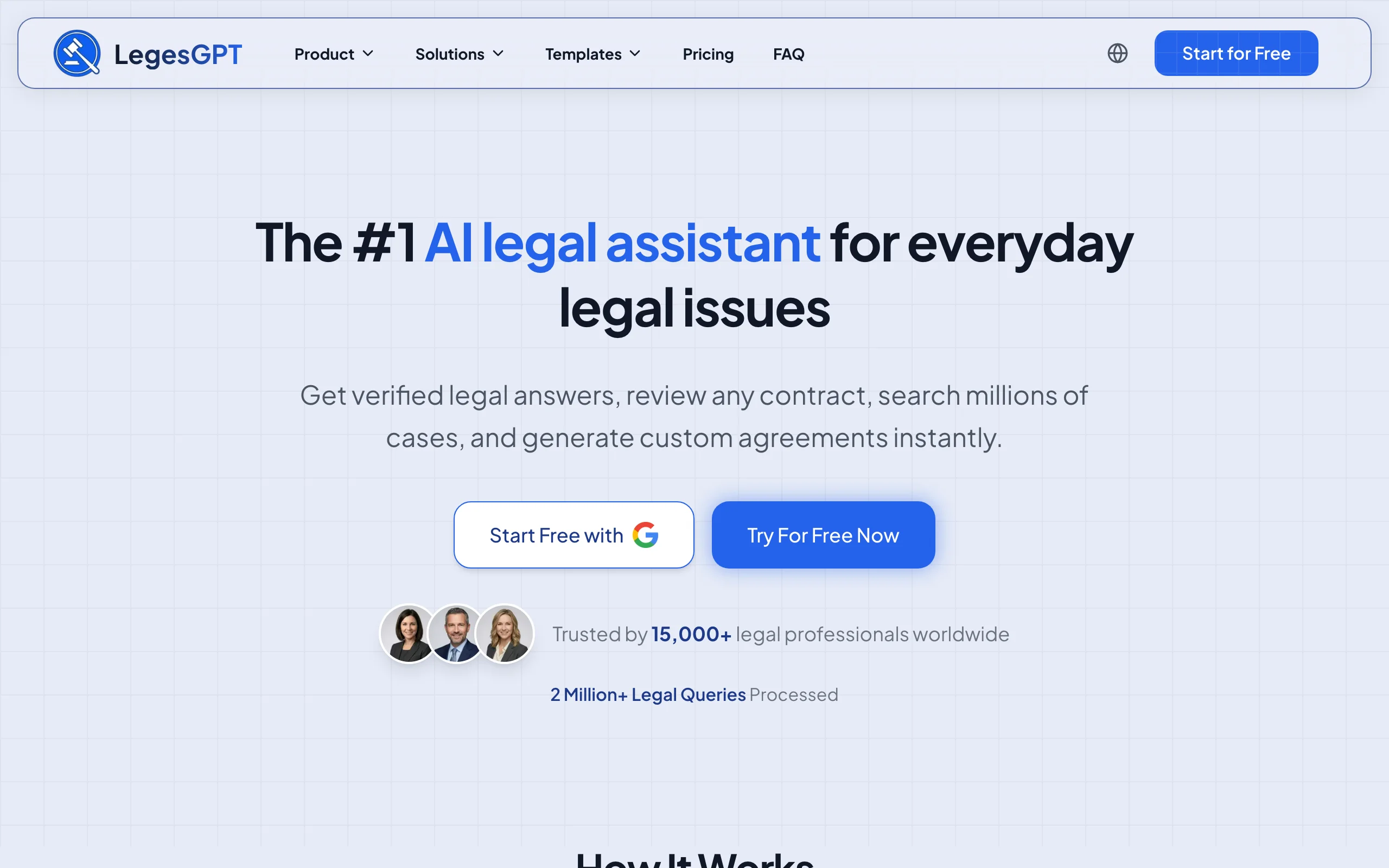
LegesGPT covers the widest span of documents on this list. Describe what you need in plain language, a cease and desist letter, an independent contractor agreement, a residential lease, a basic will, a privacy policy, and it drafts the complete document in your browser. Prefer a vetted starting point instead? Choose one of 100+ attorney-drafted templates and let the AI tailor it to your situation.
The same subscription closes the loop after drafting. Upload the result, or any document someone sends you, for an AI review that flags risky language and proposes edits, then e-sign without exporting to another app. When a clause raises a legal question, LegesGPT answers it with verified citations and source links rather than an unsourced summary.
Key features
- Plain-language drafting for letters, agreements, wills, policies, and other legal documents
- 100+ attorney-drafted templates spanning business, employment, real estate, and personal matters
- AI document review of PDF, DOCX, PPTX, TXT, and image files that flags risks and proposes changes
- Built-in e-signature, so drafting through execution happens in one app
- Legal Q&A with verified citations, plus case law and statute search
- Free tools (contract generator, citation generator, calculators) to test drafting quality before you subscribe
Best for
- Solo lawyers and small firms that draft many document types, not just contracts
- Business owners producing their own agreements, policies, and letters
- Anyone who wants drafting, review, and signing under a single subscription
Pricing
- 3-day trial for $1, then Basic $19.99/mo; Plus $49.99/mo adds document upload and 50 reviews per month
- Premium $99.99/mo adds unlimited review, Deep Research, and web search
- Roughly 30% off with annual billing
Pros
- Drafts from a prompt or a template, whichever suits the document
- Review and e-signature included, no second tool to buy
- Browser app with no IT setup or install
Cons
- Newer brand than long-established players like Rocket Lawyer
- Web-only: no Word add-in, API, or native mobile app
2. Rocket Lawyer, best for guided documents with attorney backup
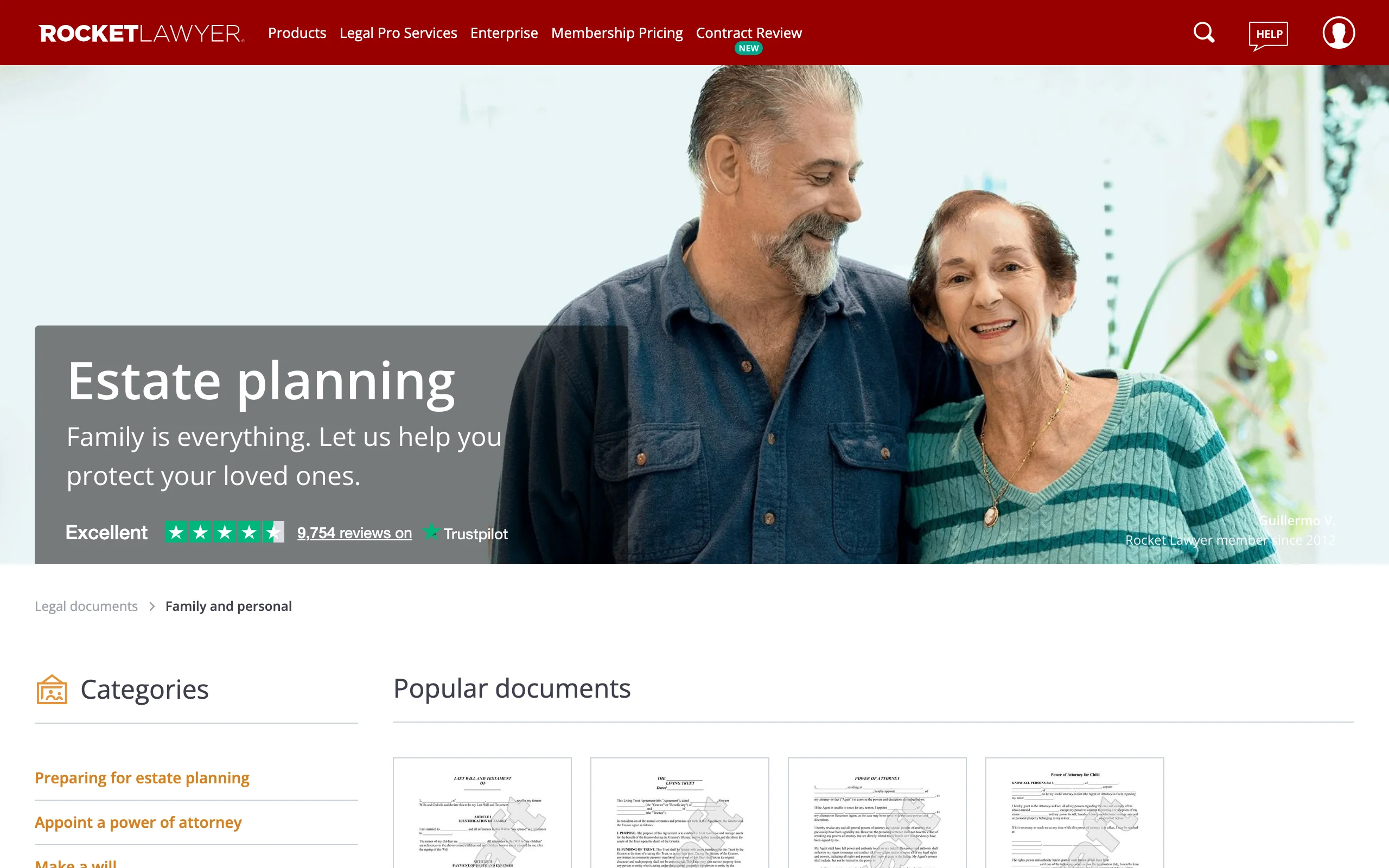
Rocket Lawyer builds documents through an interview rather than a prompt. You select a document type, an LLC operating agreement, a lease, a power of attorney, answer a sequence of plain questions, and the platform assembles the finished document from your answers. With hundreds of business and personal document types, it suits people who are unsure which terms belong in the document and want the structure decided for them.
The distinctive part is the human layer on top. Memberships bundle the Rocket Copilot AI assistant with "Ask a Legal Pro" questions, and higher tiers add live attorney consultations, so a lawyer can sanity-check what you generated. One-off users can buy a single document without subscribing. The cost of that guidance is flexibility: you work within Rocket Lawyer's forms rather than describing anything you want.
Key features
- Interview-driven document builder covering hundreds of business and personal documents
- Rocket Copilot AI assistant for questions and contract review
- "Ask a Legal Pro" questions, with live attorney consultations on higher tiers
- Built-in e-signature and document storage
- Per-document purchase option for non-members
Best for
- People who want a guided form instead of a blank prompt
- Anyone who values optional access to a real attorney
- Small businesses covering standard documents across the board
Pricing
- Standard $149/year; Plus $249/year; Pro $349/year, with a 7-day free trial
- Single documents for non-members at about $39.99 each
Pros
- The interview removes guesswork about what to include
- Attorney help is bundled rather than billed hourly
- Wide catalog of personal documents (wills, powers of attorney, leases)
Cons
- Limited to its own forms; no free-form prompt drafting
- Annual membership required for the best per-document value
3. ChatGPT, best free way to draft documents from a prompt
ChatGPT is the general AI assistant most people already have open, and it doubles as a fast document drafter. Give it one plain sentence, "a mutual NDA between two Texas companies, three-year term," and it produces the entire document, parties through signature block, in a single pass. Change a term and it regenerates the whole file in seconds, which makes iteration painless for simple agreements and letters.
Its limits mirror its generality. There is no template library, no attorney-drafted structure to fall back on, and no e-signature, so the draft is only as complete as your description, and everything it produces needs your own review. As a free way to get a first draft you will check yourself, it is hard to beat.
Key features
- Drafts a complete contract, letter, or agreement from a one-sentence description
- GPT-5.5 fills in standard sections you did not spell out
- Regenerates the full document when you add or change terms
- File upload and downloadable output on paid plans
- Available on web, desktop, and mobile
Best for
- Quick first drafts of simple documents you will review yourself
- People who can describe the needed terms in a sentence or two
Pricing
- Free plan with usage limits on GPT-5.5; Plus $20/mo for higher limits
- Team $25/user/mo billed annually ($30 monthly); Pro tiers from $100/mo
Pros
- Free to test with no signup cost
- One-pass drafting with instant regeneration on changes
- Handles almost any document type you can describe
Cons
- No templates, guided forms, or e-signature
- Output quality depends entirely on your prompt, and errors are on you to catch
4. Gavel, best for automating documents your firm produces repeatedly
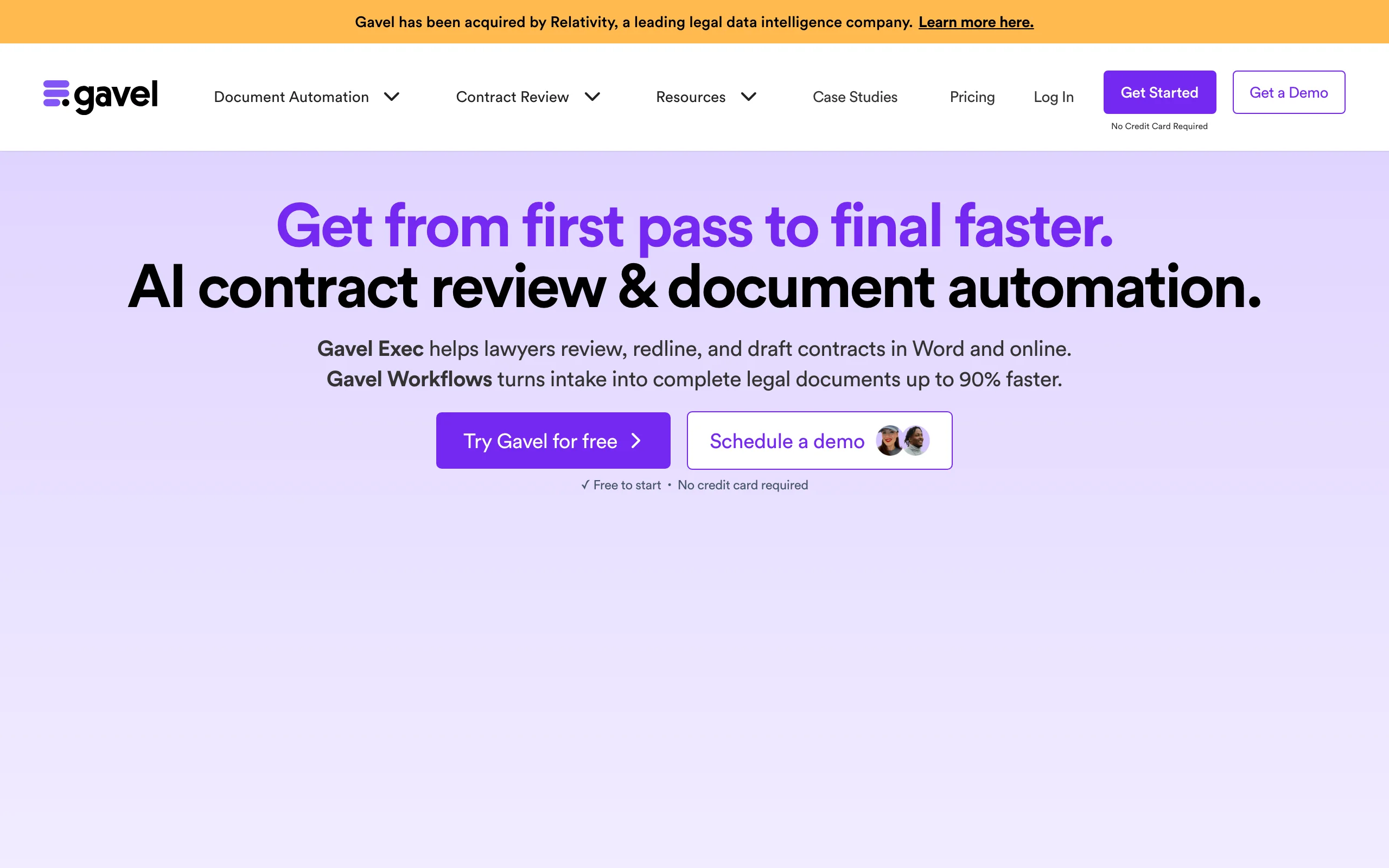
Gavel (formerly Documate) is for firms that generate the same documents over and over. Instead of prompting an AI each time, you upload your own Word or PDF template, mark the variable fields, add conditional logic, and Gavel turns it into a guided questionnaire. From then on, anyone, including clients through intake forms, answers the questions and receives a finished, populated document. It runs on the web and inside Microsoft Word, and it sits alongside the broader document automation tools for law firms category.
Relativity acquired Gavel in June 2026 and plans to connect its Word drafting workflows to matter data in RelativityOne; for now it ships as a standalone platform. The trade-off is setup time: each workflow takes effort to build and pays off only through reuse.
Key features
- No-code builder that converts Word and PDF templates into guided workflows
- Conditional logic that adapts the output to questionnaire answers
- Client intake forms that feed data straight into documents
- Web app plus a Microsoft Word integration
- Clio, Zapier, DocuSign, and Stripe integrations on higher tiers
Best for
- Firms producing standardized documents at volume
- Practices that want client intake to flow directly into finished paperwork
Pricing
- Lite $83/mo (1 builder seat, 10 workflows); Standard $165/mo; Pro $290/mo
- Scale from $417/mo billed annually; free to start with a 7-day trial, no credit card
Pros
- Automates the entire assembly pipeline, intake included
- No developer needed to build workflows
- Backed by Relativity following the 2026 acquisition
Cons
- Per-workflow setup only pays off with repeated use
- Overkill for one-off documents; a prompt tool is faster there
5. Claude, best for non-standard documents with detailed requirements
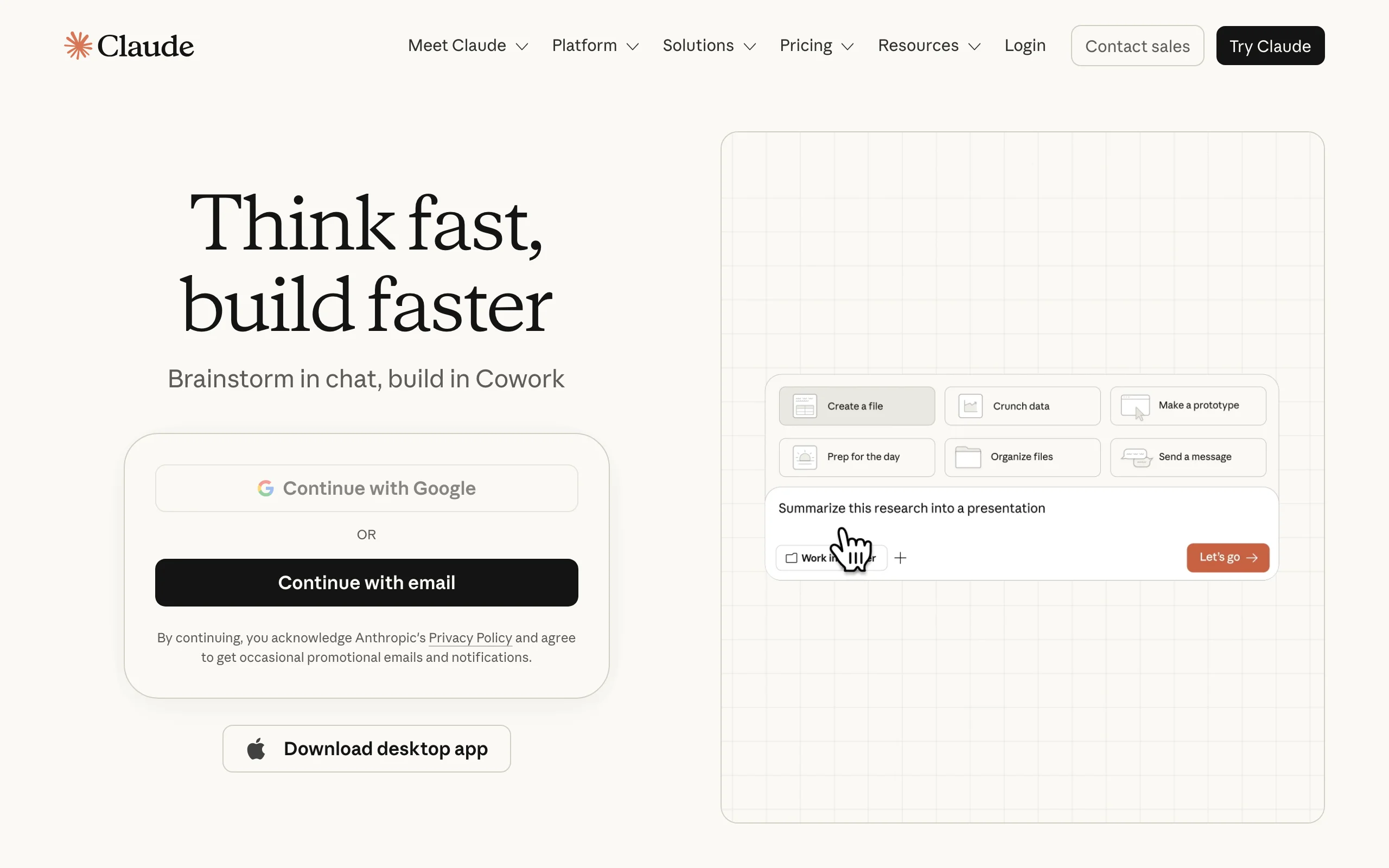
Claude, Anthropic's AI assistant, earns its slot on precision. Hand it a long, specific prompt, the parties, obligations, term, jurisdiction, and the exact clauses you want, and it assembles a document that reflects each requirement on the first pass. That makes it the strongest general AI here for bespoke documents no template covers: an unusual licensing arrangement, a multi-party agreement, a policy with company-specific carve-outs.
Like ChatGPT, it is a general assistant, not a legal platform. There is no document-type picker, no attorney-drafted library, and no e-signature, and a thin prompt produces a thin document. Projects let you save reusable drafting instructions, which helps when related documents share the same ground rules.
Key features
- Assembles complete custom documents from detailed, multi-requirement prompts
- Long context window, so every specified clause makes it into the draft
- Projects for reusing drafting instructions across related documents
- File creation and downloadable output on paid plans
- Available on web, desktop, and mobile
Best for
- Bespoke documents that no standard template covers
- Users who write detailed prompts and want them followed exactly
Pricing
- Free plan with daily limits; Pro $17/mo billed annually ($20 monthly)
- Max from $100/mo; Team from $20/seat/mo billed annually
Pros
- Tracks long, precise instructions better than most general AI tools
- Free plan available for testing drafting quality
- Projects keep recurring drafting rules consistent
Cons
- No templates, guided forms, or e-signature
- Requires a well-specified prompt to produce a complete document
6. Google Gemini, best for drafting inside Google Workspace
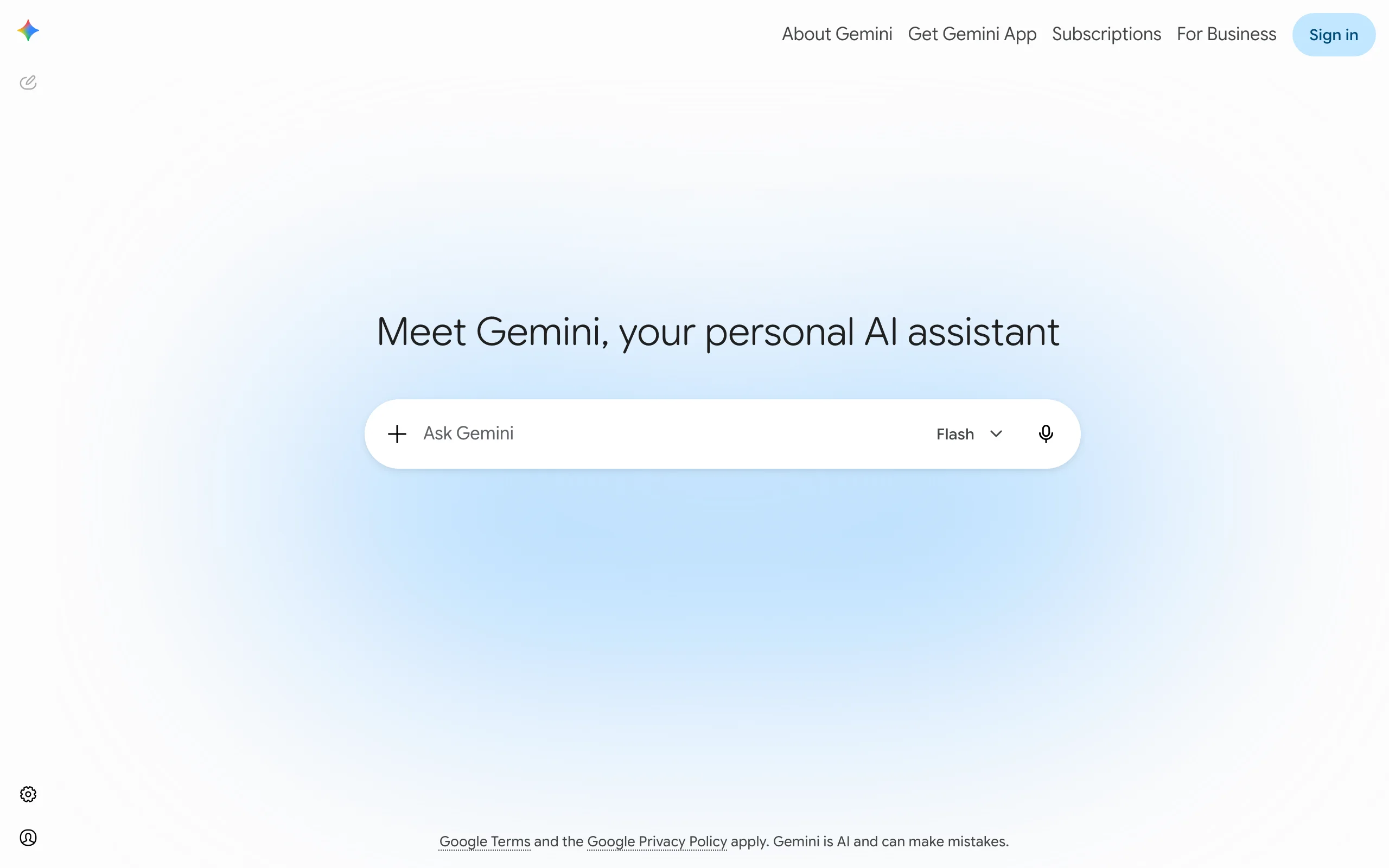
Gemini's advantage is location. If your team already drafts in Google Docs and corresponds in Gmail, Gemini generates documents where you work: ask for a freelance agreement in Docs and it fills the page, ask for a demand-letter follow-up in Gmail and it composes in context. There is no copy-paste step between a chat window and your file, which matters more than it sounds once you draft daily.
It is a general AI, so it brings no legal templates, clause library, or e-signature, and it does not verify legal content. For Workspace-based teams, though, it is the lowest-friction way to put AI drafting into an existing document flow, and it is now bundled into Workspace business plans.
Key features
- Drafts contracts, letters, and agreements directly in Google Docs and Gmail
- Summarizes and rewrites documents already in your Drive
- Large context window for long documents
- Available as a consumer plan or bundled into Workspace business plans
Best for
- Teams that live in Google Docs and Gmail
- Quick first drafts without leaving Workspace
Pricing
- Free plan with limited usage; Google AI Pro $19.99/mo (AI Plus $7.99/mo)
- Included in Workspace business plans (Business Standard about $14/user/mo)
Pros
- Drafting happens inside the document, not a separate chat
- Bundled into Workspace plans at no add-on cost
- Free tier for occasional use
Cons
- No legal templates, clause library, or e-signature
- Does not verify legal content; review falls to you
7. Microsoft Copilot, best for drafting inside Word and Office
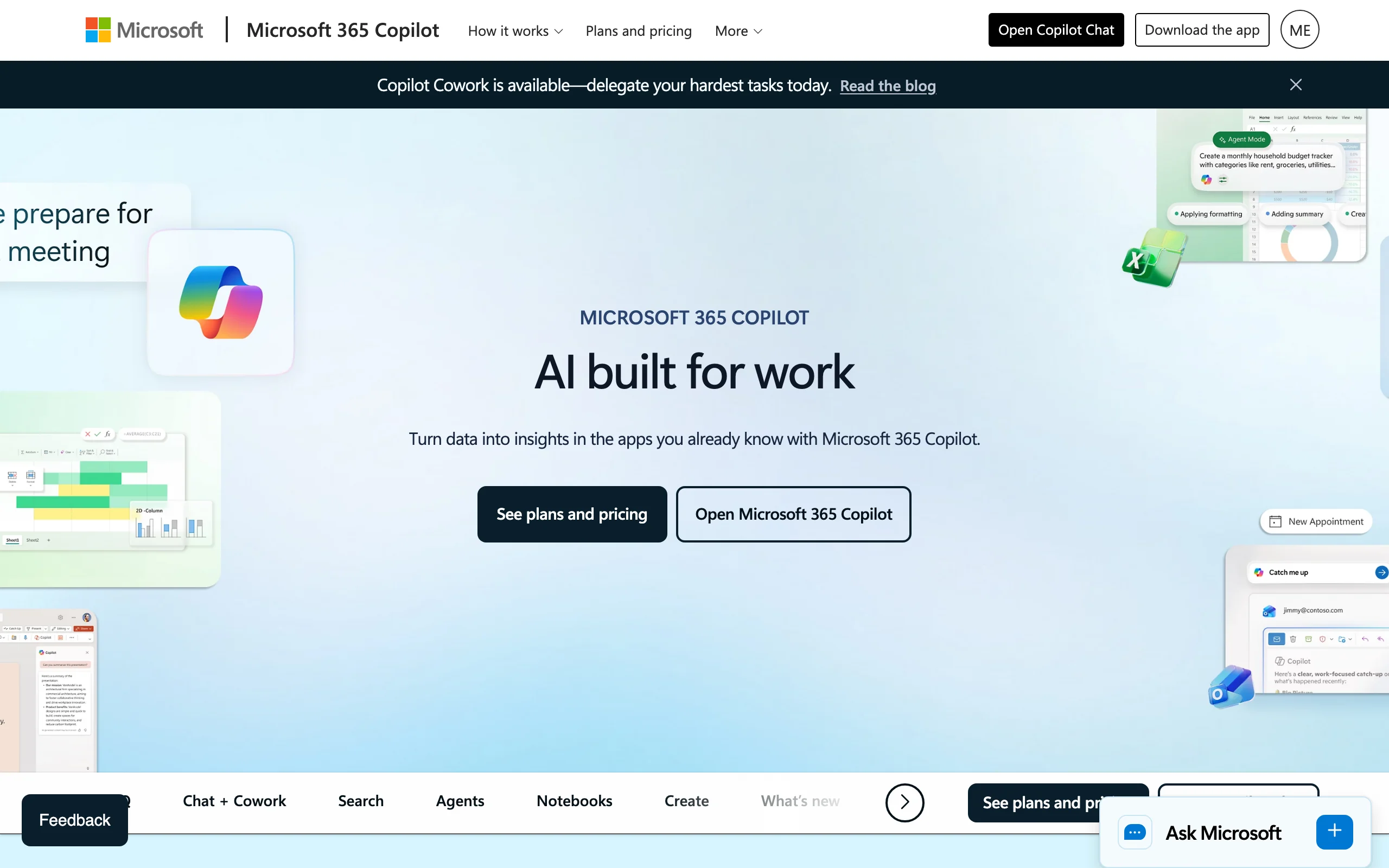
Microsoft 365 Copilot is the Word-native counterpart to Gemini. Inside Word it drafts a document from a prompt or an existing file, rewrites sections, and summarizes long agreements; across Outlook, Excel, and Teams it acts as one assistant for the whole Office suite. For a business standardized on Microsoft 365, generating a first-draft letter or simple agreement without leaving Word is the natural workflow.
It is a productivity assistant, not a legal tool: no legal templates, no clause library, no verified legal content. Note the real cost too, since the add-on price sits on top of a required Microsoft 365 base license. A free Copilot Chat tier covers basic web-grounded AI on eligible plans.
Key features
- Drafts and rewrites documents inside Microsoft Word
- Works across Outlook, Excel, PowerPoint, and Teams
- Summarizes long documents and draws on your Microsoft 365 files
- Free Copilot Chat tier on eligible plans; agent building via Copilot Studio on paid plans
Best for
- Businesses standardized on Microsoft 365
- General document and email drafting inside Office apps
Pricing
- Microsoft 365 Copilot Business $18/user/mo billed annually (promotional, then $21)
- Requires an eligible Microsoft 365 subscription on top of the add-on
Pros
- Drafting lands directly in the Word file you are editing
- One assistant across every Office app
- Free Chat tier for light use
Cons
- No legal templates or verified legal content
- True cost includes the Microsoft 365 base license
How to choose the best AI legal document generator for your practice
Seven tools, three fundamentally different drafting methods. Work through these four questions and the shortlist usually collapses to one or two candidates.
Match the drafting method to your documents
- If you want prompt drafting and vetted templates in one place: use LegesGPT, which handles both and covers wills, letters, and policies, not only contracts (for estate documents specifically, see our roundup of will generators online).
- If you prefer answering questions to writing prompts: use Rocket Lawyer.
- If your firm produces the same documents weekly: use Gavel and automate the assembly.
- If you draft occasional simple documents and will review them yourself: use ChatGPT or Claude.
Decide where drafting should happen
- If your team lives in Google Docs and Gmail: use Google Gemini.
- If everything runs through Word and Outlook: use Microsoft Copilot for general drafts.
- If you want a standalone browser app with nothing to install: use LegesGPT or Rocket Lawyer.
Weigh price against what is actually included
Compare complete workflows, not headline prices. LegesGPT at $19.99/mo includes drafting, templates, review, and e-signature; assembling the same stack from a general AI plus a separate signature tool typically costs more and adds app-switching. Rocket Lawyer at roughly $39.99 per document wins for a true one-off, while Gavel from $83/mo only makes sense once workflow reuse repays the setup time. The free tiers of ChatGPT, Claude, and Gemini are the right price for drafts you are qualified to check yourself. Teams that need generation alongside broader assembly features should also scan the best AI tools for legal document creation.
Run a real test before you commit
- Take 3 to 5 documents you actually produced last quarter and regenerate them in each finalist; judge the drafts against what you originally shipped.
- Use the cheap entry points: LegesGPT's $1 trial and free tools, Rocket Lawyer's and Gavel's 7-day trials, and the free general AI tiers.
- Whatever you pick, have a qualified attorney review anything high-stakes before signature. A generator speeds up drafting; it does not replace judgment.