Count how many times your firm produced the "same" document last quarter: the engagement letter with a new client name, the NDA with a different counterparty, the discovery responses rebuilt from a prior matter. Document automation tools for law firms turn each of those into a repeatable asset, a template, a questionnaire, or an AI drafting instruction, so the next copy takes minutes and carries no leftover names from the last one.
The tricky part is that vendors use "automation" to describe very different products. Some maintain official court-form libraries. Some let clients answer questions on your website and receive finished documents. Some draft from scratch with AI. Others bury automation inside a practice management or document management platform.
This guide compares seven options across those camps, with verified pricing and honest cons, then gives you a short framework for picking one.
Document automation tools for law firms: quick overview
- LegesGPT: Best overall: AI drafting, 100+ attorney-drafted templates, document review that proposes fixes, and e-signature in a single self-serve subscription from $19.99/mo.
- Clio Draft: Best for court forms: automated fillable state, local, and federal forms across all 50 US states, auto-filled from Clio matter data.
- Gavel: Best for client-facing workflows: no-code questionnaires that turn client answers into finished Word and PDF documents, embeddable on your own site.
- HotDocs: Best for complex precedents: three decades of conditional-logic template automation for documents with hundreds of variables.
- Smokeball: Best automation inside practice management: matter-driven forms and templates spanning 250+ matter types within a full firm platform.
- Briefpoint: Best for written discovery: drafts and responds to interrogatories, RFAs, and RFPs with objections included, in minutes.
- NetDocuments PatternBuilder: Best for NetDocuments firms: questionnaire-driven generation that files and profiles documents inside your existing DMS.
| Tool | Best for | Starting price | Free trial | Jurisdiction coverage |
|---|---|---|---|---|
| LegesGPT | All-in-one AI drafting and templates | From $19.99/mo | 3-day for $1 | 38+ countries |
| Clio Draft | Automated court forms | Custom (contact sales) | 7-day (Clio Manage) | All 50 US states |
| Gavel | Client-facing document workflows | From $83/mo (annual) | 7-day | Any (your own templates) |
| HotDocs | Complex enterprise templates | Custom (contact sales) | Demo only | 60+ countries |
| Smokeball | Practice management with automation | From $149/mo | Boost plan only | US, UK, Australia |
| Briefpoint | Litigation discovery drafting | $150/attorney/mo (annual) | Demo only | 50 states, 98 federal districts |
| NetDocuments PatternBuilder | Firms already on NetDocuments | Custom (DMS add-on) | Demo only | Global (template-based) |
1. LegesGPT, best overall for automating everyday firm drafting
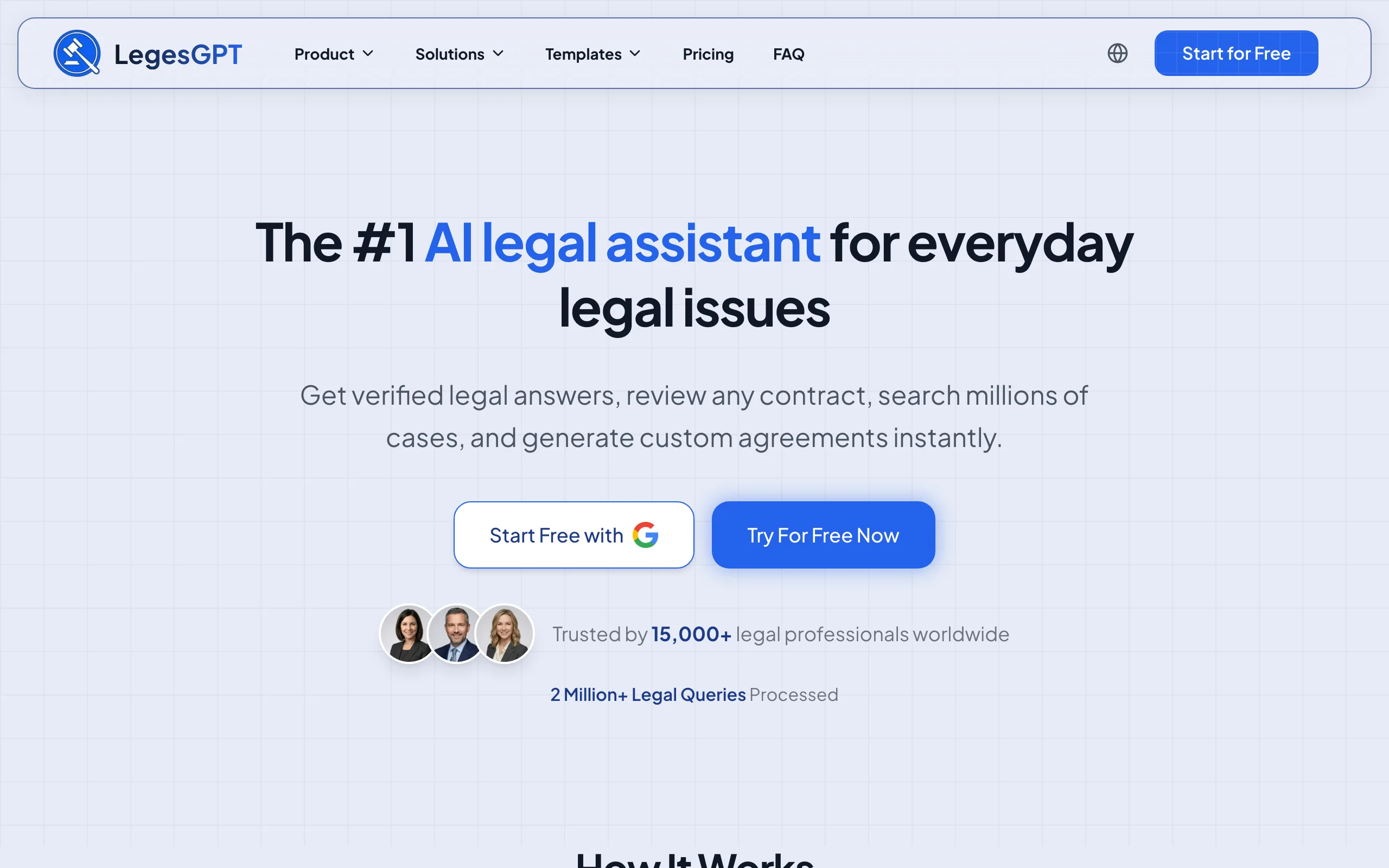
Where most tools in this list automate one stage of document production, LegesGPT covers the chain from blank page to signed file. You start from one of 100+ attorney-drafted templates or simply describe the document you need, and the AI drafts it: contracts, engagement letters, demand letters, pleadings. Incoming or finished drafts go through AI document review, which reads PDF, DOCX, PPTX, TXT, and image files, flags risky language, and proposes specific replacement wording rather than vague warnings. Built-in e-signature closes the loop without exporting to a separate signing product.
Everything runs in the browser with no IT setup, so a solo attorney or a 20-lawyer firm can sign up, load a real matter, and produce a usable draft the same afternoon. There is no seat minimum, demo call, or onboarding project standing between you and the tool.
Key features
- AI drafting of contracts, pleadings, and letters from plain-language instructions
- 100+ attorney-drafted templates covering common firm and client documents
- Document review that flags risks and proposes concrete edits (PDF, DOCX, PPTX, TXT, images)
- E-signature for sending and signing without leaving the platform
- Legal question answering with verified citations, plus case law and statute search
- Deep Research mode and web search for recent legal developments (Premium)
Best for
- Solo attorneys and small to mid-sized firms replacing copy-paste precedent editing
- Firms that want drafting, review, and signing in one subscription instead of three tools
Pricing
- Basic $19.99/mo; Plus $49.99/mo adds document upload and 50 reviews per month
- Premium $99.99/mo adds unlimited review, Deep Research, and web search
- 3-day trial for $1, and roughly 30% off with annual billing
Pros
- Lowest entry price of any tool here while covering the widest slice of the workflow
- Instant self-serve access: no quotes, demos, or implementation timeline
- Review output is actionable, suggesting replacement language instead of only flagging problems
Cons
- Newer brand without the decades-long track record of HotDocs or Clio
- Browser-only for now: no Word add-in, public API, or native mobile app
- No official court-form library, so form-heavy litigation practices may pair it with a forms tool
2. Clio Draft, best for automated court forms
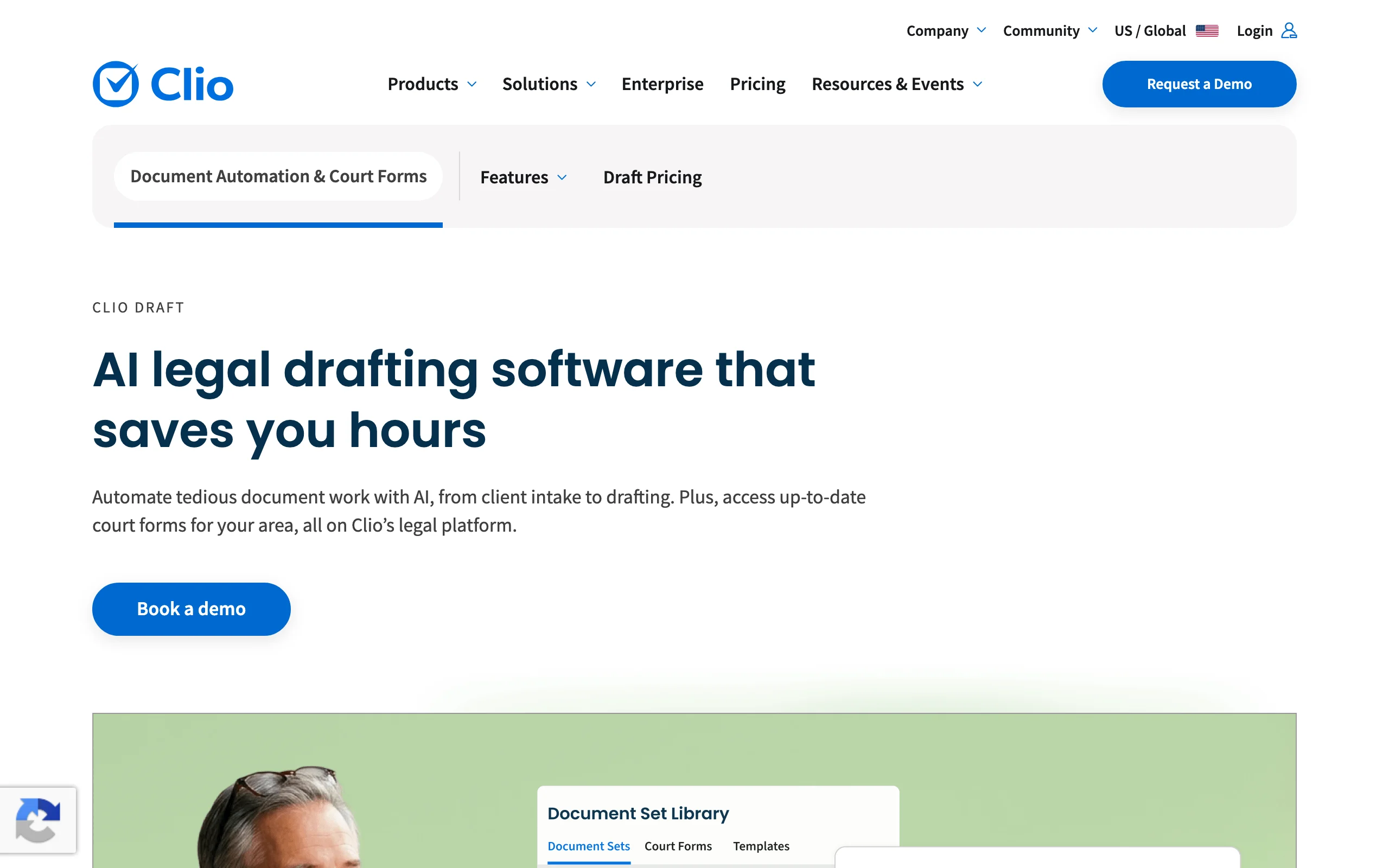
Clio Draft attacks the most mechanical drafting task in litigation and family practice: official forms. Its library covers automated, fillable state, local, and federal court forms across all 50 US states, kept current as jurisdictions revise them. When you work inside Clio Manage, client and matter data flows directly into those forms, so the same caption details never get typed twice. Clio cites drafting-time reductions of up to 80% for form-heavy work, and because the tool also converts your own Word documents into auto-filled templates, it stretches beyond forms into general precedent automation.
The trade-off is ecosystem gravity: Clio Draft delivers the most value to firms already running Clio, and its pricing is only available through sales.
Key features
- Automated fillable court forms for all 50 US states, maintained and updated
- Auto-population of forms and templates from Clio client and matter records
- Conversion of the firm's own Word precedents into reusable templates
- E-signature and AI-assisted drafting through the wider Clio platform
Best for
- Family, immigration, and litigation practices filing state forms every week
- Firms already on Clio Manage that want automation from their existing vendor
Pricing
- Clio Draft pricing is unpublished; quotes come through a Clio sales representative
- Clio Manage starts at $49/user/mo (EasyStart) with a 7-day free trial
Pros
- The deepest official court-form coverage in this comparison
- Eliminates duplicate data entry for firms with clean Clio matter records
Cons
- No published pricing, so budgeting requires a sales conversation
- Considerably less compelling for firms outside the Clio ecosystem
3. Gavel, best for client-facing document workflows
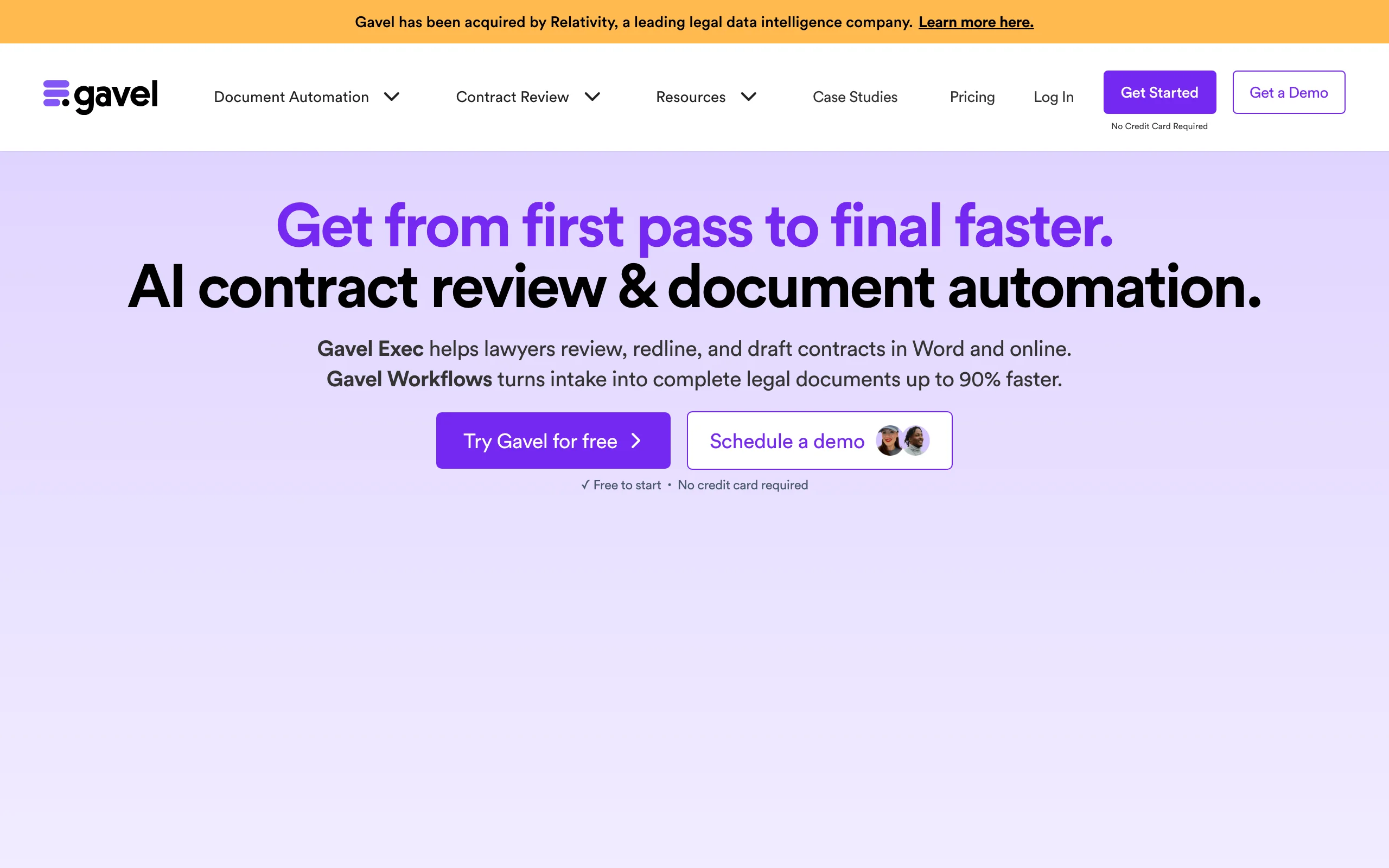
Gavel (formerly Documate) turns your documents into interactive workflows that other people can complete. You tag the variables in a Word or PDF template, build a questionnaire with conditional logic, and share it: clients answer the questions, and Gavel generates the finished documents. Firms use it for intake packets, estate planning bundles, immigration paperwork, and productized flat-fee services sold straight from their websites, since workflows can be embedded, white-labeled, and connected to Stripe payments.
That client-facing layer is what separates Gavel from internal template engines. It converts automation from a cost saving into a delivery channel, though the features that enable it live in the pricier tiers.
Key features
- No-code builder for Word and PDF automation with conditional logic
- Embeddable, white-labeled client questionnaires on your own domain (Pro)
- Integrations with Clio, Zapier, DocuSign, and Stripe
- Legal template library on the Pro plan; API and SSO on Scale
Best for
- Firms that want clients to self-complete intake and receive documents automatically
- Practices productizing flat-fee work such as estate plans or business formations
Pricing
- Lite $83/mo (annual) with 1 builder seat and 10 workflows; Standard $210/mo
- Pro $290/mo adds white-labeling, DocuSign, and the template library; Scale from $417/mo
- 7-day free trial, no credit card required
Pros
- Best-in-class client-facing experience among document automation tools
- Handles everything from one-page letters to multi-document packages
Cons
- The capabilities most firms actually want cluster in the $290/mo Pro tier
- Automates document output only; there is no AI review of incoming documents
4. HotDocs, best for complex, high-stakes precedents
HotDocs, now part of Mitratech, has spent 30+ years automating the documents lighter tools cannot express: loan packages, institutional precedents, and multi-document sets governed by hundreds of conditional variables. Template builders encode business rules and guided interviews without code, so practice-group experts rather than developers own the logic, and legal-approved language cannot drift between matters. It serves over a million end users across 60+ countries, and Mitratech cites document creation time reductions of up to 90% for automated templates.
The honest picture: initial automation projects take real time, template building has a learning curve, and buying goes through a traditional enterprise sales process.
Key features
- Template automation with deep conditional logic and business rules
- Guided interviews that walk users through complex document sets
- No-code building aimed at subject-matter experts
- Auto-population from existing data sources and Mitratech ecosystem integrations
Best for
- Large firms and legal departments automating precedents with hundreds of variables
- Banks, insurers, and government legal teams that require strict language control
Pricing
- Official pricing is unpublished; quotes come through Mitratech sales
- Third-party listings report entry pricing near $25/user/mo with a 5-user minimum; treat as indicative only
Pros
- Expresses template complexity that no other tool in this list matches
- Decades of production use at institutional scale
Cons
- Meaningful setup investment before the first template pays off
- No published pricing and a slow enterprise purchase path
5. Smokeball, best automation inside a practice management platform
Smokeball takes the platform route: document automation is a native feature of a full practice management system rather than a bolt-on. Its forms and templates library spans 250+ matter types, and generation is driven by matter and contact data, so the fields powering your billing and calendar also populate your letters and pleadings. That single-source-of-data design matters because bad matter data is where most document errors begin. The Archie AI assistant and the advanced automation features sit in the Grow and Prosper+ tiers.
Choose it when you want one system of record, and accept that the deepest automation lives in quote-only upper plans.
Key features
- Automated forms and templates across 250+ matter types
- Document generation driven directly by matter and contact data
- Advanced automation and AI features in the Grow and Prosper+ plans
- Full practice management: matters, calendaring, billing, trust accounting, client portal
Best for
- Small firms consolidating billing, matters, and documents into one platform
- High-volume repeatable practice areas such as conveyancing, family, and personal injury
Pricing
- Plans (Bill, Boost, Grow, Prosper+) are listed from $149/mo with final pricing by quote
- Advanced document automation is limited to Grow and Prosper+; free trial on Boost only
Pros
- Documents inherit clean matter data, cutting the wrong-name class of errors
- One vendor covers operations that otherwise need three or four subscriptions
Cons
- The automation most buyers want requires the quote-only upper tiers
- Deep platform commitment makes later switching expensive
6. Briefpoint, best for litigation discovery documents
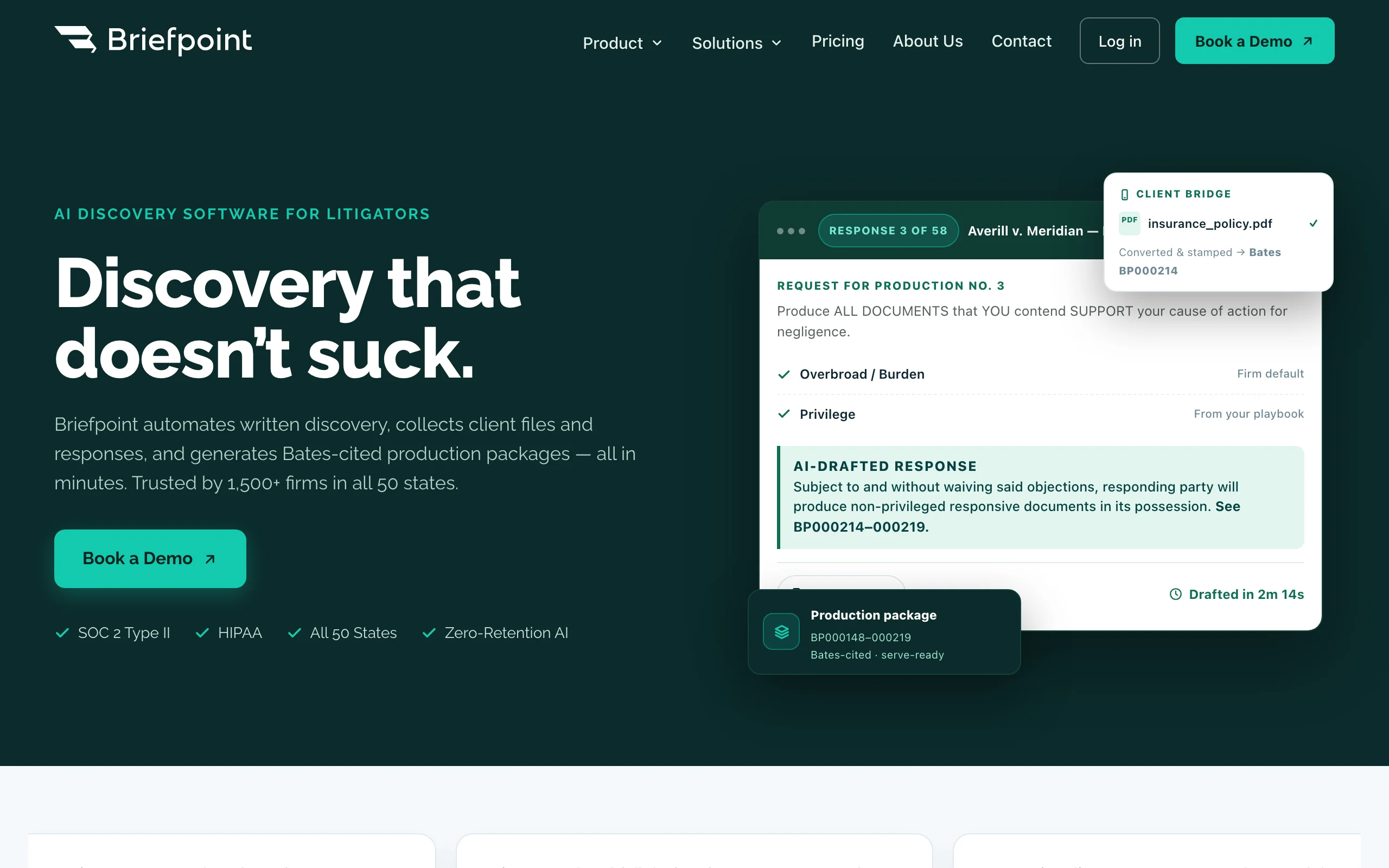
Briefpoint automates a single document family exceptionally well: written discovery. Upload opposing counsel's requests and it drafts responses with objections in place; feed it a complaint and it propounds 70+ targeted requests. Coverage spans interrogatories, requests for admission, and requests for production across all 50 states and 98 federal district courts, and it assembles Bates-cited production packages. For litigation teams, the afternoon an associate spends formatting responses becomes a short review pass, and the flat per-attorney price makes the ROI arithmetic easy against billable hours.
It will not touch your contracts, letters, or intake documents; that focus is the point.
Key features
- Drafts and responds to interrogatories, RFAs, and RFPs with objections included
- Generates targeted discovery requests from complaint allegations
- Client file and response collection, with English and Spanish translations
- Bates-cited production packages; SOC 2 Type II and HIPAA compliance
Best for
- Litigation firms with steady written-discovery volume
- Insurance defense and personal injury practices standardizing responses
Pricing
- Single Rainmaker plan at $150/attorney/mo, billed annually, with no per-case fees
- No self-serve trial; onboarding begins with a demo
Pros
- Output arrives court-formatted and nearly filing-ready
- Flat pricing with ROI you can calculate against associate hours in one line
Cons
- Discovery only; every other document type needs a different tool
- Demo-gated onboarding rather than instant access
7. NetDocuments PatternBuilder, best for firms already on NetDocuments
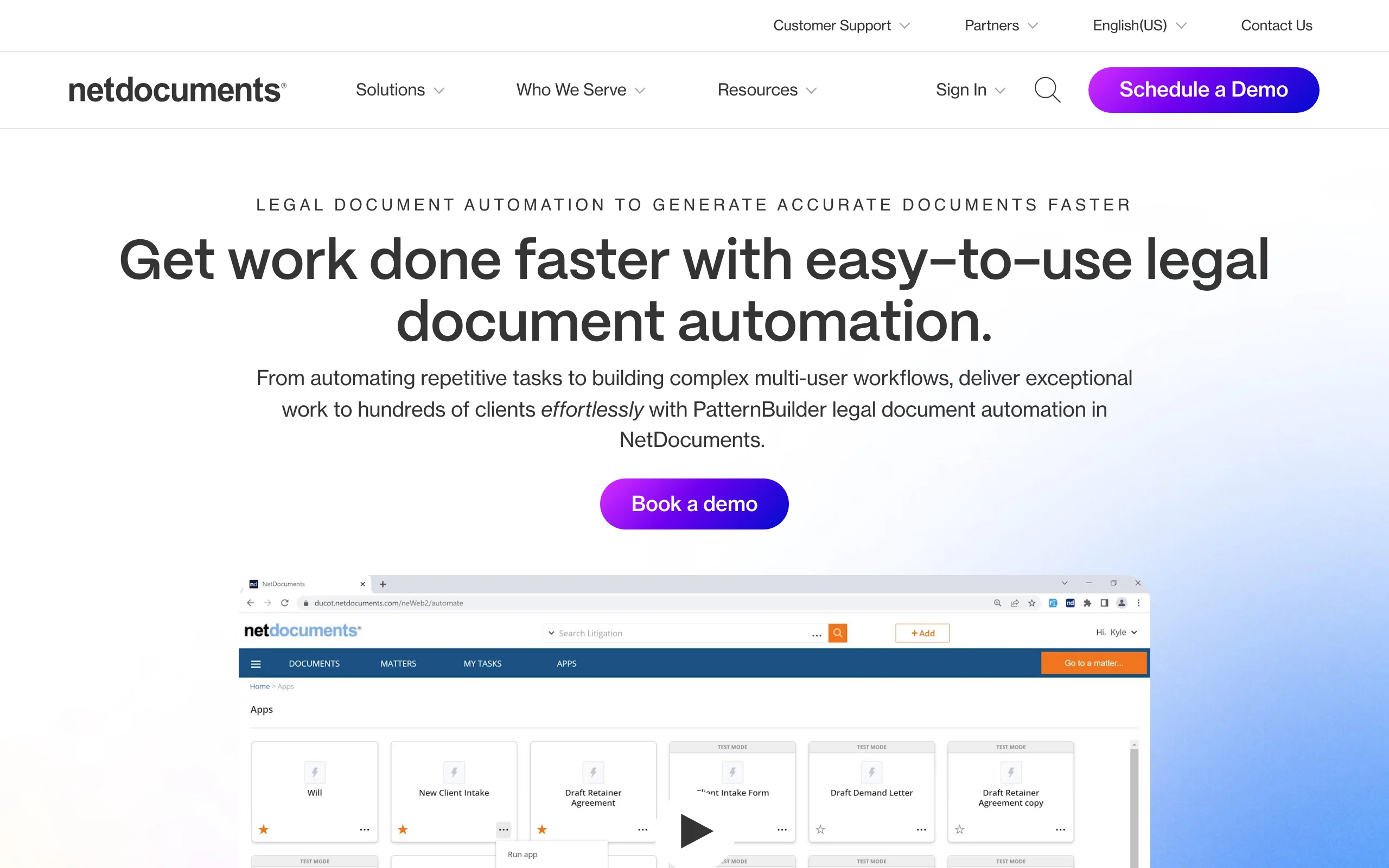
PatternBuilder is the automation module of the NetDocuments document management system, and its advantage is placement. Templates, questionnaires, and generated documents all live inside the DMS that already stores your matters, so a generated document is simultaneously created, profiled, and filed in the correct workspace. PatternBuilder MAX adds generative AI to those workflows for summarization and data extraction. Every standalone automation tool creates an export-import shuffle at the filing step; PatternBuilder simply does not have one.
The dependency runs the other way too: without NetDocuments, the product has no reason to exist in your stack, and pricing layers (DMS plus add-ons) are all quote-based.
Key features
- Document and workflow automation native to the NetDocuments DMS
- Questionnaire-driven generation with automatic filing and profiling
- PatternBuilder MAX layers generative AI onto automation workflows
- Security and governance inherited from the DMS
Best for
- Mid-sized and large firms standardized on NetDocuments
- Teams that need generated documents governed and filed automatically
Pricing
- Sold as an add-on to a NetDocuments subscription; pricing is quote-only
- Third-party listings place the base DMS around $20-$65/user/mo, with PatternBuilder priced separately
Pros
- Generated documents are born organized, profiled, and access-controlled
- AI capabilities arrive inside existing security and governance policies
Cons
- Requires committing to NetDocuments as your DMS first
- Layered, unpublished pricing makes total cost hard to forecast
How to choose the best document automation tools for law firms
Four questions will narrow this list to one or two candidates.
What documents are you automating?
- If it is general drafting (contracts, letters, engagement documents, routine pleadings): LegesGPT, which pairs templates with AI generation; our comparison of the best AI contract drafting tools covers that segment in more depth.
- If it is official court forms: Clio Draft, nothing else here maintains a 50-state library.
- If it is written discovery: Briefpoint.
- If it is a client-completed process ending in a document: Gavel.
Do you want a standalone tool or a platform feature?
- If you want to be drafting today: LegesGPT ($1 trial) and Gavel (7-day trial) are self-serve with no sales cycle.
- If you are consolidating firm operations anyway: Smokeball (practice management) or NetDocuments PatternBuilder (document management) bundle automation into the platform decision. The broader stack question is covered in our roundup of the best AI tools for law firms.
How complex are your precedents?
- If templates carry hundreds of conditional variables and committee-approved language: HotDocs earns its enterprise price and setup effort.
- If your documents are engagement letters, NDAs, affidavits, and standard contracts: LegesGPT's templates or Gavel's workflows cover them for a fraction of the cost. Traditional template engines are compared separately in our guide to the best document assembly software.
What does the price-to-value math say?
- Price the workflow, not the logo. LegesGPT Plus at $49.99/mo includes AI drafting, 50 document reviews, templates, and e-signature; recreating that coverage from separate drafting, review, and signature subscriptions typically costs several times more.
- For quote-only tools (Clio Draft, HotDocs, Smokeball's upper tiers, PatternBuilder), ask about implementation fees, seat minimums, and contract length before the demo ends.
- Whatever you shortlist, run 3-5 of your firm's real documents through a trial. A template that demos well on the vendor's sample can still break on your actual precedents, and that test costs you one afternoon.