
Buying AI for a law firm is an infrastructure decision. An individual attorney can pick whatever assistant suits their workflow, but a firm has to answer harder questions before anything touches a client file: what does this cost at our real headcount, who administers seats and permissions, where does confidential data sit, and will the third-year associates actually open it after week one? The tools below are ranked with those questions in front, because a rollout that stalls at adoption is the most expensive software a firm can buy.
This guide covers the 7 best AI tools for law firms in 2026 from the buyer's chair: total rollout cost, admin and security posture, integration with the systems a firm already runs, and the trade-offs each vendor would rather not lead with. If you are an individual attorney choosing for yourself rather than a firm, start instead with our guide to the best AI tools for lawyers; and if your shortlist needs to serve paralegals, legal ops, and other non-lawyer roles too, see the best AI tools for legal professionals.
AI tools for law firms: a brief overview
The quick version of the 7 tools and the firm each one fits:
- LegesGPT: Best overall: cited research, document review, drafting, and e-signature for every attorney at published per-user pricing, testable this week with a $1 trial.
- CoCounsel (Thomson Reuters): Best for Westlaw firms: agentic research, review, and deposition prep layered onto the research contract your firm may already hold.
- Harvey AI: Best for large-firm custom rollouts: enterprise reasoning, secure Vaults, and firm-branded workflows at Am Law scale.
- NetDocuments ndMAX: Best for AI inside your document management system: assistants and AI apps that work on firm documents under the DMS permissions you already enforce.
- Litera (One + Lito): Best for firm-wide drafting quality in Microsoft 365: drafting, proofing, comparison, and diligence with the Lito AI agent included in core packages.
- Clio (Duo + Draft): Best for practice operations: AI intake, matter summaries, billing narratives, and court-form automation inside practice management.
- Everlaw: Best for litigation firms: cloud eDiscovery with evidence-grounded AI review and per-matter cost control.
| Tool | Best for | Starting price | Free trial | Jurisdictions |
|---|---|---|---|---|
| LegesGPT | Firm-wide research, review, and drafting | From $19.99/mo | 3-day for $1 | 38+ countries |
| CoCounsel (Thomson Reuters) | Firms already on Westlaw | ~$225/user/mo (est.) | Demo only | Primarily US |
| Harvey AI | Large-firm custom AI rollouts | Custom enterprise | Pilots only | US and multi |
| NetDocuments ndMAX | AI inside the firm DMS | DMS ~$20-65/user/mo + AI add-on (quote) | Demo only | US, UK, multi |
| Litera (One + Lito) | Drafting quality across Microsoft 365 | Module-based, custom quote | Demo only | Multi (Word-based) |
| Clio (Duo + Draft) | Practice operations and billing | Clio from $49/user/mo; Duo $39/user/mo add-on | Free trial | US and Canada |
| Everlaw | Litigation and eDiscovery | Per-GB, custom quote | Demo only | Primarily US |
Pricing note: LegesGPT and Clio publish standard prices. CoCounsel, Harvey, NetDocuments, Litera, and Everlaw quote per firm, so those figures are estimates or third-party ranges. Confirm current numbers before you budget a rollout.
1. LegesGPT, best overall AI tool for law firms
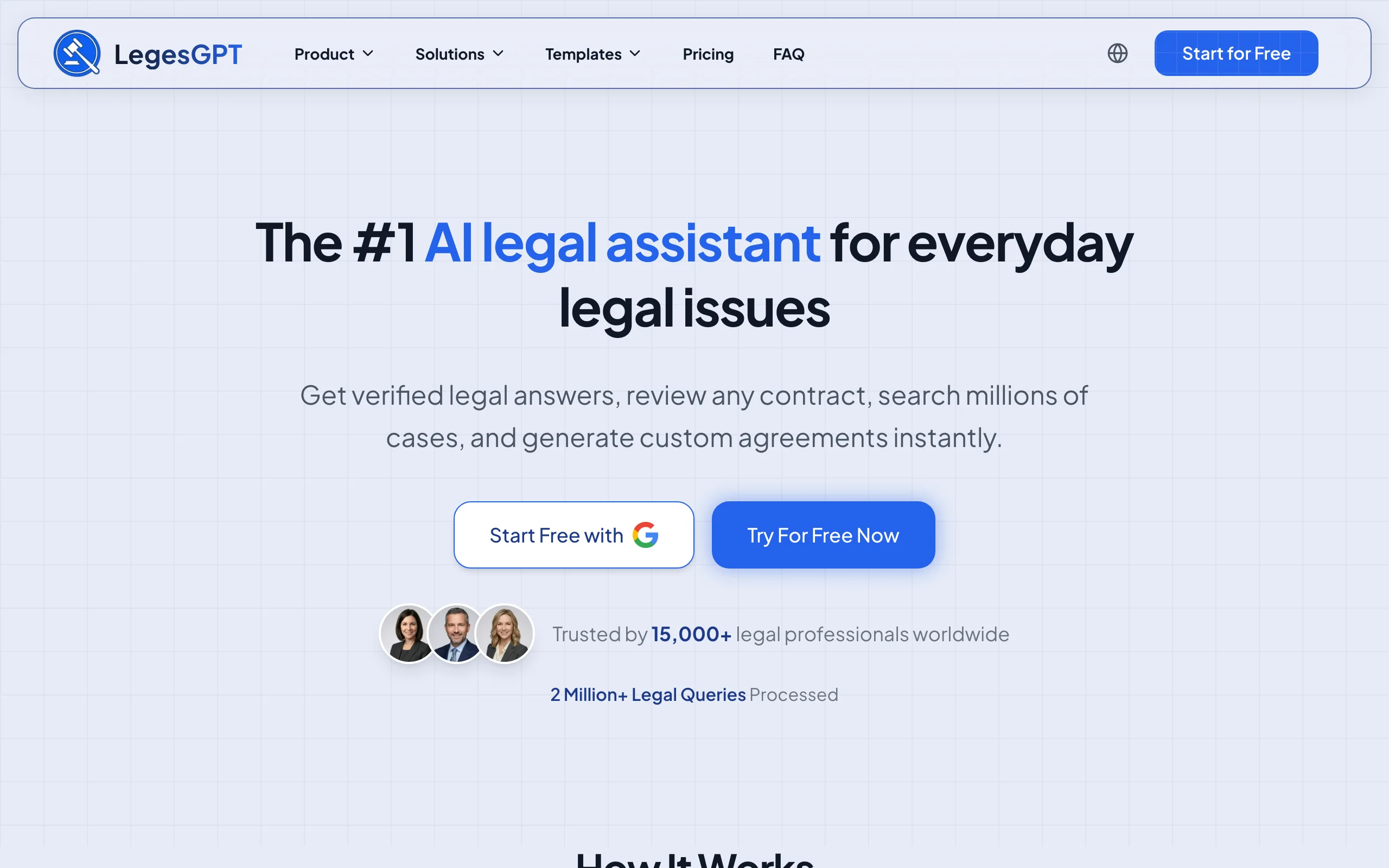
The math is what puts LegesGPT at the top of a firm shortlist. One subscription gives each attorney legal research with verified, clickable citations, document review that flags risks and proposes edits across PDF, DOCX, PPTX, and images, drafting backed by 100+ attorney-built templates, and e-signature to finish the job. Because it runs entirely in the browser, "deployment" means sending a login link: no IT project, no Word add-in versioning, no training calendar.
Per-user pricing is published, so a managing partner can cost out five attorneys and two paralegals on a napkin instead of scheduling a discovery call. And where the enterprise platforms on this list gate evaluation behind demos and pilots, any partner can run LegesGPT against live matters this week for $1.
Key features
- Legal research that answers questions with verified citations and source links
- Case law and statute search, plus Deep Research mode for complex multi-step questions
- Document review that flags risky clauses and proposes specific changes
- AI drafting of contracts and legal documents, with 100+ attorney-drafted templates
- Built-in e-signature, web search, and free tools (contract generator, calculators, citation generator)
- Browser-based with no IT setup, so onboarding a new hire takes minutes
Best for
- Small to mid-size firms that want every attorney on capable AI at a predictable per-seat cost
- Firms with mixed practice areas that need research, review, and drafting in one subscription
- Managing partners who want to test AI on real matters before committing budget
Pricing
- 3-day trial for $1 on every plan (no permanently free tier)
- Basic $19.99/month; Plus $49.99/month adds document upload with 50 reviews/month; Premium $99.99/month adds unlimited review, Deep Research, and web search
- Roughly 30% off with annual billing
Pros
- One subscription covers the workflows that consume most non-billable attorney time
- Verified citations make output easy to check before it goes into a filing
- Self-serve rollout: no sales calls, no IT project, no per-seat minimums
- Coverage across 38+ countries suits firms with cross-border clients
Cons
- Newer brand without the decades-long track record of Westlaw or LexisNexis
- Web-only: no Microsoft Word add-in, public API, or native mobile app
2. CoCounsel (Thomson Reuters), best for firms already on Westlaw
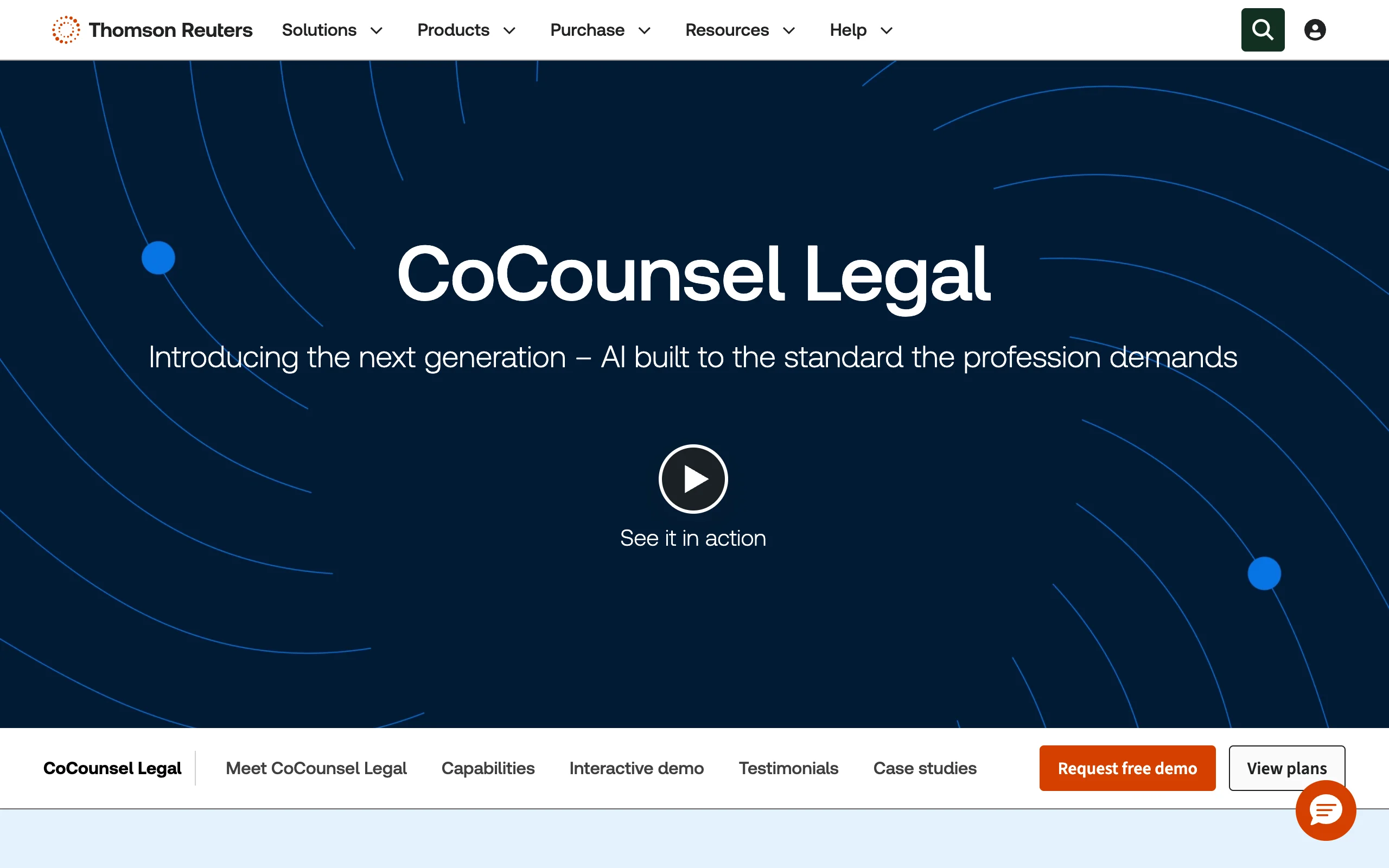
For a firm whose research spend already goes to Thomson Reuters, CoCounsel is less a new purchase than an extension of an existing vendor relationship, which is exactly why procurement committees like it. The assistant (born as Casetext) runs on Westlaw's editorially enhanced database, so its narrative research answers arrive grounded in headnotes, the Key Number System, and primary law your partners already treat as authoritative. It also summarizes opinions and transcripts, reviews document sets, and builds deposition outlines.
One vendor, one security review, one invoice: that consolidation is CoCounsel's firm-level pitch, and it plugs into Practical Law and the rest of the TR stack. The flip side is dependency. Without a Westlaw subscription underneath, the value thins out, and at roughly $225 per user per month the seat math turns serious once you pass a handful of attorneys.
Key features
- AI research with narrative answers cited directly to Westlaw content
- Drafting and summarization for memos, briefs, and client communications
- Document review across large sets to extract clauses and relevant facts
- Deposition preparation and litigation-focused skills like Claims Explorer
- Integration with Practical Law and the Thomson Reuters ecosystem
Best for
- Firms with existing Westlaw Precision or Practical Law subscriptions
- Litigation teams that want research, review, and deposition prep from one vendor
- Mid-size to Am Law firms standardizing on a single research platform
Pricing
- No published standalone price; commonly cited around $225/user/month as an estimate
- Real cost depends on your existing Thomson Reuters agreement
- Firm-wide licensing runs through a sales process and custom quote
Pros
- AI grounded in one of the most authoritative US legal databases available
- Litigation skills (deposition prep, claims analysis) that few rivals match
- Single-vendor procurement if you are already a TR customer
Cons
- Expensive to roll out across many seats, especially without an existing Westlaw deal
- No self-serve trial; evaluation requires a sales conversation
- Primarily US-focused content
3. Harvey AI, best for large-firm custom AI rollouts
Harvey is the reference point for what enterprise legal AI looks like when budget is not the constraint. Built for elite firms and corporate legal departments, it combines a legal reasoning assistant with Vault, a sandboxed workspace for confidential document sets, and Workflows that turn multi-step processes like due diligence into repeatable, firm-branded automations. Am Law 100 adoption is genuine, and the security engineering matches the client base.
Fit is the real question a firm has to answer. Harvey sells firm-to-firm through structured pilots with custom pricing and a meaningful change-management lift. Spread across 200 lawyers and standing practice groups, that investment compounds; for a 6-lawyer shop it is a sales process with no product at the end. If you want Harvey-class capability without the enterprise commitment, see our roundup of the best Harvey AI alternatives.
Key features
- Legal assistant with cited answers for complex research questions
- Vault: secure, sandboxed workspaces for confidential document analysis
- Multi-step Workflows for due diligence, compliance checks, and batch review
- Custom, firm-specific agents and enterprise-grade security controls
Best for
- Am Law 100 firms and global practices deploying AI across hundreds of attorneys
- Corporate legal departments with high-stakes, document-heavy matters
- Firms with the budget and internal resources to run a structured pilot
Pricing
- Enterprise-only; Harvey does not publish pricing
- Access begins with a sales process and structured pilot, not a self-serve trial
- Expect a significant per-seat and implementation investment
Pros
- Among the most capable legal reasoning available for complex matters
- Vault and Workflows are genuinely built for firm-scale, secure deployment
- Strong traction with elite firms signals continued investment
Cons
- Inaccessible pricing and process for solo, small, and most mid-size firms
- No way to test it quickly; evaluation takes months, not days
- More platform than most everyday research and drafting requires
4. NetDocuments ndMAX, best for AI inside your document management system
Every AI rollout eventually collides with the same governance question: which documents is the model allowed to see? NetDocuments answers it structurally. Because ndMAX runs inside the NetDocuments document management system, its AI assistants inherit the access controls, ethical walls, and matter-level permissions the firm has already configured. The AI can summarize, interrogate, and draft from firm documents precisely because it only sees what each user is entitled to see, and nothing leaves the repository to do it.
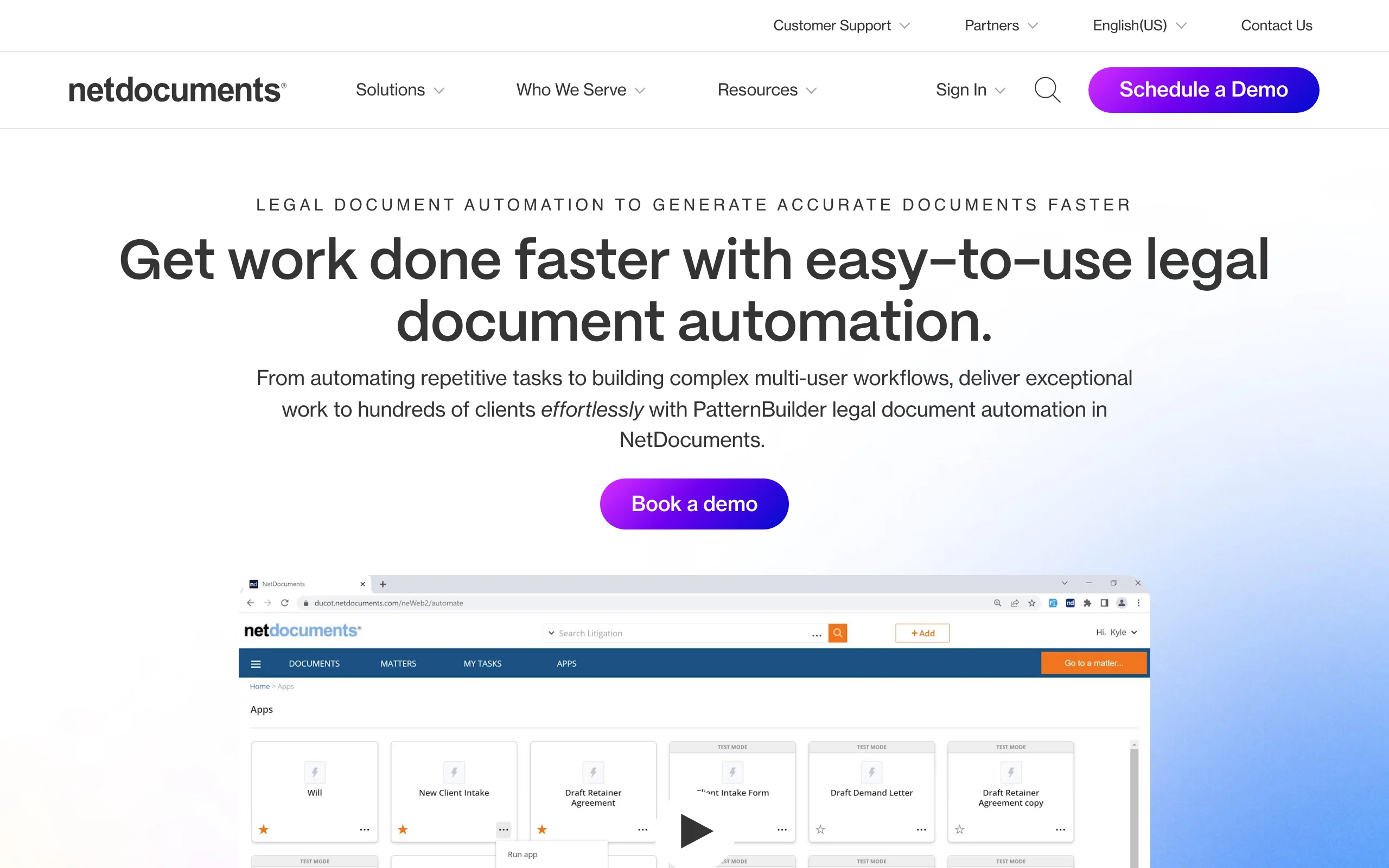
ndMAX Studio ships a set of prebuilt AI apps for common legal tasks, and PatternBuilder lets firms assemble their own document workflows and app logic without code. For the thousands of firms already running NetDocuments as their DMS, this is AI with the shortest possible governance conversation. For everyone else, it is a two-part purchase: you are adopting a document management system first and its AI second.
Key features
- AI assistants that operate on firm documents inside the DMS, under existing permissions
- ndMAX Studio with prebuilt AI apps for summarization, extraction, and drafting tasks
- PatternBuilder for no-code document automation and firm-specific AI workflows
- Matter-centric security: ethical walls and access controls apply to AI output automatically
- Cloud DMS foundation with full-text search, versioning, and compliance features
Best for
- Firms already on NetDocuments that want AI without a new data-governance review
- Mid-size and large firms where document security policy drives purchasing
- Firms that want to build repeatable AI document workflows, not just chat
Pricing
- DMS licensing is custom-quoted; third-party guides place it around $20-65/user/month before AI
- ndMAX is an add-on module with separate, quote-based pricing
- Expect seat minimums and an implementation project for new DMS customers
Pros
- AI respects the permissions and ethical walls the firm already enforces
- Client documents stay inside the governed repository during AI processing
- PatternBuilder turns firm know-how into reusable automations
Cons
- Only makes sense on top of the NetDocuments DMS; weak standalone case
- No published AI pricing and no self-serve trial
- Migrating from iManage or SharePoint is a real project, not a signup
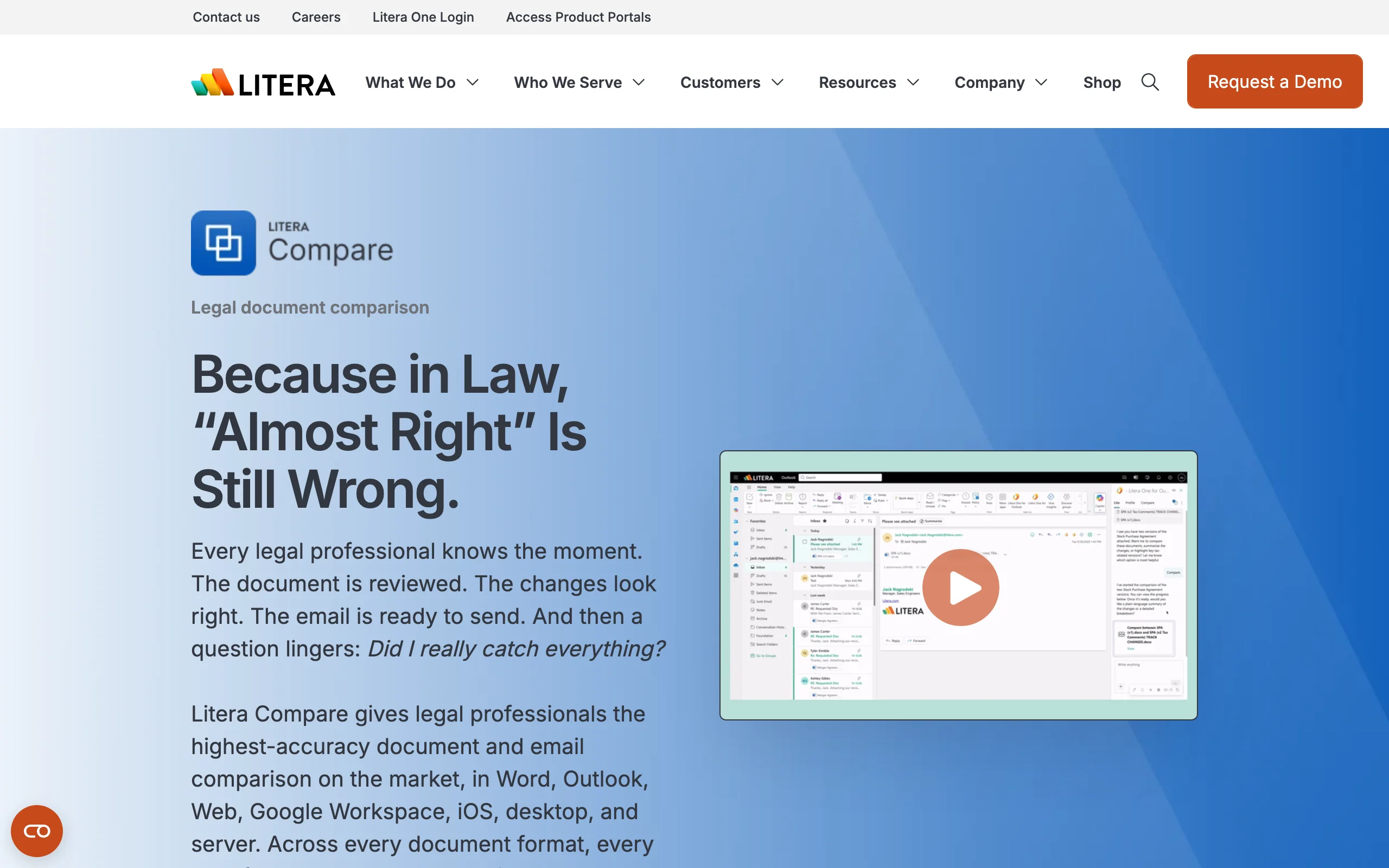
5. Litera (One + Lito), best for firm-wide drafting quality in Microsoft 365
Litera comes at firm AI from the drafting-quality side. Its tools have long handled the unglamorous work that keeps malpractice carriers calm: proofreading, defined-term checking, document comparison, style repair, and due diligence review with Kira. In 2026 the company relaunched around Litera One, a unified platform embedded in Microsoft 365, with Lito, its agentic AI, included in core Draft packages and Kira at no additional charge, so firms already licensing Litera products get agentic AI without a new line item.
The firm-level appeal is standardization inside Word. Every attorney drafts in Microsoft 365 anyway; Litera One puts checking, comparison, precedent lookup, and AI assistance in that surface, which keeps training light and quality consistent across offices. The trade-off is that Litera is a modular suite: pricing is per-module and quote-based, and assembling the right bundle for a mid-size firm takes a procurement conversation rather than a checkout page.
Key features
- Litera One platform integrated directly into Microsoft 365 and Word
- Lito agentic AI included in Draft Base, Pro, and Advanced packages and in Kira
- Drafting hygiene: proofreading, defined terms, cross-references, and style repair
- Document comparison and redlining trusted at enterprise firms
- Kira for AI due diligence and contract analysis at deal scale
Best for
- Firms that live in Microsoft Word and want drafting quality enforced everywhere
- Transactional and litigation teams standardizing document standards across offices
- Firms already licensing Litera modules that want included AI rather than a new vendor
Pricing
- Module-based, quote-driven licensing; no single published platform price
- Third-party guides list Draft modules from roughly $563/user/year, with Litera One tiers below that
- Lito AI is included with Draft and Kira packages at no additional charge
Pros
- AI arrives inside tools many firms already license and trust
- Word-native workflow keeps training burden close to zero
- Drafting-error detection delivers measurable risk reduction, not just speed
Cons
- Modular catalog makes scoping and pricing a project in itself
- Not a legal research tool: no case law or citation answering
- Quote-based sales cycle; no self-serve evaluation
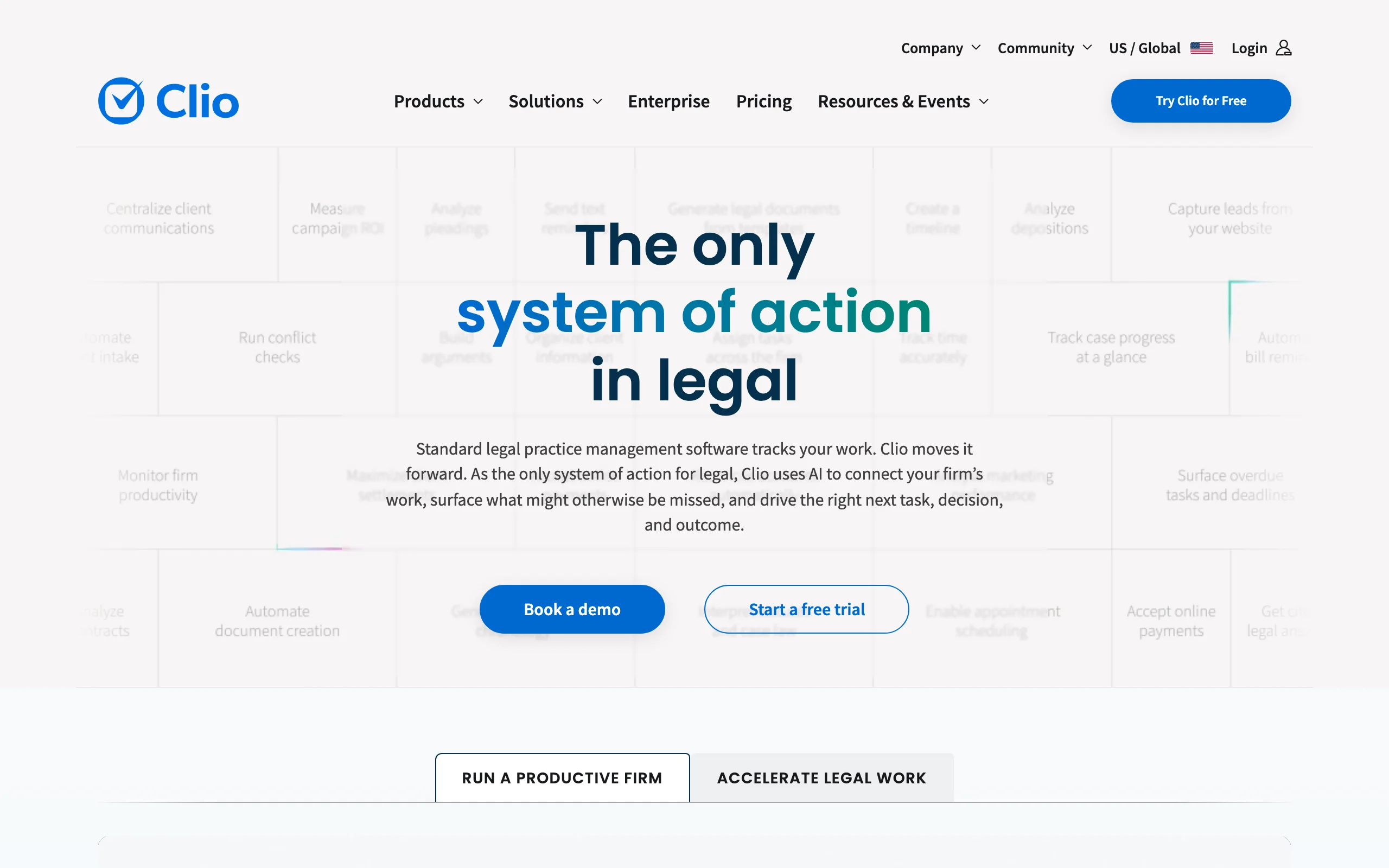
6. Clio (Duo + Draft), best for practice operations and billing
Clio targets the hours nobody bills: intake, scheduling, invoicing, and the administrative tissue between matters. Duo, its AI layer inside Clio Manage, parses court filings into calendar entries, summarizes matter histories and client communications, prioritizes tasks, and writes billing narratives. Clio Draft adds document automation, assembling standardized documents and populating US court forms from data the firm already holds.
Among firm-grade platforms it is also the most transparent purchase on this list after LegesGPT: published per-user tiers, a free trial, and licensing that scales seat by seat as the firm grows. The boundary to respect is scope. Clio's AI runs your practice; it will not research the law or review a contract.
Key features
- Duo AI for matter summaries, communication drafts, and task prioritization
- Automatic conversion of court filing PDFs into structured data and calendar events
- AI-generated billing narratives that speed up invoicing
- Clio Draft for document assembly and US court form automation
- Full practice management underneath: intake, billing, trust accounting
Best for
- Solo to mid-size firms that run (or want to run) their practice on Clio
- Firms losing billable hours to intake, scheduling, and invoicing overhead
- Practices with heavy court-form workloads that Draft can automate
Pricing
- Clio Manage from $49/user/month on published tiers; free trial available
- Duo AI add-on at $39/user/month on top of a Manage subscription
- Per-user licensing scales cleanly as the firm grows
Pros
- Published pricing and self-serve trial, rare among firm-grade platforms
- AI works on your actual case data, so output is immediately usable
- Attacks non-billable overhead, where ROI is easiest to measure
Cons
- No legal research or case law capability on its own
- AI requires a Clio Manage subscription, so the real cost is Manage plus Duo
- Court form automation is US-focused
7. Everlaw, best for litigation firms handling eDiscovery
When a firm's document problem is measured in gigabytes, Everlaw is the specialist. It is a cloud-native eDiscovery platform whose AI stays strictly grounded in case evidence: the Review Assistant summarizes and answers questions about documents in the record, the Writing Assistant drafts deposition outlines and case narratives from that record alone, and predictive coding plus clustering shrink review sets before a human opens the first file. Translation across 100+ languages runs inside the review window.
The firm-finance angle is unusually clean. Pricing is per-GB with unlimited users, single-document AI actions are included, and batch AI runs on a visible credit system, so a litigation partner can cap AI spend per matter up front instead of reconstructing it from an invoice later.
Key features
- Review Assistant for document summaries and evidence-grounded Q&A
- Writing Assistant that drafts outlines and narratives from case documents only
- Predictive coding and clustering to prioritize and cull large datasets
- Built-in translation in over 100 languages during review
- Case-building tools (timelines, depositions) in the same platform
Best for
- Litigation-focused firms bringing eDiscovery in-house instead of outsourcing it
- Firms that need defensible, evidence-grounded AI output for discovery
- Teams that want visible, capped AI spend per matter
Pricing
- Per-GB subscription with unlimited users; custom quote required
- Single-document AI actions included at no extra cost
- Batch and generative AI actions billed through a usage-based credit system
Pros
- AI grounded only in case evidence, which keeps outputs defensible
- Unlimited users means the whole case team can work without seat math
- Transparent credit model gives firms real control over AI spend
Cons
- Specialized for litigation and discovery, not research or transactional work
- Per-GB costs grow with data volume, so big matters get expensive
- No self-serve trial; onboarding runs through sales
How to choose the best AI tools for law firms
1) Match the tool to where your firm loses the most hours
Audit a typical week before you shortlist. If attorneys burn hours on research, review, and first drafts, an all-purpose platform pays back fastest. If the bleeding is administrative or buried in document handling, fix that layer first.
- If research, review, and drafting eat attorney time: use LegesGPT
- If your firm already pays for Westlaw: use CoCounsel
- If document governance and DMS security drive your decisions: use NetDocuments ndMAX
- If drafting quality and consistency in Word is the priority: use Litera
- If discovery volume is the problem: use Everlaw
- If admin and billing overhead is the problem: use Clio
- If you are deploying across hundreds of attorneys: evaluate Harvey
2) Price the rollout, not the seat
A $225 seat looks fine until you multiply it by eight attorneys, three staff, and an annual commitment; a "custom quote" looks fine until the implementation invoice lands. Compare tools on total firm cost at your actual headcount, and weigh what each dollar buys: LegesGPT covers research, review, drafting, and e-signature from $19.99/user/month, while several platforms above cost many times that and cover one workflow. Enterprise plays like Harvey or a full NetDocuments migration can still be worth it, but only when firm scale and matter stakes justify the spend.
- Under 20 attorneys: LegesGPT, Clio, or Litera modules you already license
- Already on Westlaw: add CoCounsel to the existing deal
- Already on NetDocuments: price ndMAX before adding any new vendor
- 100+ attorneys with complex matters: evaluate Harvey
3) Weigh rollout friction as heavily as features
The best tool your attorneys never adopt is the most expensive one. Favor tools that live where people already work (Litera in Word, Clio in your practice management, ndMAX in your DMS) or that need no setup at all (LegesGPT in a browser). Ask every vendor three questions: how long until a new associate is productive, what training is required, and can partners test it today or only after a sales cycle.
4) Pilot with real matters before firm-wide rollout
Never buy firm-wide off a demo. Pick two or three attorneys, give them 3-5 real research questions with known answers and a handful of recently reviewed contracts, and compare the AI's output against the finished work product. LegesGPT's $1 trial and Clio's free trial make this cheap to run in a single week; for the quote-based vendors, insist the pilot uses your documents, not theirs. If you are still mapping the wider category, our overview of the best legal AI tools covers options beyond the firm-rollout lens. Then roll out to the full team with a short written policy on verification: every citation checked, every draft reviewed, no exceptions.