
Walk through any legal department or law firm and count the job titles: attorneys, paralegals, legal assistants, contract managers, litigation support analysts, legal ops managers, research librarians. Most "best legal AI" roundups pretend all of these people need the same software. They do not. A receptionist drowning in intake calls has a completely different problem than a paralegal cite-checking a 40-page brief the night before filing.
So this guide is organized around roles, not features. We picked seven tools where each one is the strongest option for a specific job on the legal team, verified the 2026 pricing for every entry, and listed the cons vendors would rather you skip. If you are shopping for attorneys specifically, our roundup of the best AI tools for lawyers drills into that role, and if you are equipping an entire firm at once, start with the best AI tools for law firms instead.
AI tools for legal professionals: a brief overview
- LegesGPT: Best overall across roles: research with verified citations, document review, drafting, and e-signature in one subscription, so each person on the team uses the piece their job needs.
- Clearbrief: Best for litigation paralegals: AI cite-checking, hallucination detection, and automated Tables of Authorities inside Microsoft Word.
- Spellbook: Best for contract managers and transactional support: drafting, review, and redlining without ever leaving the .docx file.
- Relativity: Best for eDiscovery and litigation support: the industry-standard review platform, where AI decides what human reviewers read first.
- Clio Manage AI: Best for legal ops and firm administrators: AI embedded in the most widely used practice management platform.
- Smith.ai: Best for legal assistants and front office: 24/7 AI receptionists that answer, screen, and intake clients with human backup.
- vLex Vincent AI: Best for legal researchers and law librarians: a billion-document library spanning 100+ countries with an AI research assistant on top.
| Tool | Best for | Starting price | Free trial | Jurisdictions |
|---|---|---|---|---|
| LegesGPT | All-in-one work across legal roles | From $19.99/mo | 3-day for $1 | 38+ countries |
| Clearbrief | Litigation paralegals and brief writers | From $300/user/mo | Demo only | US-focused |
| Spellbook | Contract managers working in Word | Custom (est. $179/user/mo) | Demo only | Used in 80+ countries |
| Relativity | eDiscovery and large-scale review | Custom (per GB) | Demo only | Jurisdiction-neutral |
| Clio Manage AI | Practice management and firm ops | From $49/user/mo + AI add-on | 7-day | Used in 130+ countries |
| Smith.ai | Reception, screening, and client intake | From $97.50/mo | Varies by plan | US/Canada phone coverage |
| vLex Vincent AI | Legal research and law librarians | Custom (free via 40+ bar associations) | Demo only | 100+ countries |
1. LegesGPT, best overall for legal professionals across roles
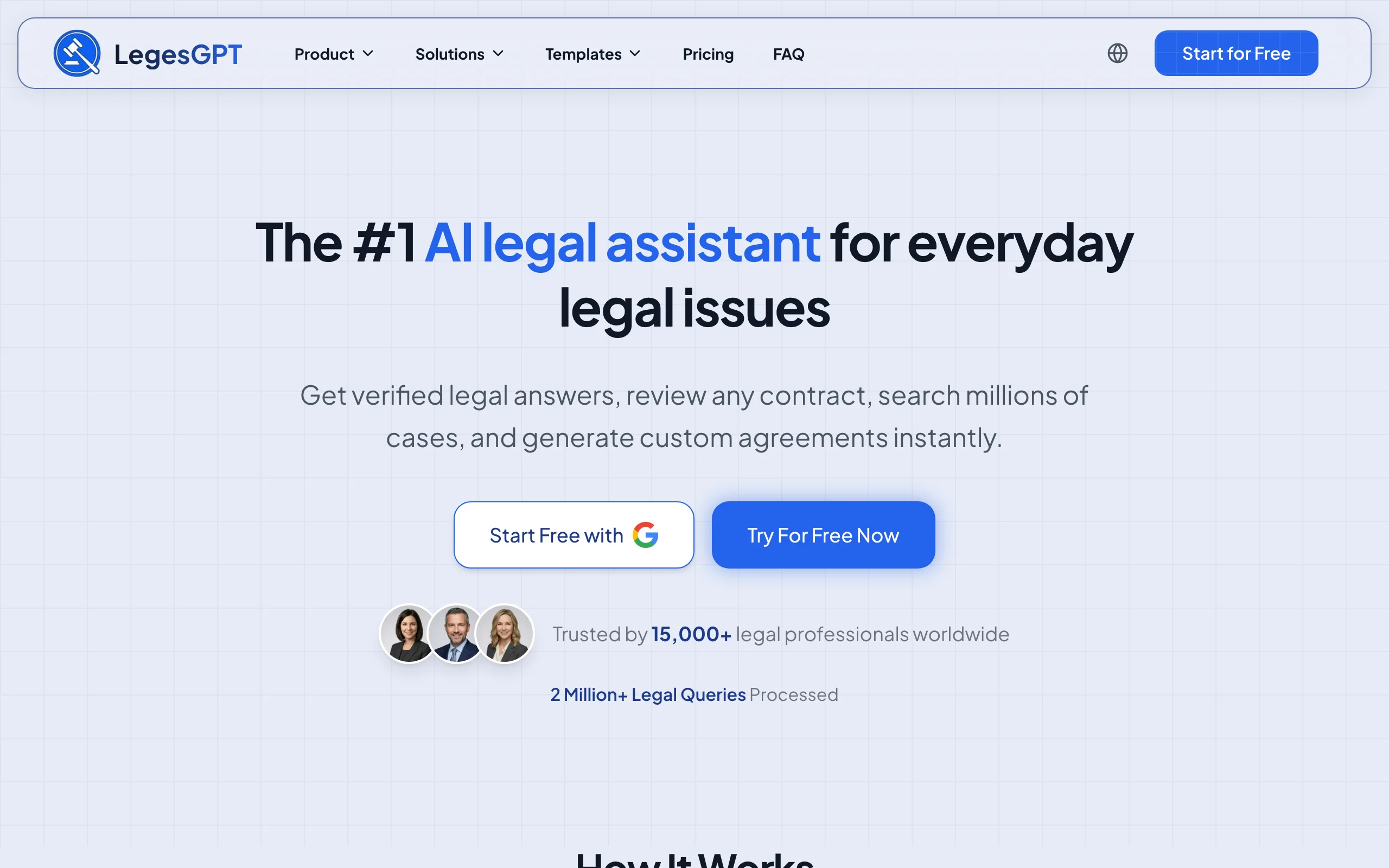
Every other tool on this list is a specialist. LegesGPT earns the top spot by being the one subscription that serves several seats at once. An associate asks it legal questions and gets answers with verified citations linking to the underlying case law and statutes. A paralegal uploads a contract or filing (PDF, DOCX, PPTX, TXT, or even an image) and gets risk flags with proposed edits for a first-pass review. A contract manager drafts from 100+ attorney-written templates and sends the result for e-signature without switching products.
Because it runs entirely in the browser, there is no IT project between purchase and first use, which matters for small firms and lean legal departments that have no one to run an implementation.
Key features
- Legal Q&A with verified citations and source links, plus case law and statute search
- AI document review across PDF, DOCX, PPTX, TXT, and image files, with risk flags and proposed edits
- AI drafting of contracts and legal documents, backed by 100+ attorney-drafted templates
- Built-in e-signature to execute the documents you draft or review
- Deep Research mode and web search for multi-step questions
- Free tools, including a contract generator, legal calculators, and a citation generator
Best for
- Mixed teams (lawyers, paralegals, assistants) that want one tool instead of four subscriptions
- In-house counsel who need drafting through signature in one place
- Professionals handling cross-border questions (38+ countries covered)
Pricing
- 3-day trial for $1 (no free plan)
- Basic $19.99/mo; Plus $49.99/mo adds document upload with 50 reviews per month; Premium $99.99/mo adds unlimited review, Deep Research, and web search
- Roughly 30% off with annual billing
Pros
- Covers four jobs (research, review, drafting, e-signature) that most competitors sell separately
- Self-serve pricing with no seat minimums, demos, or sales calls
- Every answer links back to a source you can verify before relying on it
Cons
- Newer brand without the decades-deep databases of Westlaw or LexisNexis
- Web-only: no Microsoft Word add-in, API, or native mobile app
2. Clearbrief, best for litigation paralegals and brief writers
Ask a litigation paralegal what eats their week and the answers are always the same: cite-checking, Tables of Authorities, exhibit management, and building chronologies from the record. Clearbrief automates exactly that list. It is a Microsoft Word add-in that cross-references every citation in a brief against verified legal databases (including through a LexisNexis integration) and flags cites that do not support the stated proposition, or that were hallucinated by a generative AI tool somewhere upstream.
That hallucination check has become Clearbrief's signature feature in an era when courts sanction lawyers over invented cases. The platform also generates hyperlinked versions of filings that let a judge click from an assertion straight to the record evidence, and it offers a free training academy aimed specifically at paralegals.
Key features
- AI citation verification that checks whether each cited source actually supports the sentence
- Hallucination detection for AI-generated case citations, backed by a LexisNexis integration
- One-click Tables of Authorities and automated exhibit management
- Chronology and timeline generation from the factual record
- Hyperlinked court filings that connect assertions to record evidence
Best for
- Litigation paralegals who own cite-checking, TOAs, and exhibits
- Small-firm litigators who file fact-heavy briefs without support staff
Pricing
- Solo and small team plans from $300/user/month with unlimited use
- A per-brief option around $300/brief for occasional filers
- Demo required; no self-serve free trial
Pros
- Purpose-built for the tasks that consume paralegal hours before every filing
- Catches AI-hallucinated citations before a judge does
- Free paralegal training course and AI academy lower the onboarding barrier
Cons
- Expensive for a single-workflow tool if you file infrequently
- Litigation writing only: no contract, intake, or practice management features
- US-centric citation databases limit its value abroad
3. Spellbook, best for contract managers and transactional support
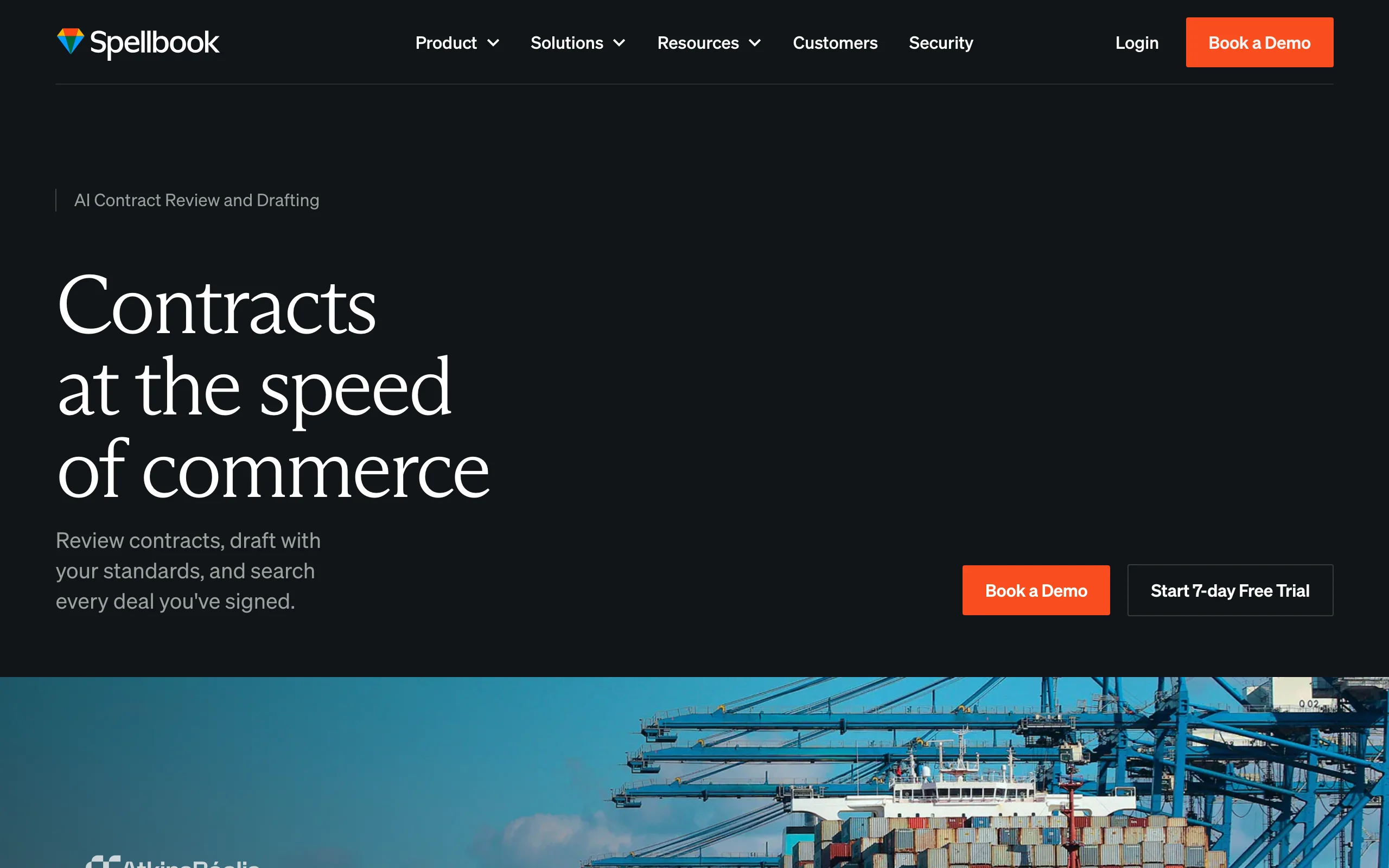
Contract managers, corporate paralegals, and transactional associates share one habit: the working day starts and ends inside a .docx file. Spellbook meets them there. It is a Microsoft Word add-in that drafts new clauses, reviews and redlines incoming paper, benchmarks terms against market standards, and answers questions about specific provisions, all without copy-pasting into a separate app. Over 4,000 legal teams across 80+ countries use it, with more than 10 million contracts reviewed on the platform.
The zero-context-switch design is the point: the person processing a steady stream of NDAs, MSAs, and vendor agreements keeps their existing workflow and simply gains an AI layer on top. If contracts are your entire job rather than part of it, our comparison of the best AI contract drafting tools ranks this category in depth.
Key features
- Contract review with flagged issues and generated redlines, directly in Word
- Clause library plus AI clause drafting for standard boilerplate
- Benchmarking against industry-standard terms
- Ask-a-question feature for specific clauses and cross-contract comparison
Best for
- Contract managers and corporate paralegals with daily agreement volume
- Transactional lawyers and in-house counsel who negotiate in tracked changes
Pricing
- Custom pricing; third-party reporting estimates around $179/user/month
- Demo required for a quote; no self-serve trial
Pros
- Best-in-class Word integration with a minimal learning curve
- Strong privacy posture: zero data retention agreements, SOC 2 Type II
- Large review corpus (10M+ contracts) behind its suggestions
Cons
- Contracts only: no research, litigation, or practice management features
- Custom pricing means a sales conversation before you can start
4. Relativity, best for eDiscovery and litigation support professionals
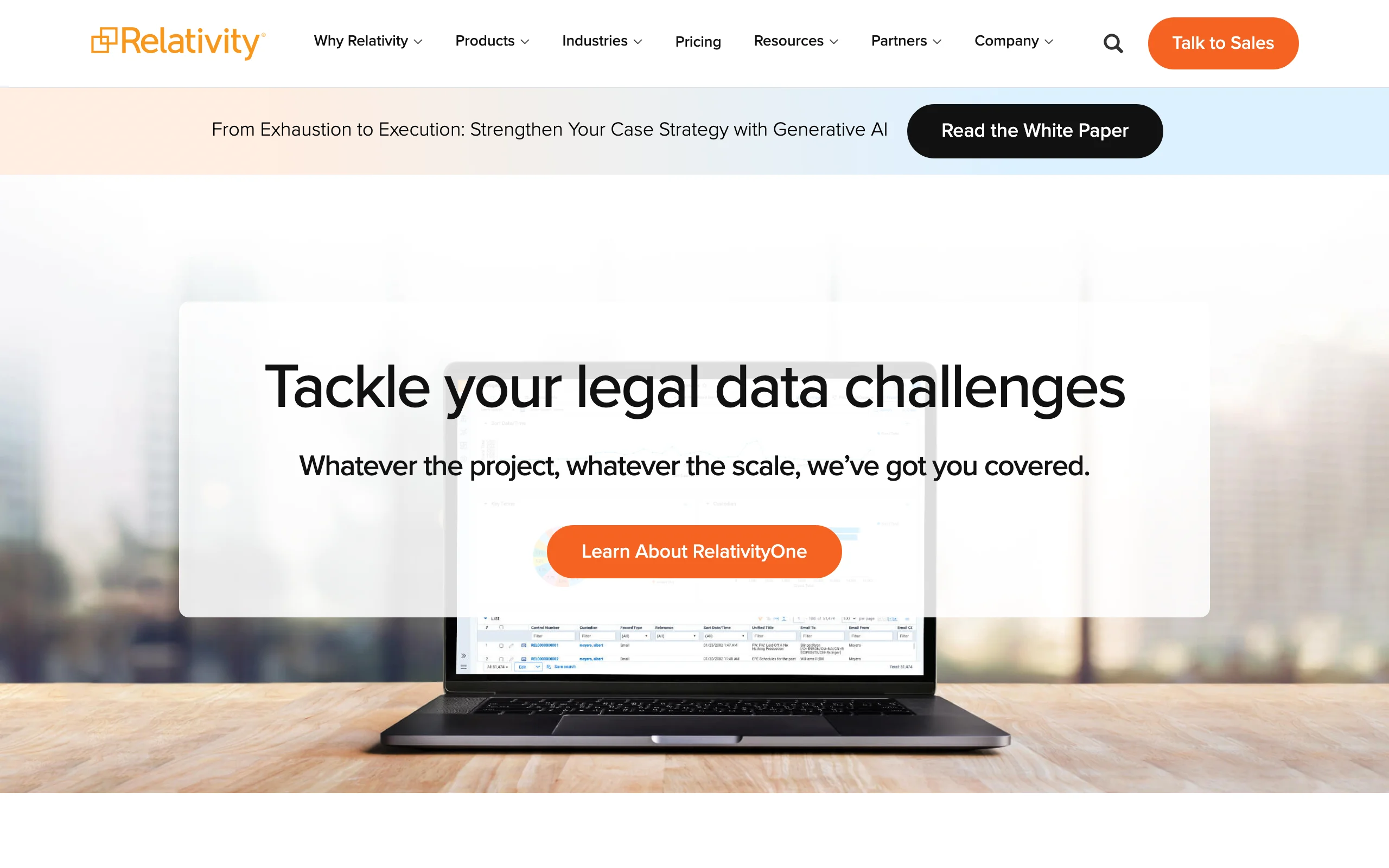
For litigation support analysts and eDiscovery paralegals, Relativity is less a tool choice than a career skill: it is the platform most large-scale document reviews run on. It ingests 400+ file types at volumes from thousands to tens of millions of documents, and its active learning (predictive coding) ranks the set by likely relevance so human reviewers spend their hours on documents that matter. The generative layer, Relativity aiR, adds summarization, key fact extraction, and privilege review.
The flip side of being the industry standard is industrial overhead. Relativity assumes a trained administrator or a managed review vendor, and its per-gigabyte enterprise pricing puts it out of individual reach, which is exactly why Relativity certification is a hiring criterion in litigation support job postings.
Key features
- Active learning that prioritizes likely-relevant documents and cuts manual review volume
- Processing of 400+ file types with clustering, email threading, and near-duplicate detection
- Relativity aiR for summarization, key fact extraction, and privilege review
- Cloud (RelativityOne) and on-premises (Relativity Server) deployments
- Role-based permissions and detailed audit trails
Best for
- Litigation support teams and eDiscovery professionals
- Corporate legal departments handling investigations and regulatory responses
Pricing
- Custom enterprise pricing; RelativityOne is priced per GB processed and stored
- Relativity Server adds license and hosting costs
Pros
- The de facto industry standard, so skills and vendors are easy to find
- Active learning can cut manual review volumes by half or more in typical matters
- Scales to document sets no other tool on this list can touch
Cons
- Requires trained staff or a vendor to administer
- Enterprise pricing excludes solo and small-firm use
- Does nothing for research, drafting, or contracts
5. Clio Manage AI, best for legal ops and firm administrators
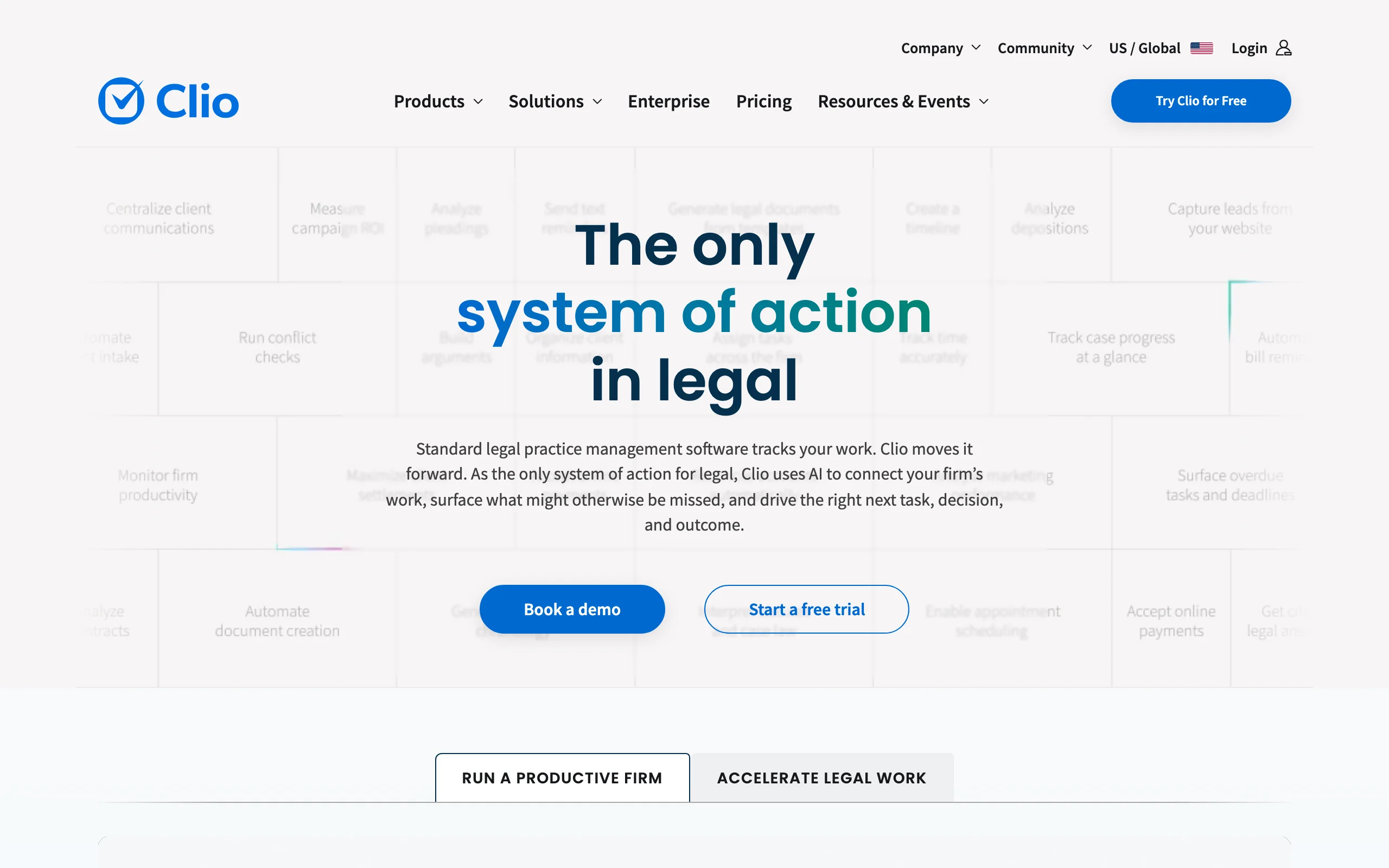
Legal operations work rarely shows up on a bill, which is precisely why it is worth automating. Clio Manage AI is the AI layer inside Clio Manage, the cloud practice management platform used by over 150,000 legal professionals in 130+ countries. It reads court documents and drops extracted deadlines onto the calendar, summarizes and issue-spots uploads, drafts invoices, and turns natural language questions into firm performance reports.
What distinguishes it for administrators is the review checkpoint: every AI action shows its source context and waits for a human to accept, edit, or reject. For an ops manager rolling AI out to a skeptical firm, that design makes the adoption conversation considerably easier.
Key features
- Deadline extraction from court documents with automatic calendar events
- Document Analyzer for summaries, issue spotting, and clause identification
- Billing automation with drafted invoices and accuracy checks
- Natural language firm reports and performance metrics
- 150+ integrations with other legal tools
Best for
- Legal ops managers and firm administrators automating scheduling, billing, and reporting
- Small and mid-size firms already running on Clio
Pricing
- Clio Manage from $49/user/month (billed annually), up to $149/user/month on bundled plans
- Manage AI is a per-user monthly add-on; most firms land between $89 and $149/user/month all-in
- 7-day free trial of the base platform
Pros
- AI arrives inside software many firms already use, so adoption is nearly free
- Review checkpoints on every AI action keep humans in control
- The most accessible pricing of any practice-management AI
Cons
- AI features cost extra on top of the base subscription
- Not a substitute for dedicated research or contract review tools
- Only useful if Clio is (or becomes) your practice management system
6. Smith.ai, best for legal assistants, reception, and client intake
The first legal professional a client ever talks to is usually not a lawyer: it is whoever answers the phone. Smith.ai puts an AI receptionist on that front line 24/7, answering calls in a natural voice, screening for conflicts, running intake questionnaires built for legal consultations, booking consults, and escalating to live human agents when a call needs one. Its deepest integrations are with the legal stack: Clio, MyCase, PracticePanther, and Rocket Matter, so intake data lands in the systems the rest of the team already uses.
For legal assistants and front-office staff, the pitch is not replacement but triage. The AI absorbs the after-hours calls, the robocalls, and the tire-kickers, and the humans handle the qualified matters that survive screening.
Key features
- 24/7 AI voice receptionist with human agent backup on escalation
- Legal-specific intake questionnaires and conflict checking
- Appointment booking, call screening, and spam blocking
- CRM integrations with Clio, MyCase, PracticePanther, and Rocket Matter
- Call summaries and transcripts delivered after every conversation
Best for
- Solo and small firms that miss calls (and clients) outside office hours
- Legal assistants who want intake structured before it reaches their desk
Pricing
- AI Receptionist plans from $97.50/month, metered per call
- Human-staffed virtual receptionist plans from $292.50/month for 30 calls
- Month-to-month billing; overage charges apply beyond plan limits
Pros
- Answers every call at hours no staffed front desk can cover
- Intake and conflict screening built for law firms, not generic call centers
- Escalation path to live humans keeps hard calls from going off the rails
Cons
- Per-call metering means real monthly cost often exceeds the sticker price
- Reception and intake only: nothing for research, drafting, or review
- AI voice handling of unusual or emotional callers still trails a good human receptionist
7. vLex Vincent AI, best for legal researchers and law librarians
Law librarians and dedicated researchers evaluate tools on collection depth first and interface second, and vLex's collection is the story: over one billion documents from 100+ countries, with daily updates from 400+ courts. Vincent, the AI layer on top, runs cited research workflows across that library, analyzes uploaded documents, and handles multi-jurisdiction questions that US-only platforms cannot touch, with optimized workflows for the US, UK, EU, and Latin America.
The budget angle matters as much as the coverage: more than 40 US state bar associations bundle vLex Fastcase as a free member benefit, which makes Vincent's research capabilities reachable for professionals whose firms would never sign a Westlaw or Lexis contract. For a full comparison of this category, see our guide to the best AI legal research tools.
Key features
- AI research workflows with cited answers drawn from a billion-document global library
- Coverage of 100+ countries with daily updates from 400+ courts
- Document analysis and comparison across jurisdictions
- Optimized workflows for US, UK, EU, and Latin American research
- Free base access through 40+ state bar association member benefits
Best for
- Law librarians and research specialists managing multi-jurisdiction questions
- Professionals whose bar association bundles vLex Fastcase for free
Pricing
- Custom pricing; vLex does not publish a public rate card for Vincent AI
- Free Fastcase access through 40+ state bar associations, with Vincent riding on the plan you hold
- Demo required for direct purchase quotes
Pros
- International coverage no US-first research platform matches
- The bar association route makes serious research AI effectively free for many professionals
- Cited, source-linked answers rather than open-web generation
Cons
- Opaque direct pricing; quotes only
- US primary law depth still trails Westlaw and Lexis on specialized content
- Feature set skews research-only; drafting support is thinner than dedicated tools
How to choose the right AI tools for legal professionals
Seven tools, seven jobs. The shortlist almost writes itself once you start from the role instead of the feature grid.
1) Buy for the job, not the title
- Research, review, and drafting across one desk: LegesGPT covers all three for less than most tools charge for one; attorneys comparing further options should read our best AI tools for lawyers roundup.
- Litigation paralegal: Clearbrief for cite-checking and TOAs; Relativity if your practice is document review at scale.
- Contract manager or transactional support: Spellbook inside Word, or LegesGPT if you also need e-signature; in-house teams should see our AI tools for in-house legal teams guide.
- Legal ops or administration: Clio Manage AI for the billing-scheduling-reporting layer, Smith.ai for the phone and intake layer.
- Research specialist or librarian: vLex Vincent AI, especially if your bar association already bundles it.
2) Match the price to the seat
- Self-serve and under $100/month: LegesGPT ($19.99/mo) and Smith.ai's entry AI plan ($97.50/mo).
- Mid-range, one strong workflow: Clio bundles, Spellbook (est. $179/user/mo), Clearbrief ($300/user/mo). Worth it only if that workflow is the seat's whole job.
- Quote-based enterprise: Relativity and direct-purchase vLex. Price the training and administration, not just the license.
3) Weigh verification, not just generation
Any AI can produce text; the professional question is whether you can check it. LegesGPT links every answer to its source, Clearbrief exists to verify citations, and Vincent grounds answers in a closed library. Stanford's benchmark of legal AI research tools measured meaningful error rates even in the market-leading platforms, so a visible paper trail from claim to source is the feature that protects your license, whatever your role.
4) Pilot with real work before you commit
Take 3 to 5 completed matters where you already know the right answer: a brief you cite-checked, a contract you redlined, an intake call that went sideways. Run the candidate tool against them. If it misses what you caught, or asserts what you would never sign, you have your verdict in half an hour, which is faster and cheaper than any bake-off, or any listicle, including this one.