
Legal work has always been document-heavy and time-poor, and that is exactly where AI now earns its keep. The right tool drafts a first-pass contract, flags the risky clause buried on page 31, or answers a research question with citations you can actually click, turning hours of manual work into minutes. The hard part is no longer whether to use legal AI. It is choosing the tool that fits your practice without paying enterprise prices for capability you will never touch.
The category is wide. Some tools are research engines, some live inside your contract workflow, and a few try to cover everything in one subscription. This guide compares the 9 best legal AI tools in 2026, covering what each one does, who it fits, real pricing, independent accuracy data where it exists, and the honest trade-offs, so you can match a tool to your work instead of the other way around.
Best legal AI tools: a brief overview
Here is a quick snapshot of the 9 tools and what each does best:
- LegesGPT: Best overall: answers legal questions with verified sources, reviews documents, drafts contracts, and handles e-signature in one affordable platform.
- Harvey AI: Best for BigLaw and enterprise: sophisticated reasoning and custom agents for complex, high-stakes matters.
- CoCounsel (Thomson Reuters): Best for Westlaw-integrated firms: agentic research and deposition prep backed by Thomson Reuters.
- Lexis+ AI (Protégé): Best for deep US primary law research: an agentic assistant on the LexisNexis database with Shepard's citation validation.
- Spellbook: Best for contract drafting inside Microsoft Word: redlines and clause suggestions where lawyers already work.
- Robin AI: Best for high-volume contract review: fast review, redlining, and obligation extraction at scale.
- Paxton AI: Best for citation-focused research: benchmarked accuracy and strong citation verification for brief writing.
- Luminance: Best for enterprise due diligence: document analysis across thousands of contracts at once.
- Clio Duo: Best for practice-management automation: AI built into Clio for drafting, tasks, and matter summaries.
| Tool | Best for | Starting price | Free trial | Jurisdictions |
|---|---|---|---|---|
| LegesGPT | All-in-one for solo and small firms | From $19.99/mo | 3-day for $1 | 38+ countries |
| Harvey AI | BigLaw and enterprise legal teams | Custom (~$1,000+/seat/mo est.) | Pilots only | US and multi |
| CoCounsel (Thomson Reuters) | Westlaw-integrated firms | ~$225/user/mo (est.) | Demo only | Primarily US |
| Lexis+ AI (Protégé) | Deep US primary law research | Five figures/yr (est.) | Demo only | Primarily US |
| Spellbook | Contract drafting in Word | Quote-based (~$99-$149+/user/mo est.) | Demo only | Word-based, multi |
| Robin AI | High-volume contract review | Pro $100/user/mo (free tier) | Free tier | Multi (UK and US) |
| Paxton AI | Citation-focused research | $499/user/mo | 7-day | Primarily US |
| Luminance | Enterprise due diligence | Custom enterprise | Demo only | Multi |
| Clio Duo | Practice-management automation | $39/user/mo add-on | Via Clio trial | Primarily US |
Pricing note: LegesGPT, Paxton, Robin (Pro), and Clio Duo publish standard prices. Harvey, CoCounsel, Lexis, Spellbook, and Luminance quote per firm, so those figures are public estimates, not list prices. Confirm before budgeting.
1. LegesGPT, best overall legal AI tool
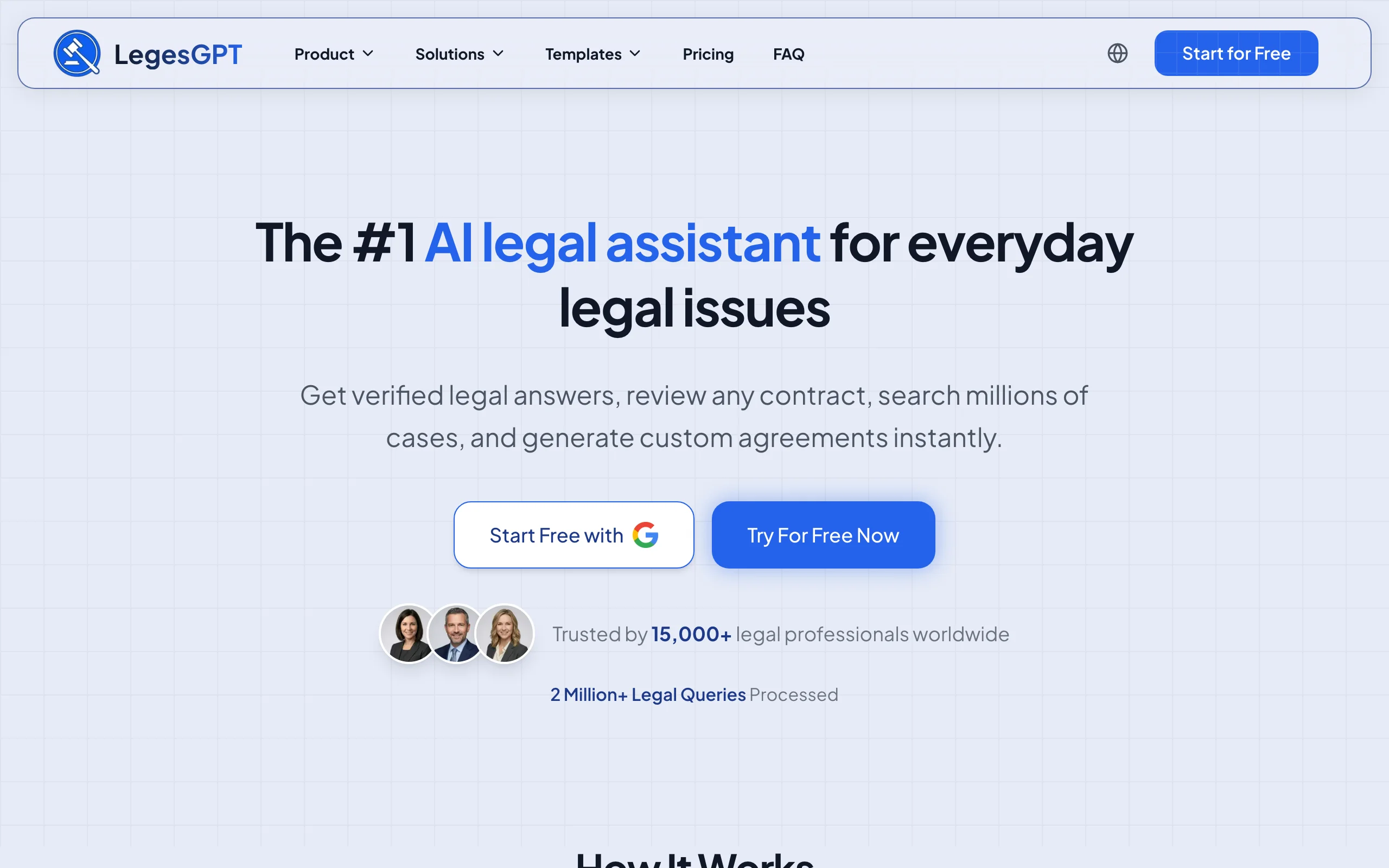
LegesGPT is the closest thing on this list to a complete legal workflow in one app. Ask a legal question and it answers with verified sources you can click through. Upload a contract and it flags the risks and proposes fixes. Describe a document and it drafts it, then lets you send it for e-signature. Research, review, drafting, and signing live in the same subscription, so a solo lawyer covering several practice areas is not paying for and switching between three different tools to get through the day.
What sets it apart for most readers here is accessibility. There is no enterprise sales cycle, no annual contract, and no per-seat minimum. You sign up, start a 3-day trial for $1, and begin working in minutes. For anyone who wants capable AI across the full workflow without enterprise pricing, it is the most complete starting point at the lowest entry cost.
Key features
- Answers legal questions with verified sources and direct citations you can check
- Document review that flags risks, surfaces problematic clauses, and proposes changes
- AI drafting of contracts and legal documents, plus attorney-drafted templates
- E-signature to sign and send finished documents without leaving the platform
- Case law and statute search across 38+ countries
- Deep Research mode for complex, multi-step questions, plus free tools like a contract generator and citation generator
Best for
- Solo practitioners and small firms that want one affordable, full-featured tool
- Lawyers handling diverse practice areas who need multi-jurisdictional coverage
- Anyone who wants research, review, drafting, and signing in a single subscription
Pricing
- 3-day trial for $1 on all plans (no permanently free tier)
- Basic at $19.99/month, Plus at $49.99/month (50 document reviews/month), Premium at $99.99/month (unlimited reviews)
- Roughly 30% off with annual billing; no annual contracts or per-seat minimums
Pros
- Covers the full daily workflow without switching tools
- Verified sources and direct citations make outputs easy to check before you rely on them
- Self-serve signup with a $1 trial, no sales calls or onboarding cycle
- Multi-jurisdiction coverage, unlike most US-only competitors
Cons
- Newer brand with a smaller footprint than legacy providers like Westlaw or LexisNexis
- Web-only: no native mobile app, public API, or Microsoft Word add-in
2. Harvey AI, best for BigLaw and enterprise legal teams
Harvey AI is built for the largest law firms and corporate legal departments. It delivers sophisticated legal reasoning across contract analysis, regulatory research, and due diligence, and it ships a library of pre-built agents plus an Agent Builder for firm-specific workflows. It is one of the most heavily funded names in legal AI, with adoption reported at around 100,000 lawyers concentrated in elite firms like A&O Shearman and Latham & Watkins running complex, high-stakes matters.
The platform excels at multi-step work that smaller tools cannot handle, but enterprise-only pricing and a sales-driven rollout put it out of reach for most solo practitioners and small firms. If you are an Am Law firm standardizing AI across hundreds of lawyers, it belongs on your shortlist. If you are a three-person practice, it is more capability than you can use or afford.
Key features
- Advanced legal reasoning for complex contract analysis and regulatory questions
- Pre-built agents and an Agent Builder for firm-specific, multi-step workflows
- Due diligence acceleration across large document sets
- Enterprise-grade security and document management integrations
- Custom model selection and workspace personalization
Best for
- Am Law 100 firms and large corporate legal departments handling high-stakes matters
- Enterprise teams running large-scale due diligence or M&A transactions
- Firms willing to invest in custom AI deployment for firm-wide adoption
Pricing
- Enterprise and custom contracts only; Harvey does not publish public pricing
- No self-serve option or free trial; access starts with a structured pilot
- Third-party estimates run roughly $1,000 to $1,200 per lawyer per month with a reported 20-seat minimum, which puts a realistic entry point well into six figures per year
Pros
- Extremely sophisticated reasoning, purpose-built for complex enterprise matters
- Agent Builder adapts the AI to your firm's specific practice areas
- Deep funding and top-tier adoption behind continued development
Cons
- Enterprise-only pricing makes it inaccessible for solo and small firms
- Long sales cycle with no easy way to test before committing
- Overkill for the everyday research and drafting most small practices need
3. CoCounsel (Thomson Reuters), best for Westlaw-integrated firms
CoCounsel is Thomson Reuters' AI legal assistant, built on the Westlaw database. Originally launched as Casetext, it was acquired by Thomson Reuters and now carries the CoCounsel name across its tiers. It handles research queries, reviews documents, and assists with deposition preparation for tens of thousands of firms and legal departments.
If your firm already pays for Westlaw, CoCounsel adds AI without switching platforms, and its recent direction leans hard into agentic workflows: a Deep Research agent, a custom workflow builder, and a 2026 rebuild on Anthropic's Claude models. For teams already inside the Thomson Reuters ecosystem, it is the natural upgrade. For everyone else, the value drops once you account for the underlying Westlaw cost.
Key features
- Agentic legal research grounded in Westlaw's primary law database
- Deep Research mode and a custom workflow builder for multi-step tasks
- Document review and bulk analysis across large document sets
- Deposition preparation with automated question generation
- Integration across the Thomson Reuters suite of legal products
Best for
- Firms already subscribing to Westlaw or other Thomson Reuters products
- Litigation teams that need deposition prep alongside case law research
- Mid-size to large firms with existing Thomson Reuters infrastructure
Pricing
- Commonly cited around $225/user/month for the document-focused Core tier, but Thomson Reuters does not publish standalone pricing
- Bundling Westlaw Precision with CoCounsel runs around $428/month for a single attorney (est.); real cost varies with your existing Westlaw subscription level
- Enterprise agreements and quote-only tiers for larger deployments
Pros
- Deep Westlaw integration gives the AI one of the most comprehensive legal databases
- Rebuilt on Claude in 2026, with deposition prep few competitors match
- Backed by Thomson Reuters, signaling long-term investment
Cons
- Per-user pricing adds up quickly for firms with multiple seats
- Best value requires an existing Westlaw subscription
- Cost is often prohibitive for solo practitioners without a firm-level deal
- Stanford's independent benchmarking measured Westlaw's AI-assisted research hallucinating at roughly twice the rate of Lexis+ AI
4. Lexis+ AI (Protégé), best for deep US primary law research
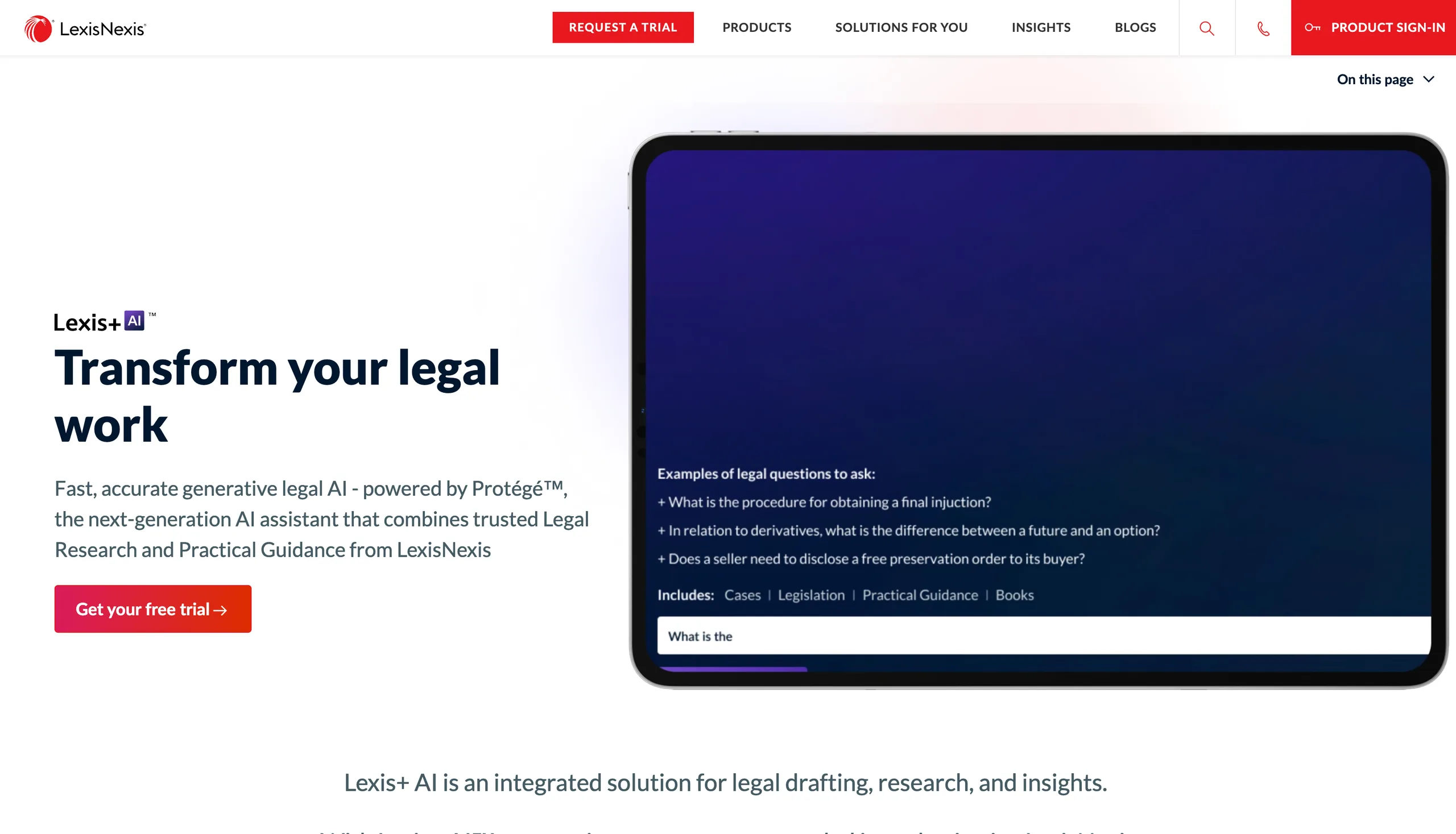
Lexis+ AI, now paired with the Protégé agentic assistant, is LexisNexis' answer to the AI research race. It lets lawyers ask natural language questions and receive answers grounded in Lexis' primary law, case law, statutes, and secondary sources, then chains those answers into drafting and review. For firms that need the deepest possible US legal database, this is that database with an agent on top.
The strength here is the underlying data, and the accuracy record backs it up: in Stanford's benchmarking of legal research AI, Lexis+ AI posted an error rate of roughly 17%, about half the rate measured for Westlaw's AI-assisted research. LexisNexis has decades of indexed legal content that few competitors can match in depth, now paired with agentic drafting, a vault for large document sets, and Shepard's Verify for citation validation. The trade-off is cost: it requires a Lexis subscription, and pricing runs well into five figures annually.
Key features
- Natural language search across the LexisNexis primary law database
- Protégé agentic assistant with model selection and specialized agents
- Agentic drafting and a vault that handles large document sets
- Shepard's Citations and Shepard's Verify for case validation
- Integration with Microsoft 365 and the broader Lexis suite
Best for
- Large firms that already subscribe to LexisNexis and want agentic AI added
- Practitioners requiring the deepest primary law coverage for US jurisdictions
- Research-intensive practices like appellate litigation or academic legal work
Pricing
- Roughly five figures per year, varying significantly by package and firm size
- Best value requires an existing LexisNexis subscription
- Custom enterprise pricing; LexisNexis does not publish a standalone rate
Pros
- Access to one of the largest and most established legal databases in the industry
- Lowest independently measured error rate among the major research AIs
- Shepard's Verify provides trusted citation validation inside the AI workflow
- Agentic drafting and Microsoft 365 integration extend it beyond simple search
- Uploaded documents are purged after each session
Cons
- Five-figure annual pricing puts it beyond most solo and small firms
- Complex, opaque pricing makes costs hard to estimate upfront
- Strongest only when paired with a full Lexis subscription
5. Spellbook, best for contract drafting inside Microsoft Word
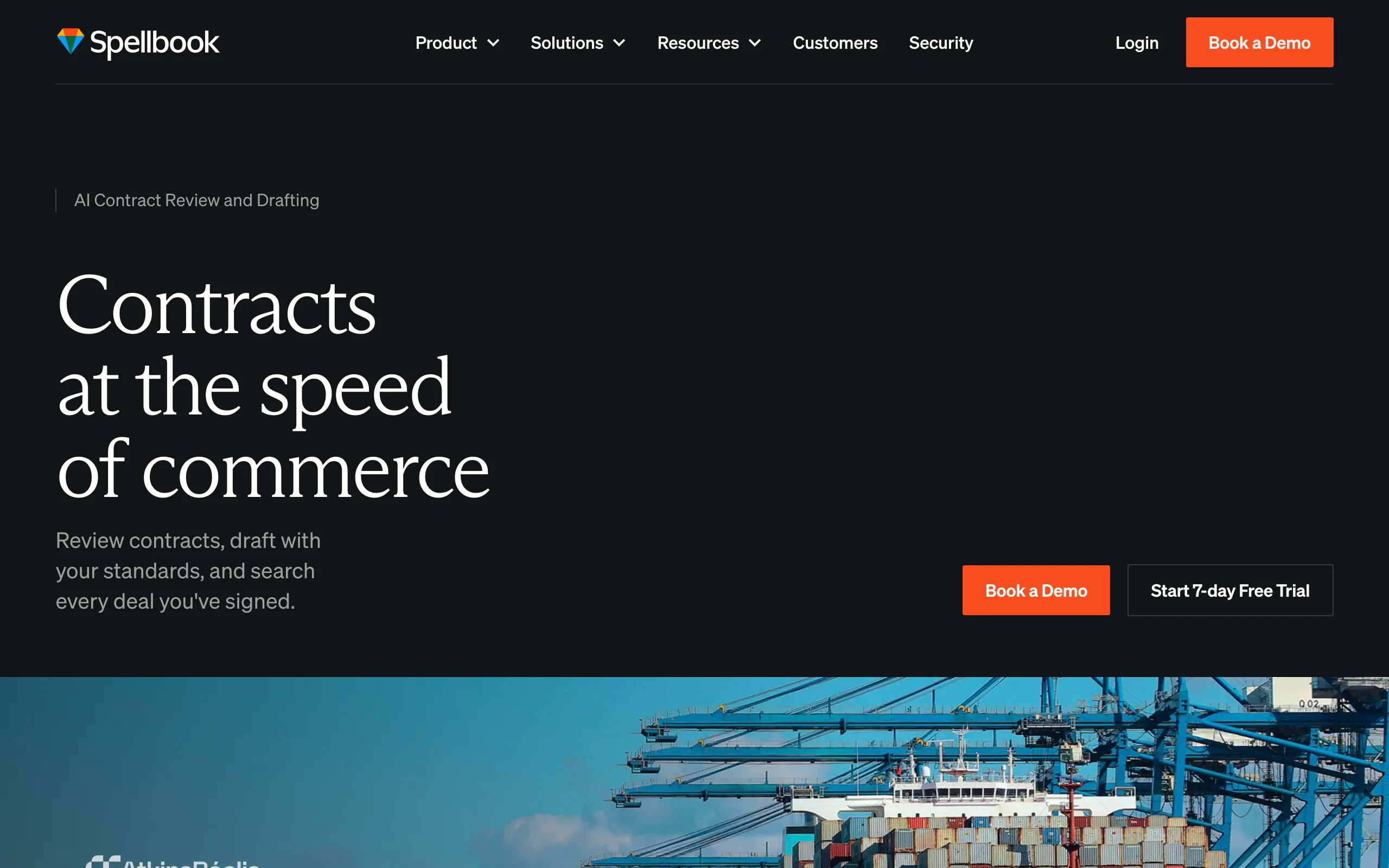
Spellbook lives where transactional lawyers already work: inside Microsoft Word. As an add-in, it suggests language, redlines clauses, flags missing or aggressive terms, and benchmarks an agreement against market standards without making you copy text into a separate app. For a contracts practice that drafts in Word all day, that lack of context-switching is the whole point.
It is purpose-built for drafting and review rather than legal research, so it pairs well with a separate research tool. The main friction is pricing: Spellbook moved to quote-based pricing and raised rates in recent cycles, so the entry cost is higher than it once was and no longer fully transparent.
Key features
- Microsoft Word add-in that works inside your existing drafting workflow
- Clause and language suggestions based on the contract in front of you
- Redlining and risk flagging for missing or non-standard terms
- Benchmarking of terms against common market positions
- Playbook support to enforce a firm's preferred clause standards
Best for
- Transactional and contracts lawyers who draft primarily in Microsoft Word
- In-house teams standardizing clause language across many agreements
- Firms that want AI drafting without changing their core tooling
Pricing
- Quote-based; Spellbook no longer publishes standard list pricing
- Third-party estimates put individual plans around $99/user/month and team plans around $149/user/month, with enterprise tiers reportedly reaching $199 to $350 after a late-2025 repricing
- Demos and custom quotes only; confirm current pricing directly before budgeting
Pros
- Works inside Word, so there is no new interface to learn for drafters
- Strong at clause-level suggestions and benchmarking for contract work
- Playbooks help enforce consistent language across a team
- Proven at scale, with thousands of legal teams using it, and a strong privacy posture (SOC 2 Type II, zero data retention)
Cons
- Pricing is opaque and has risen, making budgeting harder
- Focused on contracts, so it does not cover legal research or case law
- Tied to Microsoft Word rather than a broader workflow
6. Robin AI, best for high-volume contract review
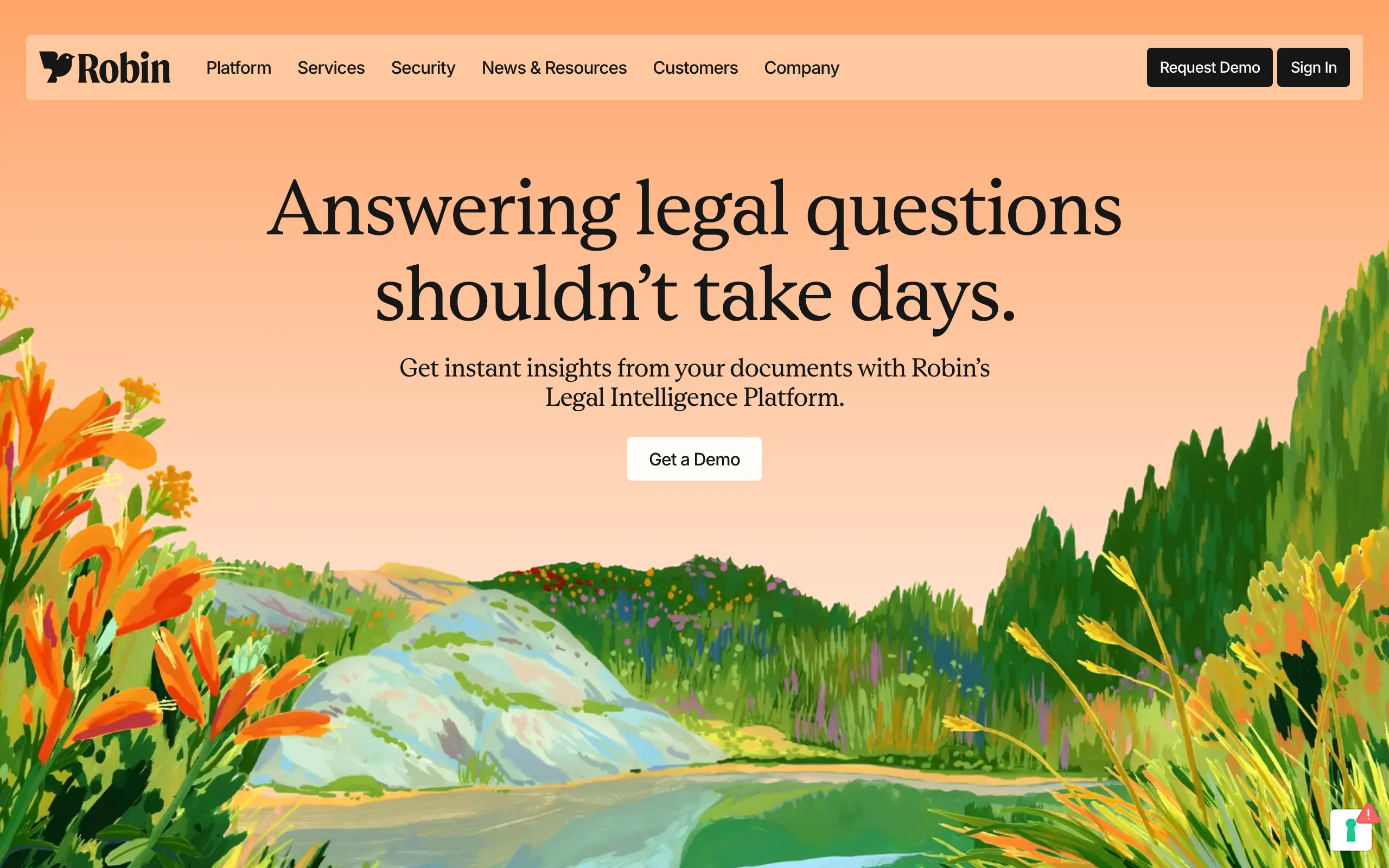
Robin AI is a contract-focused platform built for teams that review and negotiate agreements at scale. It analyzes contracts, extracts key obligations, redlines against your standards, and increasingly runs multi-step review workflows through an agent mode. Where a generalist tool reviews one document well, Robin is designed for the legal team processing hundreds of NDAs, vendor agreements, or commercial contracts a month.
It offers a rare bit of pricing transparency in the enterprise contract space: a free tier for light use and a flat-rate Pro plan, with Enterprise reserved for advanced features like centralized obligation management and bespoke playbooks. That makes it easier to trial than most tools at its level.
Key features
- Contract review with redlining and risk flagging against your standards
- Obligation and key-term extraction across large contract volumes
- Reports for contract analysis and data extraction at scale
- Agent mode for multi-step, autonomous review workflows
- Centralized obligation management on enterprise tiers
Best for
- In-house legal and operations teams reviewing high volumes of contracts
- Companies standardizing NDA and vendor agreement review
- Mid-market teams that want predictable per-user pricing
Pricing
- Free tier for light single-user use (limited daily messages)
- Pro at $100/user/month with unlimited review for small teams
- Enterprise is custom, adding clause comparison, SSO, and bespoke playbooks
Pros
- Genuinely transparent entry pricing, including a usable free tier
- Purpose-built for high-volume contract review and obligation tracking
- Agent mode handles multi-step review that generalist tools struggle with
Cons
- Focused on contracts, so it is not a research or all-in-one tool
- Advanced features and unlimited users require an Enterprise quote
- Less useful for litigation or case law work
7. Paxton AI, best for citation-focused legal research
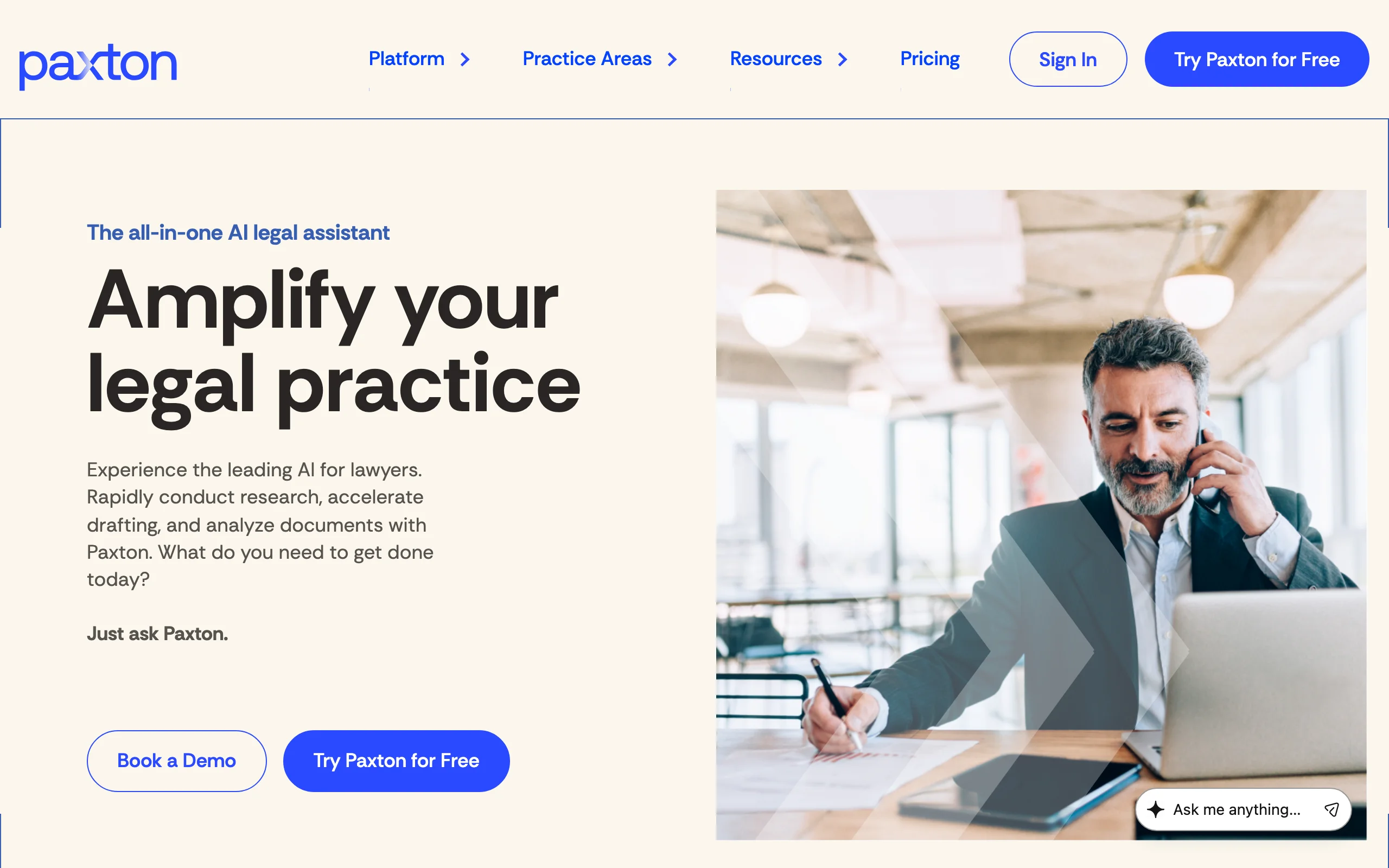
Paxton AI is a legal research platform built around citation accuracy. It focuses on well-sourced answers and puts heavy emphasis on verifying that every citation is real and correctly linked, which is why it appeals to lawyers who have been burned by AI hallucinations elsewhere. It covers US federal and state case law and statutes with a clean interface focused on research and contract analysis.
It does not try to be an all-in-one tool. Its strength is doing research well and making sure the citations check out, with independent benchmarking that it leans on heavily in its marketing. For brief writers and appellate practitioners who need every cite verified, that focus is a feature, not a limitation.
Key features
- AI legal research with strong, independently benchmarked citation accuracy
- Direct links to cited cases and statutes for quick validation
- Contract analysis alongside case law and statutory research
- Clean, focused interface designed specifically for research queries
- Research history and saved queries for ongoing matters
Best for
- Lawyers who prioritize citation accuracy above all other features
- Appellate practitioners and brief writers who need every citation verified
- Solo and mid-size firm attorneys focused primarily on US legal research
Pricing
- Individual plan at $499/user/month, or $2,999/user/year
- 7-day free trial; enterprise pricing available on request
- Transparent public pricing, unusual for this category
Pros
- Strong, benchmarked emphasis on citation verification reduces hallucination risk
- Focused research interface keeps the experience simple and fast
- Public pricing and a real free trial, unlike most enterprise tools
Cons
- Narrower feature set than all-in-one platforms (limited drafting, no e-signature)
- Primarily focused on US jurisdictions
- At $499/user/month, considerably more expensive than LegesGPT while covering less ground
8. Luminance, best for enterprise due diligence
Luminance applies AI to large-scale document analysis, the kind of work that defines due diligence, contract negotiation, and compliance review at big organizations. Point it at thousands of contracts and it surfaces anomalies, clusters similar documents, and highlights what deviates from the norm, compressing review cycles that would otherwise take a team weeks. Its positioning is squarely enterprise, with deployments across large law firms and corporate legal departments.
The depth comes at enterprise cost and complexity. There is no self-serve trial, pricing is quote-only and often modular, and implementation typically involves a proof-of-concept phase. For a small practice it is overkill, but for a legal team drowning in contract volume, it is built for exactly that problem.
Key features
- AI document analysis across thousands of contracts at once
- Anomaly detection that flags clauses deviating from the norm
- Due diligence acceleration with automatic document clustering
- Contract negotiation and review with risk highlighting
- Modular deployment across legal, compliance, and corporate teams
Best for
- Large firms and corporate legal departments running due diligence at scale
- Teams reviewing very high volumes of contracts or M&A document sets
- Organizations that need anomaly detection across large repositories
Pricing
- Custom enterprise pricing only; Luminance does not publish rates
- No advertised free trial; evaluation runs through a demo and proof-of-concept
- Pricing often scales by module and document volume, with implementation costs on top
Pros
- Excellent at high-volume document analysis and anomaly detection
- Proven in demanding enterprise due diligence and M&A workflows
- Modular, so large teams can deploy only the capabilities they need
Cons
- Enterprise-only pricing and onboarding, inaccessible to small practices
- No self-serve trial; evaluation takes weeks
- Specialized for document analysis rather than research or drafting
9. Clio Duo, best for practice-management automation
Clio Duo is the AI assistant built directly into Clio's legal practice management software. Unlike standalone research or contract tools, it works within your existing case data to draft emails, summarize matter histories, create tasks, and analyze uploaded documents. For lawyers who already run their practice on Clio, it adds an AI layer without introducing another tool to learn or another login to manage.
Following Clio's acquisition of vLex, the company now pairs this practice-management AI with vLex's Vincent legal research, positioning Clio as a single intelligent legal work platform. On its own, though, Duo's scope is operational: it does not search external legal databases or perform case law research.
Key features
- AI document summaries and issue spotting from uploaded files
- Email and letter drafting based on matter context and case data
- Task creation and deadline extraction through natural language commands
- Matter history summarization across notes, calls, and communications
- Built directly into Clio Manage with no additional setup
Best for
- Solo practitioners and small firms already using Clio for practice management
- Lawyers who want AI help with administrative tasks like email and task tracking
- Firms looking to recover billable hours by automating operational work
Pricing
- $39/user/month as an add-on to a Clio Manage subscription (base plans run roughly $49 to $149/user/month)
- Available across Clio Manage plan tiers
- Per-user licensing, so small firms can start with one seat and expand
Pros
- Integrated into Clio Manage, with no separate tool or login
- Drafts communications and tasks using your actual case data
- Now part of a broader platform that also offers Vincent legal research
Cons
- On its own, does not perform legal research or search external case law
- Only works within Clio Manage, with no standalone option
- Requires a base Clio subscription, adding to the total monthly cost
How to choose the best legal AI tool for your practice
1) What job do you actually need AI to do?
The tools here split into four lanes: all-in-one platforms, research engines, contract tools, and practice-management add-ons. If you want research, review, drafting, and signing in one place, LegesGPT covers the full workflow. If your priority is case law research and brief prep, look at Paxton AI or Lexis+ AI. If contracts are your day, Spellbook (drafting in Word), Robin AI (high-volume review), or Luminance (enterprise due diligence) fit better. If you mainly want to automate operational work, Clio Duo is built for that.
- If you need an all-in-one tool: start with LegesGPT
- If you need research depth: Paxton AI or Lexis+ AI
- If you live in contracts: Spellbook, Robin AI, or Luminance
- If you want practice automation: Clio Duo
For picks organized around an individual lawyer's working day rather than by category, see our guide to the best AI tools for lawyers. And if your team also includes paralegals, legal ops, or eDiscovery specialists, the best AI tools for legal professionals covers role-based picks beyond the attorney's desk.
2) What is your budget and firm size?
Budget is the sharpest dividing line in this space, and the spread is enormous: prices on this list span roughly fifty-fold, from $19.99 a month to four figures per seat. Enterprise tools like Harvey AI (custom, four figures per seat), Lexis+ AI (five figures per year), and Luminance (custom) deliver deep capability but price out most solo and small firms. LegesGPT starts at $19.99/month with a 3-day trial for $1, the most accessible full-featured option, while Robin AI's free tier and Clio Duo's $39/user/month add-on are easy mid-range entries. Paxton AI sits higher at $499/user/month for citation-heavy research.
- Solo practitioners: LegesGPT, or Robin AI's free tier for contract review
- Small to mid-size firms: LegesGPT, Clio Duo, or CoCounsel (with Westlaw)
- Enterprise and BigLaw: Harvey AI, Lexis+ AI, or Luminance
Firms standardizing AI across every seat rather than buying tool by tool should also compare the best AI tools for law firms, which ranks these platforms on firm-wide deployment.
3) Standalone tool or layered on what you already use?
Some tools assume you already pay for something else. CoCounsel is strongest with a Westlaw subscription, Lexis+ AI with a Lexis subscription, and Clio Duo only works inside Clio Manage. If you do not already run those platforms, a standalone tool like LegesGPT, Paxton, or Robin avoids stacking subscriptions. If you do, the integrated option may be the cheaper path to AI.
4) Check the accuracy record, not the demo
Independent data exists, and it should shape your shortlist. Stanford's benchmarking of legal AI research tools found that even the leading platforms hallucinate on a meaningful share of queries, with Lexis+ AI measured at roughly a 17% error rate and Westlaw's AI-assisted research at about double that. The practical rules that follow: prefer tools that link every answer directly to the primary source, and click through on anything you plan to file, since courts have sanctioned attorneys over fabricated AI citations. While you are at it, read the vendor's data terms and confirm client documents are never used to train models; every tool on this list makes that commitment, but many general chatbots do not.
5) Test before you commit
Run your top pick through a real workflow before subscribing long-term. Draft three to five research queries you already know the answers to and check the accuracy. Upload a real contract and evaluate the analysis. LegesGPT offers a 3-day trial for $1, Paxton a 7-day trial, and Robin AI a free tier, so you can test the most accessible options at almost no cost. Thirty minutes with your actual work tells you more than any comparison article.