Drafting legal documents from scratch is slow, repetitive, and easy to get wrong. AI tools for legal document creation now turn your inputs and templates into finished contracts, agreements, letters, and court forms in minutes, then let you review, edit, and sign. For lawyers and businesses, that means faster turnaround, fewer copy-paste errors, and more time for the judgment work that actually needs a human.
This guide compares the 7 best AI tools for legal document creation in 2026. For each tool you get what it does, who it fits, current pricing, and honest pros and cons, followed by a framework to choose the right one for your workflow. Whatever you pick, review the output before you rely on it.
Best AI tools for legal document creation: a brief overview
Different tools create documents in different ways, from plain-language AI drafting to no-code template automation. Here is the quick map.
- LegesGPT: Best overall: an AI that drafts complete documents and contracts from a prompt, reviews them for risk, and lets you sign and send, all in one subscription.
- Spellbook: Best for AI drafting and redlining inside Microsoft Word.
- Gavel: Best for no-code document automation and client-facing intake workflows.
- Lawyaw (Clio Draft): Best for law firms automating court forms and matter documents.
- HotDocs: Best for enterprise-scale document assembly with complex logic.
- Juro: Best for in-house teams creating and managing contracts end to end.
- LegalZoom: Best for individuals and small businesses generating standard documents.
| Tool | Best for | Starting price | Free trial | Coverage |
|---|---|---|---|---|
| LegesGPT | All-in-one AI document creation | From $19.99/mo | 3-day, $1 | 38+ countries |
| Spellbook | AI drafting inside Word | Quote-based (~$99+/user/mo) | Demo only | US & Canada + |
| Gavel | No-code document automation | Free to start; from $83/mo | Free tier | Global |
| Lawyaw (Clio Draft) | Court forms & firm document automation | From ~$70/user/mo | Demo/trial | US |
| HotDocs | Enterprise document assembly | Custom (quote-based) | Demo only | Global |
| Juro | Contract creation for in-house teams | Custom (quote-based) | Demo only | Global |
| LegalZoom | Individuals & small businesses | $99/mo or ~$59/document | Per-document | US |
1. LegesGPT, best overall for AI legal document creation
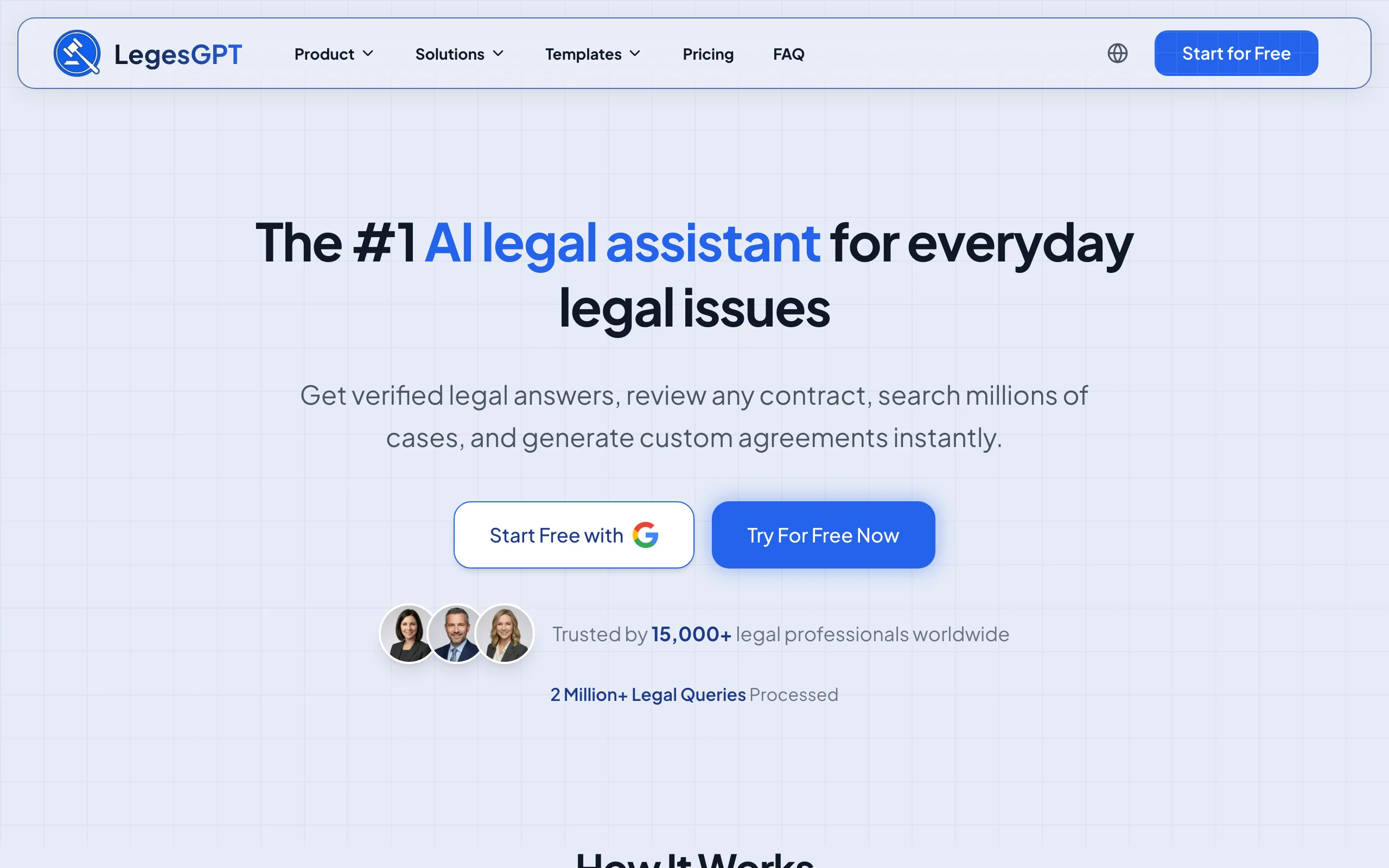
LegesGPT is an all-in-one legal AI that creates complete legal documents and contracts from a plain-language prompt, then helps you review and finish them. Describe what you need and it drafts the document; upload an existing draft and it flags risky clauses and proposes changes; and when drafting raises a question, it answers with verified citations and direct source links. A library of attorney-drafted templates and a free contract generator cover standard documents, and built-in e-signature lets you sign and send without switching tools.
The appeal is range at a self-serve price: drafting, review, and signing in one subscription, with a 3-day trial for $1 and no enterprise sales cycle.
Key features:
- AI drafting of contracts and legal documents from a prompt
- Document review that flags risks and proposes edits
- 100+ attorney-drafted templates and a free contract generator
- Built-in e-signature to sign and send
- Verified-citation answers and case law search for drafting questions
Best for:
- Solo and small-firm lawyers who want to draft, review, and sign in one place
- Businesses and in-house teams creating routine contracts and letters
- Anyone who wants AI drafting plus a template library without enterprise pricing
Pricing:
- Basic: $19.99/mo (unlimited AI queries, case law & statute search, citation verification)
- Plus: $49.99/mo (adds document upload and 50 document reviews/month)
- Premium: $99.99/mo (adds unlimited review, Deep Research, and web search)
- 3-day trial for $1; roughly 30% off with annual billing. See current LegesGPT plans and pricing.
Pros:
- Covers drafting, review, and signing in one subscription
- Self-serve and affordable, with no seat minimums
- Templates plus free-form AI drafting for both standard and custom documents
Cons:
- Newer brand with a smaller footprint than legacy document-assembly vendors
- No native Word add-in or complex conditional-logic template builder
2. Spellbook, best for AI drafting inside Word
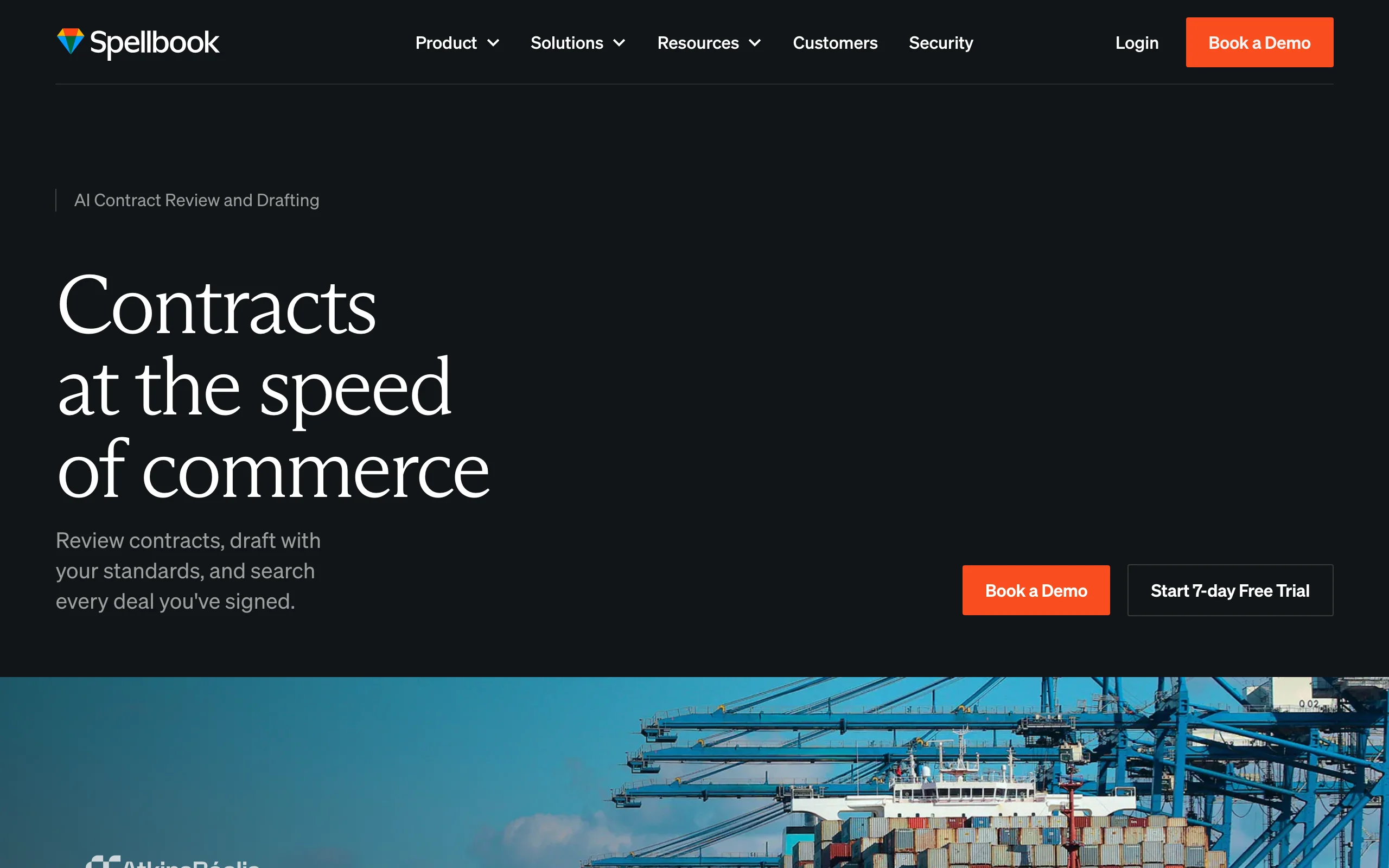
Spellbook creates and edits legal documents where many lawyers already work: Microsoft Word. It drafts and suggests clauses as you type, redlines and reviews uploaded contracts, and benchmarks language against thousands of contract types. For transactional lawyers who want AI help without leaving their document, the in-Word experience is the draw.
It focuses on contracts and drafting rather than broad document automation or research.
Key features:
- AI drafting and clause suggestions inside Word
- Redlining and review of uploaded contracts
- Clause benchmarking across thousands of contract types
- Custom playbooks; SOC 2 Type II, GDPR, CCPA compliance
Best for:
- Transactional and contract lawyers who draft in Word
- Small and mid-size firms wanting an in-document assistant
Pricing:
- Quote-based; not publicly listed
- Third-party estimates start around $99/user/month, with higher enterprise tiers and minimum commitments
Pros:
- Works inside Word with no change to drafting habits
- Strong clause library and benchmarking
Cons:
- Pricing is opaque and quote-only
- Built for contracts, not forms, research, or no-code automation
3. Gavel, best for no-code document automation
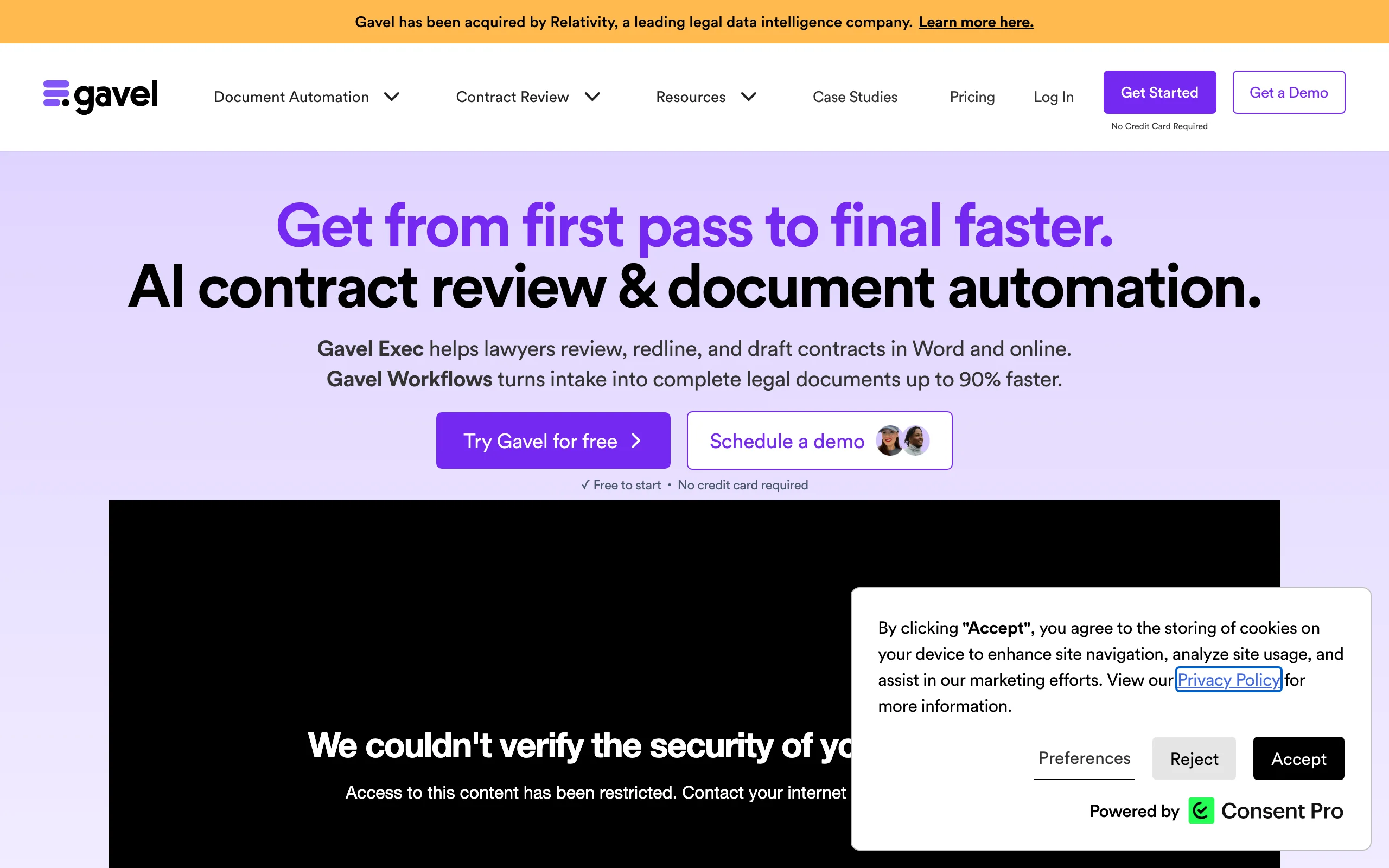
Gavel (formerly Documate) turns your most-used documents into automated, no-code workflows. You convert a Word or PDF document into an online template with questions and conditional logic, then generate finished documents from a simple intake, for your team or for clients to complete themselves. Its Gavel Exec AI add-on brings AI drafting and review into the same platform.
It shines when you generate the same document types repeatedly and want to systematize creation rather than draft each one by hand.
Key features:
- No-code automation of Word and fillable PDF documents
- Conditional logic and reusable client-data workflows
- Client-facing intake forms that generate documents
- Gavel Exec AI for AI drafting and review; DocuSign integration
Best for:
- Firms and legal teams productizing repeatable documents
- Legal services that want clients to self-complete intake
Pricing:
- Free to start; paid plans from about $83/month (billed annually)
- Pro around $290/month; Scale/Enterprise from about $417/month
- Gavel Exec AI add-on around $160/month per attorney
Pros:
- Powerful no-code automation with conditional logic
- Free entry point and client-facing workflows
Cons:
- Building good templates takes upfront setup time
- Best value only if you reuse the same document types often
4. Lawyaw (Clio Draft), best for court forms and firm document automation
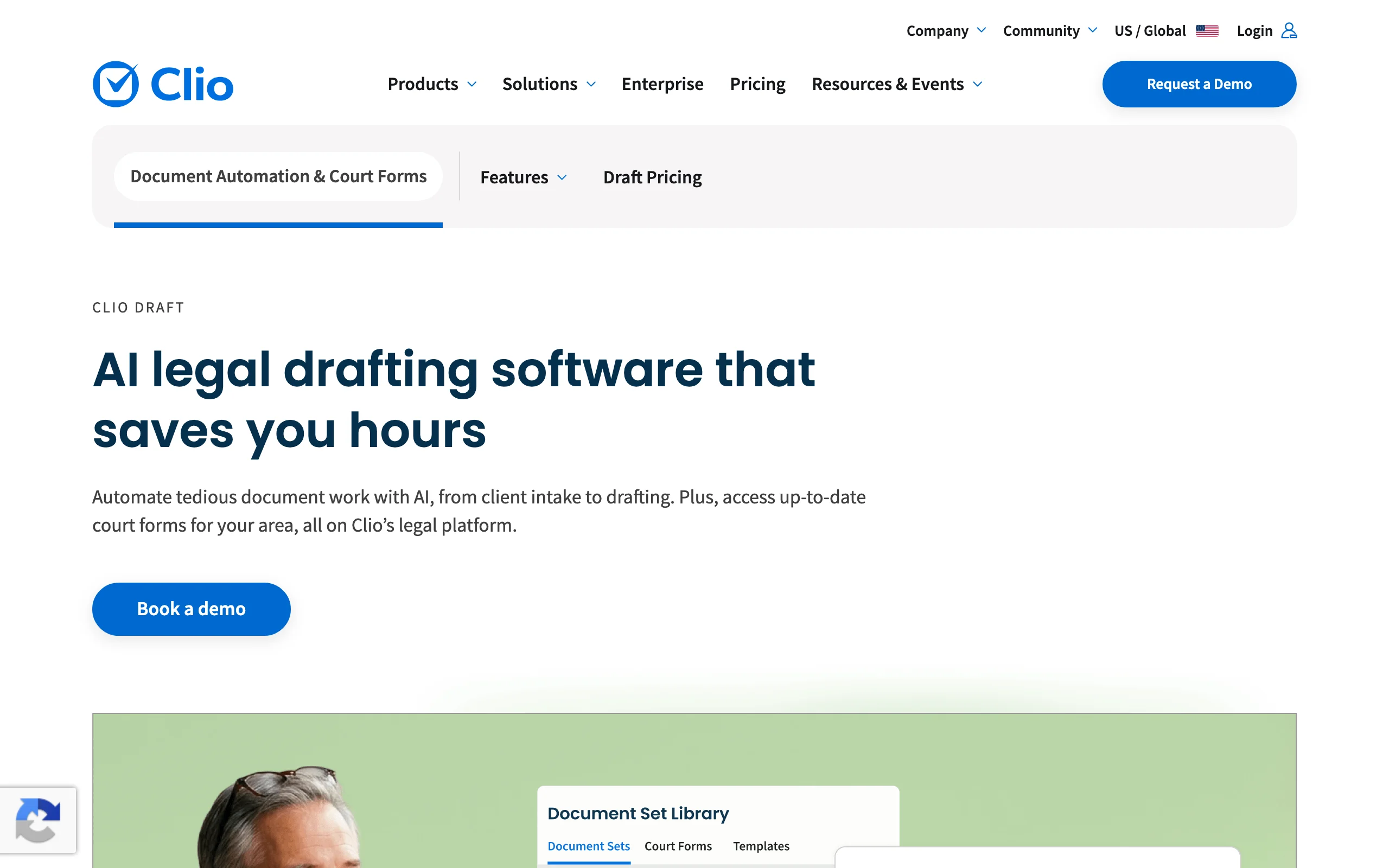
Lawyaw, now Clio Draft, automates legal document creation for law firms, with a strong focus on court forms and matter documents. It converts Word documents into online templates with auto-populating fields and conditional logic, and it includes a large library of official court forms. Tied into Clio Manage, client and matter details flow straight into documents, removing repetitive data entry.
If your firm runs on Clio or files a lot of standardized forms, Clio Draft fits naturally.
Key features:
- Court form library with auto-population
- Word-to-template automation with conditional logic
- Two-way sync with Clio Manage for client and matter data
- Batch document generation and e-signature
Best for:
- Law firms that file standardized court forms
- Clio users who want documents inside their existing system
Pricing:
- Three plans; pricing starts around $70/user/month (program access plus per-user fees)
- Often bundled with Clio Manage subscriptions
Pros:
- Excellent court-form coverage and Clio integration
- Removes repetitive data entry across matters
Cons:
- Most valuable inside the Clio ecosystem
- US-focused; less suited to non-US or non-litigation work
5. HotDocs, best for enterprise document assembly
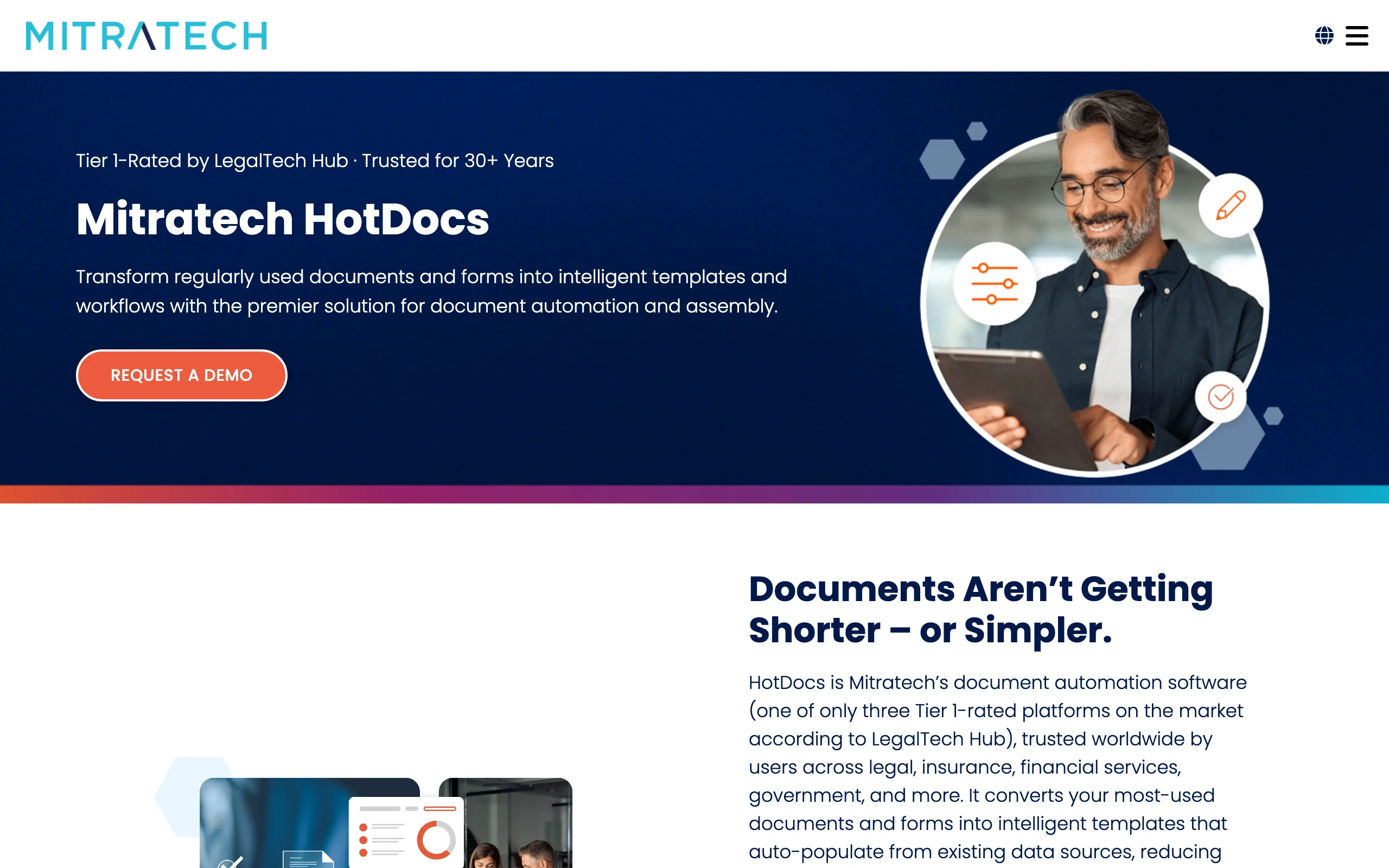
HotDocs, now part of Mitratech, is one of the longest-standing document-assembly platforms, built for organizations that generate documents at scale. It converts high-volume documents into intelligent templates with variables, conditional logic, interviews, and business rules, then auto-populates fields from connected data sources like matter management or CRM systems. Mitratech reports it can cut document creation time by up to 90%.
It is powerful and deeply configurable, aimed at large firms and enterprises rather than solo drafters.
Key features:
- Template building with variables, conditional logic, and business rules
- Auto-population from connected data sources
- No-code configuration for subject-matter experts
- Word integration, e-signature, and workflow automation
Best for:
- Large firms, insurers, and enterprises with high document volume
- Teams that need complex, rules-driven document assembly
Pricing:
- Custom, quote-based; no public pricing, demo required
Pros:
- Mature, robust automation for complex documents at scale
- Connects templates to existing data systems
Cons:
- Heavier setup and enterprise pricing; overkill for small teams
- Assembly engine, not a conversational AI drafter
6. Juro, best for contract creation in-house
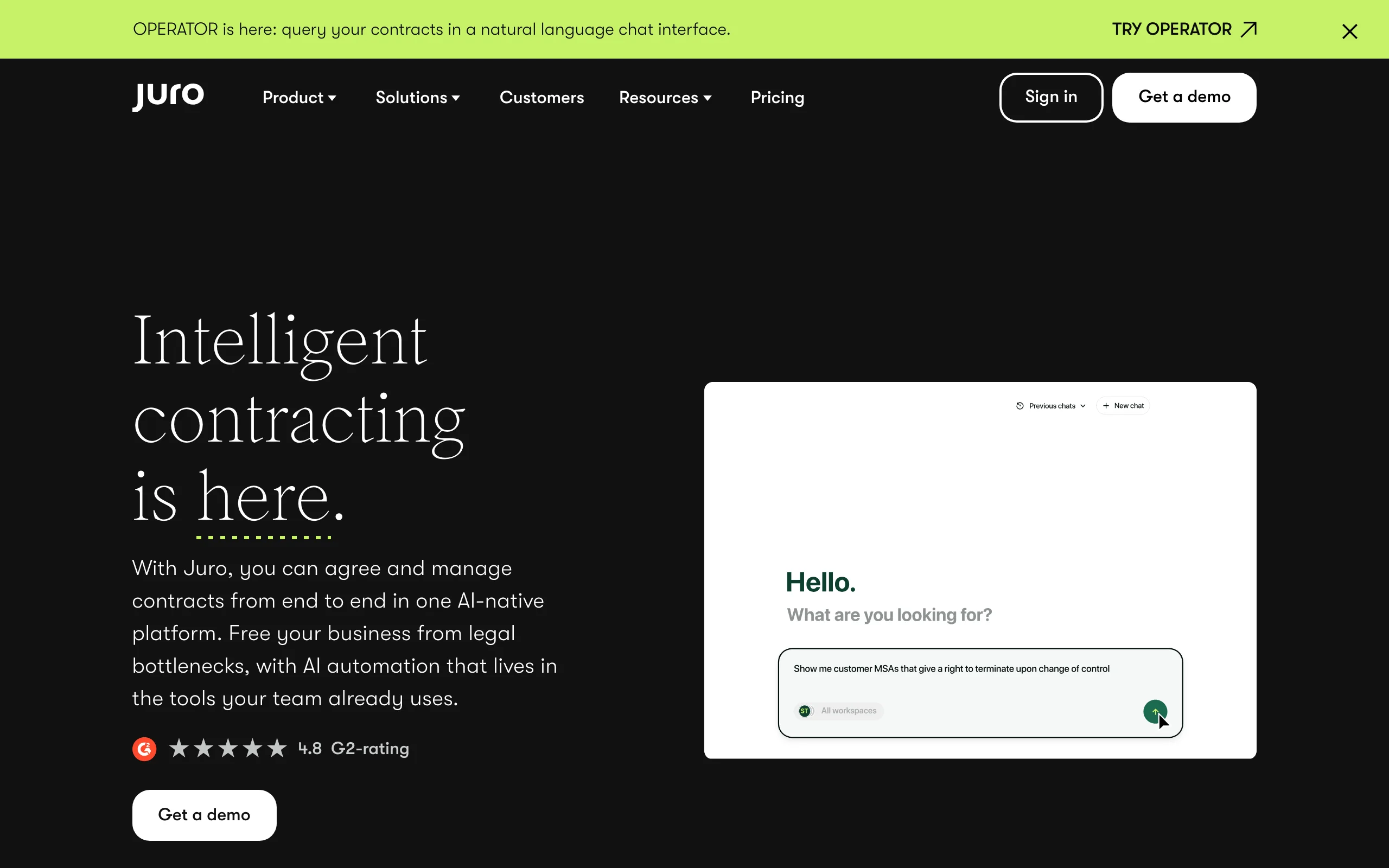
Juro is an intelligent contracting platform built for in-house legal and business teams that create and manage contracts end to end. You build contracts from templates with conditional logic, collaborate and negotiate in a browser-native editor, and track them through approval and signature, with AI assisting drafting and review along the way. Unlike most competitors, Juro does not charge per user, so contracts can be created by the whole team.
It is contract-centric, designed for volume contracting rather than broad legal document types.
Key features:
- Template-based contract creation with conditional logic
- Browser-native editing, collaboration, and negotiation
- AI drafting and review plus approval workflows and e-signature
- Unlimited users, workflows, and templates
Best for:
- In-house legal and operations teams with high contract volume
- Companies that want non-lawyers to self-serve standard contracts
Pricing:
- Custom, quote-based; pricing scales with volume and features, not seats
- Typical annual deals run from roughly $15,000 upward
Pros:
- No per-user fees; the whole team can create contracts
- Strong end-to-end contract workflow with built-in AI
Cons:
- Custom pricing with no transparent entry point
- Focused on contracts, not general legal documents
7. LegalZoom, best for individuals and small businesses
LegalZoom is the most established name in self-serve legal document creation for individuals and small businesses. It generates standard documents, wills, powers of attorney, NDAs, and business-formation paperwork, through guided questionnaires, with optional attorney review and e-signature. It is not built for a lawyer's drafting workflow, but for non-lawyers who need a valid standard document without hiring counsel.
For routine personal and small-business documents, it is simple and accessible.

Key features:
- Guided creation of wills, POAs, NDAs, and business documents
- LLC and corporation formation filings
- Optional attorney review and e-signature
- Large library of customizable legal forms
Best for:
- Individuals creating personal legal documents
- Small businesses forming entities and generating standard contracts
Pricing:
- Individual documents from about $59 each (a last will is $89)
- Document subscription around $99/month for multiple documents
- LLC formation from $0 plus state filing fees; Pro tier $249 plus fees
Pros:
- Simple, guided experience for non-lawyers
- Broad catalog of standard personal and business documents
Cons:
- Add-ons (attorney review, registered agent) raise the real cost
- Standardized output; not a drafting tool for legal professionals
How to choose the best AI tool for legal document creation
The right tool depends on who is creating the documents, how custom they are, and what systems you already use. Test each option on two or three of your real documents before committing, and check that the output is accurate and editable.
1) Who is creating the documents?
- A lawyer or legal team drafting custom work: LegesGPT for all-in-one AI drafting, or Spellbook if you live in Word.
- Non-lawyers in a business: Juro for contracts at scale, or LegalZoom for standard personal and small-business documents.
2) Custom drafting or repeatable automation?
- Mostly one-off or varied documents: LegesGPT drafts from a prompt with no template setup.
- The same documents over and over: Gavel, Lawyaw (Clio Draft), or HotDocs to automate them with logic and auto-population.
3) What systems are you already on?
- Clio: Lawyaw (Clio Draft) keeps documents inside your practice management.
- Enterprise data sources and high volume: HotDocs connects templates to your systems.
- No legacy stack: a self-serve tool like LegesGPT avoids extra setup.
4) Do you also need review and signing?
- Want drafting, risk review, and e-signature together: LegesGPT covers the full path from prompt to signed document.
- Already have a signing tool: most options here integrate with e-signature, so pick for the creation step.
For related comparisons, see our guides to AI contract generators, AI tools for legal drafting, and the best legal AI tools overall. Teams evaluating a rollout can reach out with questions.