
Drafting legal documents by hand eats the hours you would rather spend on strategy and clients. AI tools for legal drafting now turn a rough prompt or a precedent into a first draft in minutes, suggest clause language, and flag the risky terms you would otherwise hunt for line by line. Used well, they cut drafting time without trading away the judgment a lawyer has to keep.
The catch is that not every tool drafts the same way. Some sit inside Microsoft Word, some are built for enterprise firms with five-figure budgets, and some pair drafting with verified citations so you can trust what they produce. In this guide we compare the 5 best AI tools for legal drafting in 2026 by what they actually do, what they cost, and which practice each one fits.
Best AI tools for legal drafting: a brief overview
Here is the short version before the deep dive. Each tool earns a different "best for," so match the pick to your workflow and budget.
- LegesGPT: Best overall for solo and small firms. Drafts documents and contracts, answers legal questions with verified citations, reviews what you upload, and lets you e-sign, all in one self-serve subscription.
- Spellbook: Best for contract drafting and redlining without leaving Microsoft Word, for transactional teams that live in their document editor.
- Harvey AI: Best for BigLaw and large enterprise legal teams that need a tailored, deeply integrated drafting platform and have the budget for it.
- CoCounsel: Best for firms that already pay for Westlaw and want AI drafting grounded in Thomson Reuters research and Practical Law content.
- Microsoft 365 Copilot: Best for teams that draft general business and legal documents inside Word, Outlook, and the rest of Microsoft Office.
| Tool | Best for | Starting price | Free trial | Platform |
|---|---|---|---|---|
| LegesGPT | All-in-one drafting for solo & small firms | From $13.99/mo | 3-day trial | Web app |
| Spellbook | Contract drafting & redlining in Word | Custom (contact sales) | 7-day trial | Word add-in |
| Harvey AI | BigLaw & enterprise legal teams | Custom (enterprise) | Demo only | Web + integrations |
| CoCounsel | Westlaw-backed drafting & research | From ~$104/user/mo | Demo only | Web (Westlaw) |
| Microsoft 365 Copilot | Drafting inside Microsoft Office | $30/user/mo add-on | Demo only | Word / Office |
1. LegesGPT, best overall for solo and small firms
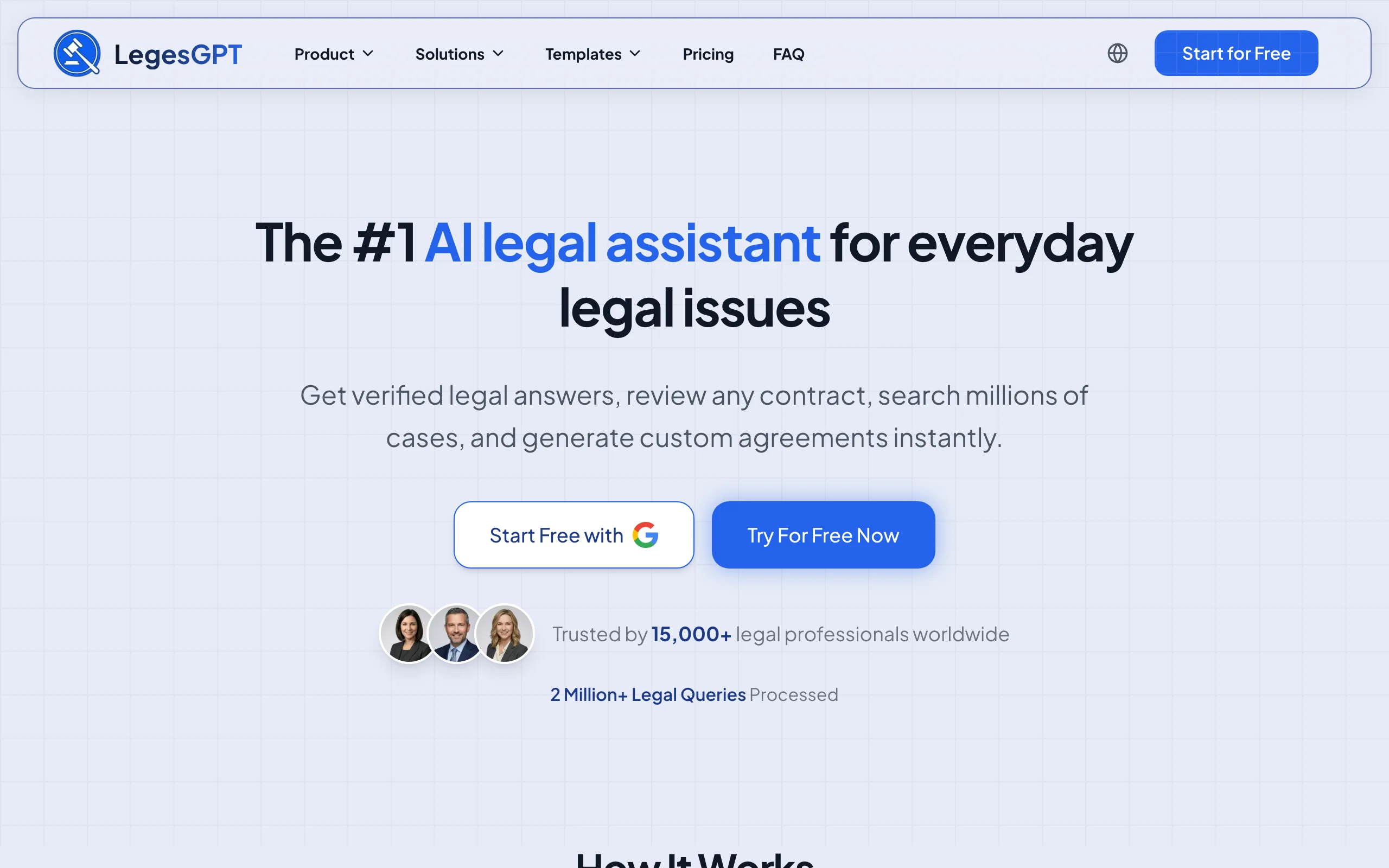
LegesGPT is an all-in-one legal AI workspace that handles the whole drafting lifecycle, not just the first draft. You can describe the document you need and have it drafted, ask a legal question and get an answer with verified citations and direct source links, upload a draft for a risk review with proposed changes, then sign and send the finished document with built-in e-signature. For a solo or small-firm lawyer, that means one subscription instead of stitching together a chatbot, a research database, and a separate signing tool.
What sets it apart for drafting is the grounding. When the language it suggests depends on the law, LegesGPT points you to the underlying case or statute so you can verify it rather than trust a black box. Its AI generation is guided too: you pick a document type, answer a few questions, and get a draft to finalize. (Separately, it also offers 100+ free fill-in templates, a different, non-AI feature for when you just want a standard form.) Either way you avoid a blank page, much like the workflow in our guide on how to draft a contract.
Key features
- Guided AI generation of documents and contracts (choose a type, answer questions); plus 100+ free fill-in templates as a separate feature
- Answers drafting and research questions with verified citations and source links
- Reviews uploaded documents (PDF, DOCX, PPTX, images) and proposes clause-level changes
- Built-in e-signature to sign and send finished documents
- Deep Research mode and web search for current legal developments
- Free legal tools, including a contract generator and citation generator
Best for
- Solo practitioners and 2-50 attorney firms who want drafting, research, review, and signing in one place
- In-house counsel and legal ops handling routine documents without outside counsel
- Lawyers who want verified citations behind AI-suggested language
Pricing
- Basic: $13.99/month, unlimited AI queries, case law and statute search, citation verification
- Plus: $34.99/month, adds document upload and 50 document reviews per month
- Premium: $69.99/month, adds unlimited document review, Deep Research, and web search
- 3-day trial to start; roughly 30% off on annual billing; custom Enterprise plans available
Pros
- One subscription covers drafting, research, review, and e-signature
- Transparent, self-serve pricing at a fraction of enterprise tools
- Verified citations make AI-drafted language easier to trust and check
Cons
- Newer brand with a smaller footprint than Westlaw or LexisNexis incumbents
- Web-only, with no native Word add-in or desktop app for in-editor drafting
2. Spellbook, best for contract drafting and redlining in Word
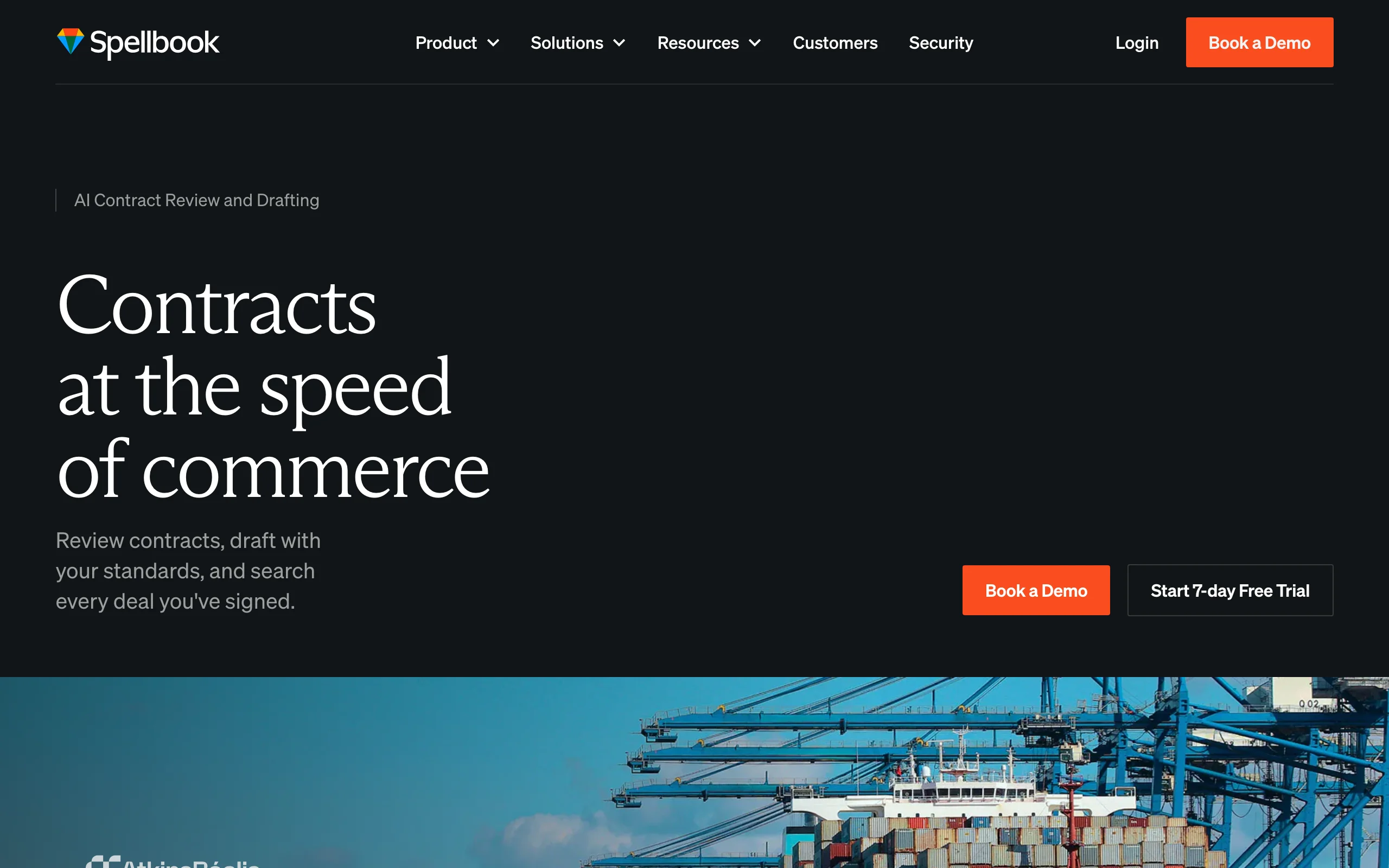
Spellbook is a contract-focused AI assistant that runs as an add-in inside Microsoft Word, so transactional lawyers can draft and redline without changing tools. It can draft clauses or whole agreements from scratch or from a saved playbook, suggest redlines, and run review across a set of related documents. For teams whose day is spent in Word marking up agreements, the in-editor experience is the main draw, and it sits alongside the other options in our roundup of the best AI contract drafting tools.
Key features
- Native Microsoft Word add-in for drafting and redlining in place
- Drafts clauses and agreements from scratch or from saved clause libraries
- Suggests redlines and flags missing or non-standard terms
- Multi-document review and research across a deal's document set
- Playbook support so suggestions match your firm's standards
Best for
- Transactional and corporate teams that draft and negotiate contracts in Word
- In-house legal teams standardizing clause language across agreements
Pricing
- Custom pricing based on the number of seats on the license; not published publicly
- 7-day free trial to test features before committing
- Free access available to academic institutions through a partnership program
Pros
- Drafting and redlining happen inside Word, with no copy-paste between tools
- Strong fit for contract-heavy, playbook-driven workflows
Cons
- Contract-focused, so it is not a general drafting or research tool
- Quote-based pricing means you have to contact sales to learn the cost
3. Harvey AI, best for BigLaw and enterprise legal teams
Harvey AI is an enterprise legal platform aimed at large law firms and corporate legal departments. It drafts, reviews, and runs research across firm-specific workflows, and it is typically deployed with tailored integrations and onboarding. Harvey is genuinely capable for complex, high-volume work, but it is built and priced for organizations with dedicated legal-AI budgets, not for individual practitioners.
Key features
- Drafting, review, and research tuned to enterprise legal workflows
- Custom integrations with firm systems and knowledge bases
- Workflow tools for large teams and multi-step matters
- Enterprise-grade security and deployment support
Best for
- Am Law firms and large in-house teams with significant matter volume
- Organizations that need bespoke integrations and dedicated onboarding
Pricing
- No public pricing; every deal is a custom enterprise quote
- Industry estimates put seat costs in the hundreds to roughly $1,000-$1,200 per user per month depending on firm size, with annual contracts commonly in the tens to hundreds of thousands of dollars and seat minimums
- Demos and pilots only; no self-serve trial
Pros
- Powerful for complex, high-volume drafting and review at scale
- Deep integrations and enterprise support for large deployments
Cons
- Enterprise-only pricing and seat minimums put it out of reach for solos and small firms
- Opaque, quote-based cost with reported annual renewal increases
4. CoCounsel, best for Westlaw-backed drafting and research
CoCounsel, from Thomson Reuters, layers AI drafting, review, and research on top of the Westlaw and Practical Law ecosystem. For firms already invested in Thomson Reuters, the appeal is that drafted language and research draw on content they already trust. It handles drafting, summaries, document review, and agentic multi-step workflows, and it is sold through a configurator for smaller firms or a sales rep for larger ones.
Key features
- AI drafting, review, summaries, and timelines grounded in Thomson Reuters content
- Tight integration with Westlaw research and Practical Law resources
- Agentic workflows that chain research and drafting steps
- Multiple plan tiers from Essentials up to CoCounsel Legal
Best for
- Firms that already subscribe to Westlaw and want AI drafting in the same ecosystem
- Litigation and research-heavy practices that value Thomson Reuters primary law
Pricing
- Roughly $104 to $639 per user/month across plans, per Thomson Reuters' configurator
- Often bundled with a Westlaw subscription, so the real all-in cost is higher
- Self-serve configurator for firms up to 10 attorneys; sales-quoted above that; demo only
Pros
- Drafting backed by Westlaw and Practical Law content many firms already use
- Strong research depth for litigation and primary-law-heavy work
Cons
- Usually requires a Westlaw subscription, pushing the total cost well above the add-on price
- Pricing and bundling are complex compared with self-serve tools
5. Microsoft 365 Copilot, best for drafting inside Microsoft Office
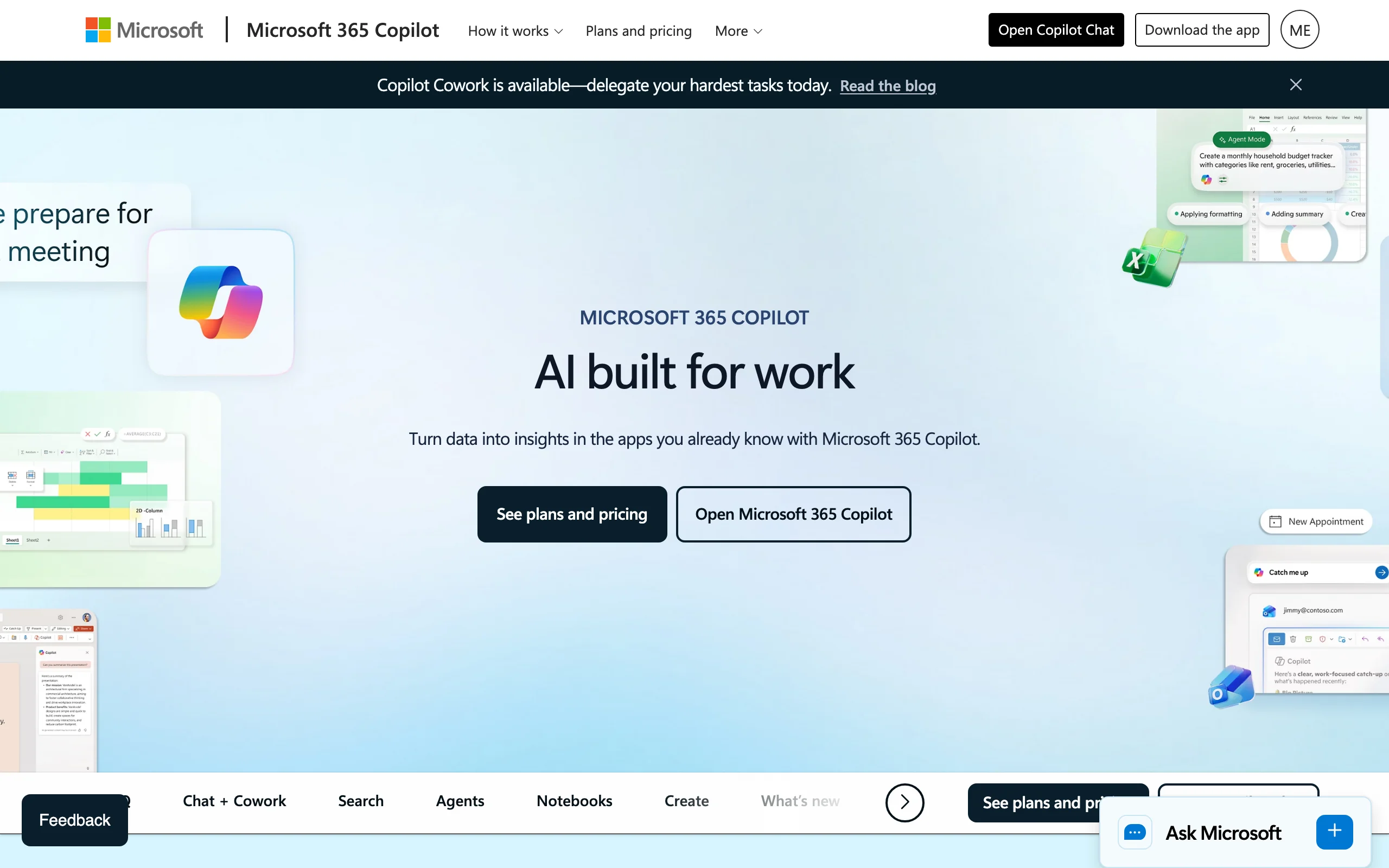
Microsoft 365 Copilot brings generative AI into Word, Outlook, and the rest of Office, so you can draft, rewrite, and summarize documents where you already work. It is not a legal-specific tool, but for general business agreements, letters, and internal memos, it is a fast way to produce a first draft from a prompt or an existing file. Teams already standardized on Microsoft 365 get drafting help without adding a separate vendor.
Key features
- Drafts, rewrites, and summarizes documents directly in Microsoft Word
- Works across Outlook, Teams, and the wider Office suite
- Pulls context from your existing Microsoft 365 files and email
- Familiar interface with no new app to learn
Best for
- Teams already on Microsoft 365 that draft general business and legal documents
- Lawyers who want a writing assistant inside Word rather than a legal database
Pricing
- Around $30/user/month as an enterprise add-on (lower business tiers from roughly $18-$21)
- Requires a qualifying Microsoft 365 base license, so the true all-in cost is higher
- Sold through Microsoft licensing; demos available, no legal-specific trial
Pros
- Drafts inside the Office tools most teams already use every day
- Predictable per-seat pricing through existing Microsoft licensing
Cons
- Not legal-specific, with no verified citations or legal review built in
- Real cost depends on the underlying Microsoft 365 license you hold
How to choose the best AI tool for legal drafting for your practice
The right tool depends less on which has the longest feature list and more on how you draft, who you draft for, and what you can spend. Use these questions to narrow it down.
1) Do you need an all-in-one workflow or a single drafting feature?
- If you want drafting, research, review, and signing in one place: LegesGPT covers the full lifecycle in a single subscription.
- If you only need to draft and redline contracts in Word: Spellbook is purpose-built for that and lives in your editor.
- If you mainly want a writing assistant for general documents: Microsoft 365 Copilot drafts inside Office without adding a legal database.
2) What is your firm size and budget?
- Solo and small firms (1-50 lawyers): LegesGPT and Spellbook are the realistic options; LegesGPT publishes self-serve pricing, while Spellbook quotes by seat.
- Large firms and enterprise legal teams: Harvey AI and CoCounsel are built for scale, but expect five- to six-figure annual commitments and sales-led buying.
3) How much do verified citations matter?
- If AI-suggested language has to be checked against the law: choose a tool that grounds answers in sources, like LegesGPT or CoCounsel, rather than a general chatbot.
- If you are drafting non-legal or internal documents: a general assistant like Copilot is enough.
4) Do you already pay for Westlaw or Microsoft 365?
- If Westlaw is core to your practice: CoCounsel keeps drafting and research in the same ecosystem.
- If you are standardized on Microsoft 365: Copilot adds drafting without a new vendor, though without legal-specific safeguards.
Whatever you shortlist, test three to five of your real documents in each tool before you commit. Drafting quality varies by document type, and price-to-value math looks very different for a solo lawyer than for an Am Law firm. Lawyers who want the broadest workflow at the lowest entry price tend to land on all-in-one tools like LegesGPT, which we cover further in our roundup of legal AI tools for lawyers; teams with deep enterprise needs and budgets lean toward Harvey or CoCounsel.