A client engagement letter should not take four days and eleven emails, yet without law firm contract automation software that is exactly how it goes: a copied Word file, a chain of manual edits, a PDF exported for review, and a signature request sent from yet another system. Every handoff adds delay, and every manual step is a chance for a stale clause or the wrong party name to slip through.
The right tool closes those gaps by connecting the stages: intake captures the deal details, templates and AI produce the first draft, review flags risk and proposes edits, and e-signature finishes the job without leaving the platform. The best options cut drafting time from hours to minutes and give partners a clear view of where every agreement stands.
One clarification before the list: if you only need a one-off agreement written from a prompt, a general-purpose AI contract generator will get you there. This guide tackles a different problem — automating the contract work a firm repeats every week, so the path from intake to signature stops depending on whoever last touched the Word file. Below we compare six tools that do that for firms of different sizes, with verified pricing, honest trade-offs, and a framework for picking the right one.
Law firm contract automation software: a brief overview
- LegesGPT: Best overall for solo and small firms: AI drafting, 100+ attorney-drafted templates, risk-flagging review, and e-signature in one subscription from $19.99/mo.
- Spellbook: Best Word-native automation: clause suggestions, playbook review, and redlines generated inside the document your lawyers already have open.
- Gavel: Best for productized client contracts: turn firm templates into guided questionnaires that assemble finished agreements automatically.
- Avvoka: Best for firm precedents: no-code automated templates with in-browser negotiation and clause-level analytics, used by many of the world's largest firms.
- Legito: Best trial-friendly workflow automation: no-code document generation with approvals, dashboards, and built-in e-signature, evaluated on a 30-day free trial.
- Josef: Best for automating contract intake: no-code bots that interview clients, triage requests, and generate first drafts from the answers.
| Tool | Best for | Starting price | Free trial | Jurisdictions |
|---|---|---|---|---|
| LegesGPT | End-to-end contracts for small firms | From $19.99/mo | 3-day for $1 | 38+ countries |
| Spellbook | Drafting and redlining in Word | Custom | 7-day | US, UK, Canada, others |
| Gavel | Client-facing contract workflows | From $83/mo | 7-day | Any (your templates) |
| Avvoka | Precedent automation and negotiation | Custom | Demo only | Any (your templates) |
| Legito | Drafting-to-signature workflows | Custom (reported from ~$55/user/mo) | 30-day | Any (your templates) |
| Josef | No-code intake and triage | Custom | Free trial | Global |
1. LegesGPT, best overall for solo and small law firms
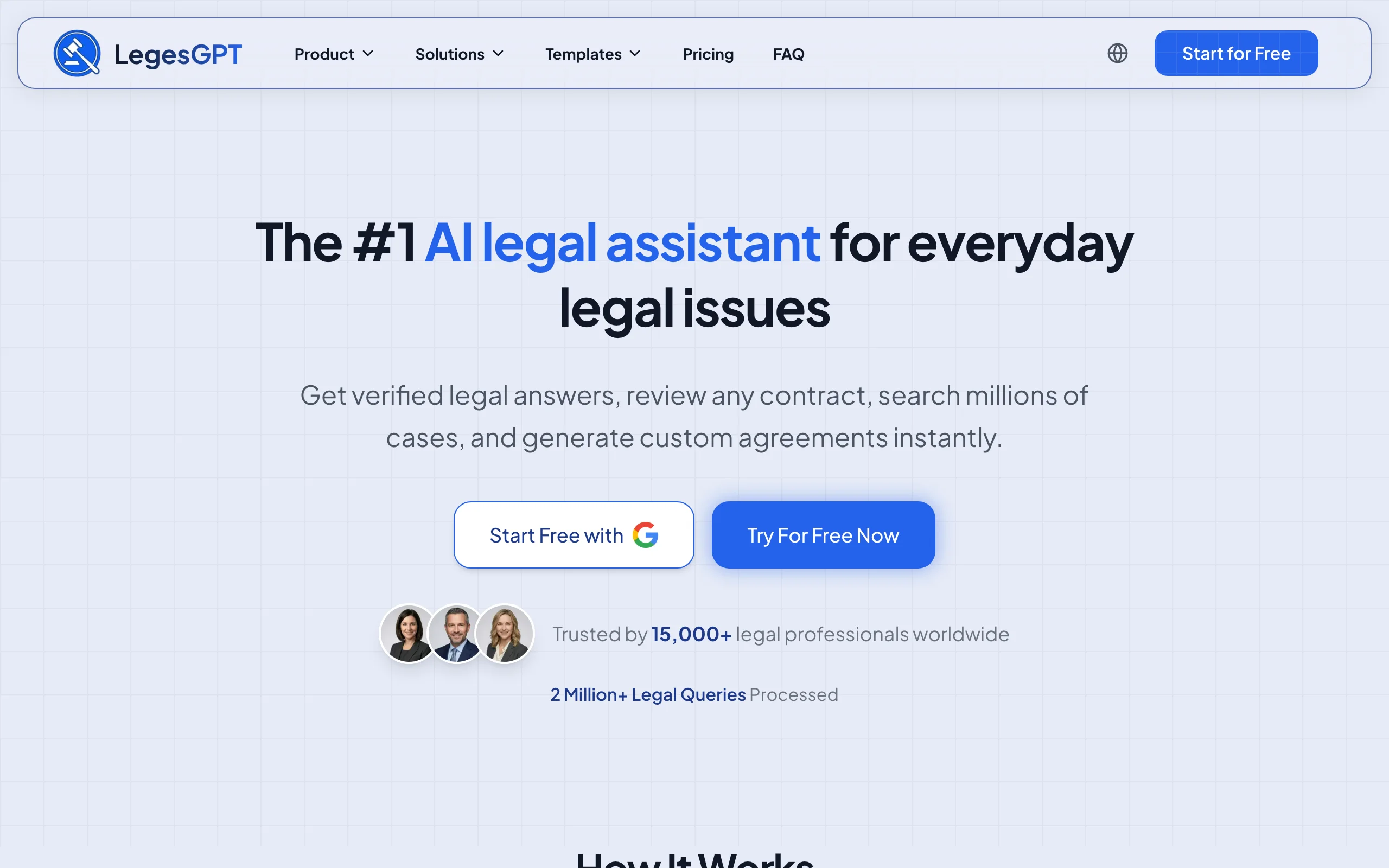
Most contract tools automate one stage and leave your firm to stitch the rest together. LegesGPT is built around the whole path. A matter starts with a template from a library of 100+ attorney-drafted agreements, or with the AI drafting a contract from your plain-language instructions. When opposing counsel sends back a markup, you upload it (PDF or DOCX) and the review engine flags risky clauses and proposes specific replacement language rather than just highlighting problems. Once terms are settled, built-in e-signature executes the agreement in the same browser tab.
Because it runs entirely in the browser with self-serve signup, a two-lawyer firm can start drafting the same afternoon. There is no procurement cycle, no seat minimum, and no implementation consultant, which is exactly what keeps enterprise contract platforms out of reach for small practices.
Key features
- AI drafting of contracts and legal documents from plain-language instructions
- Library of 100+ attorney-drafted templates for common client agreements
- Document review that flags risks and proposes concrete clause edits (PDF, DOCX, PPTX, TXT, images)
- Built-in e-signature to execute contracts without a separate tool
- Legal questions answered with verified citations and source links, useful mid-negotiation
- Deep Research mode and web search for checking recent legal developments (Premium)
Best for
- Solo practitioners and firms up to roughly 50 attorneys that want intake-to-signature automation in one subscription
- Firms that need per-user pricing a managing partner can approve without a procurement process
Pricing
- Basic $19.99/mo; Plus $49.99/mo adds document upload and 50 reviews per month; Premium $99.99/mo adds unlimited review, Deep Research, and web search
- 3-day trial for $1, and roughly 30% off with annual billing
Pros
- Covers drafting, templates, review, and signature in one place, so contracts never fragment across systems
- Costs a fraction of enterprise contract platforms, with no sales call required
- Review output is actionable: proposed replacement language, not just risk flags
Cons
- Web-only: no Microsoft Word add-in, public API, or native mobile app
- A newer brand than the enterprise incumbents, without a post-signature repository for renewal tracking
2. Spellbook, best for automating contracts inside Microsoft Word
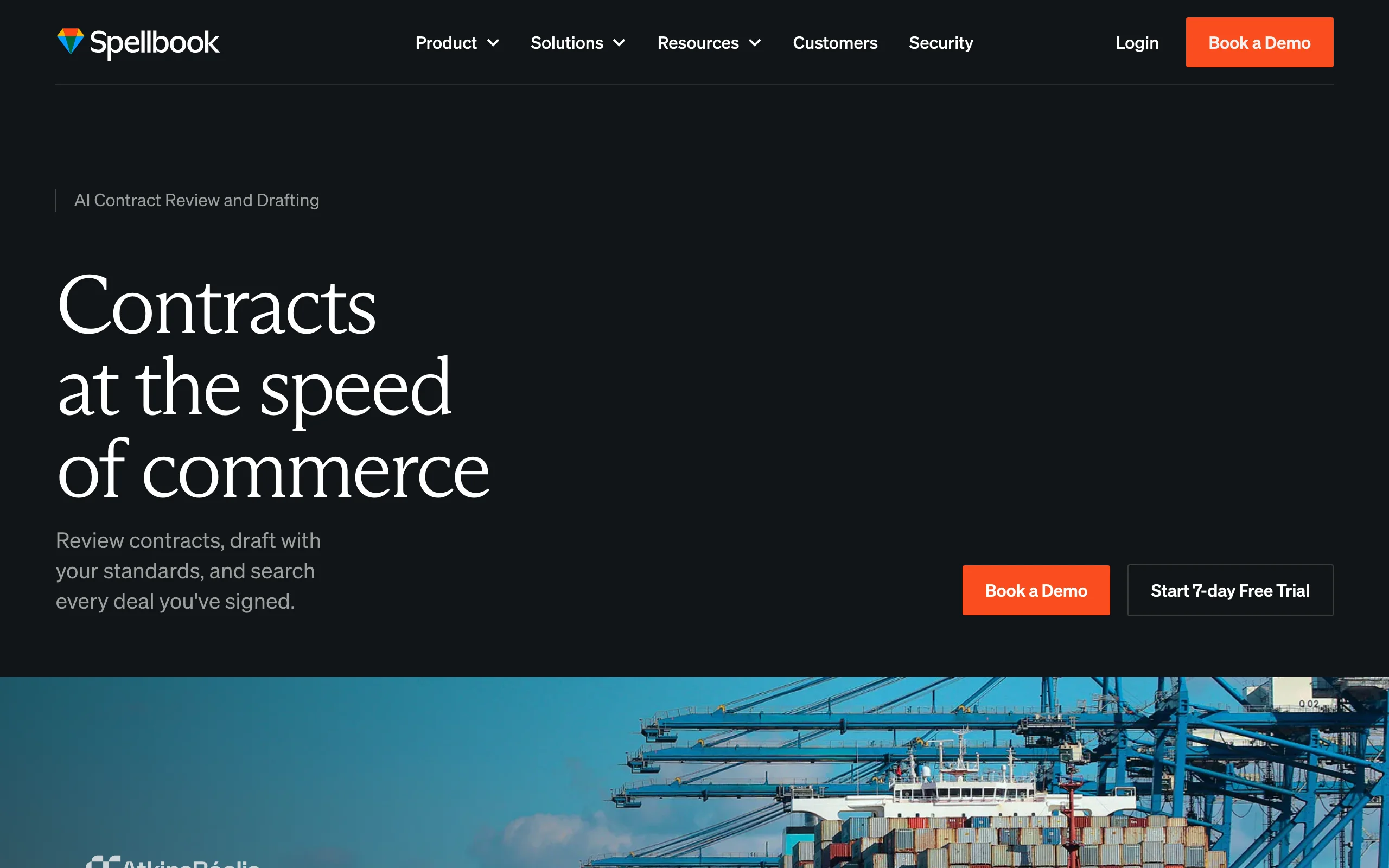
If your lawyers negotiate in tracked-changes Word documents, Spellbook automates the drafting and redlining stage without changing where they work. Installed as a Word add-in, it suggests clause language as you type, reviews agreements against your firm's playbook positions, benchmarks terms against market standards, and generates redlines on counterparty paper. Its Associate agent can take on multi-step drafting tasks across a document.
The scope is deliberately narrow. Spellbook does not handle client intake, questionnaire-driven generation, or e-signature, so it slots into an existing workflow rather than replacing it. For transactional teams whose bottleneck is markup turnaround, that focus is the point.
Key features
- Clause drafting and suggestions directly inside Microsoft Word
- Playbook-based review with proposed redlines on third-party paper
- Benchmarking of terms against market-standard language
- Associate agent for multi-step contract tasks
- Works on the live document, preserving tracked changes
Best for
- Transactional lawyers who draft and negotiate exclusively in Word
- Firms that regularly redline counterparty paper and need consistent turnaround
Pricing
- Custom per-seat pricing quoted after a demo; no published rates
- 7-day free trial available
Pros
- Zero workflow change for Word-first lawyers, which makes adoption fast
- Strong redline quality against playbook positions
Cons
- No intake, client-facing generation, or e-signature; you still need other tools to complete the path
- Per-seat custom pricing scales up quickly for larger teams
3. Gavel, best for turning templates into client-facing contract workflows
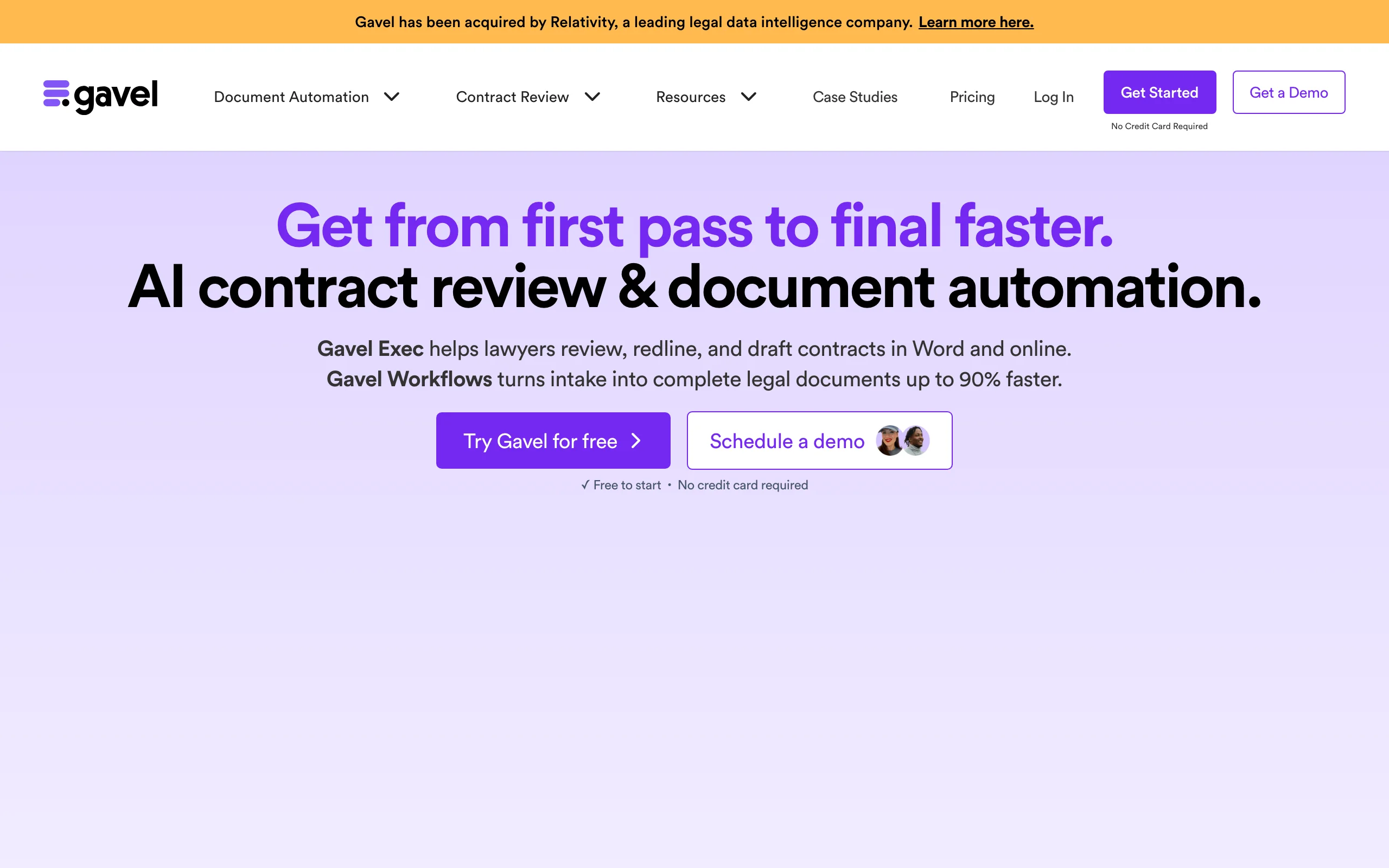
Gavel approaches automation from the client's side of the desk. You convert your firm's contract templates into guided online questionnaires; a client (or a paralegal) answers the questions, and Gavel assembles a finished Word or PDF agreement from your approved language. Firms use it to productize flat-fee contract work, complete with white-label client portals, Stripe payment collection, and a DocuSign integration on the Pro plan.
For negotiation work, Gavel Exec adds AI review, redlining, and playbooks inside Word as a separate product. Notably for this category, Gavel publishes its prices and offers a real trial, so a small firm can evaluate it without a sales call.
Key features
- Questionnaire-driven assembly of Word and PDF contracts from firm templates
- White-label client portals with custom-domain options
- Stripe payments and DocuSign integration on the Pro plan
- Gavel Exec add-on for AI review, redlining, and playbooks in Word
- Template library access on higher tiers
Best for
- Firms selling productized, flat-fee contract packages at volume
- Practices that want clients to self-complete intake and receive drafts automatically
Pricing
- Lite $83/mo, Standard $165/mo, Pro $290/mo, Scale from $417/mo on annual billing
- Gavel Exec runs $160/user/mo with 1,000 AI completions per month
- 7-day free trial, no credit card required
Pros
- Transparent pricing and self-serve setup, rare in this market
- The client-facing workflow can become a revenue channel, not just a cost saving
Cons
- Building solid questionnaires requires real upfront template engineering
- Workflow and template limits on lower tiers push growing firms to pricier plans
4. Avvoka, best for turning firm precedents into negotiation-ready drafts
Avvoka is document automation built specifically for the legal market, and its customer base shows it: the company counts many of the world's largest law firms among its users. The core move is converting your firm's precedents into no-code automated templates, with conditional logic and firm-approved fallback language built in, so an associate (or a client) answers a questionnaire and gets a compliant first draft instead of marking up last deal's Word file. What separates it from generic template engines is the negotiation layer: counterparties can negotiate the document in the browser, and Avvoka records which clauses draw the most pushback, turning every deal into data on where your templates leak time.
Firms also use it commercially. Knowledge and innovation teams package firm precedents into automated document suites they deliver to clients as a product, which makes Avvoka as much a revenue play as an efficiency one. The trade-off is a quote-led sales process and genuine upfront template-building work before the savings arrive.
Key features
- No-code automation builder for complex, condition-heavy precedents
- In-browser negotiation with counterparties, with version history
- Clause-level analytics showing which terms get negotiated hardest
- Approval rules and firm-approved fallback positions baked into templates
- E-signature integrations to execute finished documents
Best for
- Firms that want associates and clients drafting from approved precedents rather than recycled Word files
- Knowledge and innovation teams productizing firm know-how into client-facing document services
Pricing
- Custom quotes scaled by deployment scope and usage; no published rates
- Demo-led sales; no self-serve trial
Pros
- Designed for law-firm drafting and negotiation rather than adapted from sales-ops CLM
- Negotiation analytics feed real data back into how the firm drafts
Cons
- No published pricing, and automating complex precedents takes dedicated setup effort
- Built around structured precedent workflows; less help for one-off bespoke drafting
5. Legito, best for drafting-to-signature workflows you can trial properly
Legito pairs no-code document automation with the workflow machinery around it: auto-routing, approvals, dashboards, a document repository with key-date alerts, and its own e-signature (Legito Sign). A firm automates its engagement letters, retainers, and standard contracts once, then routes every generated document through review and signature without leaving the platform. Data entered at intake is reusable, so the client details captured once flow into each downstream document on the matter.
What makes Legito stand out in a quote-heavy category is how easy it is to evaluate: a 30-day free trial with every feature unlocked and no credit card required, the longest genuine trial in this roundup. Reported pricing also sits well below enterprise territory, with review platforms listing plans from roughly $55 per user per month, though Legito itself quotes tailored pricing per deployment.
Key features
- No-code automation for advanced, condition-heavy documents
- Auto-routing, approvals, and dashboards around every generated document
- Reusable data: details captured at intake flow into downstream documents
- Built-in Legito Sign e-signature
- Document repository with key-date and renewal alerts
Best for
- Firms that want drafting plus the approval-and-signature workflow in one system
- Teams that insist on testing a full-featured product on real matters before talking to sales
Pricing
- Tailored quotes; review platforms report plans from about $55/user/mo
- 30-day free trial with all features, no credit card required
Pros
- The longest real trial in the category, so you judge output on your own documents
- Covers generation through approval to signature, including renewal tracking
Cons
- Final pricing still requires a sales conversation despite the generous trial
- Smaller brand presence in the US legal market than the incumbents on this list
6. Josef, best for no-code contract intake and triage
Josef automates the step most contract tools skip: everything that happens before drafting starts. Legal teams build no-code bots that interview clients or employees, answer routine policy questions, triage incoming requests, and generate template-driven contracts and documents from the collected answers. It is widely used by in-house teams and legal aid organizations handling high volumes of repetitive requests, with discounted plans for nonprofit and community legal partners.
Because Josef stops at the first draft, most firms pair it with a drafting and review tool. As the front door of a contract workflow, though, it can eliminate a large share of paralegal intake hours.
Key features
- No-code bot builder for client and employee intake interviews
- Guided Q&A that resolves routine legal and policy questions automatically
- Template-driven contract generation from intake answers
- Workflow automation for approvals and follow-up emails
- Discounted plans for nonprofit and community legal organizations
Best for
- Firms and legal teams flooded with repetitive contract requests, NDAs, and policy questions
- Legal aid and community organizations automating access-to-justice workflows
Pricing
- Custom quotes; pricing is not publicly listed
- Free trial offered, with reduced pricing for not-for-profit partners
Pros
- Genuinely no-code: legal staff build and edit bots without developers
- Removes the routine-question load that consumes associate and paralegal time
Cons
- No AI redlining or negotiation support; drafting depth is limited to templates
- Quote-based pricing makes small-firm budgeting uncertain
How to choose law firm contract automation software for your practice
Four questions narrow this list fast. Weigh each answer against price-to-value: a tool that saves two associate hours per contract pays for itself quickly, but only if your volume justifies its tier.
How much of the contract path do you need covered?
- If you want one tool from first draft to signature: LegesGPT handles templates, AI drafting, review, and e-signature in a single subscription; Legito adds approval routing and a repository around the same span.
- If your only bottleneck is drafting and redlining: Spellbook is the focused fix, and our roundup of the best AI contract drafting tools covers that stage in depth.
- If intake is the pain point: Josef's bots or Gavel's questionnaires capture deal details before a lawyer touches the file.
What can your firm actually approve?
- Solo and small firms: LegesGPT (from $19.99/mo) and Gavel (from $83/mo) are the only options here with published prices and self-serve signup. Everything else starts with a sales call.
- Mid-size and larger firms: Spellbook, Avvoka, and Josef assume custom quotes, though Legito's 30-day full-feature trial lets you prove value before any sales call.
Do your lawyers live in Word or the browser?
- If negotiation happens in tracked-changes Word files: Spellbook or Gavel Exec meet lawyers where they are.
- If you prefer nothing to install: LegesGPT, Legito, and Avvoka run fully in the browser, and LegesGPT pairs drafting with clause-level review in the same interface. For a closer look at review capabilities across the market, see the best AI contract review tools.
Who fills in the contract details?
- Clients self-completing intake: Gavel and Josef are built for client-facing workflows.
- Your team driving every draft: LegesGPT and Spellbook keep lawyers in control of generation and edits.
- Business users or clients drafting from your approved precedents: Avvoka's automated templates were built for exactly that.
Before committing anywhere, run three to five of your firm's real contracts through a trial and judge the output yourself. And if your automation needs reach beyond contracts to pleadings, letters, and court forms, our guide to the best document automation tools for law firms covers the wider category.