
A working lawyer touches more software categories in a week than most professionals do in a month: research databases, contract review, drafting, e-signature, matter management, billing. Search for the best software for lawyers and you get long lists that treat all of those jobs as interchangeable, which they are not.
This guide takes a different route. We picked one leading tool per category that a modern practice actually needs: an AI legal assistant, practice management, legal research, e-signature, document automation, payments, and contract lifecycle management. For each pick you get real pricing, key features, honest pros and cons, and a decision framework at the end, so you can assemble a working stack instead of collecting subscriptions.
The best software for lawyers: a brief overview
- LegesGPT: Best overall: answers research questions with verified citations, reviews documents for risk, drafts contracts, and handles e-signature in a single subscription from $19.99/month.
- Clio: Best for practice and case management: the market-standard hub for matters, calendars, time tracking, billing, and trust accounting.
- Westlaw: Best for deep legal research: decades of case law and statute coverage with the KeyCite citator, now with an AI research layer.
- DocuSign: Best for e-signature: the signing standard clients already recognize, with templates, audit trails, and firm-wide workflows.
- Smokeball: Best for document automation: auto-fills forms and documents from matter data and captures billable time in the background.
- LawPay: Best for billing and payments: trust-compliant card and eCheck processing designed around IOLTA rules.
- Ironclad: Best for contract lifecycle management: no-code workflows that move high volumes of contracts through intake, approval, and signature.
| Tool | Best for | Starting price | Free trial | Category |
|---|---|---|---|---|
| LegesGPT | Research, review, drafting, signing in one | From $19.99/mo | 3-day for $1 | AI legal assistant |
| Clio | Firm operations hub | From $49/user/mo | 7-day | Practice management |
| Westlaw | High-stakes research | ~$133/user/mo | Demo only | Legal research |
| DocuSign | Client-friendly signing | From $10/mo | Free trial | E-signature |
| Smokeball | Auto-filled forms and documents | From $49/user/mo | Demo only | Document automation |
| LawPay | Trust-compliant processing | From $19/mo + fees | Demo only | Billing and payments |
| Ironclad | High-volume contract workflows | Custom (contact sales) | Demo only | Contract lifecycle |
1. LegesGPT, best overall for solo and small-firm stacks
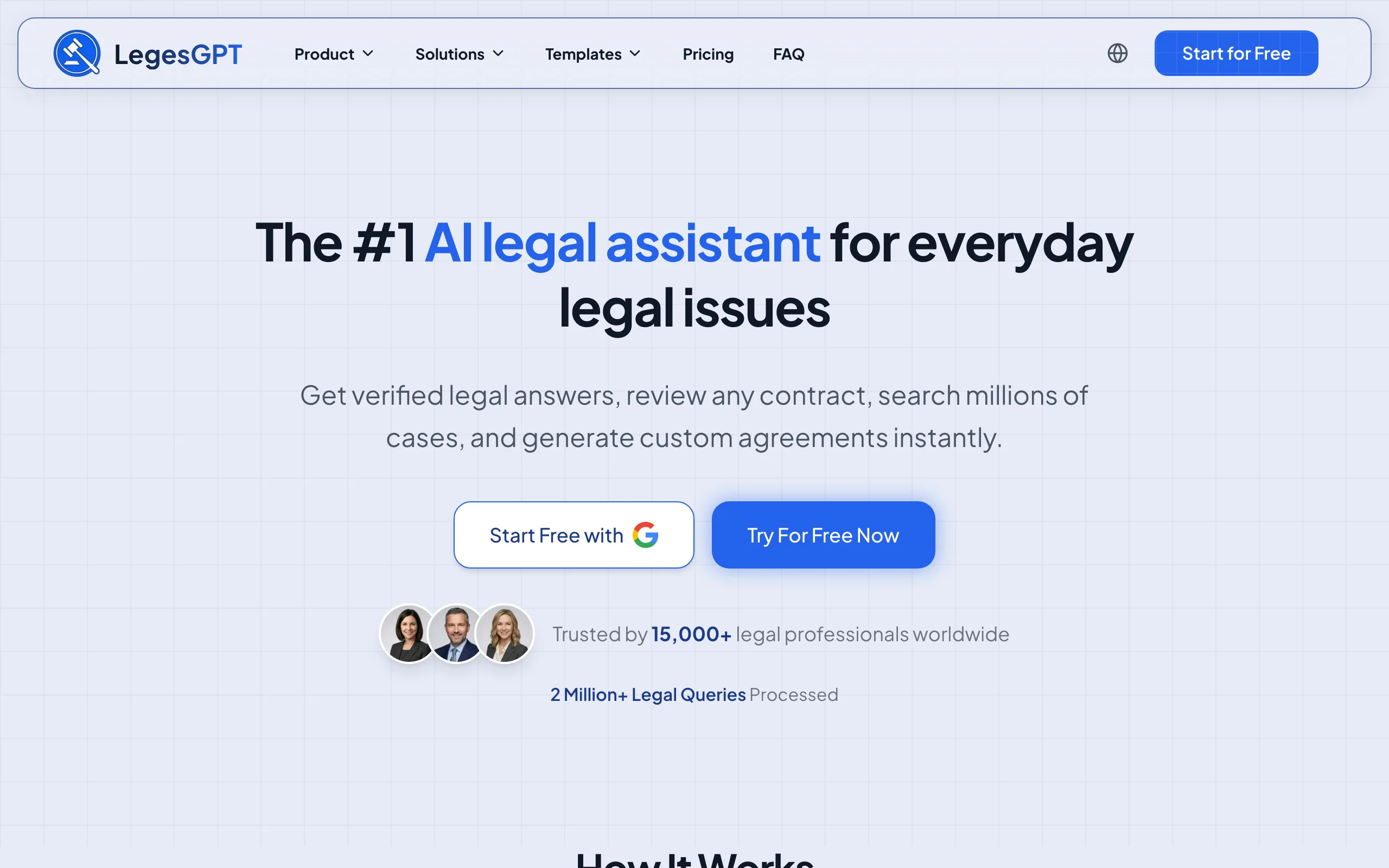
Most of the categories on this list exist because legal work got split across point tools. LegesGPT collapses four of them. Ask a legal question and it answers with verified citations that link to the underlying cases and statutes. Upload a contract as PDF, DOCX, PPTX, TXT, or an image and it flags risky clauses and proposes replacement language. Draft from 100+ attorney-written templates or a plain-language prompt, then send the finished document for e-signature without switching apps.
That consolidation matters most for solo practitioners and small firms, where every extra subscription is a real budget line. One login covers the research-review-draft-sign loop; you add practice management and payments from the picks below. To see how it stacks up against single-purpose competitors, compare the leading AI legal assistants for lawyers.
Key features
- Legal Q&A with verified citations and direct links to source cases and statutes
- Case law and statute search, plus a Deep Research mode for multi-step questions
- AI document review that flags risks and proposes changes across PDF, DOCX, PPTX, TXT, and images
- AI drafting with 100+ attorney-drafted templates for contracts and legal documents
- Built-in e-signature to execute what you draft
- Free extras: contract generator, legal calculators, and a citation generator
Best for
- Solo practitioners and 2-50 attorney firms building a lean, low-overhead stack
- In-house counsel who need research and contract work without enterprise procurement
- Lawyers replacing three or four point subscriptions with one
Pricing
- Basic $19.99/month; Plus $49.99/month adds document upload and 50 reviews/month; Premium $99.99/month adds unlimited review, Deep Research, and web search
- 3-day trial for $1, self-serve signup, roughly 30% off with annual billing
Pros
- One subscription covers research, review, drafting, and signing, so the stack math favors it immediately
- Browser-based with no IT setup, sales call, or seat minimums
- Verified citations cut the hallucination risk that makes general-purpose AI unusable for legal work
Cons
- Newer brand without the decades-long track record of Westlaw or Clio
- Web-only: no Word add-in, public API, or native mobile app
- Not a practice management or trust-accounting system, so it complements Clio and LawPay rather than replacing them
2. Clio, best for practice and case management
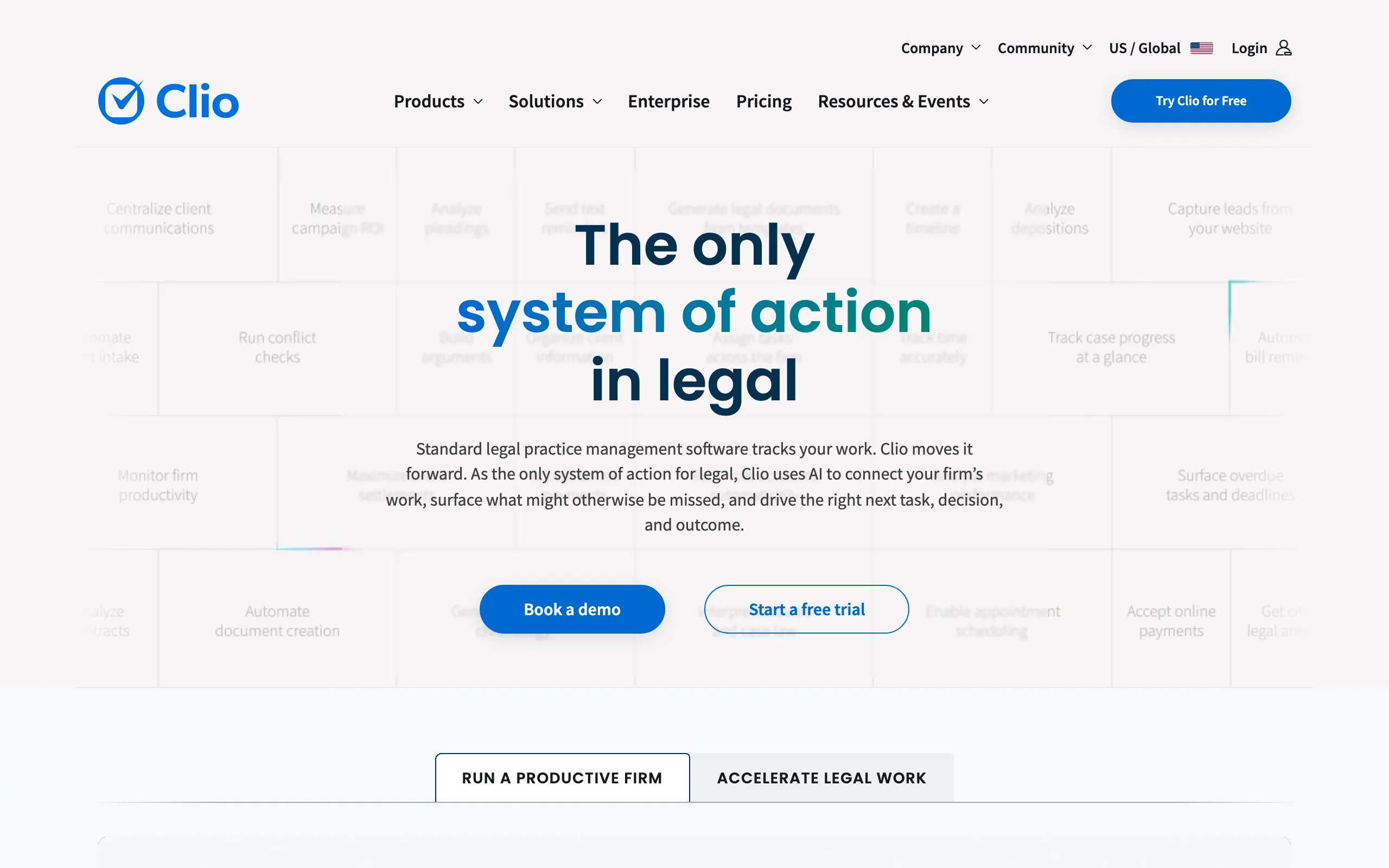
Clio is the most widely adopted practice management platform in legal, and for most firms it becomes the operational backbone everything else plugs into. Matters, contacts, deadlines, documents, time entries, invoices, and IOLTA-compliant trust accounting live in one system, and a large marketplace of integrations connects it to the rest of your stack.
Where an AI assistant does the legal thinking, Clio runs the business: which deadlines are approaching, which invoices are outstanding, and where each matter stands. Firms focused on growth can bolt on Clio Grow for client intake and marketing automation.
Key features
- Matter, contact, calendar, and document management in one hub
- Time tracking, billing, and trust accounting built for bar compliance
- Client intake and CRM via the Clio Grow add-on
- Hundreds of integrations, including QuickBooks sync on higher tiers
- AI-assisted document drafting on the Complete plan
Best for
- Firms that want a single system of record for the entire practice
- Growing practices connecting intake, matters, and billing
- Teams that hire staff who already know the market-leading tool
Pricing
- EasyStart $49, Essentials $89, Advanced $119, Complete $149 per user/month, billed annually
- 7-day free trial without a credit card; Clio Grow from $59/user/month extra
Pros
- Category leader, which makes training, hiring, and integrations straightforward
- Scales from solo practice to mid-size firm without a platform switch
- Mature trust-accounting and compliance tooling
Cons
- Per-user pricing compounds quickly as the team grows
- The AI and document-drafting features sit on the most expensive tier
3. Westlaw, best for deep legal research
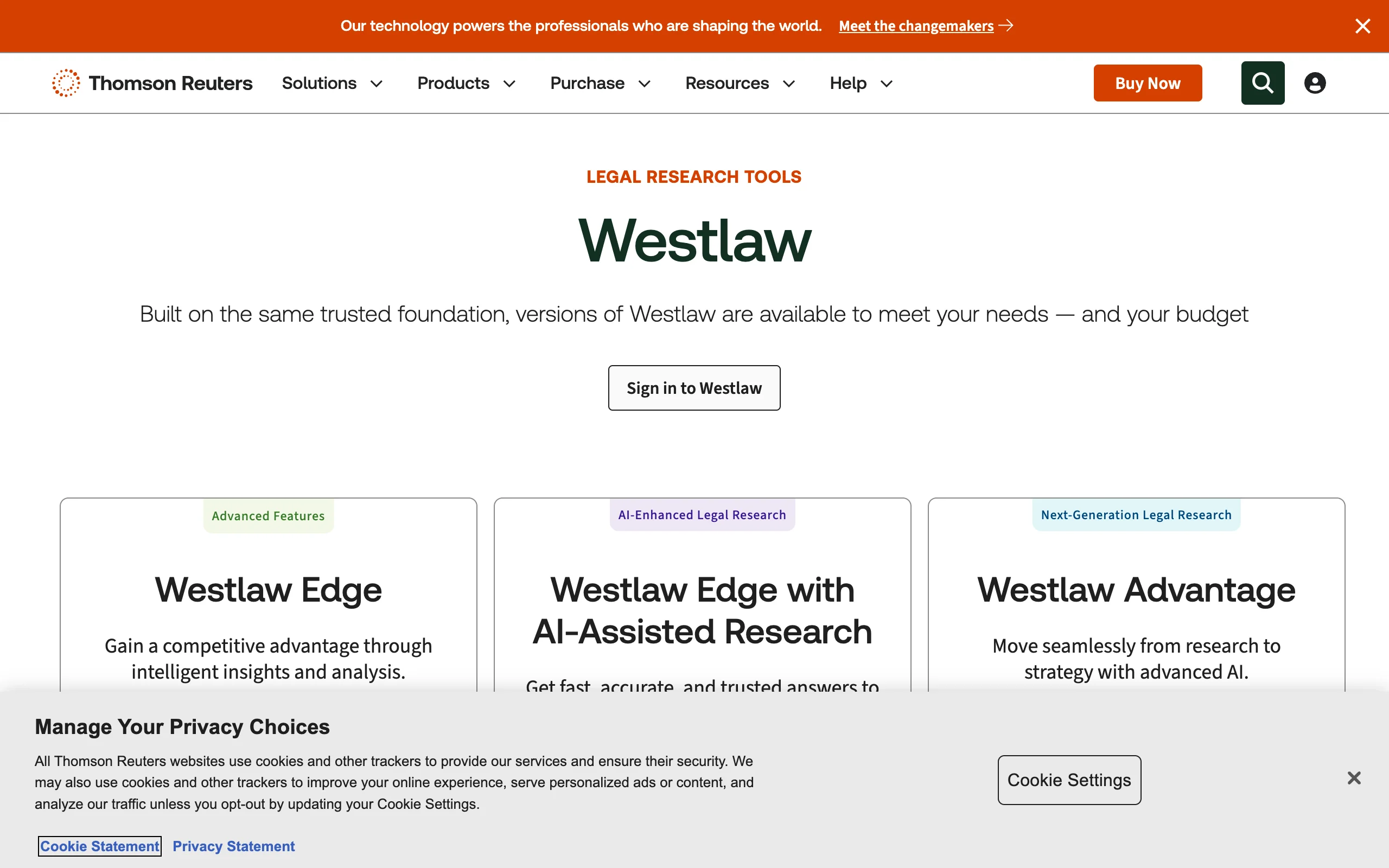
Westlaw, from Thomson Reuters, has defined legal research for decades alongside Lexis. Its case law, statute, and secondary-source coverage runs deeper than any AI-first challenger, and the KeyCite citator remains the benchmark for confirming that an authority is still good law. The platform now layers generative AI on top through AI-Assisted Research and Westlaw Precision with CoCounsel.
The trade-off is price. For high-stakes litigation the depth is worth it; for everyday questions many firms now pair a cheaper AI assistant with a narrower Westlaw plan, or evaluate the best Westlaw alternatives before renewing.
Key features
- Deep case law, statute, and secondary-source database
- KeyCite citator with flags for questioned or overruled authority
- AI-Assisted Research and Westlaw Precision with CoCounsel
- Practice-area content, briefs, and analytical materials
- Self-serve online plans for firms up to 10 attorneys
Best for
- Litigators handling matters where citation accuracy is non-negotiable
- Firms that need an authoritative citator on every brief
- Practices already standardized on Thomson Reuters products
Pricing
- Single-state Westlaw Classic from about $133/user/month
- AI-Assisted Research plans from about $155/user/month on multi-year terms; Precision with CoCounsel around $428/user/month, quote-based
Pros
- Unmatched database depth and the most trusted citator
- AI research is now integrated into the core product rather than sold separately
- Broad coverage across practice areas and jurisdictions
Cons
- Among the most expensive line items in any small-firm budget
- Best rates require multi-year commitments
4. DocuSign, best for e-signature
DocuSign is the default name in electronic signatures, which is precisely its value: clients, opposing counsel, and vendors already know how to sign with it. For a law firm, it turns the last mile of every agreement into a few clicks backed by a legally recognized audit trail.
The company has expanded beyond signing into Intelligent Agreement Management, which adds AI contract analysis, workflow automation, and a searchable repository. Most firms only need the core eSignature plans, which stay affordable at the entry level.
Key features
- Legally recognized e-signature with a complete audit trail
- Reusable templates and bulk send on higher tiers
- Payment collection and advanced form fields on Business Pro
- Identity verification and SMS delivery add-ons
- Intelligent Agreement Management for AI analysis and workflows
Best for
- Firms that want signing their clients never need help with
- Transactional practices sending agreements at volume
- Teams standardizing execution across every matter type
Pricing
- Personal $10/month for a single user with 5 envelopes/month
- Standard $25/user/month and Business Pro $40/user/month, billed annually
Pros
- The most recognized signing brand, which minimizes client friction
- Scales from occasional signing to firm-wide agreement workflows
- Strong compliance posture and audit documentation
Cons
- Envelope caps on lower tiers push active firms into upgrades
- The broader agreement-management suite costs well beyond basic signing
5. Smokeball, best for document automation
Smokeball is practice management with document automation at its center, which makes it the strongest pick for high-volume small firms in family law, estate planning, immigration, and similar form-heavy practice areas. It populates court forms and documents from matter data automatically, so client names, dates, and case details stop being retyped into every template.
It also records time automatically in the background, capturing billable minutes that manual entry loses. Higher tiers add the Archie AI assistant, lead management, and intake. For a wider look at this category, see the best document automation tools for law firms.
Key features
- Document automation that fills forms and templates from matter data
- Automatic background time tracking
- Matter, document, and calendar management
- Large library of automated legal forms by practice area
- Archie AI assistant and client intake on higher tiers
Best for
- Small firms producing the same document types repeatedly
- Family law, estate planning, and immigration practices
- Firms losing billable time to manual data entry
Pricing
- Bill $49/user/month and Boost $89/user/month
- Grow and Prosper+ tiers, which unlock full automation and AI, are custom-quoted
Pros
- Best-in-class form automation for repetitive filings
- Automatic time capture protects revenue that would otherwise evaporate
- Purpose-built for the practice areas that need it most
Cons
- The strongest automation features sit behind custom-quote tiers
- Desktop-centric design does not suit every workflow
6. LawPay, best for billing and payments
LawPay is payment processing built specifically for law firms, and its defining feature is trust-account compliance. General processors deduct fees from deposited funds, which can put advance payments in the wrong account; LawPay routes client funds into your IOLTA trust account correctly and keeps earned fees separate, which keeps you inside bar rules.
It accepts cards and eChecks, includes time tracking, invoicing, and billing in the base subscription, and integrates with the major practice management platforms, including Clio and Smokeball above.
Key features
- IOLTA-compliant handling of client funds and retainers
- Card and eCheck acceptance with ABA-endorsed processing
- Time tracking, invoicing, and billing included in the subscription
- Integrations with major practice management systems
- Optional surcharging to pass card costs to clients where permitted
Best for
- Any firm that accepts client payments into trust
- Solos and small firms that want compliant processing without accounting overhead
- Practices connecting payments directly to their billing system
Pricing
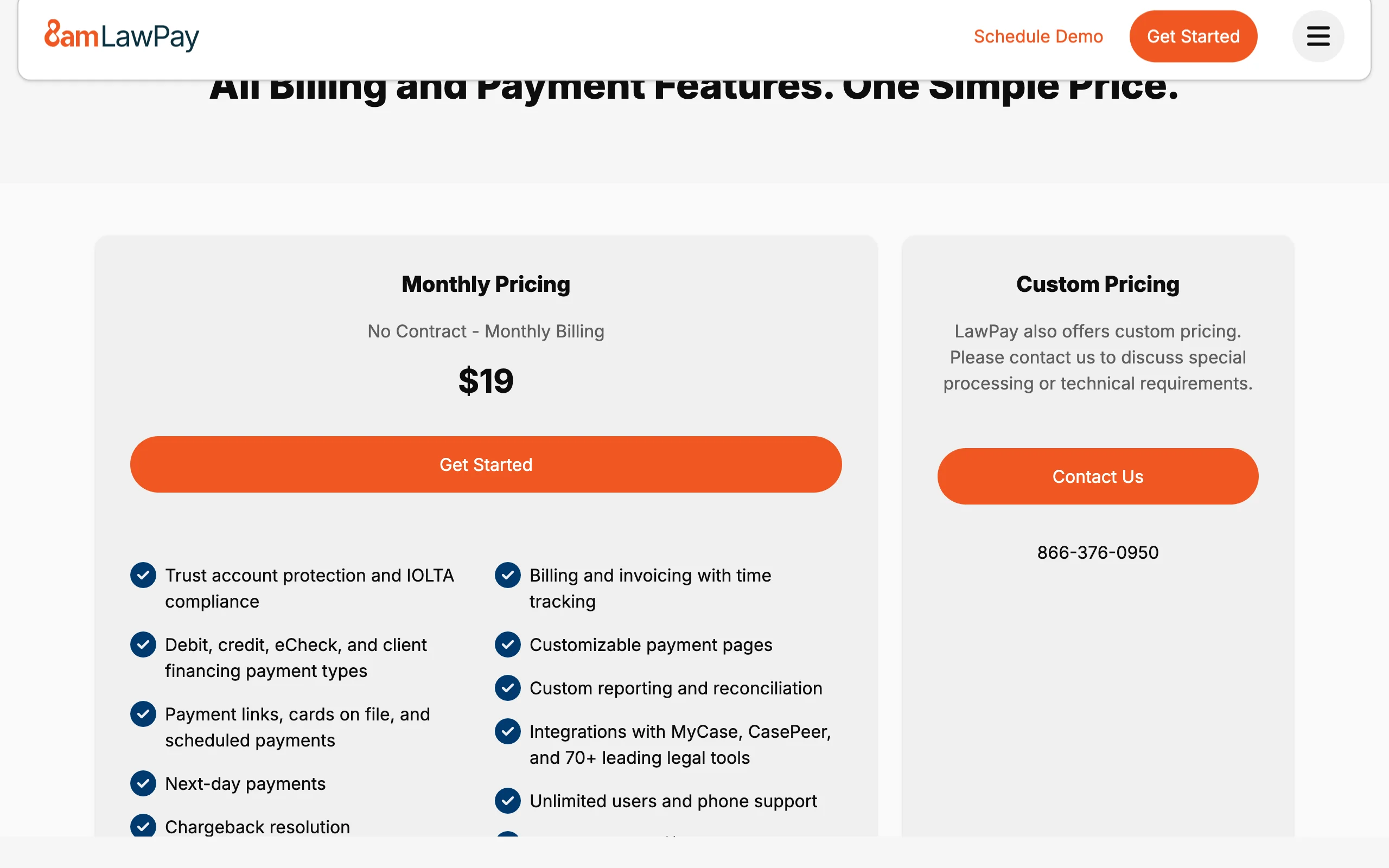
- Platform fee from $19/month plus a $4.99/month allocation fee
- Processing at 2.99% + 30¢ per card transaction (3.90% + 30¢ for Amex); eChecks at 1%
Pros
- Solves a genuine compliance problem general processors ignore
- Predictable monthly cost with standard processing rates
- Fits cleanly into an existing legal stack
Cons
- Processing rates are average, not the market's lowest
- Payments only: it complements practice management rather than replacing it
7. Ironclad, best for contract lifecycle management
Ironclad is a contract lifecycle management (CLM) platform aimed at in-house legal and legal ops teams that push serious contract volume. Its signature capability is a no-code workflow builder: you design intake forms, approval chains, and conditional routing by dragging blocks, no engineers required. AI redlining and a review Copilot accelerate the negotiation stage, and a central repository keeps every executed agreement searchable.
This is deliberately heavy machinery. A solo or small firm drafting a handful of agreements a month gets the contract features it needs from an AI assistant at a fraction of the cost; Ironclad earns its price when contracts flow by the hundred.
Key features
- No-code workflow builder with conditional approvals and branching
- AI redlining and an AI Copilot for review
- Central repository with version control and audit trails
- Integrations with Salesforce, Outlook, and cloud storage
- Negotiation and e-signature built into the platform
Best for
- In-house legal and legal ops teams at mid-market and enterprise companies
- Organizations routing 100+ contracts a month through approvals
- Teams that want business users self-serving standard agreements
Pricing
- Custom (contact sales); no public price list
- Reported deals commonly run $40,000 to $80,000+ per year for 10-30 users, plus implementation fees
Pros
- The most flexible workflow automation in the CLM category
- AI review tools that non-technical teams actually adopt
- Enterprise-grade repository, audit trails, and integrations
Cons
- Enterprise pricing rules it out for solos and small firms
- Every purchase and expansion runs through a sales cycle
How to choose the best software for lawyers at your firm
You do not need all seven tools on day one. Build around your actual bottleneck and add categories as caseload demands.
1) Start with the bottleneck, not the category
- If most of your week goes to research, contract review, and drafting: start with LegesGPT and skip separate point tools for those jobs.
- If the chaos comes from deadlines, matters, and invoices: start with Clio, or Smokeball if your practice is form-heavy.
- If getting paid compliantly is the pain: add LawPay first; it solves a bar-compliance problem nothing else on this list touches.
2) Match spend to firm size
- Solo or 2-10 attorneys: LegesGPT ($19.99 to $99.99/month) plus Clio EasyStart ($49/user/month) and LawPay ($19/month plus processing) covers most working weeks for under $200 per lawyer.
- 10-50 attorneys: add DocuSign Standard for firm-wide signing and bring in Westlaw where citator depth is mandatory.
- In-house teams with heavy contract flow: Ironclad justifies its price at roughly 100+ contracts a month, not before.
3) Decide where deep research deserves a premium
- If you litigate high-stakes matters weekly: Westlaw's KeyCite and coverage depth earn the $133+/user/month.
- If research is regular but rarely bet-the-case: LegesGPT answers case law and statute questions with verified citations at a fraction of the price; our guide to the best legal research tools for lawyers compares the field.
- Many firms run both: an AI assistant for daily questions, with Westlaw reserved for the heaviest matters.
4) Run a real-world trial before you commit
- Shortlist two or three tools per category and test them with 3-5 of your real documents and matters, not vendor demo files.
- Do the price-to-value math per seat: a $49 tool that saves an hour a week pays for itself, while a $400 tool has to save a day.
- Prefer monthly billing for the first quarter, then cut whatever your team stopped opening.