
Your research stack determines how quickly you find controlling authority and how confidently you can cite it. The best legal research tools for lawyers no longer come from just two vendors: AI assistants now answer questions with linked citations, bar associations bundle full databases into membership dues, and public sources give you federal dockets for pennies. The hard part is picking the right combination for your practice and budget.
This guide compares 7 tools across the whole research stack: traditional databases, AI research assistants, and free public sources. If you only want AI-native platforms, our companion roundup of the best AI legal research tools goes deeper on that segment. Here, the goal is broader: for each tool you get real pricing, honest trade-offs, and a clear picture of who it actually fits.
Legal research tools for lawyers: a brief overview
- LegesGPT: Best overall: answers legal questions with verified citations and direct source links, plus case law and statute search, from $19.99/month.
- Westlaw: Best full-scale US database: the deepest case law collection and the KeyCite citator, now with CoCounsel AI built into the platform.
- Lexis+ with Protégé: Best for enterprise firms: Shepard's, Practical Guidance, and Lex Machina analytics behind an agentic AI assistant.
- CoCounsel: Best AI assistant on incumbent content: agentic research and document review grounded in Westlaw sources.
- vLex Fastcase: Best free member benefit: primary US law included with bar association membership in all 50 states.
- Google Scholar: Best free case lookup: instant, no-account search of US federal and state opinions.
- PACER and CourtListener: Best for federal court records: official filings and dockets, plus a free mirror of millions of opinions.
| Tool | Best for | Starting price | Free trial | Jurisdictions |
|---|---|---|---|---|
| LegesGPT | Overall research value for solo and small firms | From $19.99/mo | 3-day for $1 | 38+ countries |
| Westlaw | Deep US case law and KeyCite | From ~$133/user/mo (1 state) | Demo only | US |
| Lexis+ with Protégé | Enterprise research and analytics | Custom (contact sales) | Demo only | US, some international |
| CoCounsel | AI research on Westlaw content | ~$225/user/mo (est.) | Demo only | US |
| vLex Fastcase | Free bar-member research | Free with bar membership | Not needed (free) | US; vLex adds 100+ |
| Google Scholar | Free case lookups | Free | Not needed (free) | US case law |
| PACER and CourtListener | Federal filings and dockets | $0.10/page (PACER); free (CourtListener) | Not needed (free) | US federal courts |
1. LegesGPT, best overall legal research tool for solo and small-firm lawyers
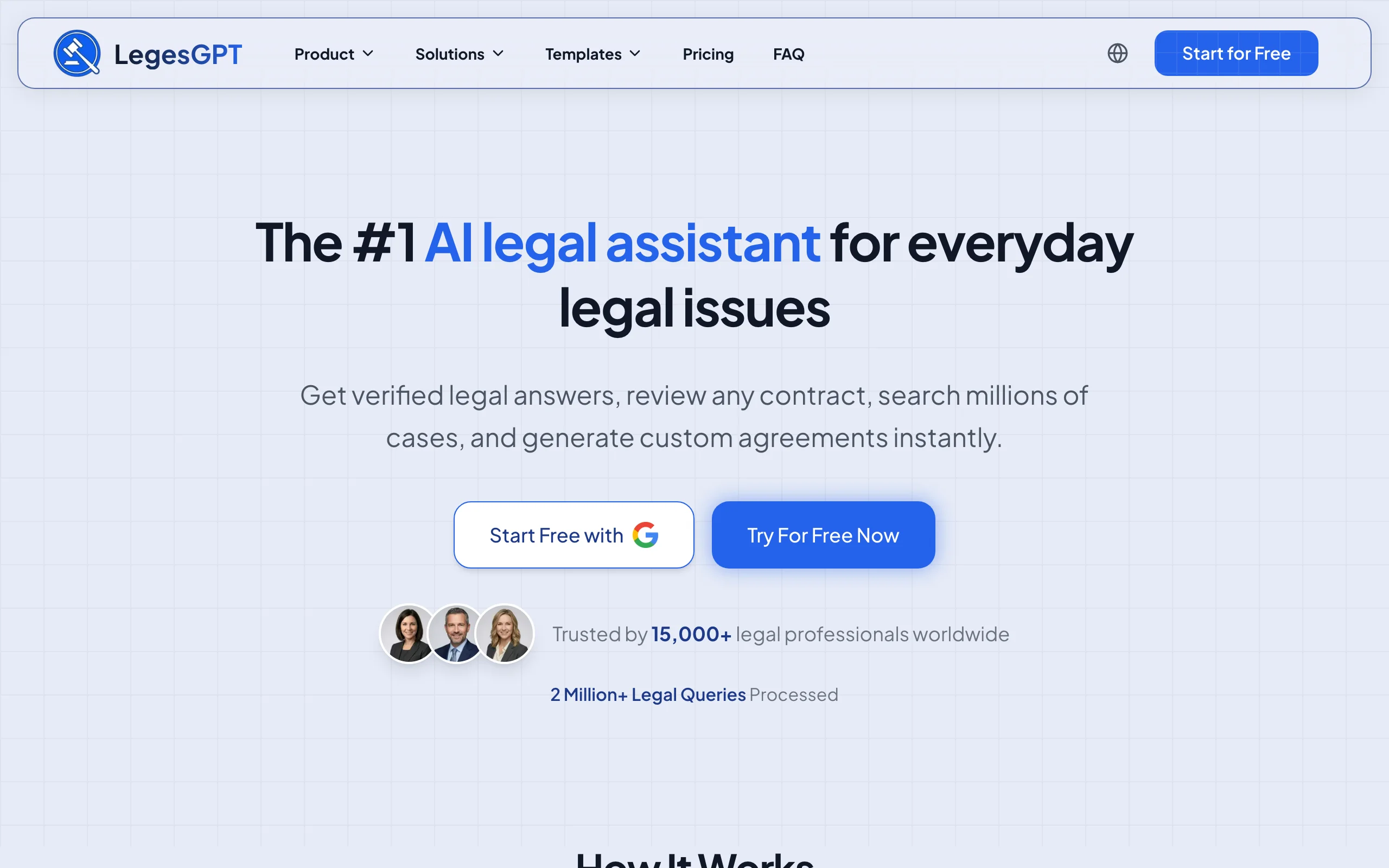
LegesGPT turns research from document retrieval into question answering. You ask in plain English, and it responds with an answer backed by verified citations and direct source links, so you can open each authority and confirm the holding yourself before you rely on it. Case law and statute search is built in, a Deep Research mode handles multi-step questions that need several rounds of digging, and web search picks up developments too recent for any static database.
The economics are the other half of the argument. Basic costs $19.99 per month, a small fraction of a single Westlaw or Lexis seat, and the same subscription also reviews uploaded documents for risks, drafts contracts, and handles e-signature. For a solo or small firm, that often replaces two or three separate products. Everything runs in the browser with no IT setup, so you can be researching within minutes of signing up.
Key features
- Plain-English legal questions answered with verified citations and direct source links
- Case law and statute search without Boolean syntax
- Deep Research mode for multi-step questions, plus built-in web search for recent developments
- AI document review (PDF, DOCX, PPTX, TXT, images) that flags risks and proposes changes
- AI drafting, e-signature, and 100+ attorney-drafted templates in the same subscription
- Free extras: contract generator, legal calculators, citation generator
Best for
- Solo practitioners and small firms that need reliable research without incumbent pricing
- Lawyers who want research, drafting, and document review under one subscription
- Anyone who insists on clicking through to the source before citing it
Pricing
- 3-day trial for $1
- Basic $19.99/mo; Plus $49.99/mo (adds document upload and 50 reviews per month); Premium $99.99/mo (unlimited review, Deep Research, web search)
- Roughly 30% off with annual billing
Pros
- Answers are checkable: every citation links to the underlying source
- Entry price is a fraction of a Westlaw or Lexis seat, with no annual contract required
- Zero onboarding: browser-based and usable on day one
- Covers drafting, review, and signing, not just research
Cons
- Newer brand without the decades of editorial archives the incumbents have built
- Web-only for now: no Word add-in, public API, or native mobile app
2. Westlaw, best for deep US case law and citation checking
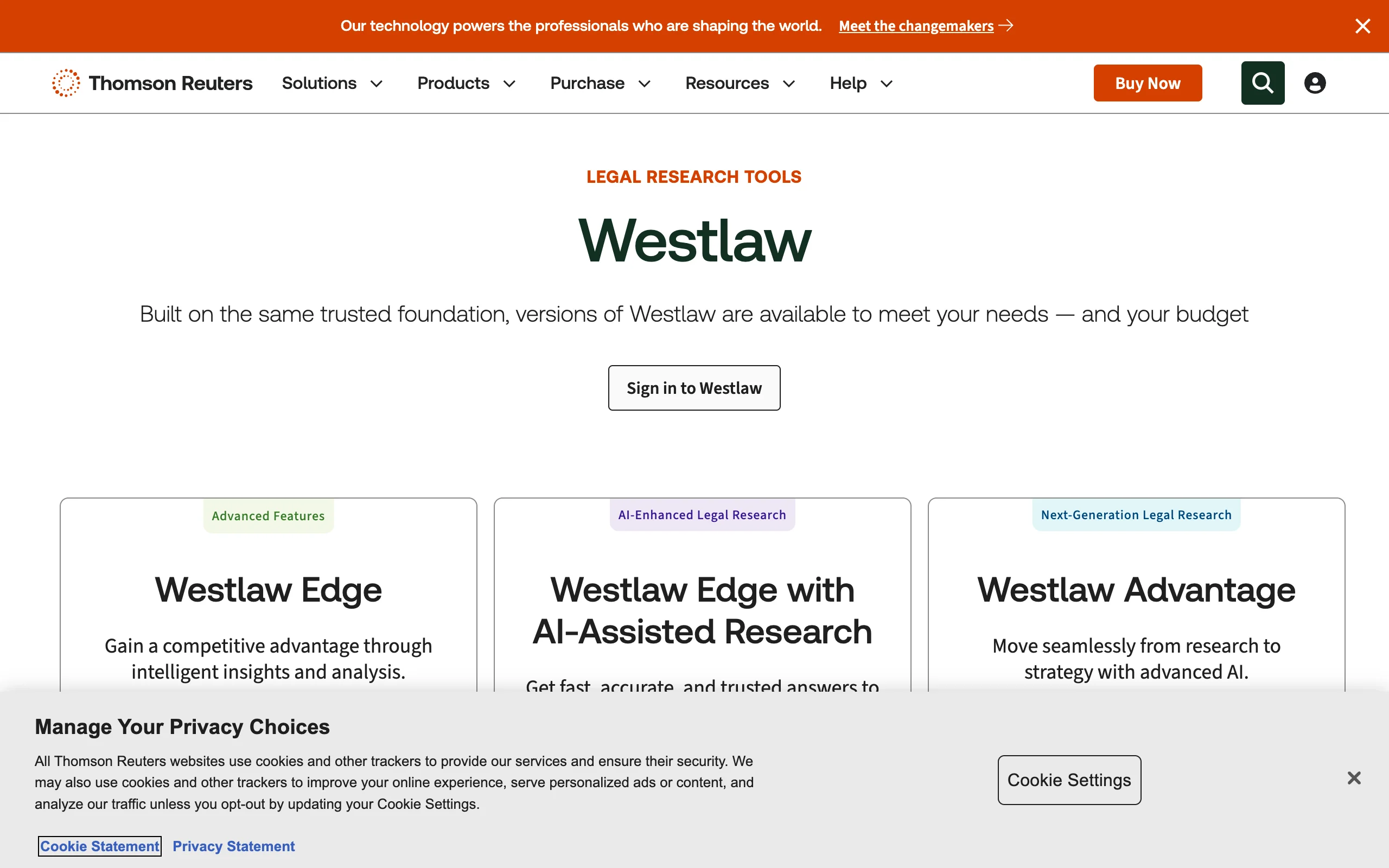
Westlaw is still the benchmark for exhaustive US research. The West Key Number System organizes the entire body of American case law by topic, KeyCite remains the most trusted signal for whether an authority is still good law, and the secondary source library (Am Jur, ALR, treatises) has no real rival on this list. The current flagship, Westlaw Advantage, embeds CoCounsel's agentic AI directly in the platform, so natural-language, multi-step research now sits on top of the traditional editorial machinery.
The trade-off is cost and commitment. Seats start around $133 per user per month for a single state and climb steeply for multi-state and federal packages, AI tiers are quote-only, and annual contracts are standard. If that math does not work for your firm, see our roundup of the best Westlaw alternatives.
Key features
- West Key Number System for topic-based research across all US jurisdictions
- KeyCite citation verification with treatment flags
- CoCounsel agentic AI embedded in Westlaw Advantage
- Litigation Analytics on judges, courts, and opposing counsel
- Quick Check brief analysis and deep secondary sources (Am Jur, ALR)
Best for
- Large firms and litigation-heavy practices that need exhaustive US coverage
- Matters where a missed precedent is not an acceptable risk
Pricing
- New-customer flat plans from roughly $133/user/month for single-state coverage
- Multi-state and federal packages run several hundred dollars per user per month; AI tiers are quote-only
- Annual contracts are typical
Pros
- Deepest US case law and secondary source collection available
- KeyCite is the gold standard for confirming good law
- Analytics and embedded AI add real strategic value
Cons
- Priced out of reach for many solo and small-firm budgets
- Full proficiency takes real training time
- Long contracts and quote-only AI tiers limit flexibility
3. Lexis+ with Protégé, best for enterprise firms and litigation analytics
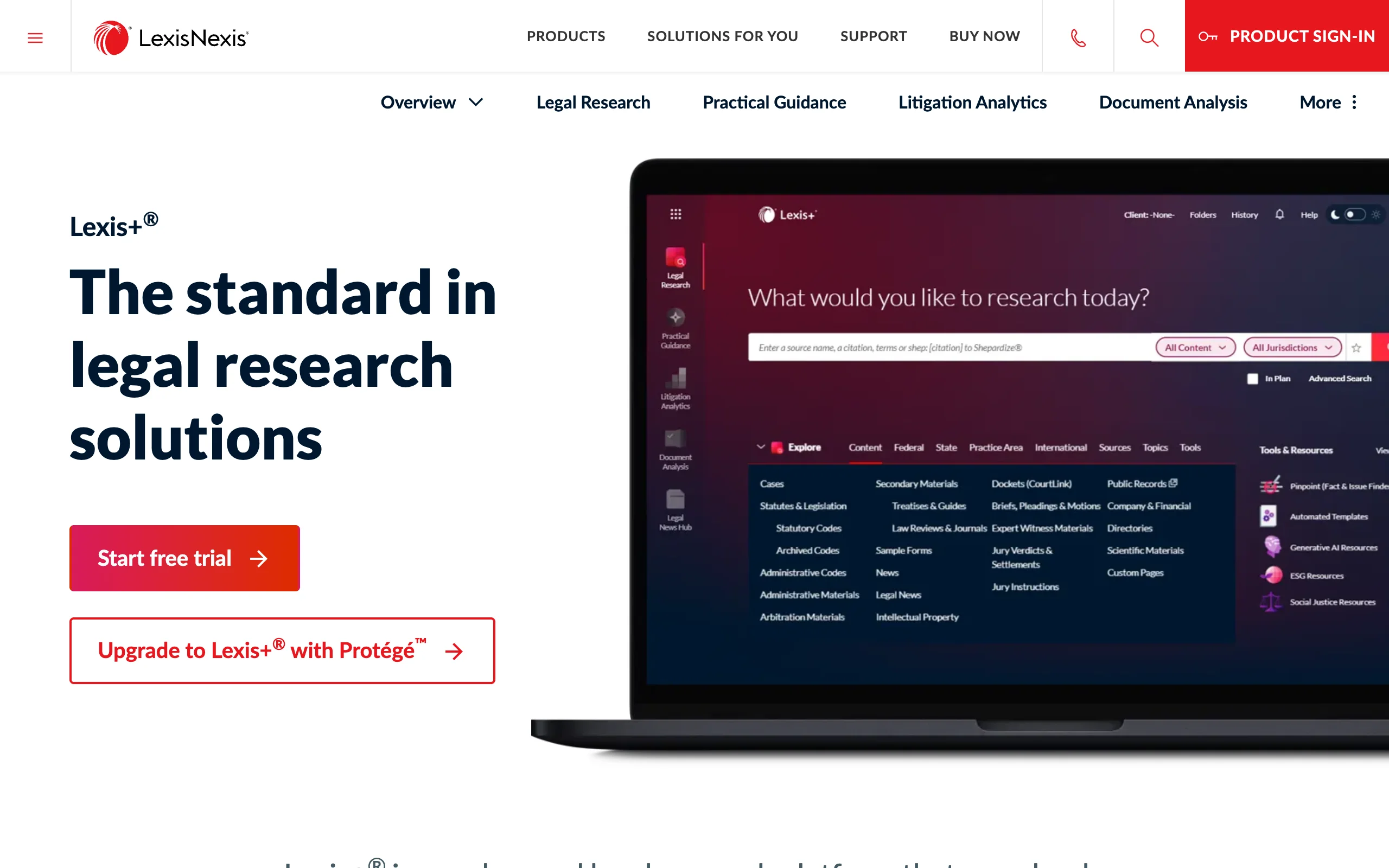
Lexis+ is LexisNexis's flagship research platform, and Protégé is the agentic assistant now layered on top of it. Protégé runs conversational and multi-step research with legal-specific guardrails, drafts documents, and works across large uploaded document sets, while Shepard's handles citation validation and Practical Guidance gives transactional lawyers step-by-step how-to content. Lex Machina adds machine-learning litigation analytics on judges, parties, and outcomes.
It is a genuine peer to Westlaw, and the choice between them often comes down to existing contracts and which editorial tools your team prefers. Like Westlaw, it is built and priced for organizations: quotes are negotiated per firm, contracts run long, and the platform is strongest when you subscribe to the broader Lexis ecosystem.
Key features
- Protégé agentic AI assistant with legal guardrails and model choice
- Shepard's Citations and Shepard's Verify for validation
- Practical Guidance library for transactional workflows
- Lex Machina litigation analytics
- Microsoft 365 integration and document Vault for large matters
Best for
- Enterprise firms and in-house departments already invested in Lexis content
- Transactional teams that lean on Practical Guidance and analytics
Pricing
- Custom (contact sales); no public per-seat rates
- Editorial estimates place typical seats at roughly $175-350+/user/month (figure as verified in LegesGPT editorial research, July 2026)
Pros
- Strong agentic AI implementation with citation validation built in
- Practical Guidance shortens ramp-up time for junior lawyers
- Lex Machina is best-in-class for litigation data
Cons
- Opaque, negotiated pricing at incumbent levels
- Most valuable only inside a full Lexis subscription
4. CoCounsel, best AI research assistant grounded in Westlaw content
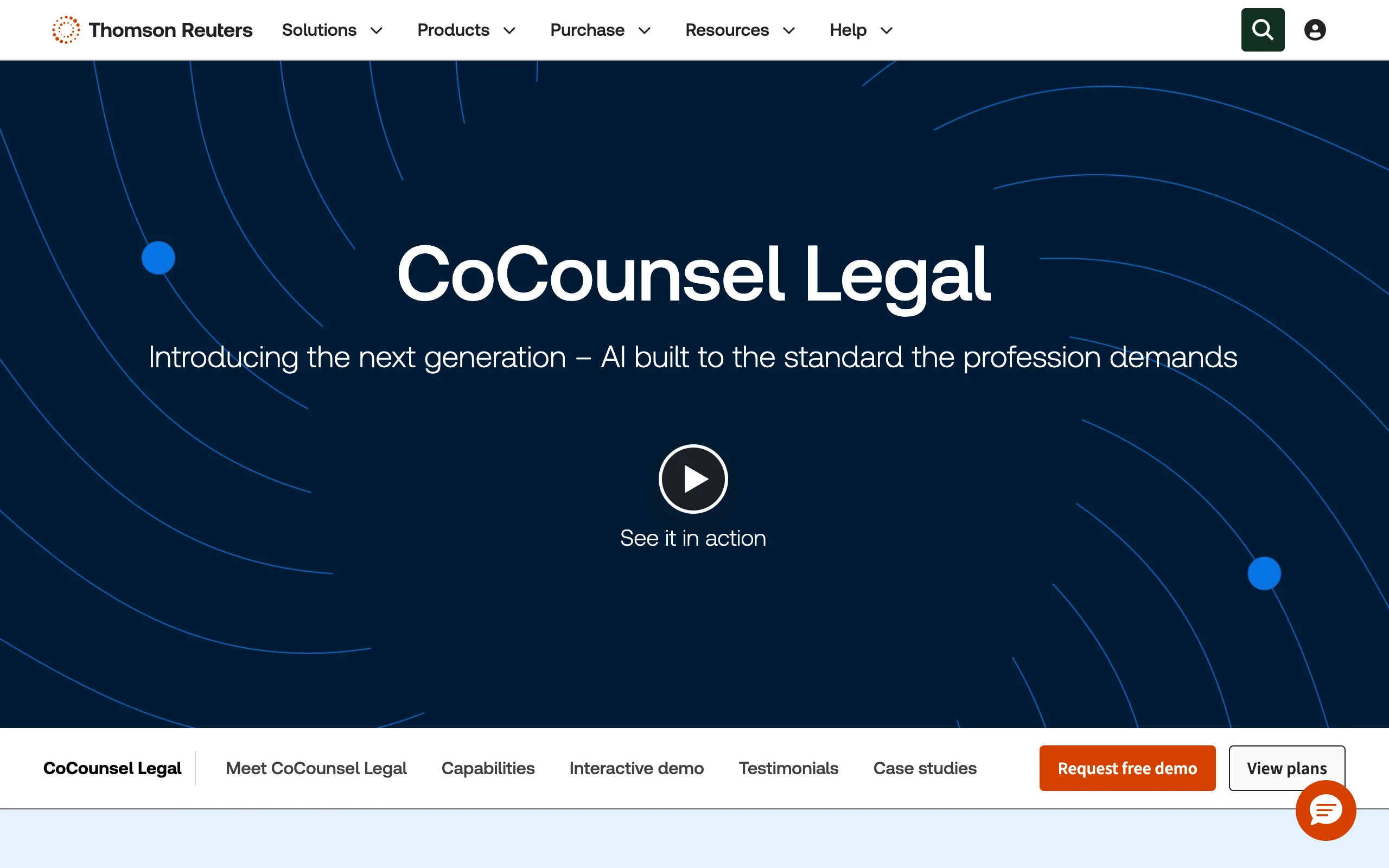
CoCounsel began life as Casetext, the product that first put a large language model to work on legal research, and Thomson Reuters acquired it for $650 million in 2023. Today CoCounsel Legal is an agentic assistant that runs multi-step research grounded in Westlaw and Practical Law content, with click-through citations to the underlying sources. It also handles document review across large sets, deposition preparation, and contract analysis, and in 2026 Thomson Reuters rebuilt it on Anthropic's Claude models for stronger reasoning.
It is the strongest pure AI assistant on this list, but it assumes incumbent budgets: pricing is quote-driven, and the deepest value comes when your firm already has a Westlaw relationship. Firms that liked Casetext's old standalone value should compare the best Casetext alternatives before committing.
Key features
- Agentic, multi-step research with Deep Research capability
- Citations grounded in Westlaw content with click-through verification
- Bulk document review and analysis
- Deposition preparation and contract analysis tools
Best for
- Mid-size and large litigation teams that want AI-first workflows
- Firms already paying for Westlaw that want an assistant on top of it
Pricing
- Custom quote; Thomson Reuters does not publish standalone rates
- CoCounsel Core is commonly cited around $225/user/month (figure as verified in LegesGPT editorial research, July 2026; revalidate before major updates)
Pros
- Leading agentic AI built on one of the deepest legal content sets
- Strong document analysis and deposition prep beyond pure research
- Rebuilt on Claude in 2026 for improved reasoning
Cons
- Per-seat cost adds up quickly and pricing is opaque
- Best value requires an existing Westlaw relationship
5. vLex Fastcase, best free research through your bar association
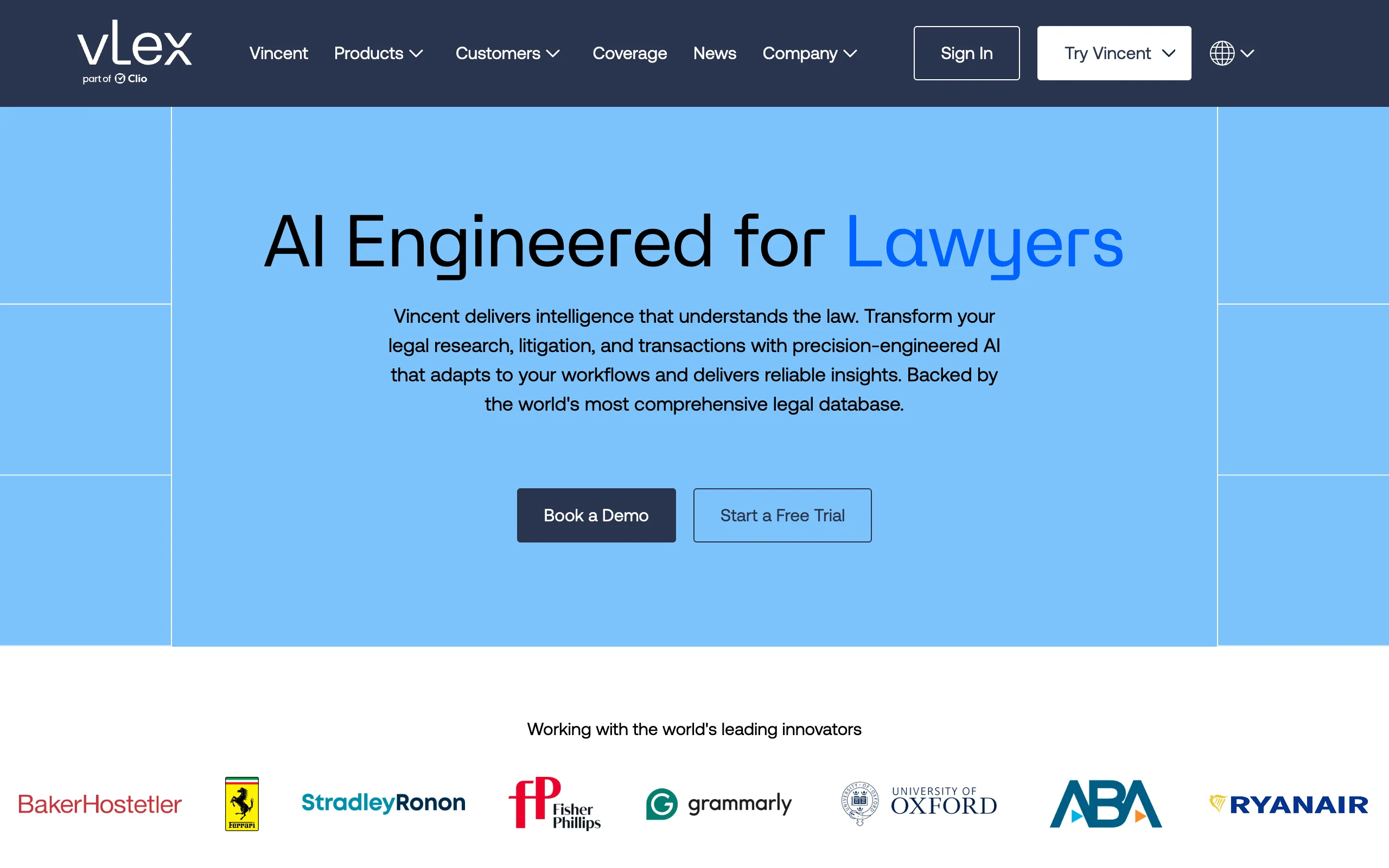
Before paying for anything, check your bar membership: vLex Fastcase has partnerships with bar associations in all 50 states and DC, which means over a million lawyers already have free access to federal and state primary law. Coverage includes case law, statutes, and regulations, with Authority Check for basic citation analysis and mobile apps for research away from your desk.
The platform has been through two big transitions: the 2023 Fastcase-vLex merger and Clio's 2025 acquisition of vLex. The practical upside is a path to Vincent AI, vLex's agentic assistant, and international content spanning 100+ jurisdictions for firms that upgrade to paid tiers. The free bar version stays lighter on secondary sources and citator depth than Westlaw or Lexis, but as a no-cost foundation it is hard to argue with.
Key features
- Free access through bar association partnerships in all 50 states and DC
- Federal and state case law, statutes, and regulations
- Authority Check citation analysis and timeline visualizations
- Upgrade path to Vincent AI and 100+ jurisdiction international coverage
- iOS and Android apps
Best for
- Bar members who want a solid primary-law database at no extra cost
- Budget-conscious solos and small firms building a low-cost stack
Pricing
- Free with membership in participating bar associations
- Premium features and Vincent AI require a paid vLex subscription (quote-based)
Pros
- Genuinely free for most US lawyers through their bar
- Solid primary-law coverage with no contract
- Modern AI and international content available if you upgrade
Cons
- Thin secondary sources compared with Westlaw and Lexis
- Authority Check is less thorough than KeyCite or Shepard's
6. Google Scholar, best free case law lookup
Google Scholar indexes US federal and state opinions alongside law reviews and academic articles, all searchable with a plain Google-style box and no account. For pulling up a case you already know, scanning what cites it via the "Cited by" feature, or doing preliminary reading before a paid search, it is the fastest zero-cost option available.
Its limits are just as clear. There is no citator, so it cannot tell you whether a case has been overruled, coverage has gaps and date limitations, and there is no AI assistance of any kind. Treat it as an entry point: find the case here, then verify it in a tool with real citation checking before it goes anywhere near a brief.

Key features
- Free search of US federal and state case law
- "Cited by" tracking for basic citation mapping
- Law review and journal coverage
- No account or setup required
Best for
- Quick case lookups and preliminary background reading
- Law students and anyone researching on a zero budget
Pricing
- Free
- No paid tiers exist
Pros
- Completely free and instantly familiar to use
- Strong for finding law review commentary on an issue
Cons
- No citator: cannot confirm a case is still good law
- Coverage gaps make it unsafe as a sole research source
- No AI features, filters, or practice tools
7. PACER and CourtListener, best for federal dockets and court filings
When you need the actual filings rather than published opinions, these two belong in your stack. PACER is the federal judiciary's official system for dockets, motions, and case documents across district, bankruptcy, and appellate courts. It charges $0.10 per page, capped at $3.00 per document, and waives quarterly bills of $30 or less, so light users often pay nothing.
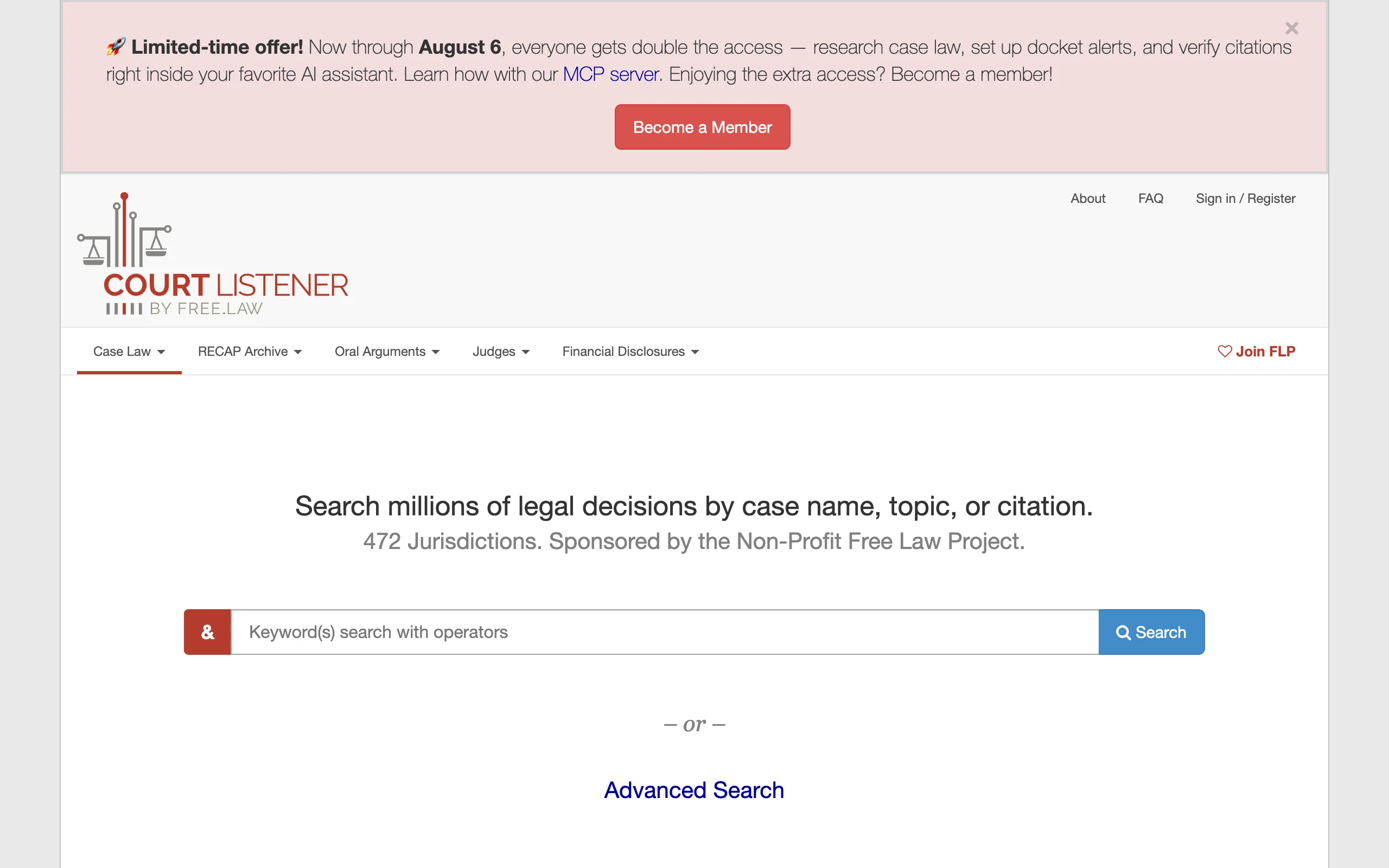
CourtListener, run by the nonprofit Free Law Project, offers free search across millions of opinions and a growing archive of PACER documents contributed through its RECAP browser extension: install RECAP, and every PACER document you buy is shared back for anyone to access free. Neither tool analyzes anything for you, but as primary-source infrastructure for litigators, the pair is essential.
Key features
- Official federal court filings, dockets, and party information (PACER)
- Free opinion search and docket alerts (CourtListener)
- RECAP extension that makes purchased PACER documents free for everyone
- Coverage of district, bankruptcy, and appellate courts
Best for
- Litigators tracking federal cases and pulling filings
- Researchers who need primary documents, not summaries
Pricing
- PACER: $0.10/page, capped at $3.00 per document; fees waived if your quarterly total is $30 or less
- CourtListener and RECAP: free
Pros
- The authoritative source for federal court records
- Effectively free for occasional use
- RECAP steadily shrinks what anyone has to pay
Cons
- Dated interface and per-page fees on heavy PACER use
- State courts are not covered
- No analysis, citator, or AI layer
How to choose the right legal research tools for lawyers
Start with how you actually research
- If you want direct answers with citations you can click and verify: use LegesGPT
- If your matters demand exhaustive precedent sweeps and editorial citators: use Westlaw or Lexis+ with Protégé
- If your day revolves around federal dockets and filings: use PACER with CourtListener, whatever else you run
Weigh price against what you will really use
Price-to-value matters more than raw content volume. A $250 seat you use for ten searches a month is worse value than a $19.99 subscription you use daily. Before spending anything, activate vLex Fastcase through your bar membership; many lawyers already own a capable database and do not know it. Solo and small firms usually get the best return from LegesGPT plus the free layer (Fastcase, Google Scholar, CourtListener), while large firms can justify an incumbent seat and add AI on top. For a deeper comparison of the traditional platforms specifically, see our guide to the best legal research databases.
Match coverage to your jurisdictions and practice area
- If you handle cross-border questions: use LegesGPT (38+ countries) or a paid vLex tier (100+ jurisdictions)
- If you rely heavily on treatises and practice guides: use Westlaw or Lexis+, since their secondary libraries remain unmatched
- If you practice purely in US state court on a budget: vLex Fastcase plus Google Scholar covers most day-to-day needs
Run a real test before you commit
Do not choose from feature lists. Take 3-5 research questions from recently closed matters, where you already know the right answer, and run them through each candidate. Check whether the tool finds the controlling authority, whether every citation checks out, and how long each answer takes. LegesGPT's 3-day trial for $1 makes this cheap; the incumbents will set up demos on request. Whatever you pick, verify AI-generated citations against the primary source before filing: courts have sanctioned lawyers for skipping that step, and no tool removes that responsibility.