
Every appellate brief turns on a small number of cases. Usually it is one: the published decision from your own circuit or state high court that says exactly what you need it to say, and that nobody has quietly undercut since. Finding that opinion is half the job. Proving it is still good law is the other half, and the second half is where cheap research tends to fail.
That is the lens for this guide. Case law AI has made the first half much faster, because you can now describe your facts in plain English and get back a short list of on-point opinions with links. But speed is worthless if the tool cannot tell you a holding was abrogated two years ago, or if its database simply stops at the state appellate level.
Below we rank 8 case law search tools, paid and free, on three things that matter when the stakes are a dispositive motion or an appeal: coverage, citator strength, and cost.
Best case law search tools: the short version
We split the list the way most practitioners actually budget: tools you pay for, and tools you can open today for nothing.
Paid tools
- LegesGPT: Best for getting from a fact pattern to cited, linked authority fast and cheaply. Ask in plain language, get an answer built on cases you can click through and read, from $19.99/mo.
- Westlaw Advantage: Best for KeyCite validation on high-stakes filings. The red and yellow flags plus Overruling Risk are still the reference point for "is this case alive."
- Lexis+ with Protégé: Best for Shepard's users who want citation checking inside AI drafts. Shepard's Verify reviews the authorities in AI answers and in your own documents.
- vLex Vincent AI: Best for multi-jurisdiction and comparative case law questions. 50-state surveys and side-by-side jurisdiction comparisons are built in.
Free tools
- vLex Fastcase: Best free citator, if your bar includes it. Bar members get the Cert citator and Authority Check at no added cost.
- CourtListener: Best free source for federal dockets and citation verification. Opinions, the RECAP docket archive, and a citation lookup tool aimed at fabricated cites.
- Google Scholar: Best free first pass on a known case or doctrine. Fast full-text search with clear, published coverage dates.
- Justia: Best free reading room for Supreme Court opinions and summaries. Every decision since 1791 plus opinion summaries and context.
| Tool | Best for | Case law coverage | Citator / validation | Starting price | Trial or free access |
|---|---|---|---|---|---|
| LegesGPT | Fast cited answers for solos and small firms | US and international case law and statutes | Verified citations with source links, no negative-treatment flags | $19.99/mo | 3-day trial for $1 |
| Westlaw Advantage | Good-law checks on filings | Federal and all 50 states, plus headnotes | KeyCite flags, Overruling Risk | Online plans from $256.75/mo (firms up to 10 attorneys) | Free trial on request |
| Lexis+ with Protégé | Shepard's inside AI drafting | Federal and all 50 states | Shepard's, Shepard's Verify | Quote-based | Free trial available |
| vLex Vincent AI | Comparing jurisdictions | US plus 100+ countries | Linked primary sources; vLex's Cert citator | Not published | Free trial |
| vLex Fastcase | Bar-funded research with a citator | Federal and all 50 states | Cert citator, Authority Check | Free via 80+ bar associations | Bar membership |
| CourtListener | Federal dockets and cite checks | 10M+ opinions, RECAP federal dockets | Citation Lookup API, citation alerts | Free | Free |
| Google Scholar | Quick case lookups | SCOTUS since 1791, federal since 1923, state appellate since 1950 | "How cited" list, no flags | Free | Free |
| Justia | Reading Supreme Court opinions | SCOTUS since 1791, federal and many state appellate opinions | None | Free | Free |
The matrix is the whole argument in miniature. Coverage is close to universal for published appellate decisions. Validation is where the price gap lives.
1. LegesGPT, best overall for turning a fact pattern into cited case law
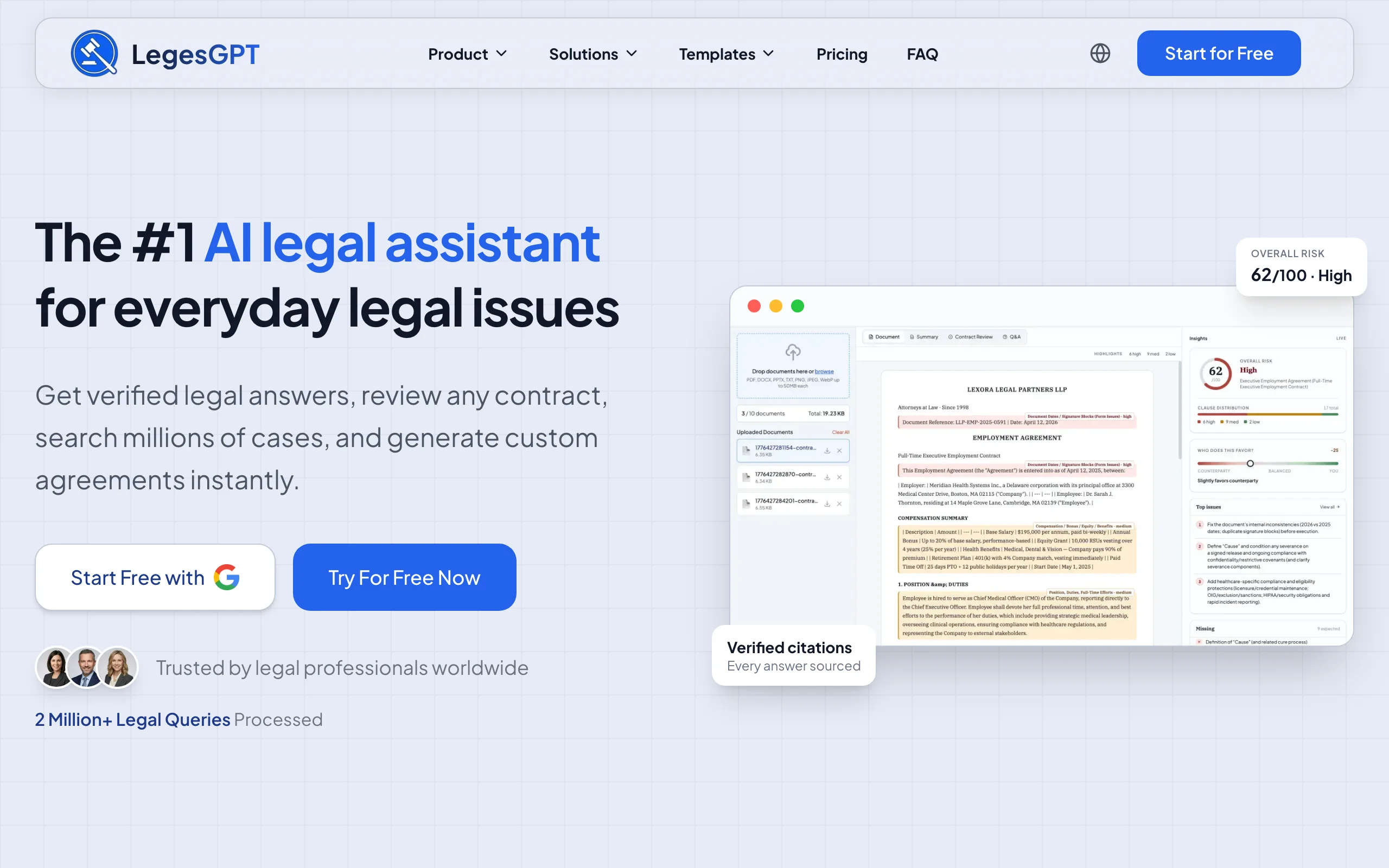
Most research doesn't start with a citation. It starts with a client's facts and a hunch about which doctrine applies. LegesGPT is built for that moment: you describe the issue in ordinary language, and it answers with verified citations and a direct link to each source, so you can open the opinion and confirm the holding before it goes anywhere near a brief.
It also runs a dedicated case law and statute search, which matters when you want to read the governing statute next to the cases construing it. Deep Research mode handles the multi-step questions, such as a split between intermediate appellate courts, where one quick answer isn't enough. And because the same subscription covers drafting and document review, the research does not have to be retyped into a different product once you start writing.
Key features
- Plain-language legal questions answered with verified citations and clickable source links
- Case law and statute search in one place
- Deep Research mode for layered questions that need several passes
- AI drafting of motions, letters, and contracts from the research you just did
- Document review that flags risks in an opponent's filing or a contract and proposes changes
- E-signature, a legal chatbot, and 100+ templates in the same account
Best for
- Solo appellate and litigation lawyers who need a strong first pass before a Westlaw or Lexis check
- Small firms where nobody wants a multi-year research contract
- Paralegals and clerks pulling candidate authorities for an attorney to validate
Pricing
- Basic $19.99/mo, Plus $49.99/mo (50 document reviews/mo), Premium $99.99/mo (unlimited reviews, priority support)
- Annual billing saves 30%
- 3-day trial for $1 (there is no free tier)
Pros
- Gets you from facts to readable, linked opinions in minutes
- Research, drafting, and review sit in one subscription instead of three
- Monthly pricing a solo can expense without a procurement process
Cons
- No KeyCite-style negative-treatment flags, so run your final authorities through a dedicated citator before filing
- Web-only: no mobile app, Word add-in, browser extension, or public API
2. Westlaw Advantage, best for KeyCite validation on dispositive filings
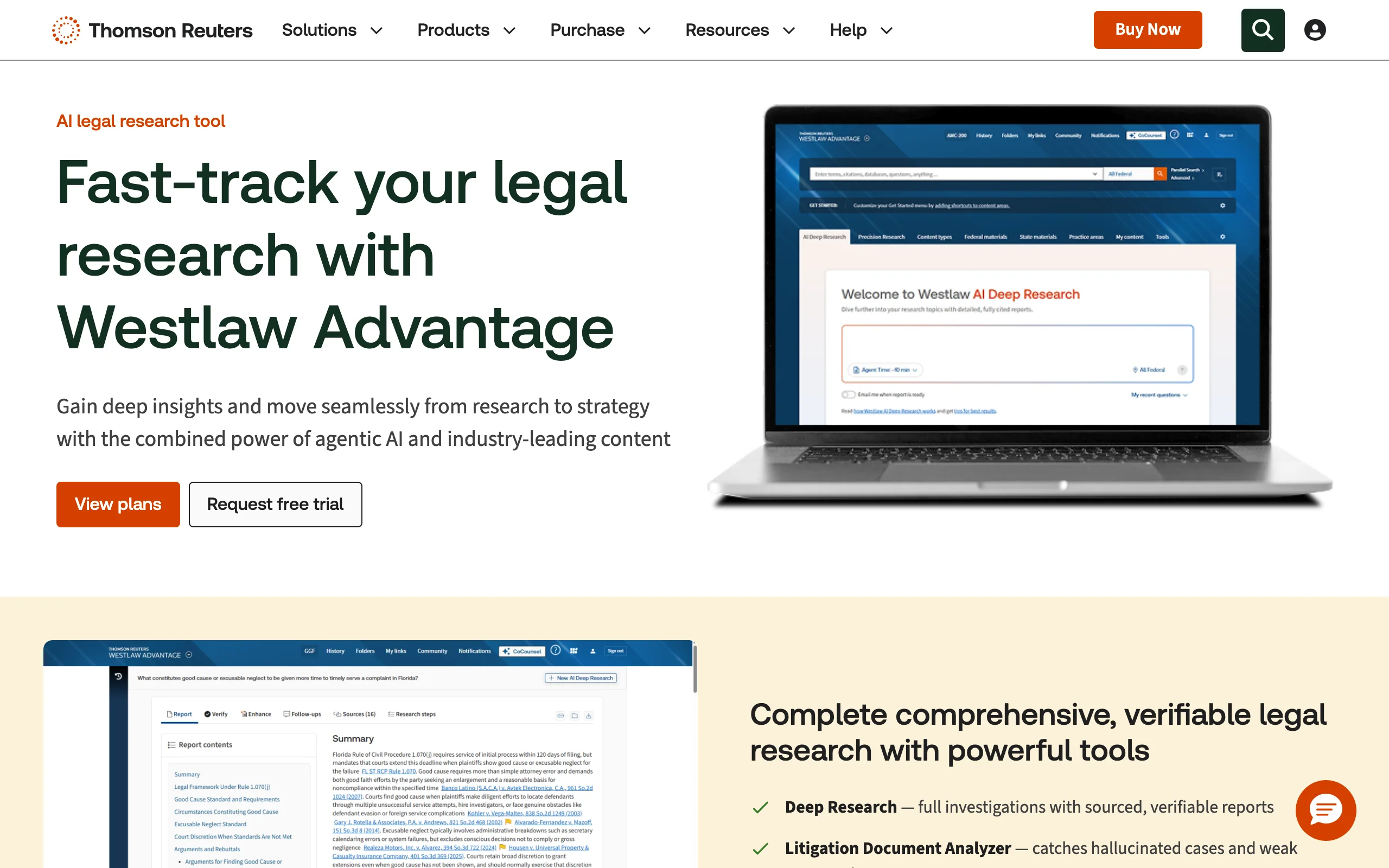
If you have ever had opposing counsel point out that your lead case was reversed, you understand why so many appellate lawyers keep Westlaw no matter what it costs. Westlaw Advantage, the successor to Westlaw Precision, wraps Thomson Reuters' editorial layer (headnotes and the West Key Number System) around KeyCite, and KeyCite remains the most granular answer to "can I still cite this?"
The feature that earns its keep for appellate work is Overruling Risk. It warns you when a point of law rests on a decision that has since been overruled, even if no later court cited your case negatively. That is precisely the kind of hidden defect a free tool cannot see. Thomson Reuters has also folded CoCounsel's AI into the platform, so Deep Research and the Litigation Document Analyzer (which looks for mischaracterized or fabricated authorities in a brief) sit next to the classic tools. Casetext, which Thomson Reuters bought in 2023, no longer exists as a standalone product; its technology lives on inside CoCounsel.
Key features
- KeyCite red, yellow, and blue-striped flags with the most negative treatment shown first
- Overruling Risk for authorities undermined indirectly
- Citing References showing how deeply later courts discussed a case
- Headnotes and the Key Number System for finding cases by legal point
- Deep Research, Litigation Document Analyzer, Claims Explorer, and AI Jurisdictional Surveys
Best for
- Appellate specialists and litigators filing dispositive motions
- Firms that need editorial headnotes, not just full text
- Teams that want AI research tied directly to KeyCite
Pricing
- Published online plans for firms of up to 10 attorneys start at $256.75/mo (single-circuit coverage) and $399.75/mo (all states and federal)
- 2-year and 3-year contracts save 12% and 18%; larger firms must request a quote
- Free trial available on request
Pros
- The deepest citator signal on the market, including indirect overruling
- Editorial headnotes let you find cases by legal point, not just keywords
- AI tools sit on top of the same validated content
Cons
- Multi-year contracts are where the discounts are, which locks in cost
- Overkill if you mostly need a few cases a month
If the contract terms are what is pushing you away, our roundup of Westlaw alternatives worth a trial covers the trade-offs in more detail.
3. Lexis+ with Protégé, best for checking citations inside AI drafts
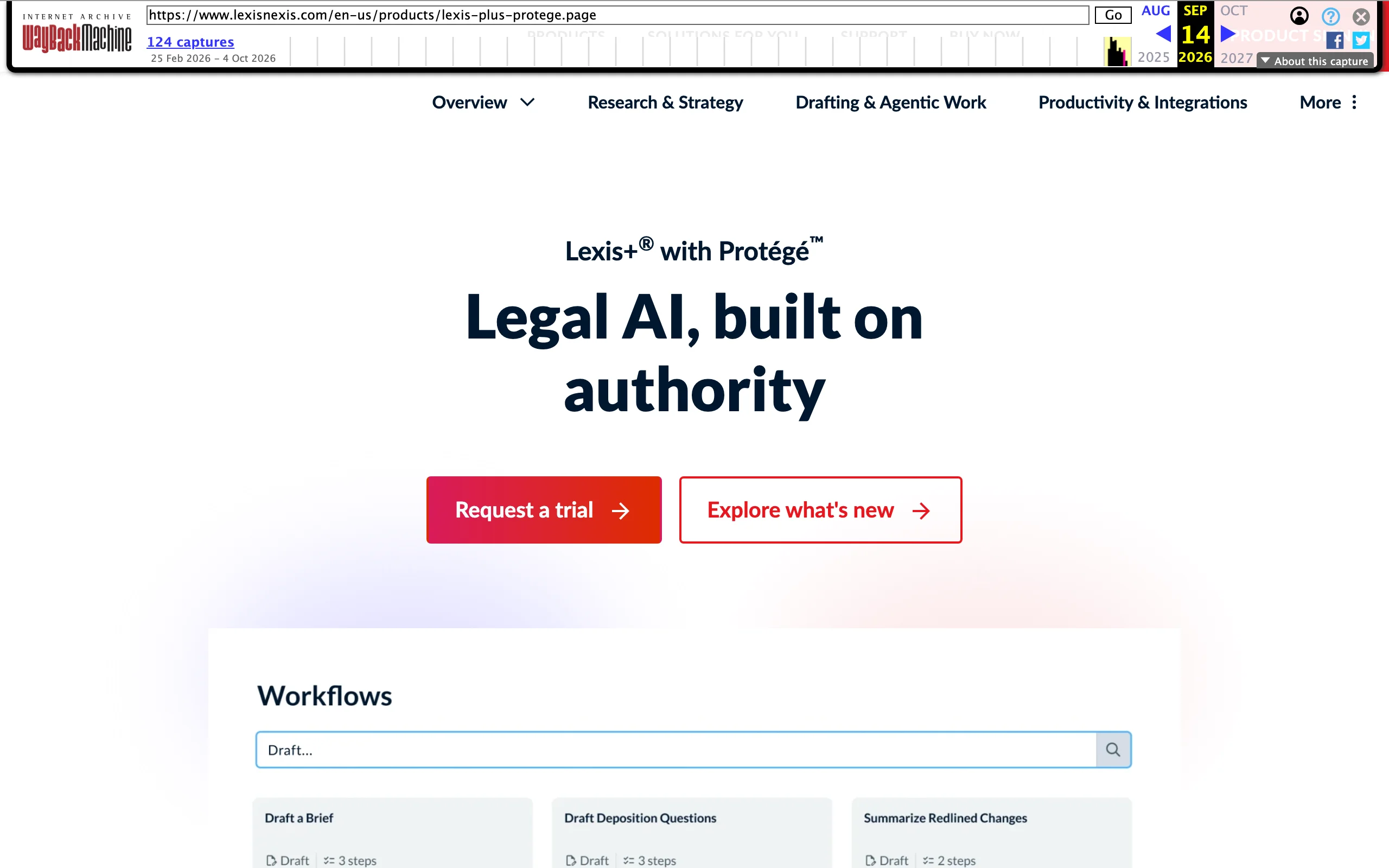
Shepard's has been the other half of the American citator duopoly for generations, and Lexis+ with Protégé (the rebranded Lexis+ AI) puts it to work in a newer place: the draft itself. Shepard's Verify checks citations in AI responses, uploaded documents, and drafts, surfacing the underlying authority and flagging any citation it cannot confirm. For anyone who has read the sanctions orders about invented cases, that is the right instinct.
Protégé's research answers are grounded in LexisNexis content, and the assistant can run several model providers behind the scenes while still citing back to Lexis sources. If your firm already lives in Lexis, this is the least disruptive way to add AI to case law research.
Key features
- Shepard's citation validation with treatment and status
- Shepard's Verify for citations in AI answers, documents, and drafts
- Conversational research grounded in LexisNexis content with linked citations
- Vault and workroom tools for organizing matter documents
Best for
- Firms already trained on Shepard's
- Litigation teams that draft with AI and want every cite checked automatically
- Larger practices with a negotiated LexisNexis contract
Pricing
- Quote-based; LexisNexis says pricing varies by organization
- Free trial available
Pros
- Shepard's checks reach into AI output and your own drafts
- Strong fit for firms already on Lexis
- AI answers stay anchored to LexisNexis sources
Cons
- No published price, so budgeting requires a sales call
- Expensive relative to the free and low-cost options below
Comparing Lexis against cheaper paths? See our list of LexisNexis alternatives for smaller budgets.
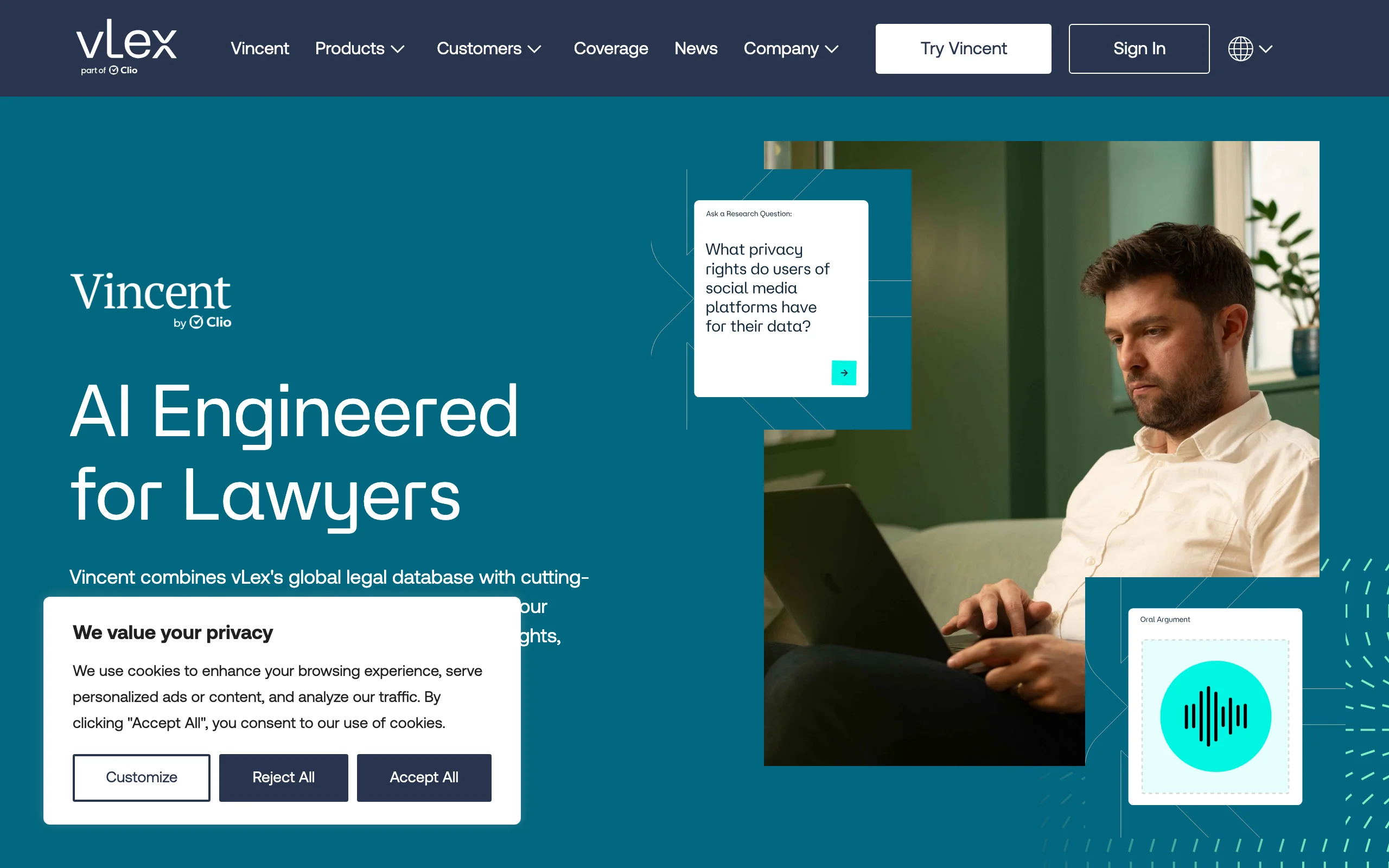
4. vLex Vincent AI, best for multi-jurisdiction case law questions
Some research questions aren't "what does my circuit say" but "what does everyone say." Vincent AI, from vLex (now part of Clio), is designed for those. Its 50-State Survey runs the same question across every US state, and Compare Jurisdictions lays out side-by-side analysis, which helps on choice-of-law issues or when you need persuasive authority because your own jurisdiction is silent.
Answers come back with full citations and links to primary sources. Coverage reaches beyond the US to more than 100 countries, with country-specific workflows for places like the UK, the EU, Singapore, and much of Latin America. That makes it unusually useful for cross-border disputes.
Key features
- Natural-language research questions with cited, linked answers
- 50-State Survey for nationwide comparisons in one run
- Compare Jurisdictions for side-by-side analysis
- US and international coverage across 100+ countries
Best for
- Lawyers hunting persuasive authority when their own courts haven't ruled
- Cross-border and international disputes
- Clio users who want research close to their practice software
Pricing
- vLex does not publish a price for Vincent AI
- Free trial available from the vLex site
Pros
- Multi-state and multi-country comparisons are first-class features, not workarounds
- Linked primary sources make answers easy to check
- Part of the same family as the Cert citator
Cons
- No public pricing
- The nationwide breadth is more than a single-state practice needs
5. vLex Fastcase, best free citator through your bar association
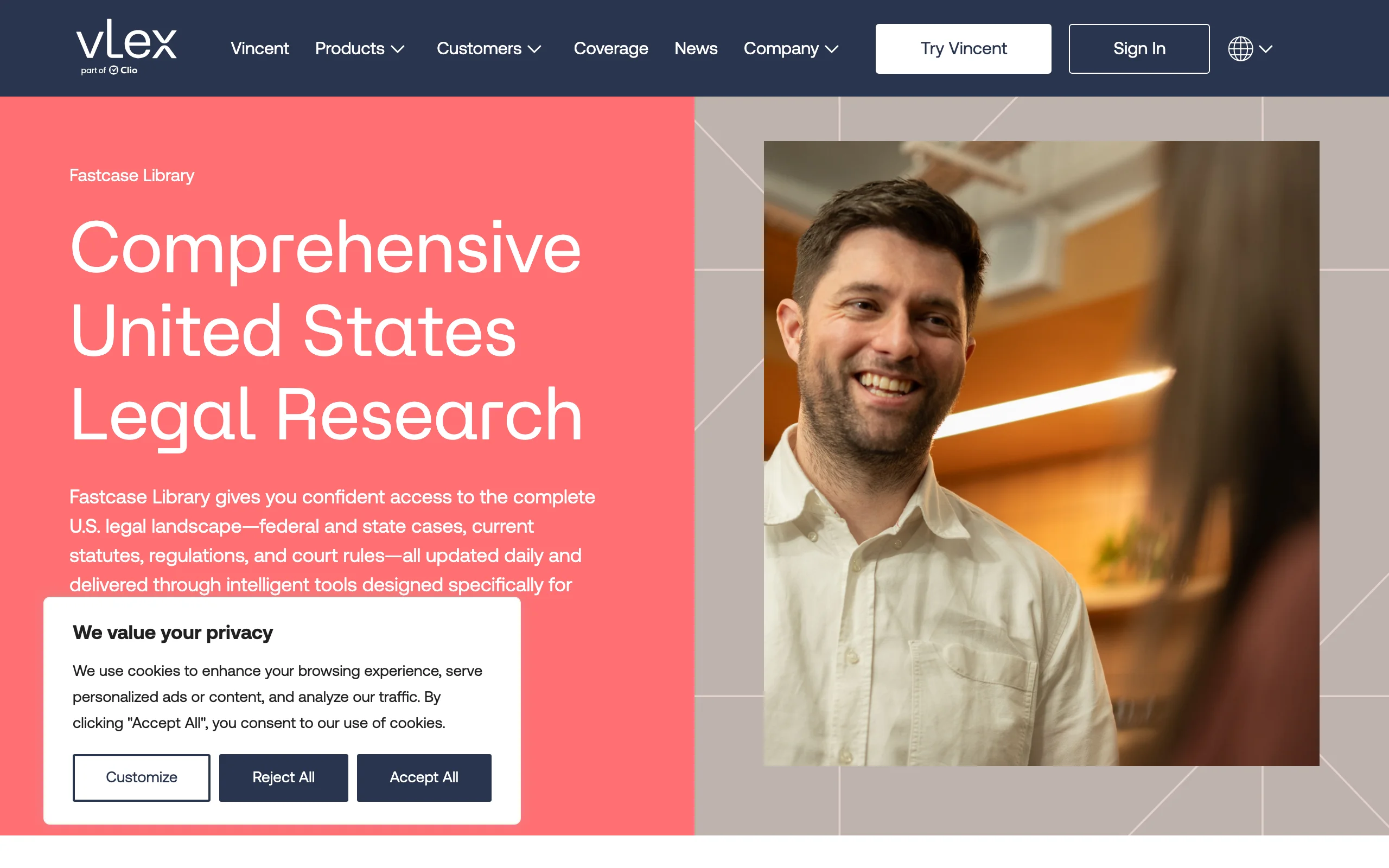
Here is the tool many lawyers already pay for and never open. vLex Fastcase is offered as a free member benefit through more than 80 national, state, county, and specialty bar associations, and the current version includes the Cert citator, which shows a case's treatment history so you can see when it was overturned or criticized. Bar announcements describe Cert as a step up from Fastcase's older Bad Law Bot because editorial review now sits behind the flags.
Authority Check is the other piece worth knowing. It reads the authorities cited in a document, so you can run your opponent's brief (or your own draft) and check each case without retyping citations. Coverage spans federal and state cases, statutes, regulations, and court rules from all 50 states.
Key features
- Cert citator with full treatment history
- Authority Check for validating every case cited in a document
- Federal and 50-state cases, statutes, regulations, and court rules
- Some bar packages include Vincent AI features such as automated headnotes and summaries
Best for
- Solo and small-firm lawyers whose bar includes it
- Anyone who needs a real citator without a Westlaw or Lexis contract
- Checking an opponent's brief quickly
Pricing
- Free as a member benefit through 80+ bar associations
- Access runs through bar partnerships; what is included depends on your bar's package
Pros
- A genuine citator at no added cost
- Authority Check speeds up brief review
- Many lawyers already have access and don't know it
Cons
- Only as good as your bar's package, and not every bar participates
- Lighter on editorial headnotes than Westlaw
6. CourtListener, best free tool for federal dockets and citation verification
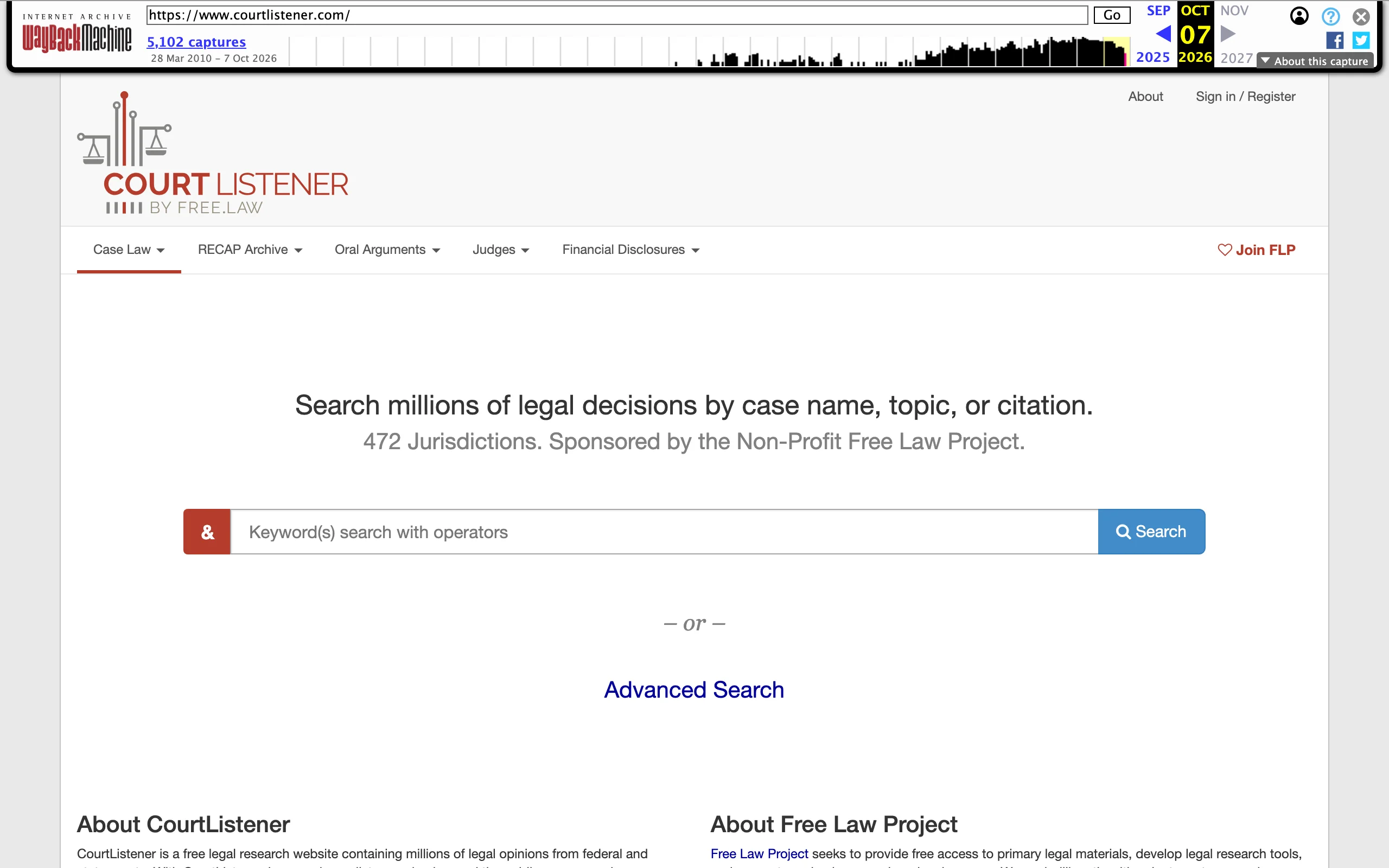
CourtListener is run by the nonprofit Free Law Project, and it has become the go-to free source when you need more than the opinion itself. It holds over 10 million opinions across hundreds of jurisdictions, plus the RECAP Archive of federal docket entries pulled from PACER, so you can often read the briefs and orders behind a decision without paying per page.
Two features stand out for case law validation. Alerts can watch for citations, so you know when a new opinion cites a case you rely on. And the Citation Lookup API checks citations against a database of more than 18 million citations, which Free Law Project describes as a guardrail against hallucinated cites. It won't tell you whether a case was overruled, but it will tell you whether the case exists and resolves to a real opinion.
Key features
- 10M+ opinions plus the RECAP federal docket archive
- Alerts for citations, topics, and parties
- Citation Lookup API for catching fabricated or mistyped cites
- Oral argument recordings and judge data
- Bulk data and APIs for technical users
Best for
- Federal practitioners who need dockets and filings behind an opinion
- Anyone screening AI-generated citations for existence before deeper checks
- Legal tech and research teams who want open data
Pricing
- Free
Pros
- Free access to federal filings that would otherwise cost PACER fees
- Citation verification at scale through the API
- Citation alerts help you notice when a key case gets cited again
Cons
- No negative-treatment flags, so it isn't a citator
- The interface is more utilitarian than paid platforms
7. Google Scholar, best free first pass on a known case or doctrine
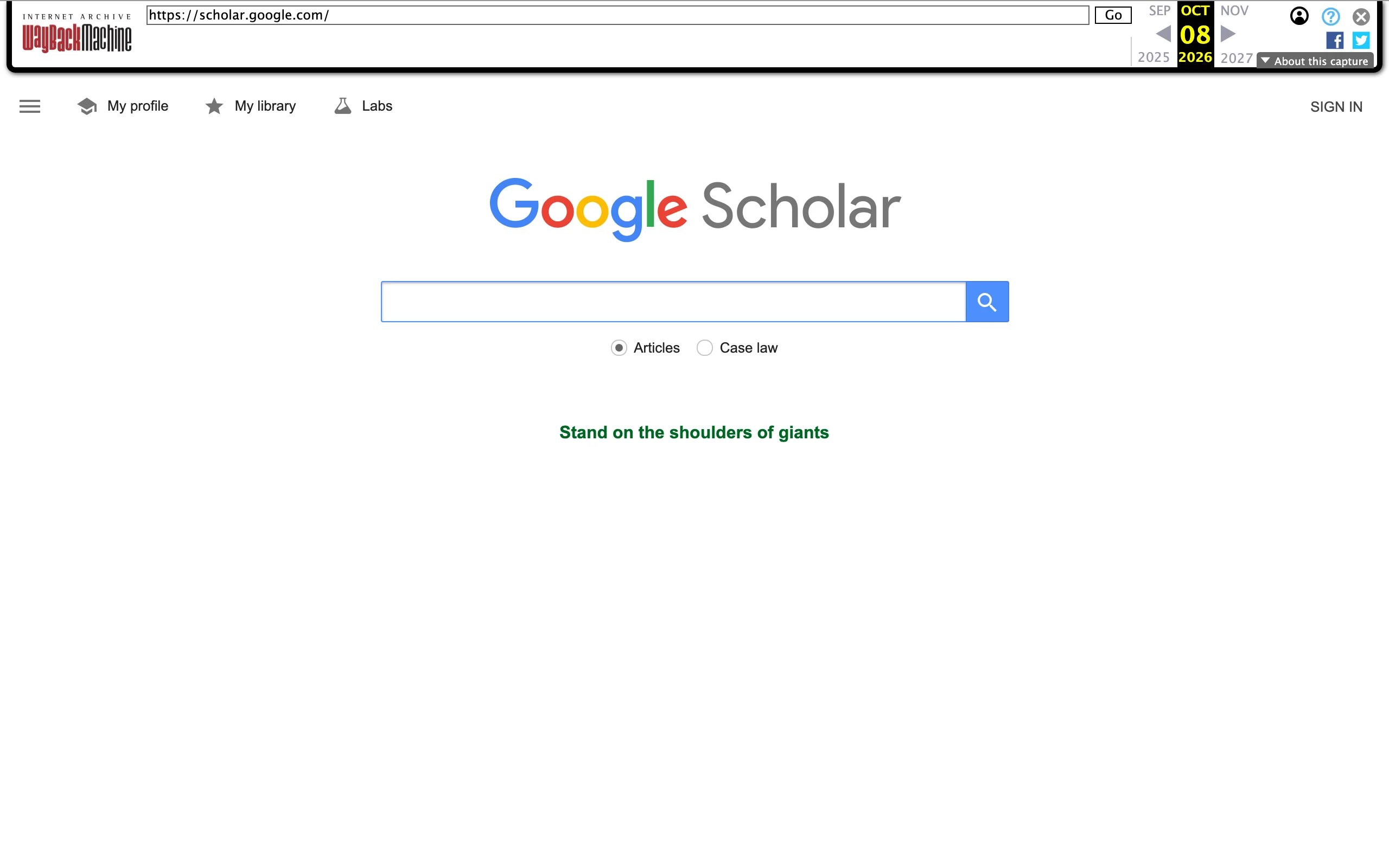
Nearly every lawyer has pulled an opinion from Google Scholar at some point, and for good reason: select "Case law," type a party name or a phrase from the holding, and you have the full text in seconds. What appellate lawyers should know is its published coverage. Google states it covers US state appellate and supreme court cases since 1950, federal district, appellate, tax, and bankruptcy courts since 1923, and Supreme Court cases since 1791. State trial courts are not on that list, and an older state appellate decision may simply be missing.
Each opinion has a "How cited" view that lists later cases citing it, with short excerpts. Useful, but you have to read those cases yourself to learn whether the treatment was positive or negative. There are no flags.
Key features
- Full-text case law search with court selection by jurisdiction
- "How cited" list of later citing cases with excerpts
- Links between cited and citing opinions
- Published coverage dates for federal and state courts
Best for
- Pulling a case you already know by name or citation
- Law students and lawyers doing quick background reading
- A sanity check before running a paid search
Pricing
- Free
Pros
- Fast, familiar search with no account needed
- Clear coverage dates so you know where the gaps are
- Citing-case list gives a starting point for validation
Cons
- No citator flags; negative treatment must be read case by case
- State appellate coverage begins in 1950, so older precedent can be missing
For students building research habits on free tools, our guide to AI tools for law students pairs well with Scholar.
8. Justia, best free reading room for Supreme Court opinions
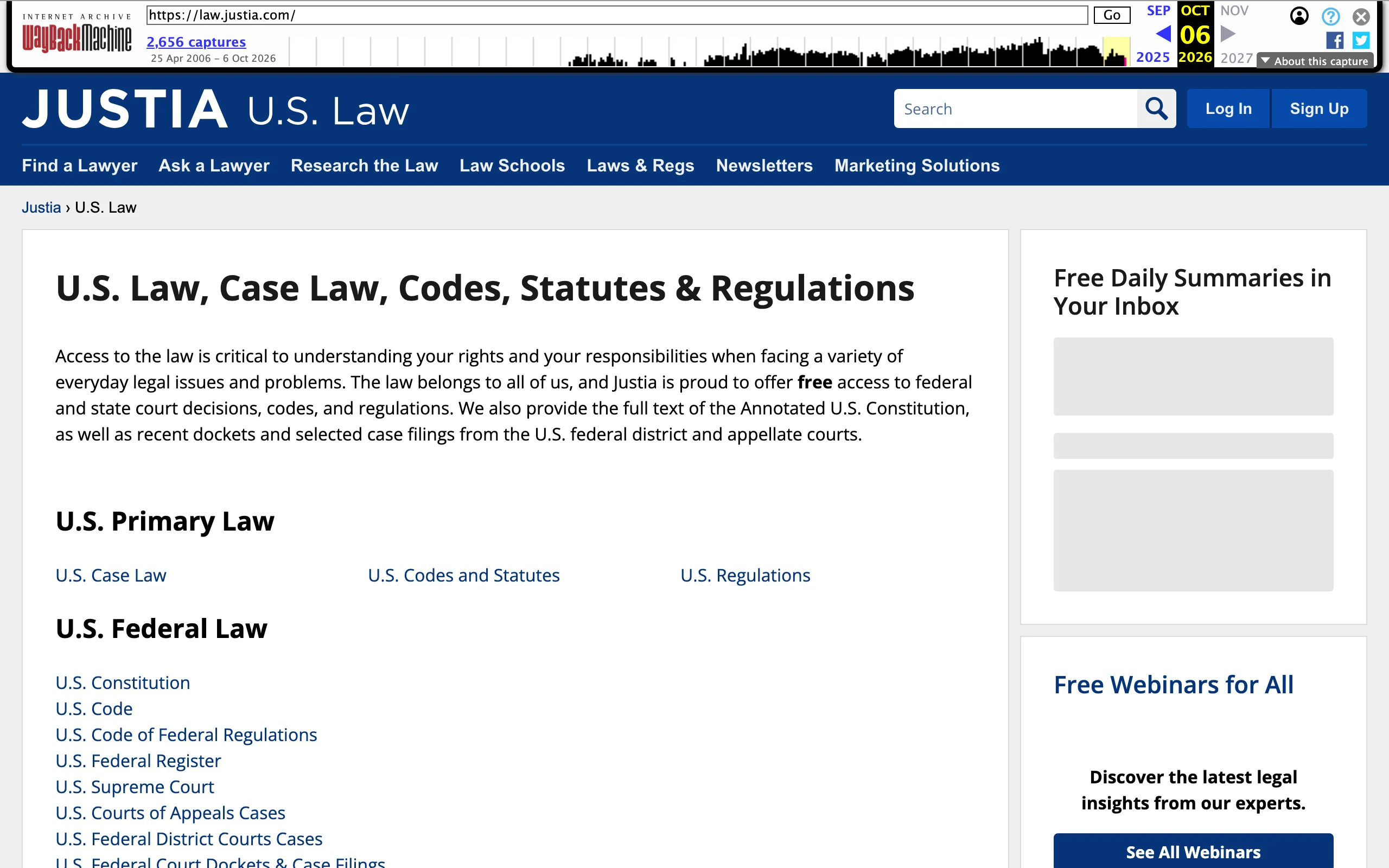
Justia has long been a free home for US case law, and its strongest corner is the Supreme Court Center: every decision from 1791 to the present, with opinion summaries, briefs, oral argument audio, and the ability to browse by date, topic, or justice. When you need to understand a Supreme Court decision in its full context, rather than just retrieve it, Justia's layout is genuinely helpful.
Beyond the Court, Justia carries US Courts of Appeals and district court opinions, selected federal dockets and orders, and state supreme and appellate opinions for many states. Think of it as a reading and orientation tool rather than a validation tool.
Key features
- Every Supreme Court decision since 1791 with summaries and argument audio
- Browse Supreme Court cases by date, topic, or justice
- Federal appellate and district opinions plus selected dockets
- State supreme and appellate opinions for many states
Best for
- Reading a Supreme Court decision alongside its briefs and argument
- Public-facing explanations and client education
- Quick, free access when you already know which case you need
Pricing
- Free
Pros
- Excellent context for Supreme Court cases
- No account or subscription required
- Clean, readable opinion pages
Cons
- No citator of any kind
- State coverage varies by jurisdiction
How to choose the right case law search tool for your practice
The honest answer for most lawyers is a pairing: one tool to find candidate cases quickly, one tool to validate the few you'll actually cite. Here is how to pick the pair.
1) Is the weak point finding the case or proving it's still good law?
- If finding is the bottleneck (new practice area, unfamiliar doctrine, a client walks in with a messy fact pattern): start with LegesGPT for cited, linked answers, or Vincent AI if the question spans several jurisdictions.
- If validation is the bottleneck (you know the cases, but the filing is high-stakes): you need a real citator. Westlaw's KeyCite with Overruling Risk is the deepest, Lexis's Shepard's is its peer, and Fastcase's Cert is the free option if your bar offers it.
2) What does your budget actually support?
- Under $100 a month: LegesGPT ($19.99 to $99.99/mo) for finding authority, plus Fastcase through your bar for citator checks, plus CourtListener and Google Scholar for free pulls. This combination covers most solo litigation work.
- Mid-range: Westlaw Advantage's published small-firm plans start at $256.75/mo for single-circuit coverage. Price out whether one circuit is enough before paying for national coverage.
- Enterprise: Lexis+ with Protégé and the full Westlaw stack are quote-based; get competing quotes and ask about trial periods first.
3) Where are your gaps in coverage?
- Federal practice with heavy docket work: CourtListener's RECAP archive is hard to beat for free.
- Older state precedent: don't rely on Google Scholar alone, since its state appellate coverage starts in 1950. Check a full database such as Fastcase, Westlaw, or Lexis.
- Cross-border or comparative questions: Vincent AI's 100+ country coverage and Compare Jurisdictions tool, or LegesGPT if you also want drafting in the same place.
- For a broader look at full databases beyond case law, see our breakdown of legal research databases by coverage and cost.
4) How will you catch a bad citation before the court does?
- Run every AI-surfaced case through at least one existence check (CourtListener's Citation Lookup works) and one treatment check (KeyCite, Shepard's, or Cert).
- Read the actual opinion, not the summary. AI answers with source links, like LegesGPT's, make this quick, but the reading is still your job.
- Test any tool on two or three cases where you already know the answer, including one that was overruled. A tool that misses the overruled case on your test will miss it on a real matter.
If you are still weighing the AI side of this stack, our ranking of AI legal research tools goes deeper into how the assistants compare on research quality.
Frequently Asked Questions
What is the best AI case law search tool?
For most solo and small-firm lawyers, LegesGPT is the best starting point because it turns a plain-language question into an answer built on verified, linked citations for $19.99 a month. For filings where you must prove a case is still good law, pair it with a citator such as Westlaw's KeyCite, Lexis's Shepard's, or Fastcase's Cert.
Is there a free case law search engine that is reliable?
Yes, for retrieval. CourtListener, Google Scholar, and Justia all let you read published opinions at no cost, and Fastcase is free through many bar associations. Of these, only Fastcase includes a citator, so the others are best for finding and reading cases rather than confirming their status.
How do I check if a case is still good law for free?
The most practical free route is vLex Fastcase through your bar association, which includes the Cert citator. Without it, read the later cases listed under Google Scholar's How cited view or watch CourtListener citation alerts, but neither shows negative-treatment flags, so you have to read the citing opinions yourself.
What is the difference between KeyCite, Shepard's, and Cert?
They are the citators of Westlaw, LexisNexis, and vLex Fastcase respectively. All three show how later courts treated a case. KeyCite adds Overruling Risk for authorities undermined indirectly, Shepard's Verify extends checking into AI answers and drafts, and Cert is the version many lawyers can use free through their bar.
Can AI case law search tools make up cases?
General chatbots have produced fabricated citations, which is why tools that link every answer to a real source matter. Even then, open each cited opinion and confirm the holding. CourtListener's Citation Lookup tool can confirm a citation exists, and a citator can confirm it has not been overruled.
Does Google Scholar cover all state case law?
No. Google states its case law coverage includes state appellate and supreme court decisions since 1950, federal courts since 1923, and Supreme Court decisions since 1791. State trial court decisions and older state appellate opinions may be missing, so use a full database for older state precedent.
How much does Westlaw cost for a small firm?
Thomson Reuters publishes online Westlaw Advantage plans for firms of up to 10 attorneys starting at $256.75 per month for single-circuit coverage and $399.75 per month for all states and federal coverage, with discounts for 2-year and 3-year terms. Larger firms need a quote.
If I mainly need to find relevant case law fast, what should I use?
LegesGPT is built for that. Describe your facts in plain language and it returns an answer with verified citations and source links, alongside case law and statute search, drafting, and document review. Plans start at $19.99 a month and you can try it for 3 days for $1.