
Law school buries you in reading, briefing, outlining, and writing, often faster than you can keep up. AI tools can take the grind out of the parts that are mechanical, summarizing a long opinion, checking your writing, or explaining a doctrine you keep missing, so you spend more time actually learning. Used well, they are a study multiplier. Used carelessly, they invent citations and get you in trouble with your honor code.
The trick is matching the right tool to the right task, and knowing where AI helps versus where it hurts. In this guide we compare the best AI tools for law students, covering pricing, what each does best, and the caveats every student should keep in mind, so you can build a study stack that is both effective and honest.
Best AI tools for law students: a quick overview
- LegesGPT: Best for legal research and understanding cases with verified citations, from $13.99/month.
- ChatGPT: Best all-round study assistant for explaining concepts and restructuring notes.
- Claude: Best for working through long opinions, statutes, and dense readings.
- Quimbee: Best for casebook-keyed case briefs, outlines, and exam practice.
- Studicata: Best free library of case briefs keyed to popular casebooks.
- Grammarly: Best for polishing memos, papers, and journal notes.
- Google Scholar: Best free tool for reading primary-source case law.
| Tool | Best for | Starting price | Free tier / trial |
|---|---|---|---|
| LegesGPT | Legal research with verified citations | From $13.99/mo | 3-day, $1 |
| ChatGPT | All-round study assistant | Free; Plus $20/mo | Free tier |
| Claude | Long readings & case analysis | Free; Pro $20/mo | Free tier |
| Quimbee | Case briefs & exam prep | $23/mo annual | 7-day, 10 briefs |
| Studicata | Free case brief library | Free briefs | Free |
| Grammarly | Writing & citation polish | Free; Pro $12/mo | Free tier |
| Google Scholar | Free case law reading | Free | Free |
1. LegesGPT, best for legal research and understanding cases
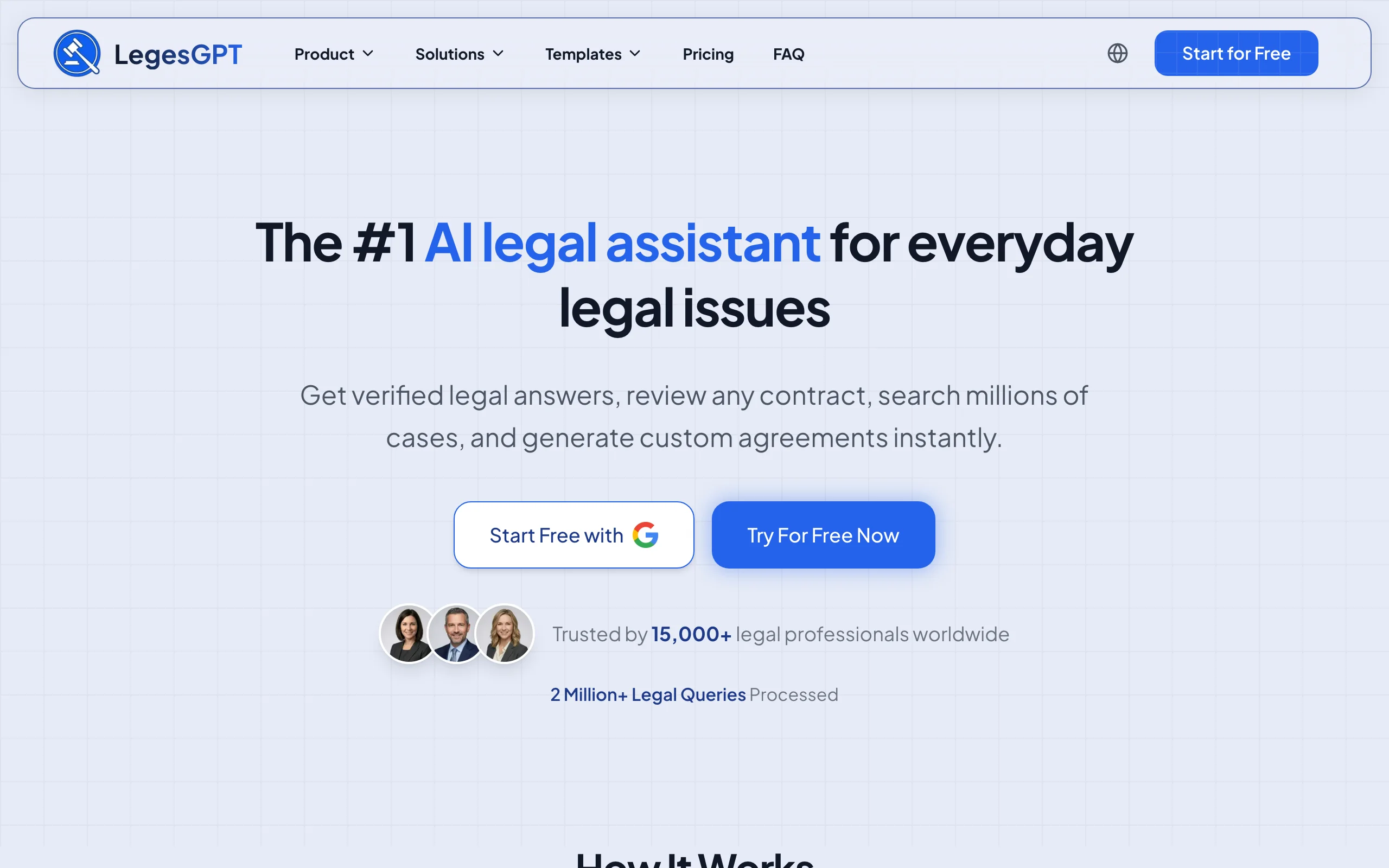
LegesGPT is the tool to reach for whenever real law is involved. It answers legal questions with verified citations and direct source links, searches case law and statutes across 38+ jurisdictions, and reviews documents to explain them in plain language. For a student trying to understand why a case came out the way it did, getting a cited answer that links to the actual authority beats a generic summary, because you can read the source and trust what you are learning.
Unlike general chatbots, LegesGPT is built to ground answers in real sources, which sidesteps the fake-citation problem that trips up students who lean on consumer AI for legal work. It is a professional tool rather than a study-aid with pre-written casebook briefs, so it complements Quimbee or Studicata rather than replacing them.
Key features:
- Verified-citation answers with links to the underlying authority
- Case law and statute search across 38+ jurisdictions
- Document review that explains complex documents in plain language
- AI drafting for practicing memos, contracts, and letters
- Deep Research mode for multi-step questions
Best for:
- Students who want to understand doctrine through real, cited sources
- Legal research assignments, clinics, and journal work
- Anyone burned by fake citations from a general chatbot
Pricing:
- Basic $13.99/month: unlimited AI queries, case law and statute search, citation verification
- Plus $34.99/month: adds document upload and 50 document reviews per month
- Premium $69.99/month: adds unlimited document review, Deep Research, and web search
- 3-day trial for $1; about 30% off annual billing
Pros:
- Cited answers with source links reduce the risk of relying on fabricated law
- Combines research, statute search, and document review in one tool
- Affordable and self-serve, with a low-cost trial for a semester test
Cons:
- No permanently free plan, unlike ChatGPT or Claude
- Not a study-aid library of pre-written casebook briefs
- A professional tool, so some features exceed a 1L's needs
For the broader landscape, see our roundup of the best AI legal research tools.
2. ChatGPT, best all-round study assistant
ChatGPT is the general-purpose workhorse most students already use. It is excellent at explaining a confusing doctrine in simpler terms, turning messy class notes into a clean outline, generating practice questions, and pressure-testing your understanding with follow-up prompts. For the study tasks that are about comprehension rather than citation, it is fast and genuinely helpful.
The critical caveat: ChatGPT can produce realistic-looking but fake case citations, and it has no reliable connection to primary law. Use it to learn and organize, never as your source of legal authority, and never submit its output as your own work where that is barred.
Key features:
- Explains legal concepts and doctrines in plain language
- Restructures notes into outlines and study guides
- Generates practice questions and hypotheticals
- Handles document uploads for summarizing readings
- Voice and multimodal input for flexible studying
Best for:
- Everyday study help and concept explanations
- Turning notes and readings into outlines
- Generating practice questions before exams
Pricing:
- Free tier available
- Plus $20/month, with a lower-cost Go tier and higher Pro tiers also offered
- No universal student discount currently
Pros:
- Capable free tier that covers most study needs
- Fast, versatile, and easy to use
- Great for explanations and note organization
Cons:
- Invents citations and cannot be trusted for legal authority
- No grounding in verified primary law
- Academic-integrity risk if misused on graded work
3. Claude, best for long readings and case analysis
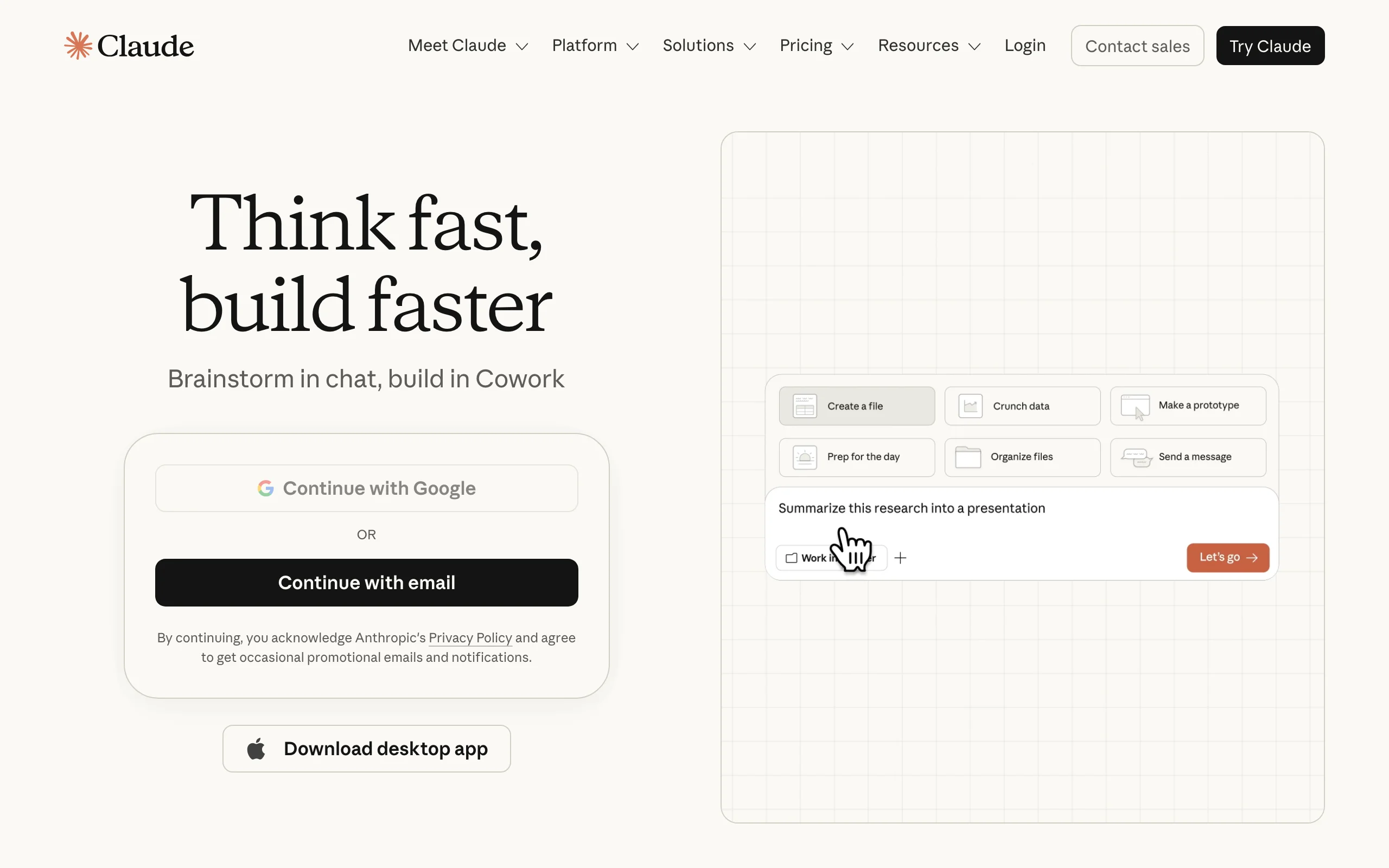
Claude, from Anthropic, is the strongest general assistant for heavy reading. Its long-context handling makes it well suited to working through lengthy opinions, multi-section statutes, and dense secondary sources, and it is a careful, clear writer for outlining and rewriting. Some law schools participate in Claude for Education, which can give students Pro access through their university email, so check whether yours does before paying.
Like ChatGPT, Claude is a comprehension and drafting aid, not a legal-research authority. It can still misstate law and citations, so verify anything you plan to rely on.
Key features:
- Strong long-context reading of cases and statutes
- Clear outlining and rewriting for notes and drafts
- Document uploads for summarizing long readings
- Thoughtful explanations of complex reasoning
- Available on web, desktop, and mobile
Best for:
- Working through long opinions and dense material
- Drafting and refining outlines and notes
- Students whose school offers Claude for Education
Pricing:
- Free tier available
- Pro $20/month, or $17/month billed annually
- Max from $100/month for heavy use
Pros:
- Excellent with long documents and careful reasoning
- Clean, readable writing style
- Possible free Pro access through participating schools
Cons:
- Still capable of citation and doctrinal errors
- No grounding in verified primary law
- Same academic-integrity cautions as any chatbot
4. Quimbee, best for case briefs and exam prep
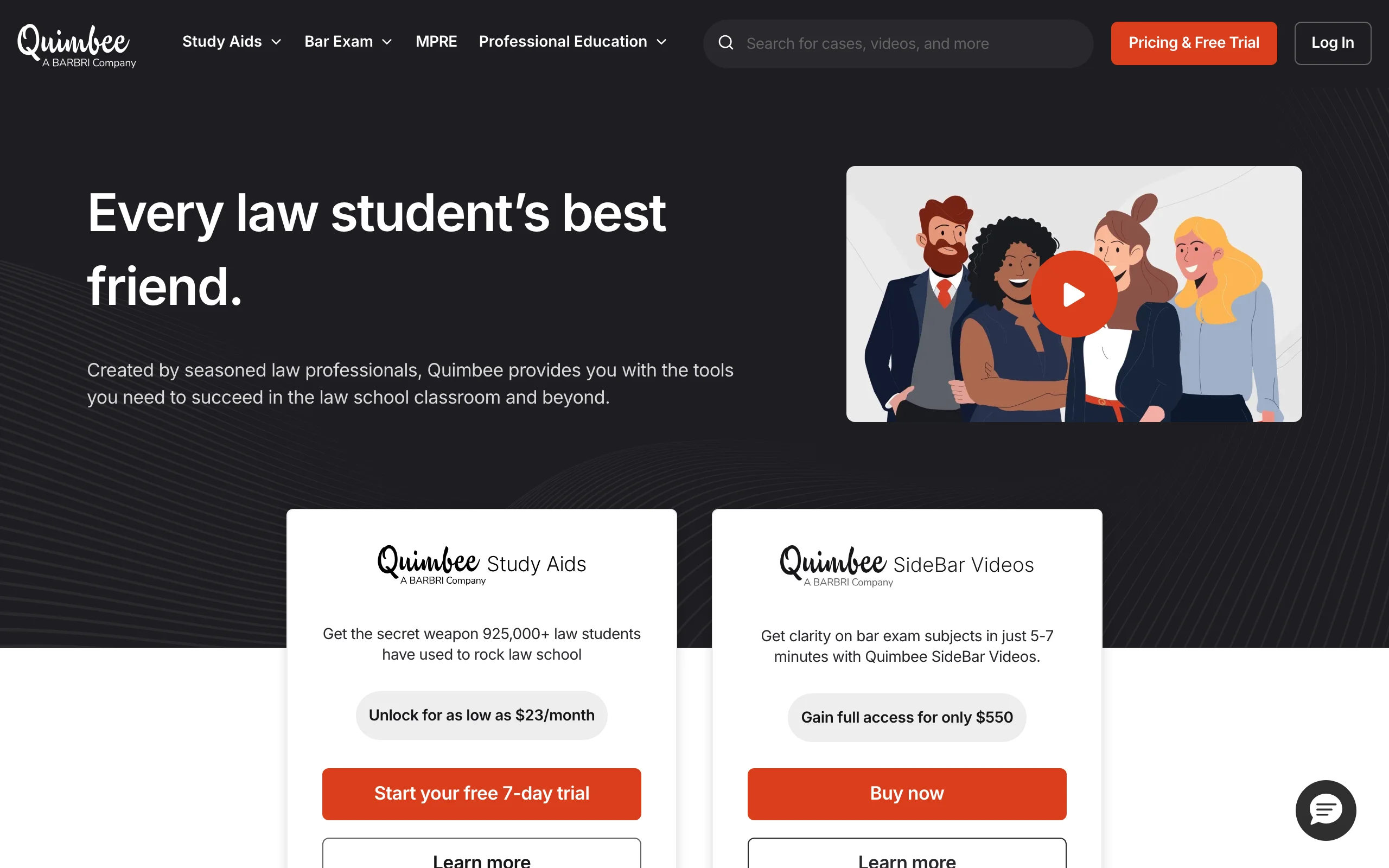
Quimbee is a law-student staple built for the exact rhythm of law school. It offers tens of thousands of case briefs keyed to popular casebooks, video lessons across 1L to 3L subjects, outlines, flashcards, and thousands of multiple-choice practice questions with explanations. Its AI-generated summaries of its professionally written briefs help you review faster before class or an exam.
It is a subscription study platform rather than a general AI tool, and after its 2025 acquisition by BARBRI it focuses on study aids and supplemental bar materials rather than a full bar-review course. For briefing and doctrinal review, it remains one of the most efficient options.
Key features:
- 47,000+ case briefs keyed to 1,000+ casebooks
- Video lessons across 1L, 2L, and 3L subjects
- Outlines, flashcards, and practice questions
- AI summaries of professionally written briefs
- Issue spotters with model answers
Best for:
- 1L to 3L students who want casebook-keyed briefs
- Doctrinal review and exam practice
- Students who prefer video explanations
Pricing:
- $33/month, or $23/month billed annually
- 7-day free trial with access to up to 10 case briefs
Pros:
- Deep, casebook-keyed brief and video library
- Strong exam-practice materials
- Efficient way to prep before class
Cons:
- Subscription cost on top of tuition
- Full bar-review course was discontinued after the BARBRI acquisition
- Briefs are a study aid, not a substitute for reading cases
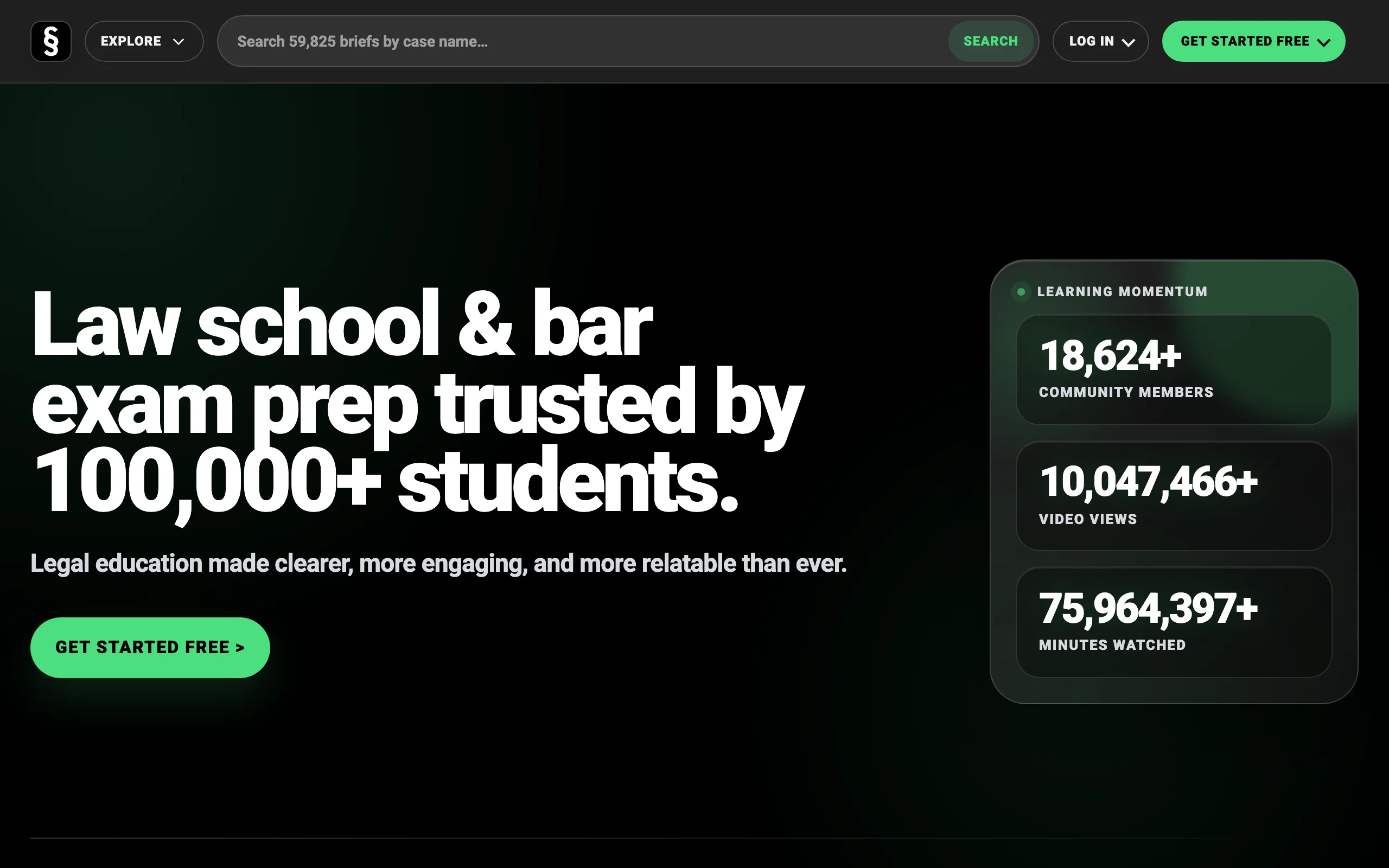
5. Studicata, best free case brief library
Studicata is a strong free companion to Quimbee. It offers a large library of AI-generated, expert-reviewed case briefs keyed to more than a thousand casebooks, plus study tools aimed at the 1L-through-bar-prep workflow. The free brief library alone makes it worth bookmarking, especially when you need a quick refresher on a case before class and do not have a paid subscription.
As with any AI-generated brief, treat it as a supplement to reading the case yourself, not a replacement, since exams test your own analysis.
Key features:
- Large free library of case briefs
- Briefs keyed to 1,000+ casebooks
- AI-generated summaries reviewed by experts
- Study tools for outlining and exam prep
- Accessible without a paid subscription for core briefs
Best for:
- Budget-conscious students who want free briefs
- Quick case refreshers before class
- Supplementing a paid platform like Quimbee
Pricing:
- Free case brief library, with paid options for expanded features
Pros:
- Large, genuinely free brief library
- Broad casebook coverage
- Good complement to other study tools
Cons:
- AI-generated briefs still need verification against the case
- Fewer video and practice materials than Quimbee
- Not a substitute for your own reading
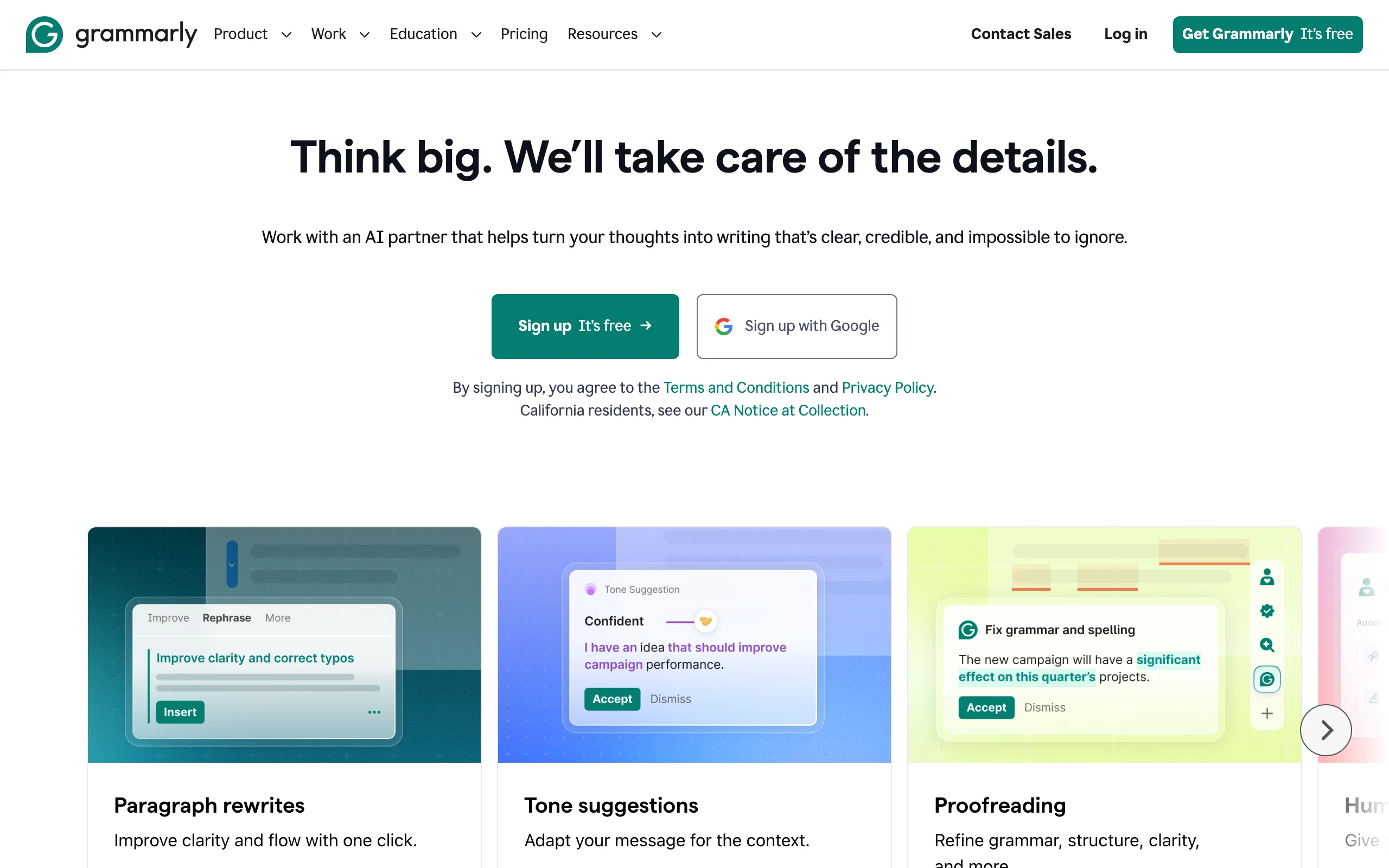
6. Grammarly, best for writing and citation polish
Grammarly helps where a lot of grades are won or lost: your writing. It catches grammar, spelling, and punctuation issues, suggests clearer phrasing, and, on its paid tier, offers full-sentence rewrites, tone adjustments, plagiarism detection, and citation-consistency checks. For legal memos, seminar papers, and journal notes, cleaner and more consistent writing makes your analysis land better.
It is not Bluebook-aware, so it will not perfect your legal citations, but its free tier includes a general citation generator and enough polish to raise the quality of everything you submit.
Key features:
- Grammar, spelling, and punctuation checks
- Full-sentence rewrites and tone adjustments on Pro
- Plagiarism and AI-text detection
- Citation generator and consistency checks
- Works across browsers and documents
Best for:
- Polishing memos, papers, and journal notes
- Catching errors before submission
- Maintaining consistent citations in long documents
Pricing:
- Free tier with core checks and a limited number of AI prompts
- Pro around $12/month, with a 7-day free trial
- Institutional access free at many universities
Pros:
- Noticeably improves writing quality and consistency
- Useful free tier
- Integrates everywhere you write
Cons:
- Not Bluebook-specific for legal citations
- Best features require the paid plan
- Suggestions still need your judgment
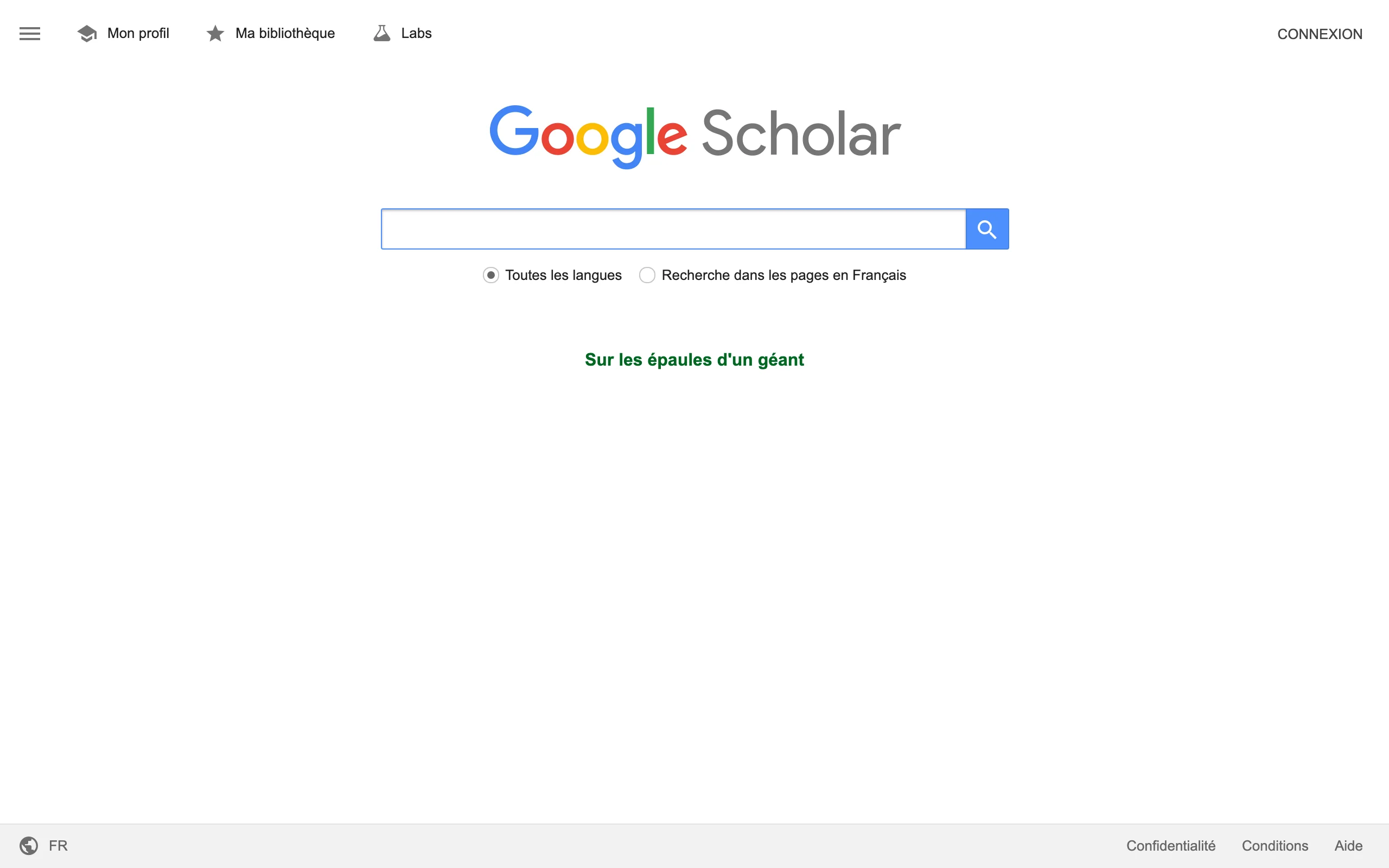
7. Google Scholar, best free tool for reading case law
Google Scholar is the free way to read primary-source law. It covers US Supreme Court, federal, and state appellate decisions, lets you toggle between case law and articles, and its How Cited tab shows later opinions that reference a case, a rough sense of how it has been treated. For a student who wants to read the actual opinion rather than a summary, it costs nothing.
The limitation to remember: Google Scholar has no true citator, so it cannot confirm a case is still good law. Use it for reading and lookups, and rely on your school's Westlaw or Lexis access for validated research.
Key features:
- Free full-text search of US case law
- Coverage of Supreme Court, federal, and state appellate decisions
- Case law and article search modes
- How Cited tab for basic citation tracking
- Filters by court and jurisdiction
Best for:
- Free primary-source case reading
- Quick citation lookups
- Students without constant Westlaw or Lexis access
Pricing:
- Free
Pros:
- Completely free and easy to use
- Broad case law coverage
- Good for reading actual opinions
Cons:
- No true citator to confirm good-law status
- No headnotes or analytics
- Coverage gaps in older or lower-court cases
How to choose the best AI tools for law school
You do not need every tool. Build a small stack that covers research, study, and writing, and use each for what it does best.
1) Match the tool to the task
- Real law, citations, and research: LegesGPT, plus free Google Scholar for reading opinions.
- Understanding concepts and organizing notes: ChatGPT or Claude.
- Case briefs and exam prep: Quimbee, or Studicata for free briefs.
- Writing quality: Grammarly.
2) Protect your academic integrity
Always check your school's and each professor's AI policy before using these tools on graded work. Use AI to learn, summarize, and practice, never to ghostwrite an assignment or during an exam where it is prohibited. When in doubt, ask.
3) Never trust an unverified citation
General chatbots invent citations that look real. If you use ChatGPT or Claude for anything involving authority, confirm every case and statute in a grounded tool. LegesGPT links answers to real sources, and Google Scholar lets you read the opinion directly, so verification takes seconds.
4) Start cheap and test
Most of these tools are free or offer trials, so try before you commit. Free tiers on ChatGPT, Claude, Grammarly, Studicata, and Google Scholar cost nothing, and LegesGPT's 3-day $1 trial is an easy way to test grounded legal research during a busy week. Build the smallest stack that keeps you learning, honest, and on top of the reading.