

My first commercial lease had a clause making me responsible for "all repairs to the premises, structural or otherwise." I skimmed it, signed it, and eighteen months later paid for a new rooftop HVAC unit that I had assumed was the landlord's problem. A year after that, a contractor I'd hired on a two-paragraph agreement walked off a project halfway through, and nothing in those two paragraphs said who owned the half-finished work.
Neither mistake needed a big law firm. Each one needed someone to read the document with me for twenty minutes before I signed. That is the gap an AI legal assistant for business owners now fills: it reads the lease, explains the clause, drafts the contractor agreement properly, and tells you when the stakes are high enough to pay a human.
Below are seven tools I'd actually consider, what each costs next to a single billable hour, and which business moments each one handles.
The 7 best AI legal tools for small businesses at a glance
- LegesGPT: Best overall AI legal assistant for business owners: answers your legal question with sources you can open, reviews a lease or vendor contract for risky terms, drafts the agreement you need, and collects signatures, all from one monthly plan.
- Rocket Lawyer: Best membership for owners who want written attorney answers on tap: a free AI assistant for quick questions and contract checks, plus a set number of attorney questions each month.
- LegalZoom: Best for having a real attorney look over short contracts on a prepaid plan: unlimited 30-minute consults on new matters and attorney review of documents up to 10 pages.
- ContractsCounsel: Best for one-off, high-stakes deals where you want a fixed quote from a lawyer before any work starts.
- PandaDoc: Best for sending proposals and quotes that turn into signed client agreements.
- Docusign: Best for getting contracts signed with a name every counterparty recognizes, now with AI summaries for signers.
- ChatGPT: Best low-cost thinking partner for plain-English explanations and rough first drafts you will verify elsewhere.
| Tool | Best for | Starting price | Free trial | Human lawyer access |
|---|---|---|---|---|
| LegesGPT | Research, review, drafting, signing in one plan | $19.99/mo | 3 days for $1 | No (AI with cited sources) |
| Rocket Lawyer | Attorney Q&A membership plus free AI | $34.99/mo or $149/yr | 7 days free | Yes, on every paid tier |
| LegalZoom | Prepaid attorney consults and short reviews | $469/yr (about $39/mo) | None listed | Yes, included |
| ContractsCounsel | Flat-fee lawyer for one project | Free to post; you pay the bid | Not applicable | Yes, that is the product |
| PandaDoc | Proposals and client agreements | Free eSign plan; paid from $19/seat/mo | 14 days free | No |
| Docusign | Widely trusted e-signature | $11/mo billed annually | Free trial | No |
| ChatGPT | Explanations and rough drafts | Free; Plus $20/mo | Free plan | No |
1. LegesGPT, best overall AI legal assistant for business owners
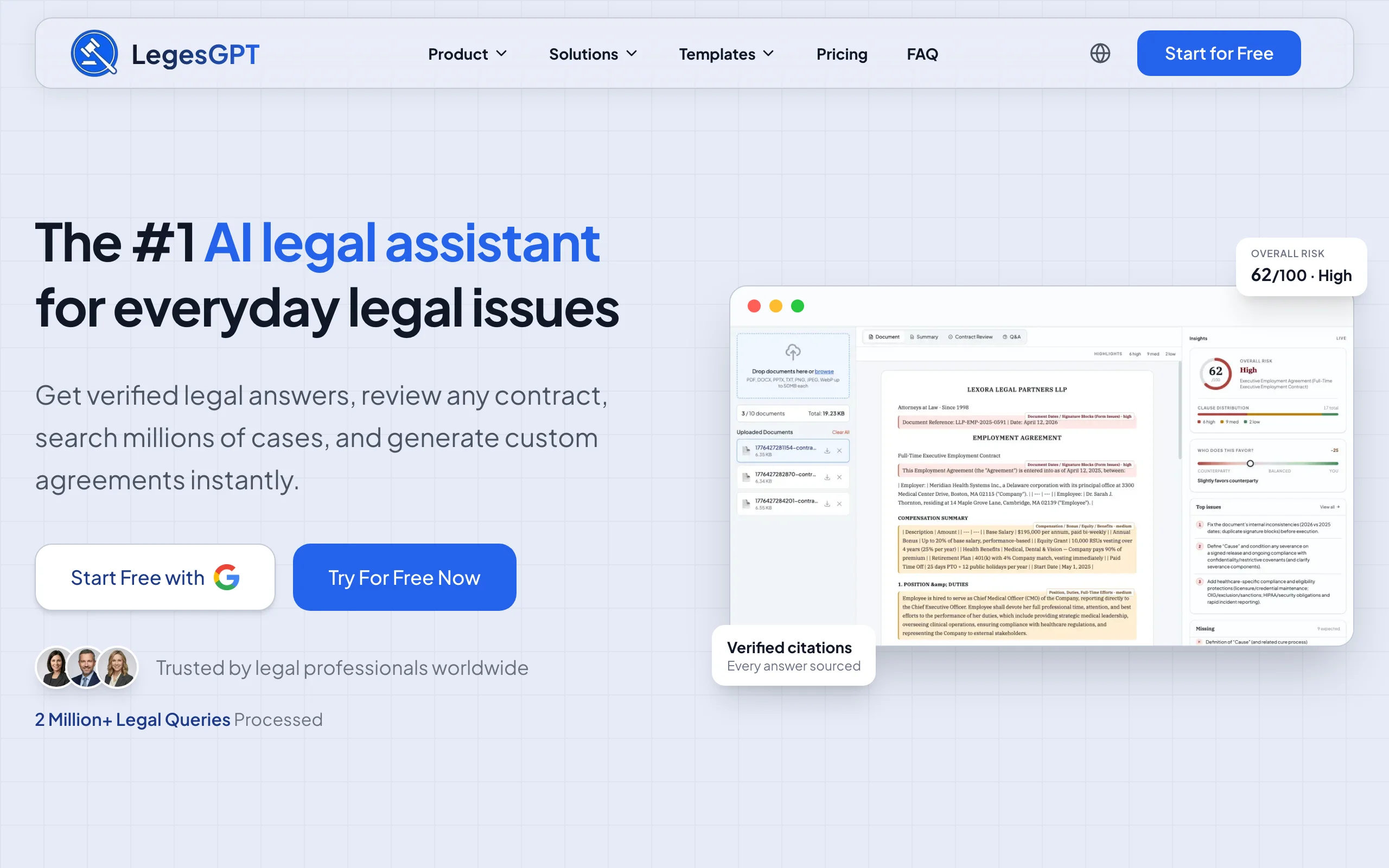
Most of the legal friction in a small business is not litigation. It is the PDF someone emails you with "just sign and send back." LegesGPT is built for that moment. Upload the lease, the supplier terms, or the agency's master services agreement and it marks the clauses that shift cost or risk onto you, explains them in normal language, and suggests replacement wording you can send back. Had I run my lease through it, the repair clause would have been the first thing flagged.
When you need a document rather than a review, you pick the type (contractor agreement, NDA, offer letter, payment plan), answer a short set of guided questions about your deal, and the AI writes a tailored draft you can edit and send out for e-signature from the same account. And when the question is "can I actually do this?", for example withholding a final payment from a contractor who missed deadlines, it answers with citations and links to the statutes or cases so you can check the source yourself instead of trusting a confident paragraph.
Key features
- Contract and lease review that flags one-sided terms and proposes edits you can paste into a reply
- Guided AI drafting: choose a document type, answer questions, get a draft built around your facts
- Legal answers with verified citations and source links, plus case law and statute search
- Built-in e-signature, so the agreement you drafted gets signed without another subscription
- Deep Research mode for multi-step questions such as "what do I need before hiring my first employee in this state?"
- 100+ fill-in templates (a separate, non-AI feature) for when a standard form is enough
Best for
- Owners and founders who handle their own contracts and want a second reader before signing
- Businesses that sign several vendor, client, or contractor agreements a month
- Anyone who wants to understand the legal question before deciding whether to pay a lawyer
Pricing
- 3-day trial for $1, then Basic at $19.99/mo for legal questions with citations and case law search
- Plus at $49.99/mo adds document upload with 50 document reviews per month
- Premium at $99.99/mo for unlimited reviews and priority support; annual billing saves about 30%
Pros
- One plan covers questions, review, drafting, and signing, so you are not paying four vendors
- Sources are shown and clickable, which matters when the answer decides whether you send a demand
- The Plus tier costs less per month than a fraction of one hour with most business attorneys
Cons
- It does not include a human attorney; for a dispute already heading to court, you still need one
- Web app only: no mobile app, Word add-in, or API, so you work in the browser
2. Rocket Lawyer, best membership with attorney Q&A built in
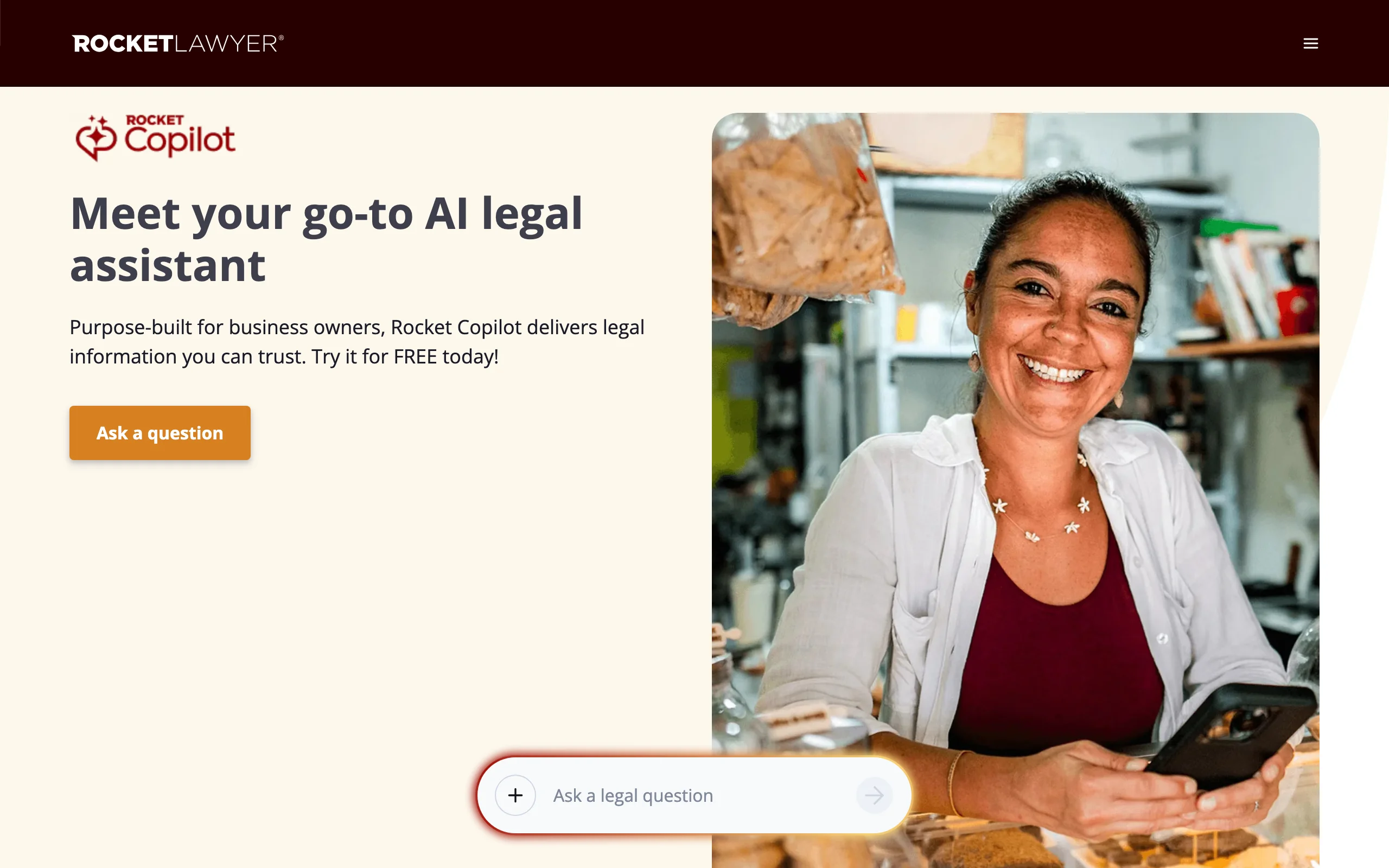
Rocket Lawyer has been selling small-business legal memberships for years, and its current pitch pairs a free AI assistant with access to people. Rocket Copilot, the AI side, answers questions such as "how do I get out of this contract?" and runs a contract review that highlights key terms, auto-renewals, and one-sided liability language. That part is free to use.
The paid membership is where the human layer comes in. Every tier includes a quota of written attorney questions, the higher tiers add live consultations, and the first business registration (LLC, corporation, or nonprofit) is included. If your instinct when something looks off is "I want a lawyer to tell me in writing," this is the cheapest regular way to get that.
Key features
- Rocket Copilot: free AI legal Q&A and contract review aimed at business owners
- Written attorney questions on every paid plan (12 on Standard, 36 on Plus, unlimited on Pro)
- Live attorney consultations on Plus (12) and Pro (unlimited)
- Document library with e-signature and sharing
- First business registration included; discounts on filings, registered agent, and trademarks
Best for
- Owners who want an attorney's written answer a few times a month without a retainer
- New businesses that also need entity registration handled
Pricing
- Standard: $34.99/mo or $149/yr; Plus: $49.99/mo or $249/yr; Pro: $64.99/mo or $349/yr
- 7-day free trial on all three tiers; Rocket Copilot itself is free
Pros
- Real attorney access at a predictable monthly cost
- Free AI contract review is a low-risk first pass on anything you are asked to sign
Cons
- Question quotas on lower tiers can run out in a busy month
- AI answers are general information; it does not show statute or case citations the way a research tool does
3. LegalZoom, best for prepaid attorney review of short contracts
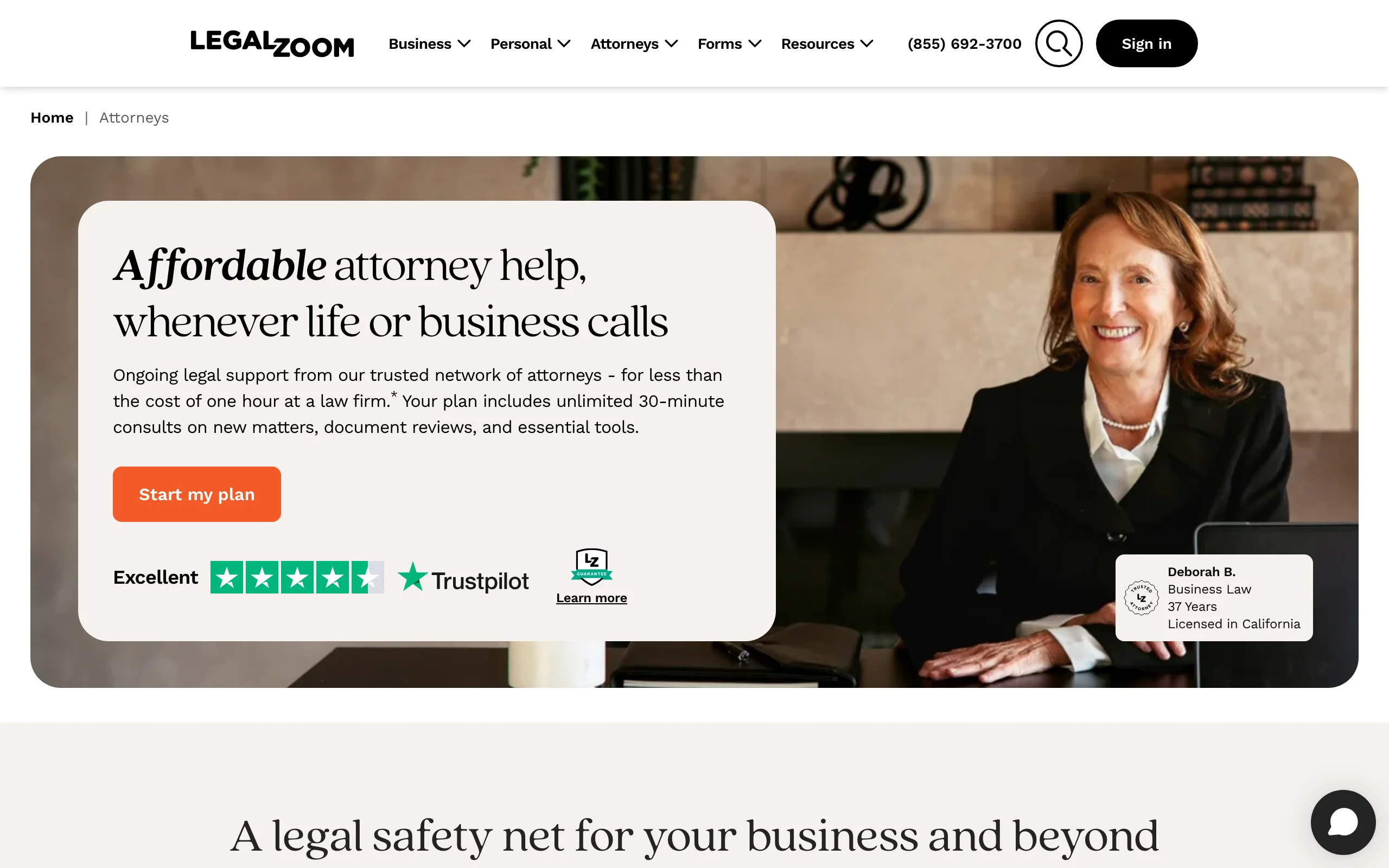
LegalZoom's Business Attorney Plan is closer to "a lawyer on retainer for a flat yearly fee" than to software. You get unlimited 30-minute consultations on new legal matters, an attorney review of contracts up to 10 pages, and an annual one-hour checkup once you have been a member for six months. LegalZoom frames the yearly price as less than one hour at a law firm, and for many owners that comparison holds.
On the AI side, LegalZoom's Doc Assist is a free summarizer: upload a PDF, DOCX, DOC, or TXT file (up to 5MB) and it returns a recap of the contract, clause-by-clause summaries, and suggested questions, with a button to send it to an attorney in their network if something worries you.
Key features
- Unlimited 30-minute attorney consults on new matters
- Attorney review of documents up to 10 pages; longer ones at flat add-on prices
- Doc Assist: free AI contract summaries with a path to attorney review
- 150+ customizable templates and unlimited e-signature
- 25% off additional attorney work through the network
Best for
- Owners who sign mostly short agreements (NDAs, simple service contracts, short leases)
- People who would rather talk to a lawyer than read an AI report
Pricing
- $469 billed yearly (about $39.09/mo) or $259 every six months
- Documents of 11 to 15 pages cost $69 extra to review; 16 to 25 pages cost $149
Pros
- Predictable cost for regular attorney contact
- Doc Assist is free and useful as a pre-read before a consult
Cons
- The 10-page review cap is tight: most commercial leases and MSAs run longer
- Doc Assist summarizes and explains; it does not draft replacement language for you
4. ContractsCounsel, best for hiring a flat-fee lawyer for one deal
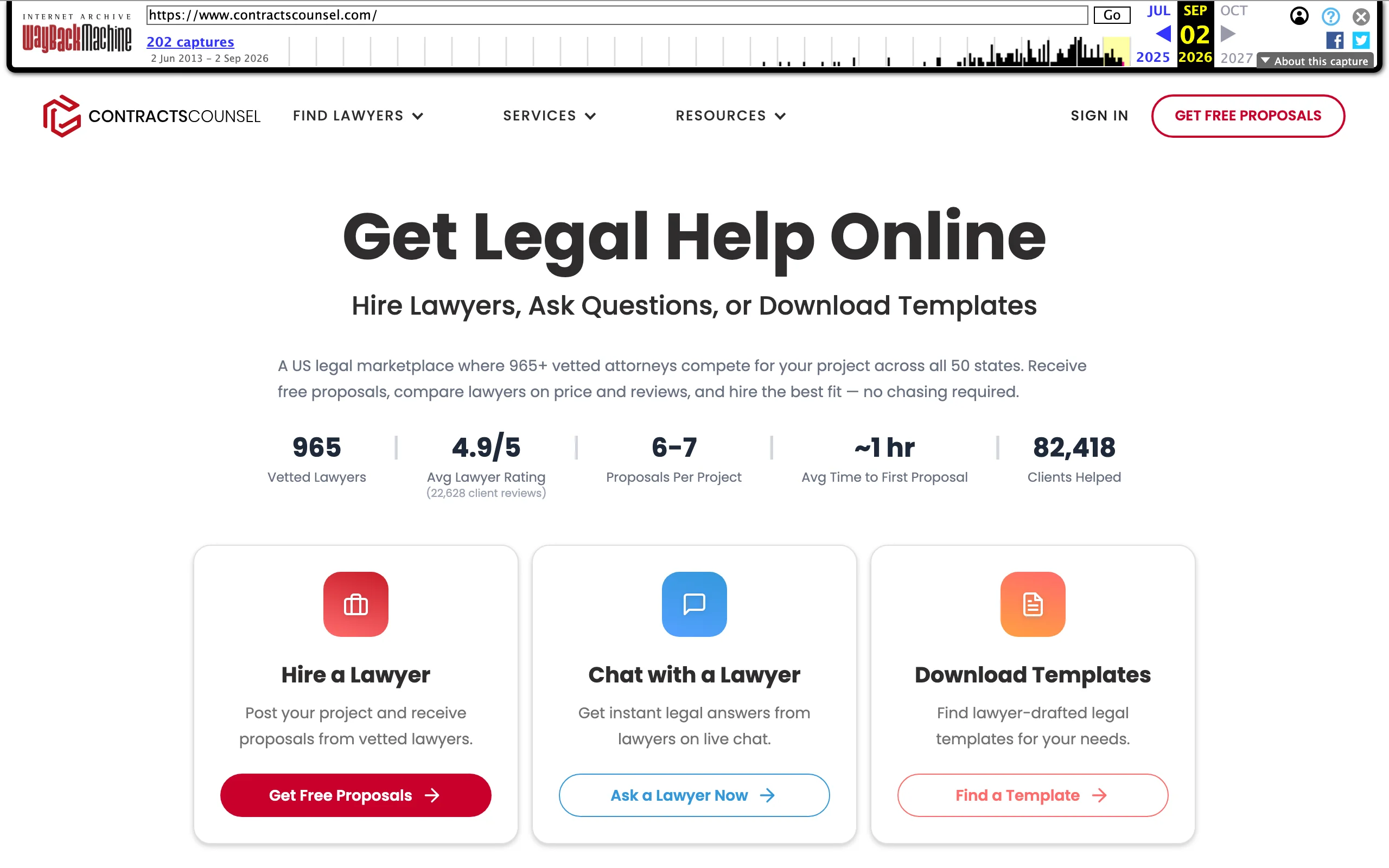
Some moments justify a human from the start: a lease with a personal guarantee, a buyout of a co-founder, an acquisition offer. ContractsCounsel is a marketplace where you post the project for free, vetted US attorneys send flat-fee proposals (the site cites 6 to 7 per project on average), and you choose based on price, profile, and reviews. You know the total before anyone starts billing.
This is the tool I wish I'd used for the lease. The AI tools on this list are excellent at telling you which clauses deserve attention; ContractsCounsel is how you get a licensed lawyer to negotiate those clauses for a fixed price, without signing up for an ongoing plan.
Key features
- Free project posting with competing flat-fee proposals
- Attorneys across all 50 states, compared side by side on price and client reviews
- Live chat with a lawyer for quick questions
- Lawyer-drafted templates library
Best for
- One-off, high-value contracts where a mistake costs more than the legal fee
- Owners who want to compare lawyers on price before committing
Pricing
- Posting and receiving proposals is free; you pay the flat fee of the lawyer you hire
- ContractsCounsel's own pricing data puts most contract review bids in the few-hundred-dollar range
Pros
- Fixed price agreed up front, no hourly surprises
- Lets you pick a lawyer with experience in your exact contract type
Cons
- Not an AI tool; you will wait for proposals and for the work itself
- US only, and each project is a separate purchase
5. PandaDoc, best for proposals and quotes that become signed client agreements
For service businesses, "getting paid" starts long before the invoice: it starts with a proposal the client actually signs. PandaDoc builds proposals, quotes, and contracts from templates, and sends them out for e-signature. Its AI Document Assistant drafts and rewrites copy inside the document, which speeds up scope descriptions and cover notes.
What PandaDoc does not do is legal analysis. It will help you send a polished agreement fast; it will not tell you whether your limitation-of-liability clause is enforceable. Pair it with a review tool when the terms matter.
Key features
- Proposal, quote, and contract templates with pricing tables
- Built-in e-signature for every document you send
- AI Document Assistant for drafting and refining document text
- CRM integrations and approval workflows on the Business plan
Best for
- Agencies, consultants, and contractors who send a proposal before every job
- Small sales teams that need CRM-linked documents and approval steps
Pricing
- Free eSign plan for basic sending and signing
- Starter from $19/seat/mo and Business from $49/seat/mo (billed annually); 14-day free trial
Pros
- Shortens the gap between "yes, let's do it" and a signed agreement
- Free plan is enough for a solo operator sending a few contracts
Cons
- No legal review of the terms you put in
- Per-seat pricing adds up if several people send documents
6. Docusign, best for e-signature that every counterparty recognizes
When a landlord, bank, or larger client sends you something to sign, odds are it arrives through Docusign. Using it yourself means nobody questions the signing process. The recent addition that matters to owners is AI-assisted summaries: signers can see a plain-language overview of the key terms and ask questions about the agreement before signing, which is a useful sanity check on documents other people wrote.
Docusign also sells a broader agreement-management platform (IAM) with AI that extracts terms and tracks obligations across your contracts, but pricing for that tier goes through sales, so most small businesses will start with eSignature.
Key features
- E-signature with templates, reminders, audit trails, and mobile apps
- AI-assisted agreement summaries and Q&A for signers
- Payment collection, web forms, and bulk sending on Business Pro
- Large integration catalog (CRMs, storage, accounting)
Best for
- Owners who sign or send agreements with banks, landlords, and enterprise clients
- Businesses that want payment collected at the moment of signing (Business Pro)
Pricing
- Personal: $11/mo billed annually, 5 envelopes per month
- Standard: $30/user/mo and Business Pro: $45/user/mo, billed annually; free trial available
Pros
- Recognized and accepted by almost every counterparty
- AI summaries help you understand someone else's contract at signing time
Cons
- Envelope limits on lower tiers; Personal caps you at five sends a month
- Summaries explain what a contract says, not whether it is a good deal for you
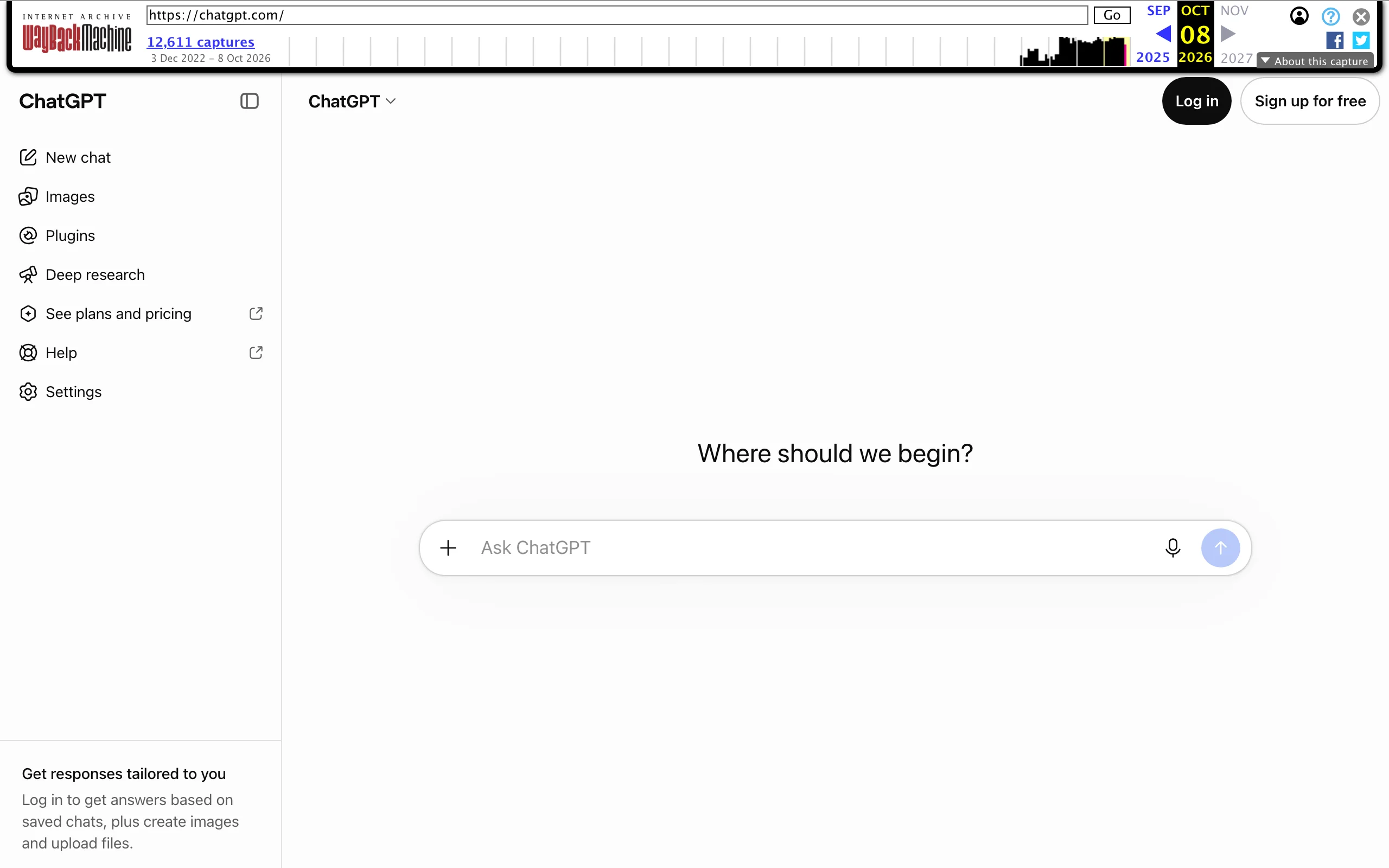
7. ChatGPT, best low-cost thinking partner for legal basics
Plenty of owners already use ChatGPT for legal questions, and for some jobs it is fine: explaining what "indemnify and hold harmless" means, turning a confusing clause into plain English, or drafting a polite email asking a landlord to clarify a term. The free plan is enough to try, and Plus at $20/mo covers most individual use.
The risk is that it answers legal questions in a confident tone whether or not it is right, and it does not reliably tell you which state's law it is using or point to a source you can verify. Treat it as a smart friend, not as counsel. If you use it for business documents, the Business plan ($25/user/mo, or $20 billed annually) keeps your data out of model training.
Key features
- Plain-English explanations of contract terms and legal concepts
- Rough drafts of letters, policies, and simple agreements from a prompt
- File upload for summarizing documents
- Deep research mode for longer, multi-source questions
Best for
- Owners who want to understand a term before asking a better question elsewhere
- Non-binding drafting: emails, internal policies, negotiation talking points
Pricing
- Free plan; Go at $8/mo (varies by region); Plus at $20/mo
- Business at $25/user/mo monthly or $20/user/mo annually
Pros
- Cheapest way to get a clause explained right now
- Good for practicing a negotiation or drafting a reply
Cons
- No verified legal citations; answers can be wrong, outdated, or for the wrong jurisdiction
- Not built for contract review, so it may miss what a dedicated tool would flag
How to choose an AI legal assistant for your business
Forget feature lists for a second. Think about the five or six moments a year when your business actually needs legal help, and match a tool to each. For a deeper look at review-only software, see our roundup of the best AI contract review tools.
1) You're hiring your first contractor or employee
- If it's a contractor: draft the agreement with LegesGPT's guided drafting so ownership of work, payment milestones, and termination are spelled out. My two-paragraph contractor deal had none of those.
- If it's an employee: use Deep Research or Rocket Lawyer's attorney questions to confirm what your state requires (classification, onboarding notices) before the offer letter goes out.
- If equity or a non-compete is involved, that's a ContractsCounsel project.
2) You're signing or renewing a lease
- Run the lease through LegesGPT or LegalZoom's Doc Assist first to find repair, renewal, assignment, and personal-guarantee clauses.
- If the lease is under 10 pages and you're on LegalZoom's plan, have the attorney review it as part of your membership.
- If there's a personal guarantee or a multi-year term, post it on ContractsCounsel. A few hundred dollars is small next to five years of rent.
3) A vendor or client sends you their paper
- For the everyday stream (SaaS terms, supplier agreements, client MSAs), an AI review with proposed edits is the fastest path. LegesGPT returns suggested wording; Rocket Copilot and Doc Assist explain the risks.
- Docusign's signer summaries are a useful last check, but don't make them your only check. Our guide to AI contract generators covers tools for when you'd rather send your own paper instead.
4) You want to get paid on time
- Get scope and payment terms signed before work starts: PandaDoc for proposals that convert into agreements, Docusign Business Pro if you want payment collected at signing.
- Make sure the agreement covers late fees, deposits, and what happens if the client cancels. Ask LegesGPT what your state allows on late fees before you pick a number.
5) Compliance and policies
- Privacy policies, employee handbooks, and website terms are good candidates for AI drafting followed by a quick human look. Our list of AI legal document generators compares tools for that kind of paperwork.
- For regulated industries (health data, finance, food), treat any AI output as a starting point and get a specialist to sign off.
6) Do the price math, then decide when to call a lawyer
A single hour with a business attorney often costs more than a year of a mid-tier AI plan. That doesn't mean AI replaces the lawyer. It means you should spend the lawyer's time only where judgment and negotiation matter: personal guarantees, disputes, equity, acquisitions, and anything involving a regulator or a court. For the rest, let an AI assistant read first, and keep the attorney for the two or three moments a year that really need one. If you're still comparing options, our broader list of the best legal AI tools covers more categories.
A practical test: take the last three contracts you signed, run them through the trials of two tools here, and see which one would have caught the clause that cost you money.
Frequently Asked Questions
What is an AI legal assistant for business owners?
It is software that reads contracts, answers legal questions, and drafts documents for people running a business rather than for lawyers. The better ones point out risky clauses in a lease or vendor agreement, explain them in plain language, show the legal sources behind their answers, and help you decide when a matter is serious enough to hire an attorney.
Can a small business use AI instead of a lawyer?
For routine work such as reviewing a supplier agreement, drafting a contractor agreement, or understanding a lease clause, an AI tool can handle the first pass well. For disputes, personal guarantees, equity, acquisitions, or anything involving a court or regulator, use AI to prepare and a licensed attorney to decide.
What is the cheapest legal AI for small business?
ChatGPT and Rocket Copilot are free to start, but neither shows verified legal citations or produces a full risk review with proposed edits. LegesGPT starts at 19.99 dollars a month after a 3-day trial for 1 dollar, and its Plus plan at 49.99 dollars a month adds 50 document reviews, which costs less each month than a fraction of a typical attorney hour.
Is it safe to upload my business contracts to an AI tool?
Check each provider's data terms before uploading anything confidential. Rocket Lawyer states that documents uploaded for its contract review are encrypted and not used to train AI models, and ChatGPT's Business plan excludes your data from training by default. Avoid pasting sensitive contracts into free consumer chatbots without reading their privacy settings.
Which AI tool is best for reviewing a commercial lease?
Use a tool that reviews the full document and flags specific clauses, such as repair obligations, renewal terms, assignment limits, and personal guarantees. LegesGPT does this with suggested replacement wording, and LegalZoom's attorney plan covers human review of documents up to 10 pages. For long or high-value leases, a flat-fee lawyer through ContractsCounsel is worth the cost.
Do I still need e-signature software if my AI legal tool drafts contracts?
Not always. LegesGPT, Rocket Lawyer, and LegalZoom include e-signature with their plans. Dedicated tools like Docusign and PandaDoc make sense when you send many proposals, need payment collection at signing, or deal with counterparties who expect a specific signing platform.
When should a business owner stop using AI and call a lawyer?
Call a lawyer when you are signing a personal guarantee, taking on or giving up equity, facing a demand letter or lawsuit, dealing with a regulator, or committing to a contract whose loss would seriously hurt the business. AI is most valuable before those moments, helping you understand the issue and ask the attorney sharper questions.
If I want one AI legal assistant that covers most small business needs, what should I use?
LegesGPT is the most complete single option for owners because it answers legal questions with sources, reviews contracts for risk, drafts agreements through a guided process, and handles e-signature in one subscription. Add a flat-fee lawyer from a marketplace for the rare high-stakes deal.