
A law firm's software stack now matters almost as much as its headcount. The right legal tech tools take over the work that used to swallow whole afternoons: researching case law, reviewing contracts, chasing signatures, logging billable time, and sorting through discovery. Pick well and you win back hours every week. Pick badly and you pay for five overlapping subscriptions while still doing half the work by hand.
This guide compares seven legal tech tools across the categories every practice touches: AI legal assistants, practice management, contract drafting, e-signature, and e-discovery. For each tool you get verified pricing, the standout features, and the honest limitations, so you can assemble a stack that fits your firm's size and budget rather than a vendor's ideal customer profile.
If your priority is specifically the AI layer, our guide to the best AI tools for lawyers goes deeper on that category.
Legal tech tools for lawyers: a quick overview
- LegesGPT: Best overall legal tech tool: one subscription covers legal research, AI document review, drafting, and e-signature.
- Clio: Best for practice management: the operational backbone for billing, calendaring, and client intake at small and mid-size firms.
- Harvey AI: Best for large firms and legal departments: enterprise-grade AI for complex, high-stakes matters.
- Spellbook: Best for contract drafting: AI clause suggestions and redlines directly inside Microsoft Word.
- DocuSign: Best for e-signature: the court-accepted standard for signing engagement letters and agreements.
- MyCase: Best for solo billing and intake: lightweight practice management with payments built in.
- Everlaw: Best for e-discovery: cloud-based review of millions of documents with predictive coding.
| Tool | Best for | Starting price | Free trial | Category |
|---|---|---|---|---|
| LegesGPT | All-in-one research, review, drafting, signing | From $19.99/mo | 3-day for $1 | AI legal assistant |
| Clio | Running the business side of a firm | From $39/user/mo | 7-day | Practice management |
| Harvey AI | BigLaw and corporate legal departments | Custom | Demo only | Enterprise legal AI |
| Spellbook | Contract work inside Microsoft Word | ~$89/user/mo | Yes | Contract drafting |
| DocuSign | Signing and tracking agreements | From $15/user/mo | Yes | E-signature |
| MyCase | Solo and very small firm operations | From $39/user/mo | Yes | Practice management |
| Everlaw | Large-scale litigation document review | Custom | Demo only | E-discovery |
1. LegesGPT, best overall legal tech tool
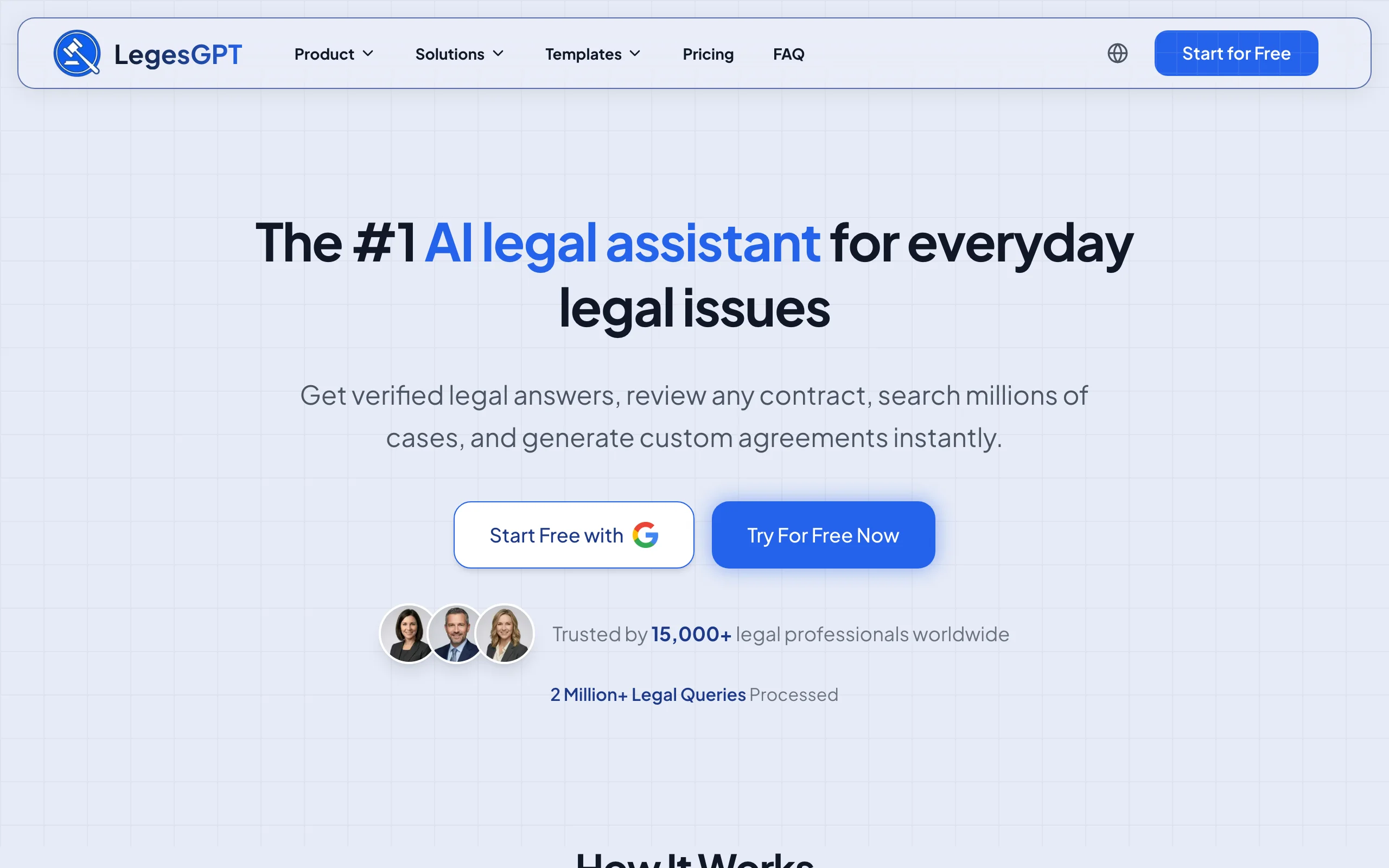
A typical firm buys its stack in pieces: a research database here, a contract review tool there, a drafting assistant, then an e-signature service on top. LegesGPT collapses those four line items into a single browser-based subscription. You ask legal questions and get answers backed by verified citations that link straight to the underlying cases and statutes. You upload contracts (PDF, DOCX, PPTX, TXT, even images) and the AI review flags risks and proposes concrete changes. You draft from 100+ attorney-written templates and send the finished document for e-signature without switching platforms.
Because everything runs in the browser, there is nothing for IT to install and no per-seat enterprise contract to negotiate. A Deep Research mode handles multi-step questions, and built-in web search keeps answers current on recent legal developments.
Key features
- Legal Q&A with verified citations and direct links to cases and statutes
- AI document review that flags risks and suggests edits across PDF, DOCX, PPTX, TXT, and image files
- AI drafting plus 100+ attorney-drafted contract and legal document templates
- Built-in e-signature to close the loop from draft to executed agreement
- Deep Research mode and web search for complex or fast-moving questions
- Free extras: contract generator, legal calculators, and citation generator
Best for
- Solo lawyers and small firms that want one affordable tool instead of four subscriptions
- Practices that mix research, contract review, and drafting in a normal week
- Firms without an IT department: signup to first answer takes minutes
Pricing
- 3-day trial for $1 on all plans
- Basic $19.99/mo; Plus $49.99/mo adds document upload with 50 reviews per month; Premium $99.99/mo adds unlimited review, Deep Research, and web search
- Roughly 30% discount on annual billing
Pros
- Replaces separate research, review, drafting, and e-signature tools at a fraction of their combined cost
- Every answer is grounded in cited, linkable sources rather than unverifiable text
- Flat monthly pricing with no seat minimums or sales calls
Cons
- Newer brand than incumbents like Clio or DocuSign
- Web-only: no Microsoft Word add-in, API, or native mobile app yet
2. Clio, best for practice management
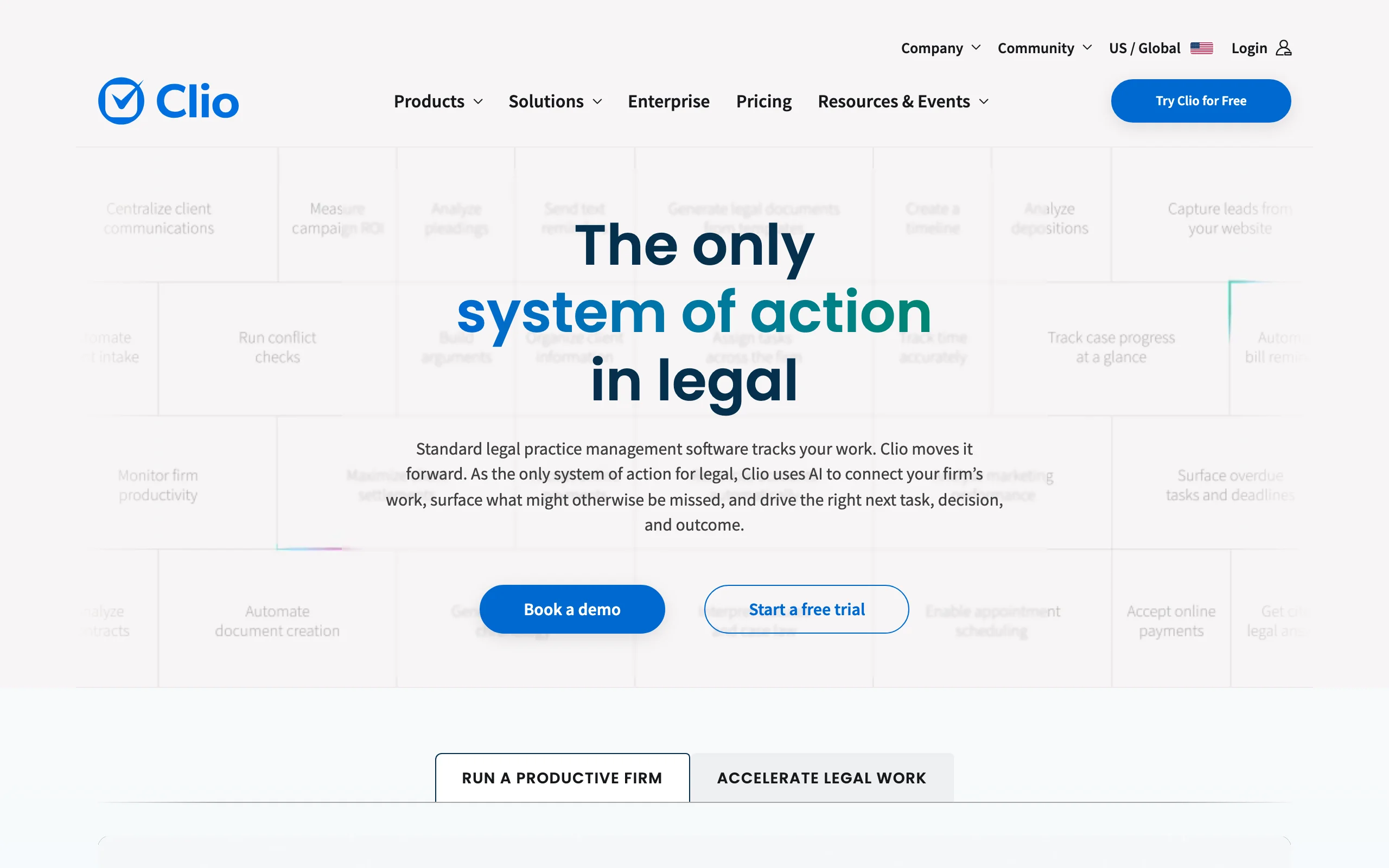
Clio is the most widely adopted cloud practice management system among small and mid-size firms, and it earns that position by covering the entire business side of law in one place. Matters, time tracking, billing, trust accounting, calendaring with court rules, document storage, and a secure client portal all live in a single system, so intake-to-invoice never requires exporting a spreadsheet.
Its other advantage is the ecosystem. With 250+ integrations, Clio connects to almost any other legal tech tool you already run, which makes it a safe long-term backbone even as the rest of your stack changes.
Key features
- Matter and case management with custom fields
- Time tracking, billing, and legal-compliant trust accounting
- Calendaring with court rules integration
- Client intake forms and secure client portal
- 250+ integrations across the legal tech ecosystem
Best for
- Small and mid-size firms that need one source of truth for matters and billing
- Firms managing trust accounts or complex billing arrangements
- Teams that expect their stack to grow and need integration headroom
Pricing
- 7-day free trial
- EasyStart from $39/user/mo, scaling to $139/user/mo for Complete
Pros
- Mature, stable platform with strong onboarding and support
- Deep billing and trust accounting built for legal compliance
- Largest integration marketplace in legal tech
Cons
- Per-seat pricing climbs quickly as the firm adds lawyers
- More platform than a true solo practitioner typically needs
3. Harvey AI, best for large firms and legal departments
Harvey AI is generative AI built for the top of the market: Am Law 100 firms, Magic Circle firms, and large corporate legal departments. It targets sophisticated workflows such as complex contract analysis, due diligence across thousands of documents, and multi-jurisdictional research, with enterprise deployment and compliance controls to match.
The catch is access. Harvey has no self-serve signup and no public pricing, and contracts are negotiated at enterprise scale. If your firm does not fit that profile, most of the same day-to-day capability is available in self-serve tools; our roundup of the best Harvey AI alternatives covers the options.

Key features
- Custom-trained models for complex legal reasoning
- Document analysis and due diligence at enterprise scale
- Workflow automation for contract review and diligence
- Multi-jurisdiction research capabilities
- Secure enterprise deployment with compliance controls
Best for
- BigLaw firms and Am Law 200 practices
- Corporate legal departments at large enterprises
- Teams running complex M&A and cross-border matters
Pricing
- Custom enterprise pricing only
- No public pricing or self-serve trial
Pros
- Trusted by leading global firms for high-stakes work
- Deep capability on complex, multi-document matters
- Enterprise-grade security and compliance posture
Cons
- Pricing and sales process put it out of reach for solo, small, and most mid-size firms
- No way to evaluate it without entering an enterprise sales cycle
4. Spellbook, best for contract drafting in Word
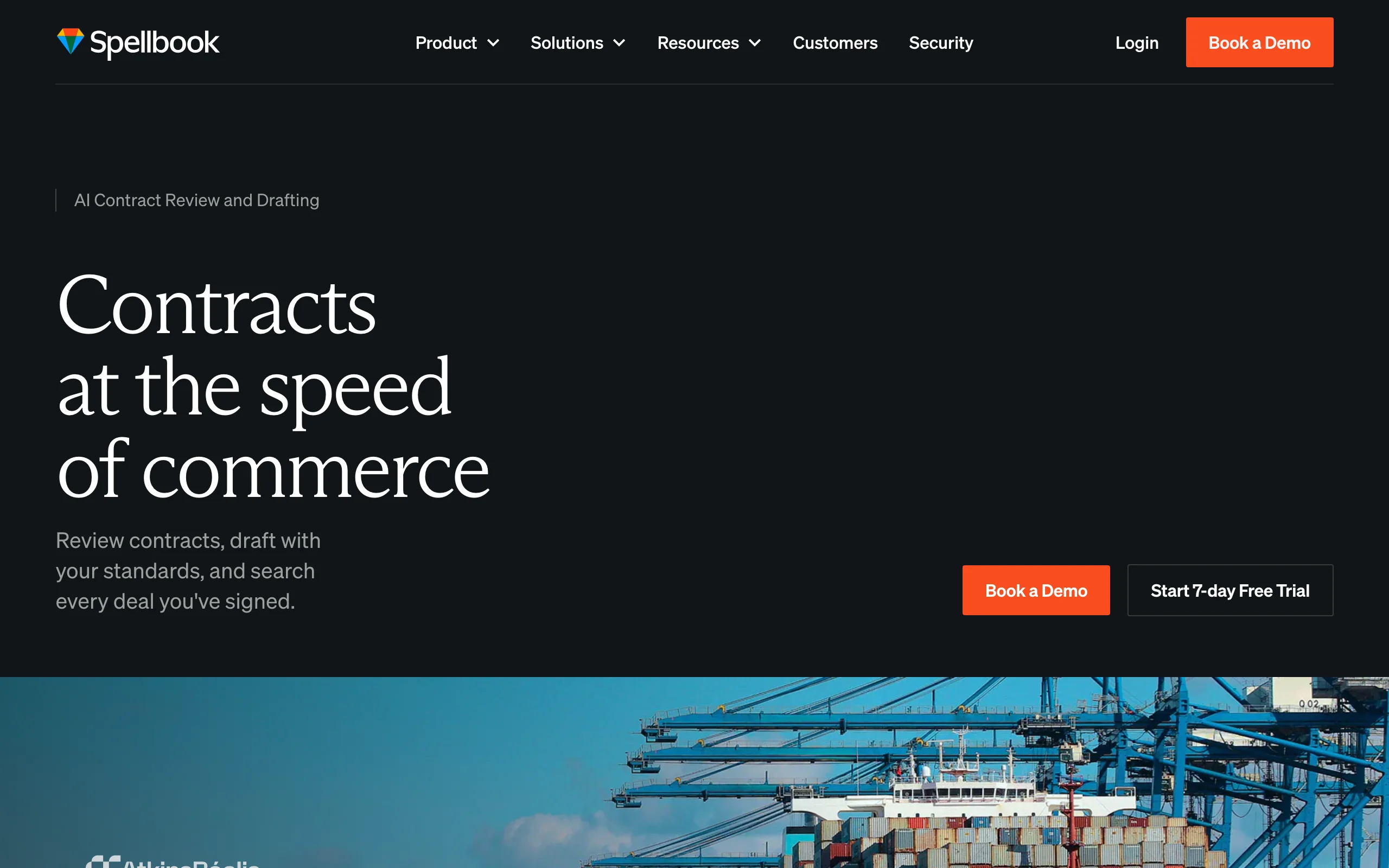
Spellbook takes the opposite approach to platform tools: instead of asking you to change where you work, it adds AI to Microsoft Word, where most transactional lawyers already spend their day. Inside the editor you get clause suggestions, automated redlines, risk flags, and benchmark comparisons against market-standard language, with playbook support for enforcing your firm's own drafting standards.
That focus is the point. Spellbook does not attempt research or practice management; it aims to make contract drafting and review measurably faster for corporate, commercial, and real estate practices, and it succeeds at that narrow job. For a wider look at this category, see our guide to the best AI contract drafting tools.
Key features
- AI clause suggestions and auto-drafting inside Microsoft Word
- Automated contract review with risk flagging
- Benchmarking against market-standard terms
- Playbooks that encode firm-specific drafting standards
Best for
- Transactional and corporate lawyers with high contract volume
- Teams committed to a Microsoft Word workflow
Pricing
- Free trial available
- Plans start around $89/user/mo
Pros
- Native Word integration means zero context switching
- Strong, contract-specific AI rather than a generic chatbot
- Fast to roll out across a small team
Cons
- Contracts only: no research, billing, or matter management
- Per-seat cost adds up at larger firms
5. DocuSign, best for e-signature
DocuSign is the default e-signature platform in legal, and for a practical reason: clients recognize it, courts accept it, and the audit trail holds up. Firms of every size use it to send and track engagement letters, NDAs, settlement agreements, and client contracts, with reusable templates and bulk send for multi-party signings.
It is the least exciting tool on this list and one of the highest-ROI. A signature workflow that removes printing, scanning, and chasing turns a multi-day loop into minutes, and DocuSign's integrations with Clio and most CRMs mean signed documents land back in your matter files automatically.
Key features
- Legally binding e-signatures with tamper-evident audit trails
- Templates and reusable signing workflows
- Bulk send for multi-party agreements
- Integrations with Clio, Salesforce, and most CRMs
Best for
- Any firm that sends engagement letters or client agreements
- Teams that need a signature trail that stands up in court
- Firms that want signing wired into their existing case management system
Pricing
- Free trial available
- Personal from $15/user/mo; Business Pro at $65/user/mo
Pros
- Universally recognized by clients and accepted by courts
- Strong audit, compliance, and identity verification features
- Broad integration coverage across legal and business software
Cons
- Envelope limits on lower tiers pinch high-volume senders
- Useful advanced features sit behind pricier plans
6. MyCase, best for solo and small firm operations
MyCase is practice management scoped for solo practitioners and firms of one to three lawyers. It bundles case management, client intake, time tracking, invoicing, online payments, and a client communication portal into one straightforward system that most lawyers can set up in an afternoon.
Compared with Clio, MyCase trades feature depth and integration breadth for simplicity. That trade favors very small teams: fewer settings to configure, a built-in payments processor instead of a third-party add-on, and a lower learning curve for staff. If you want one tool to run intake through payment and nothing more, MyCase is among the easiest to adopt.
Key features
- Case and matter management
- Built-in client intake and lead tracking
- Time tracking, invoicing, and native online payments
- Secure client communication portal
- Document storage and templates
Best for
- Solo practitioners and firms of one to three lawyers
- Firms that want minimal setup and administration
Pricing
- Free trial available
- Plans from $39/user/mo
Pros
- Quick to learn and quick to deploy
- Payments processing built in rather than bolted on
- Priced for very small firms
Cons
- Thinner advanced feature set than Clio as a firm grows
- Smaller integration ecosystem
7. Everlaw, best for e-discovery
Everlaw is a cloud e-discovery and litigation platform built for document review at serious scale. Litigation teams use it to process and review millions of documents with predictive coding, advanced search, and analytics that keep review hours (usually the largest line item in discovery) under control. It extends past review into deposition prep, witness management, and storyboard tools for trial presentation.
Because it is cloud-native, distributed teams can run a review without shipping hardware or standing up infrastructure. Pricing is custom, based on data volume and users, which places Everlaw firmly in the litigation-team and government-agency tier rather than the small-firm one.
Key features
- Cloud e-discovery with predictive coding
- Advanced search across millions of documents
- Deposition preparation and witness management
- Storyboards for trial presentation
- Collaboration features for distributed review teams
Best for
- Litigation teams with heavy discovery workloads
- Government agencies and corporate legal departments
- Firms that need cloud-based, distributed review
Pricing
- Custom pricing based on data volume and users
- No public pricing
Pros
- Predictive coding and analytics meaningfully cut review costs
- Cloud-native collaboration for distributed teams
- Trusted by Am Law firms and government agencies
Cons
- Enterprise pricing rules out small firms
- Steeper learning curve than general practice tools
How to choose the best legal tech tools for your practice
Map the three layers before buying anything
Most firms need three layers: an operational backbone, a substantive AI layer, and a signing workflow. Identify which layer is currently costing you the most hours, and buy there first.
- If billing, calendaring, and intake are chaotic: start with Clio (or MyCase if you are solo)
- If research, document review, and drafting eat your evenings: start with LegesGPT
- If agreements sit unsigned for days: add DocuSign
- If your work is overwhelmingly contracts in Word: add Spellbook
Match the tool tier to your firm size
Harvey AI and Everlaw are excellent products priced for a market segment. Buying above your tier means paying for capability you cannot use; buying below it means outgrowing the tool in a year.
- Solo or 1-3 lawyers: MyCase plus LegesGPT covers operations and legal work for under $60/mo per lawyer at entry level
- 4-20 lawyers: Clio as the backbone, LegesGPT for research and review, Spellbook if contract-heavy
- Large firms and legal departments: Harvey AI for the AI layer, Everlaw for litigation
Run the annual math, not the monthly headline
Per-seat pricing compounds. A five-lawyer firm on Clio EasyStart plus Spellbook is already past $7,600 per year before any research tool. A flat-priced layer like LegesGPT (between $19.99 and $99.99/mo regardless of headcount for its tier features) changes that calculation, which is why price-to-value, not sticker price, should drive the decision.
Test with your own matters before committing
Every self-serve tool on this list offers a trial. Use it on real work: run 3-5 of your actual documents through any review tool, ask research questions from live matters, and send a genuine engagement letter through the signing flow. Pay attention to friction with the systems you already use, then commit annually only after the tool survives contact with your practice.