
Every matter your team touches arrives as a document: a vendor MSA to review before Friday, an NDA a sales rep needed yesterday, a lease portfolio to summarize for the board. AI document tools for legal teams now take the first pass on all of it, reading uploads, flagging risky clauses, proposing replacement wording, and keeping everyone working from the same analysis instead of five separate inboxes.
The category has matured quickly, and the tools inside it solve very different problems. Some redline inside Microsoft Word, some grid-review entire data rooms, and some automate routine contract workflows so lawyers stop touching them at all.
This guide compares seven options for in-house departments and law firm teams that review, summarize, and draft together. For each one you get verified pricing, honest pros and cons, and a short framework for matching a tool to how your team actually works.
AI document tools for legal teams: a brief overview
- LegesGPT: Best overall: reviews uploads in any common format, flags risks with proposed fixes, drafts new documents, and lets the team sign and send, all from $19.99/month.
- Robin AI: Best for playbook redlining in Word: clause-level risk scores and suggested edits inside the document you are already negotiating.
- Legora: Best for collaborative multi-document review: ask one question across hundreds of documents and get a source-linked answer grid back.
- Luminance: Best for bulk due-diligence review: legal-specific AI that sweeps large document sets for non-standard clauses and missing provisions.
- Juro: Best for automating routine contract workflows: sales, HR, and procurement self-serve agreements inside guardrails legal controls.
- Lexis+ AI: Best for research-backed document analysis: uploads sit next to Shepard's-verified case law rather than a standalone model.
- Paxton AI: Best low-cost generalist for small teams: review, drafting, and US legal research in one chat-style subscription.
| Tool | Best for | Starting price | Free trial | Jurisdictions |
|---|---|---|---|---|
| LegesGPT | All-in-one review, drafting, and signing | From $19.99/mo | 3-day for $1 | 38+ countries |
| Robin AI | Playbook redlining in Word | $100/user/mo | Free tier | Jurisdiction-neutral |
| Legora | Collaborative multi-document review | Custom (~$3,000/user/yr) | Demo only | Global |
| Luminance | Bulk due-diligence review | Custom (enterprise) | Demo only | 80+ languages |
| Juro | Routine contract workflow automation | Custom (~$10,000+/yr) | Demo only | Jurisdiction-neutral |
| Lexis+ AI | Research-backed document analysis | Custom (~$250+/user/mo) | Demo only | Primarily US |
| Paxton AI | Affordable generalist | ~$199/user/mo | 7-day | Primarily US |
1. LegesGPT, best overall AI document tool for legal teams
LegesGPT keeps the whole life of a document in one browser tab. Your team uploads a contract in whatever shape it arrived, PDF, DOCX, PPTX, TXT, or even a photographed page, and gets back a plain-language summary, the clauses worth a second look, and proposed replacement wording instead of a bare warning. When review turns into a counterproposal, the same workspace drafts the new document from a prompt or from 100+ attorney-drafted templates, and built-in e-signature sends the final version out without exporting to a separate app.
Because it also answers legal questions with verified citations and searches case law and statutes, a reviewer can check the law behind a flagged clause on the spot. It runs entirely in the browser, so a new paralegal or seconded attorney is reviewing documents minutes after getting a login.
Key features
- Document review across PDF, DOCX, PPTX, TXT, and image files, with risk flags and proposed changes rather than warnings alone
- AI drafting of contracts and legal documents, plus 100+ attorney-drafted templates
- Verified-citation legal answers and case law and statute search to check the law a clause relies on
- E-signature built in, so the team signs and sends from the same workspace
- Deep Research mode for multi-step questions that span a matter
Best for
- In-house teams and 2 to 50 attorney firms that review, summarize, and draft collaboratively
- Legal teams that want review, drafting, research, and signing in one subscription instead of a stack
Pricing
- 3-day trial for $1 (there is no permanently free plan)
- Basic $19.99/month; Plus $49.99/month adds document upload and 50 reviews/month; Premium $99.99/month adds unlimited review, Deep Research, and web search
- Roughly 30% off with annual billing
Pros
- The widest document workflow on this list: upload, review, draft, and sign without switching apps
- Self-serve, transparent pricing with no seat minimums or sales cycle, so a team can start this week
- Proposed edits and plain-language summaries make first-pass review fast for non-specialists
Cons
- Newer brand without the decade-long track record of LexisNexis or Luminance
- Web-only: no Microsoft Word add-in, public API, or native mobile app
2. Robin AI, best for playbook redlining in Microsoft Word
Robin AI puts its reviewer where transactional lawyers already spend their day: inside Microsoft Word. Its assistant walks a contract clause by clause, scores risk, and proposes redlines tied to your team's playbook, which keeps edits consistent whether the review is done by a senior lawyer or a first-year. Beyond the single document, it ingests signed contracts in bulk into a searchable repository and tracks obligations, so the same tool serves live negotiations and post-signature management. Workflows are organized into Query, Review, Draft, and Reports.
Key features
- Clause-level analysis with configurable risk scoring and playbook-driven redlines
- Native Microsoft Word add-in plus a browser app
- Bulk contract ingestion into a searchable repository with obligation tracking
- Exportable audit logs and reporting across Query, Review, Draft, and Reports
Best for
- In-house contract teams that negotiate in Word and want every reviewer applying the same playbook
- Teams comparing dedicated redline tools (see our roundup of document redline software)
Pricing
- Free tier: 10 daily messages for a single user
- Pro at $100/user/month: unlimited messages and uploads, up to 5 users, 3 monthly reports
- Enterprise (custom): bespoke playbooks, obligations management, clause comparison, SSO, unlimited users
Pros
- Genuine Word integration that fits an existing negotiation workflow instead of replacing it
- Free tier and a published Pro price make it unusually easy to evaluate
Cons
- Scope is contracts and redlining; drafting new documents from scratch and legal research sit elsewhere
- The most useful playbook and obligation features are gated behind Enterprise
3. Legora, best for collaborative document review at firm scale
Legora is designed for the moment one lawyer's review becomes a team project. Its signature feature, Tabular Review, takes a set of documents and returns a grid: one row per document, one column per question, every cell linked back to the source passage. Point it at a data room, a financing package, or a lease portfolio and a week of divided reading collapses into a structured answer set the whole team works from. It also integrates with Word for drafting from precedents and redlining, and its agentic Workflows chain review, research, drafting, and translation into repeatable processes.
Key features
- Tabular Review: one question answered across hundreds of documents, with source-linked cells
- Conversational assistant over internal and uploaded documents, with citations
- Microsoft Word integration for precedent-based drafting and redlining
- Agentic Workflows that string review, research, and drafting into repeatable steps
Best for
- Law firms running due diligence, data-room review, and portfolio analysis as a team
- Teams that need an audit trail from every answer back to its source document
Pricing
- Custom, quote-based; list pricing starts around $3,000/user/year with a 10-seat minimum
- Effective minimum annual contract of roughly $30,000; no public free trial
Pros
- Tabular Review is a step change for multi-document questions that used to mean splitting a folder among associates
- Collaboration and source traceability are built in rather than bolted on
Cons
- Seat minimum and annual contract make it a firm-level purchase, not a team experiment
- Focused on review and drafting; signing and broader legal tooling still live elsewhere
4. Luminance, best for bulk due-diligence review
Luminance built its own legal-specific AI, marketed as Legal-Grade AI, and aims it at document volume. Its Auto-Review reads an entire folder of contracts against more than 1,000 legal concepts, surfacing non-standard clauses, missing provisions, and anomalies such as absent pages or unusual wording across the whole set in one pass. The Ask Lumi chat lets a reviewer question a document set in plain language. It is an analysis engine first: larger firms and corporate teams use it for due diligence and bulk contract review, in more than 80 languages.
Key features
- Auto-Review sweeps large document sets for non-standard clauses, missing provisions, and risks
- Analysis against 1,000+ legal concepts, in 80+ languages
- Ask Lumi natural-language querying across a document set
- Anomaly detection, clustering, and team collaboration features
Best for
- Large firm and corporate teams running M&A due diligence or bulk contract analysis
- Portfolios that span languages and jurisdictions
Pricing
- Custom and quote-based, oriented to enterprise buyers
- No published pricing and no advertised trial; evaluation runs through a demo and proof of concept
Pros
- Purpose-built legal model with strong anomaly detection across huge document sets
- Multilingual coverage suits cross-border diligence
Cons
- Enterprise pricing and onboarding rule it out for solo and small-team budgets
- Review-focused: drafting and signing need separate tools
5. Juro, best for automating routine contract workflows
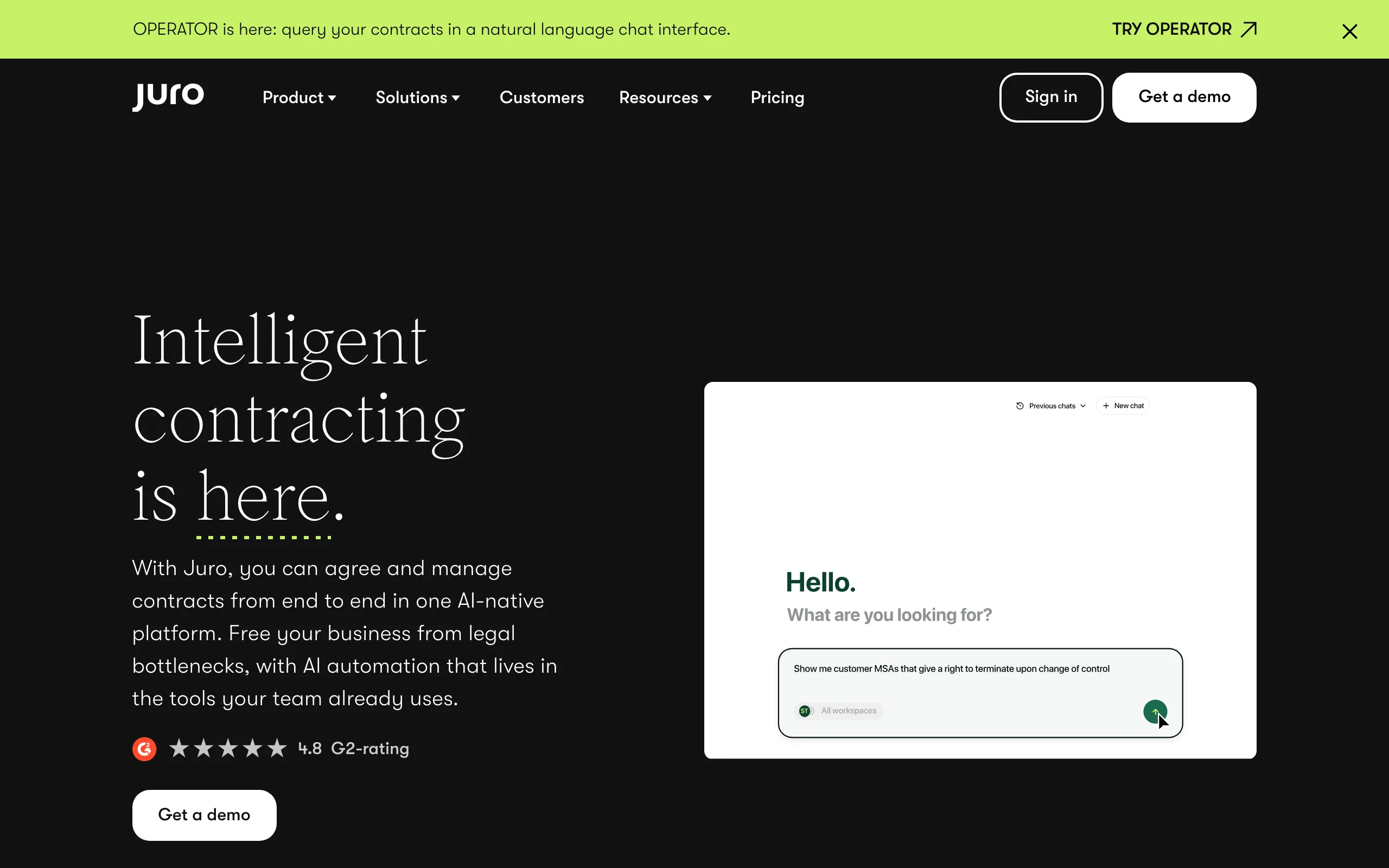
Juro approaches the document problem from the process side. Instead of making lawyers faster at reviewing each agreement, it removes legal from routine agreements entirely: sales, HR, and procurement create, negotiate, and sign contracts themselves inside templates and guardrails the legal team defines. Legal keeps oversight, an audit trail, and a searchable repository with renewal and obligation tracking. For a lean in-house team where the real problem is volume of low-risk NDAs and order forms rather than hard clause analysis, that is the bottleneck worth solving first.
Key features
- Self-serve contract creation for business teams inside legal-approved templates
- End-to-end workflow: drafting, negotiation, approval, signing, and storage in one system
- Searchable repository with obligation and renewal tracking
- Flat, unlimited-seat pricing on higher tiers
Best for
- In-house and legal-ops teams buried in routine, repeatable agreements
- Companies where commercial teams generate steady contract volume every week
Pricing
- Custom, quote-based; entry plans can sit under $10,000/year for small teams
- Typical buyers pay around $34,500/year; mid-market and enterprise deals range from roughly $50,000 to $120,000+
- Flat pricing on Scale and Enterprise tiers, so cost does not climb per seat
Pros
- Unlimited-seat pricing pays off as contract access spreads beyond legal
- Frees a small legal team from agreements that never needed a lawyer
Cons
- A workflow platform, not a deep clause-analysis engine
- Custom pricing and implementation are a bigger commitment than a per-seat tool
6. Lexis+ AI, best for research-backed document analysis
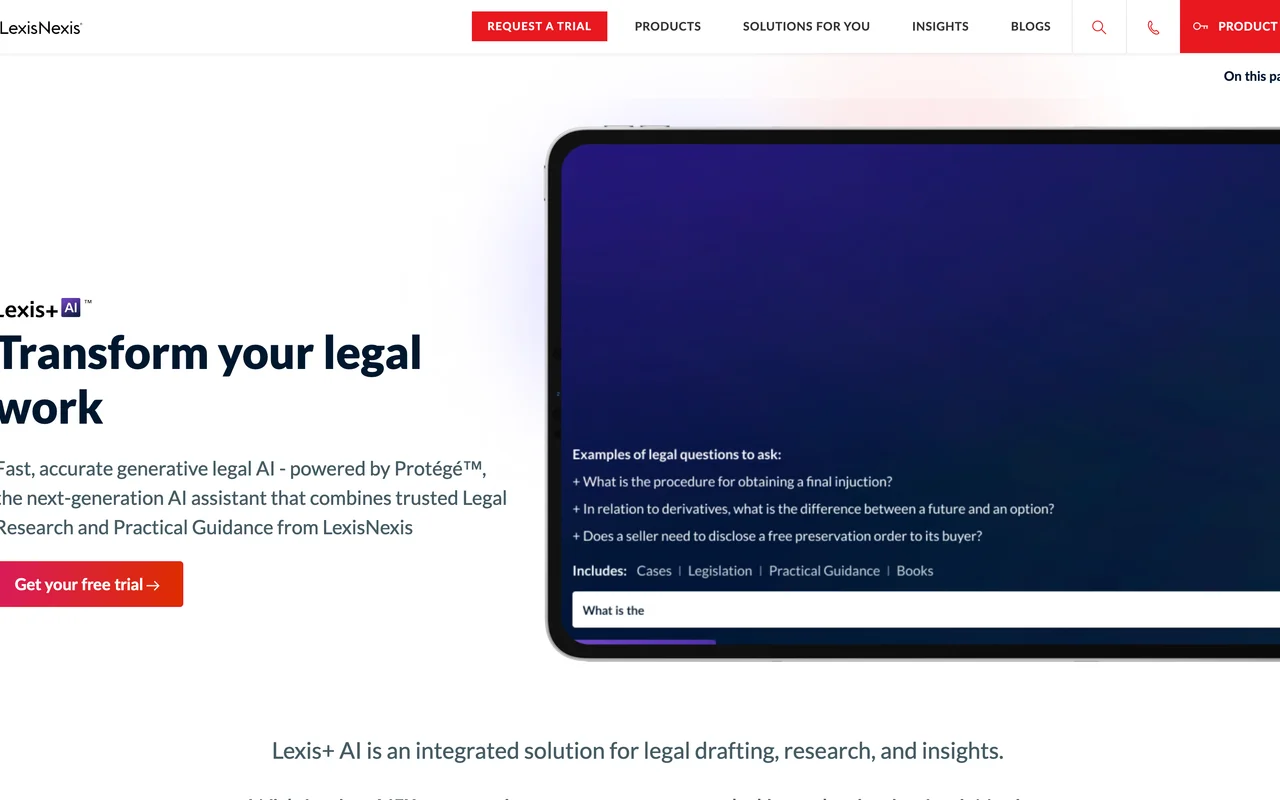
Lexis+ AI is LexisNexis's bid to keep document work next to its research database. Teams upload contracts, briefs, or regulations for AI review, generate summaries and timelines from matter documents, and draft transactional or litigation documents, with research answers checked against Shepard's citations. The Protege tier layers on multi-step research, drafting, and argument analysis. The pitch is provenance: for litigation and citation-sensitive work, analysis grounded in a verifiable body of law beats a standalone model, and firms already on LexisNexis get it inside a familiar platform.
Key features
- Upload and analyze contracts, briefs, and regulations
- Summaries and timeline generation from matter documents
- Shepard's citation checking behind research answers
- Protege premium tier for multi-step research, drafting, and argument analysis
Best for
- Litigation and research-heavy teams that must defend every citation
- Firms already committed to the LexisNexis ecosystem
Pricing
- Quote-based; third-party estimates put mid-size firm pricing around $250 to $475/user/month
- Protege is a premium add-on, estimated at roughly $75 to $150/user/month on top
Pros
- Document analysis connected to an authoritative, verifiable research database
- Strong for litigation drafting and citation-sensitive review
Cons
- Opaque pricing that starts with a sales conversation
- Heavier and costlier than teams that mostly review and draft contracts need
7. Paxton AI, best low-cost generalist for small teams
Paxton AI compresses document review, drafting, and legal research into a single chat-style assistant priced for solo lawyers and small teams. You upload documents for analysis, draft from a prompt, and search US federal and state regulations without switching contexts. It is not the deepest option in any one category on this list, but the breadth-to-price ratio is the draw, and a published 7-day trial plus a discounted student rate make it one of the easiest tools here to test before paying.
Key features
- Contract and document review with custom uploads
- AI drafting for documents and correspondence
- Legal research across US federal and state regulations
- Chat interface with minimal onboarding
Best for
- Solo practitioners and small teams wanting review, drafting, and research in one place
- Law students and budget-conscious teams (a student rate is offered)
Pricing
- Professional plan around $199/user/month, lower on annual billing
- 7-day free trial; student rate around $29/month; Enterprise is custom
- Reported pricing varies across sources, so confirm current tiers on Paxton's site
Pros
- All-in-one breadth at a small-team price, with a real trial
- Easy to onboard for teams without legal-ops support
Cons
- Less specialized than the category leaders in review, redlining, or research
- Published pricing has shifted over time, so the headline number can move
How to choose the best AI document tool for legal teams
Ignore the feature matrix until you know which stage of the document lifecycle costs your team the most hours. Then test three to five of your own real documents in each finalist, because vendor demos are tuned to vendor documents, not your NDAs.
1) What is the job: review, draft, or automate?
- If you mostly review and analyze documents at volume: Luminance and Legora for firm-scale sets, Robin AI for contract-by-contract redlining.
- If you mostly draft and turn documents around: LegesGPT or Paxton AI, which generate a document and let you refine it in the same session.
- If the problem is routine contract volume: Juro takes lawyers out of the loop for agreements that never needed one.
- If you need all of it without a stack: LegesGPT covers review, drafting, research, and signing in one subscription.
2) Where does your team do the work?
- Teams that live in Microsoft Word: Robin AI and Legora put the AI inside the file you are editing.
- Teams that prefer a browser app with nothing to install: LegesGPT and Paxton AI onboard in minutes with no IT ticket.
- Teams that need citations next to the document: Lexis+ AI grounds analysis in Shepard's; LegesGPT pairs document review with verified-citation case law search at a small-team price.
3) What does the price actually buy?
- Self-serve budgets: LegesGPT from $19.99/month and Robin AI's free tier are the two cheapest ways to put real AI review in front of your team this week.
- Quoted contracts: Lexis+ AI, Luminance, Legora, and Juro all involve sales cycles, seat minimums, or implementation fees, so price the first year in full, not the sticker.
- Do the per-document math: a $30,000 platform reviewing 200 documents a year costs $150 per document, while a $50/month seat that handles the same load costs about $3.
4) Who else needs access?
- If business teams need to self-serve agreements: Juro is built exactly for that handoff.
- If the whole legal team needs shared analysis: Legora's grids and Robin AI's repositories keep everyone on one version of the truth.
- If your legal function is one to five people wearing every hat: an all-in-one like LegesGPT beats stitching specialist subscriptions together; our guide to AI tools for in-house legal teams covers that build-a-stack decision in more depth.