
Most lawyers lose hours every week to work that has nothing to do with practicing law: chasing documents, re-keying intake details, scheduling calls, and drafting from scratch. The right productivity stack gives those hours back. The best tools automate the busywork, keep matters organized, and let you spend more billable time on the work clients actually pay for.
The challenge is that "productivity tool" covers everything from practice management to e-signature to AI assistants, and no single app does it all. In this guide we cover the 7 best and most recommended productivity tools for lawyers in 2026, what each one is best at, and what it costs, so you can build a stack that fits your firm instead of fighting it.
Best productivity tools for lawyers: a brief overview
Here is the quick map. Each tool covers a different part of the workflow, so most firms run two or three of these together.
- LegesGPT: Best for AI legal productivity. Research, drafting, document review, and e-signature in one place, so you draft and check work in minutes instead of hours.
- Clio: Best all-in-one practice management for case, time, and billing.
- MyCase: Best value practice management with strong client communication.
- Smokeball: Best for automatic time capture so no billable minute slips away.
- DocuSign: Best dedicated e-signature for getting documents signed fast.
- Microsoft 365 Copilot: Best AI assistant inside Word, Outlook, and Office.
- Calendly: Best for scheduling clients and consultations without the back-and-forth.
| Tool | Best for | Starting price | Free option | Category |
|---|---|---|---|---|
| LegesGPT | AI legal research, drafting & review | From $13.99/mo | 3-day trial | Legal AI assistant |
| Clio | All-in-one practice management | From $49/user/mo | Free trial | Practice management |
| MyCase | Value practice management | From $39/user/mo | 10-day trial | Practice management |
| Smokeball | Automatic time tracking | From ~$49/user/mo | Demo only | Practice management |
| DocuSign | Dedicated e-signature | From $10/mo | Free trial | E-signature |
| Microsoft 365 Copilot | AI inside Office | ~$30/user/mo add-on | Demo only | Productivity AI |
| Calendly | Client scheduling | Free / from $10/seat/mo | Free plan | Scheduling |
1. LegesGPT, best for AI legal productivity
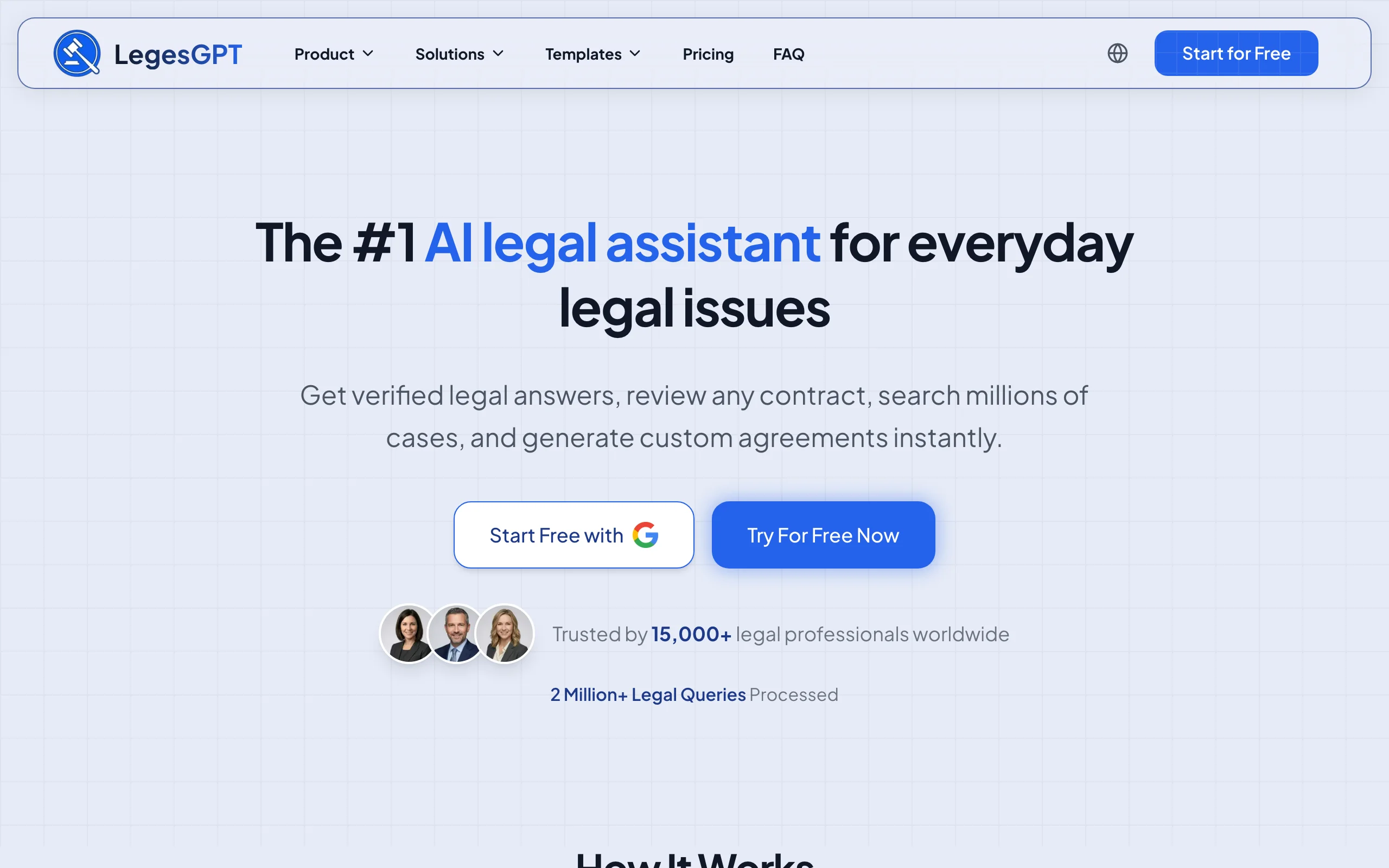
LegesGPT is the productivity multiplier in a modern legal stack. It answers legal questions with verified citations and source links, drafts documents and contracts, reviews uploaded files for risk with proposed changes, and lets you e-sign, all in one subscription. Tasks that used to mean an hour in a research database plus another in Word collapse into a few minutes, and because answers link to the underlying case or statute, you can verify them rather than trust a black box. On the drafting side specifically, it stands out among the options in our roundup of the best AI tools for legal drafting.
Key features
- Legal questions answered with verified citations and direct source links
- Guided AI generation of contracts and documents (choose a type, answer questions); plus 100+ free fill-in templates as a separate feature
- Document review (PDF, DOCX, images) that flags risks and proposes changes
- Built-in e-signature plus free legal tools and calculators
- Deep Research mode and web search for current developments
Best for
- Solo and small-firm lawyers who want to research, draft, and review faster
- In-house counsel and paralegals handling high document volume
Pricing
- Basic: $13.99/month; Plus: $34.99/month; Premium: $69.99/month
- 3-day trial to start; roughly 30% off annual billing; Enterprise custom
Pros
- Replaces several point tools with one affordable subscription
- Verified citations make AI output easy to trust and check
Cons
- Newer brand with a smaller footprint than legacy research incumbents
- Web-only, with no native Word add-in
2. Clio, best all-in-one practice management
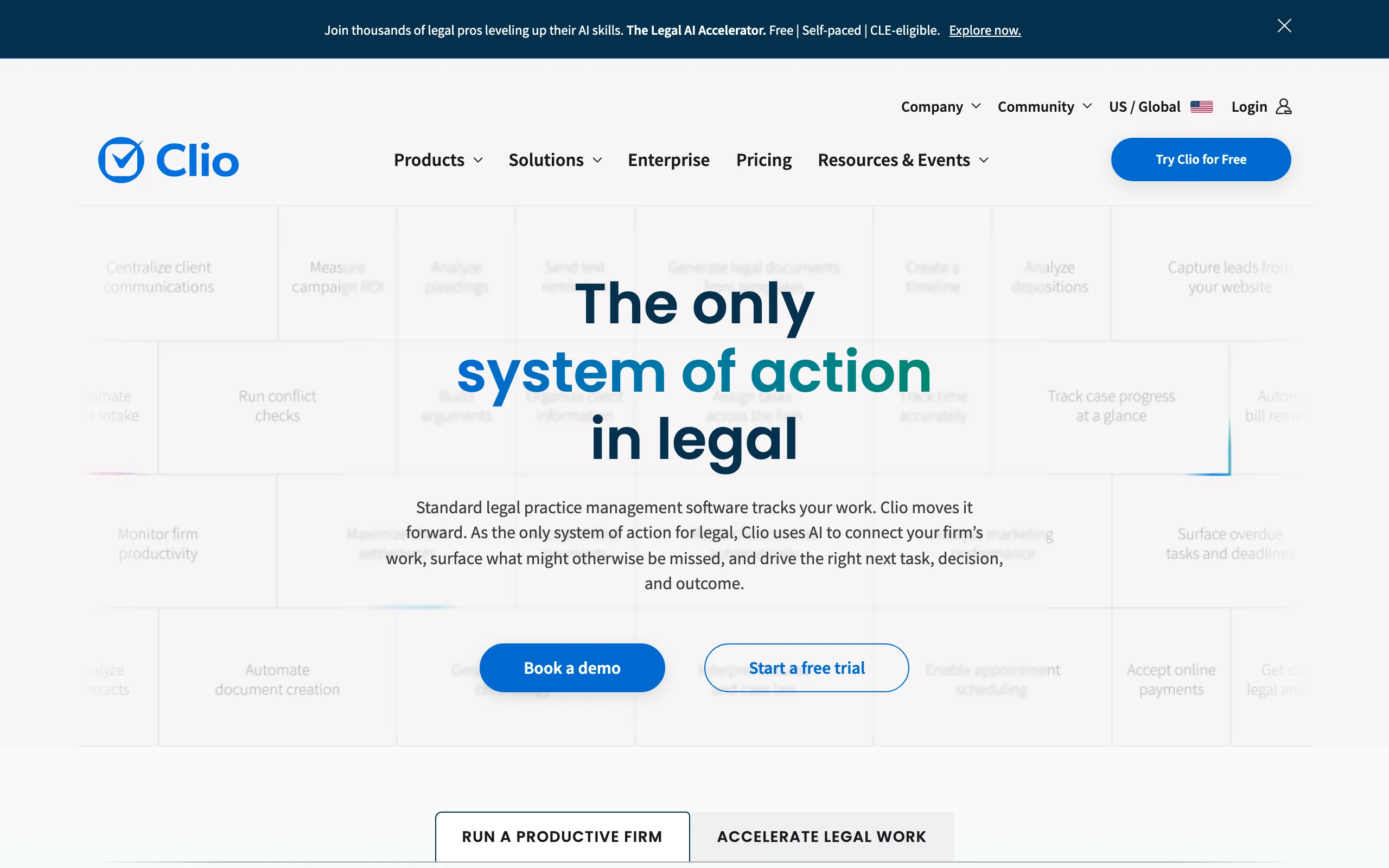
Clio is the most widely recommended practice-management platform, and for good reason: it ties together case management, time tracking, billing, trust accounting, and client intake in one system. For firms that want a single source of truth for matters and money, Clio is the backbone most other tools plug into. It also appears in our roundup of the best legal tech tools for lawyers and law firms.
Key features
- Matter and case management with document storage
- Time tracking, billing, and trust accounting
- Client intake and CRM through Clio Grow
- A large integration marketplace, including legal AI tools
Best for
- Firms wanting one system for case, time, and billing
- Practices that value a deep third-party integration ecosystem
Pricing
- EasyStart from $49/user/month; Essentials $89; Advanced $119; Complete $149 (annual billing)
- Free trial; month-to-month costs slightly more than annual
Pros
- Mature, all-in-one platform with the widest integration ecosystem
- Scales from solo practice to larger firms
Cons
- Per-user pricing and add-ons add up for bigger teams
- More than a solo lawyer needs if you only want billing
3. MyCase, best value practice management
MyCase delivers most of what Clio does at a lower entry price, with a particular strength in client communication: a built-in client portal, secure messaging, and online payments keep clients informed without endless email. For budget-conscious solos and small firms, it is the value pick in practice management.
Key features
- Case management, calendaring, and document storage
- Client portal with secure messaging and intake forms
- Time tracking, invoicing, and online payments
- Native LawPay payment integration
Best for
- Solo and small firms wanting affordable, transparent pricing
- Practices that prioritize client communication
Pricing
- Basic from $39/user/month; Pro $89; Advanced $109 (annual billing)
- 10-day free trial, no credit card required
Pros
- Category-leading entry price with transparent tiers
- Strong client-facing portal and communication tools
Cons
- Fewer third-party integrations than Clio
- Higher tiers needed for advanced automation
4. Smokeball, best for automatic time capture
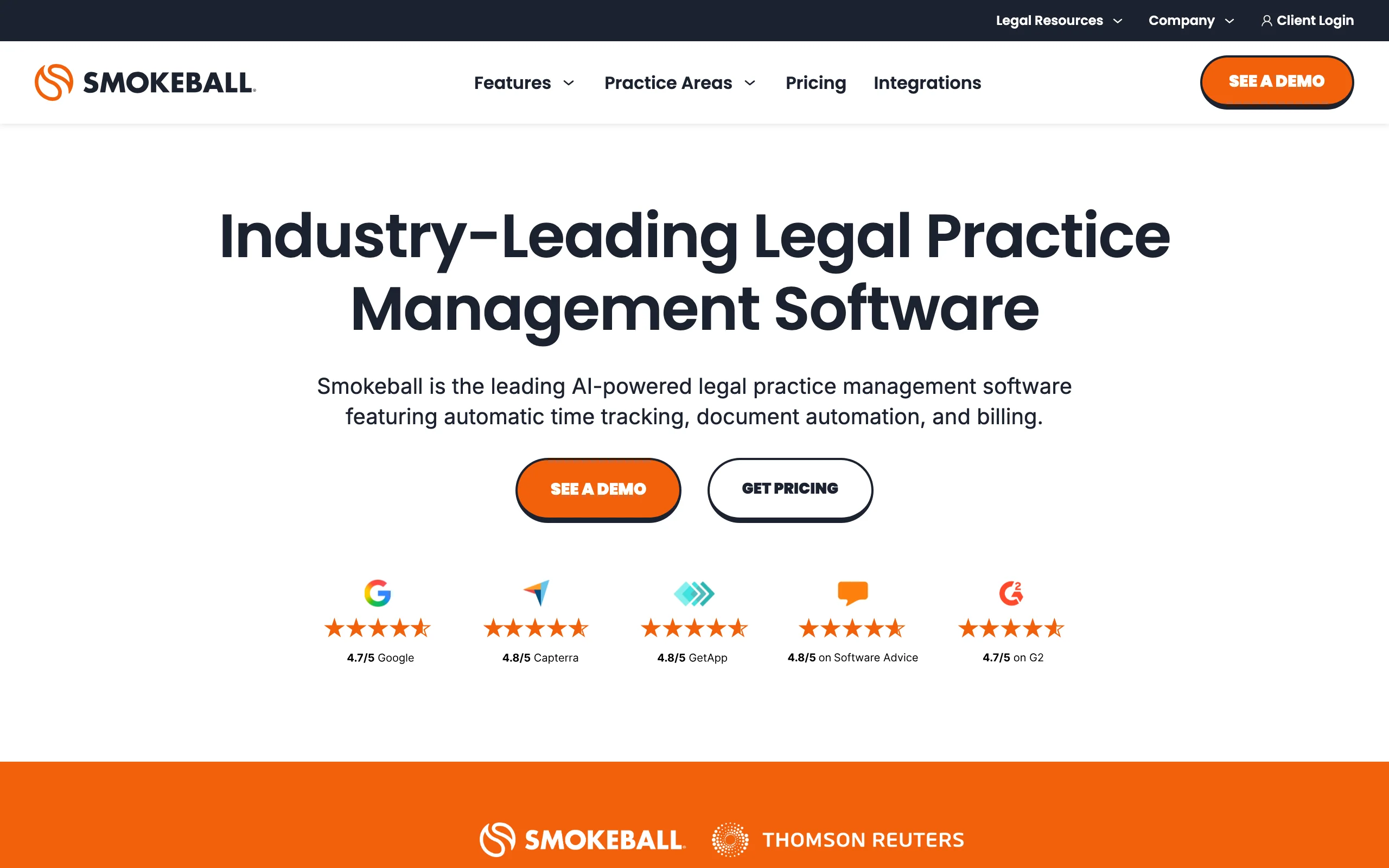
Smokeball is practice-management software built around automatic time tracking: it records the time you spend in documents and emails in the background, so billable minutes do not slip away. For firms that bill hourly and routinely under-record their time, that single feature often pays for the subscription.
Key features
- Automatic, passive time tracking across documents and email
- Case management with a large legal form and template library
- Document automation and Microsoft Word integration
- Billing, invoicing, and reporting
Best for
- Hourly-billing firms that lose time to manual entry
- Document-heavy practices wanting built-in automation
Pricing
- Quote-based; not published publicly
- Third-party data puts entry plans around $49/user/month, with higher tiers reported up to roughly $89 to $139
Pros
- Automatic time capture recovers otherwise-lost billable time
- Deep Word integration and a large form library
Cons
- Pricing is not public, so you must request a quote
- Best value depends on hourly-billing workflows
5. DocuSign, best dedicated e-signature
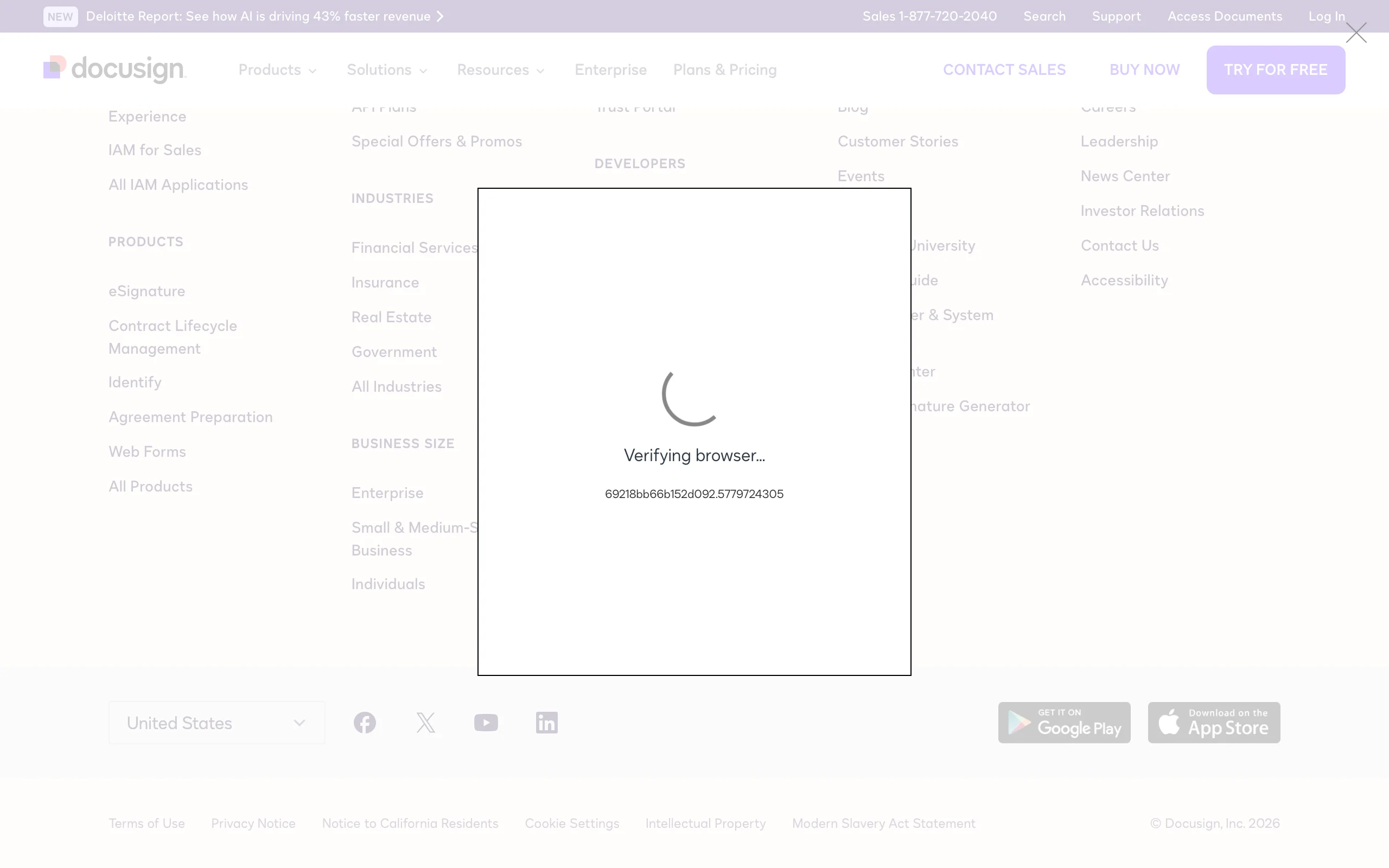
DocuSign is the most recognized e-signature platform, and for a lot of firms it is the fastest way to get documents legally signed without printing or scanning. Clients sign on any device, you get an audit trail, and signed documents flow back automatically. If signing is your bottleneck, a dedicated tool is worth it, though note that LegesGPT and several practice-management tools include e-signature too.
Key features
- Legally binding e-signatures with a full audit trail
- Reusable templates and bulk send
- Mobile signing on any device
- Integrations with common legal and business tools
Best for
- Firms whose main bottleneck is collecting signatures
- Practices needing a robust, standalone signing audit trail
Pricing
- Personal from $10/month; Standard $25/user/month; Business Pro $40/user/month (annual)
- Enterprise custom; free trial available
Pros
- Reliable, widely trusted, and easy for clients to use
- Strong audit trail and template features
Cons
- A standalone cost if your other tools already include e-signature
- Envelope limits on lower tiers can constrain high-volume firms
6. Microsoft 365 Copilot, best AI inside Office
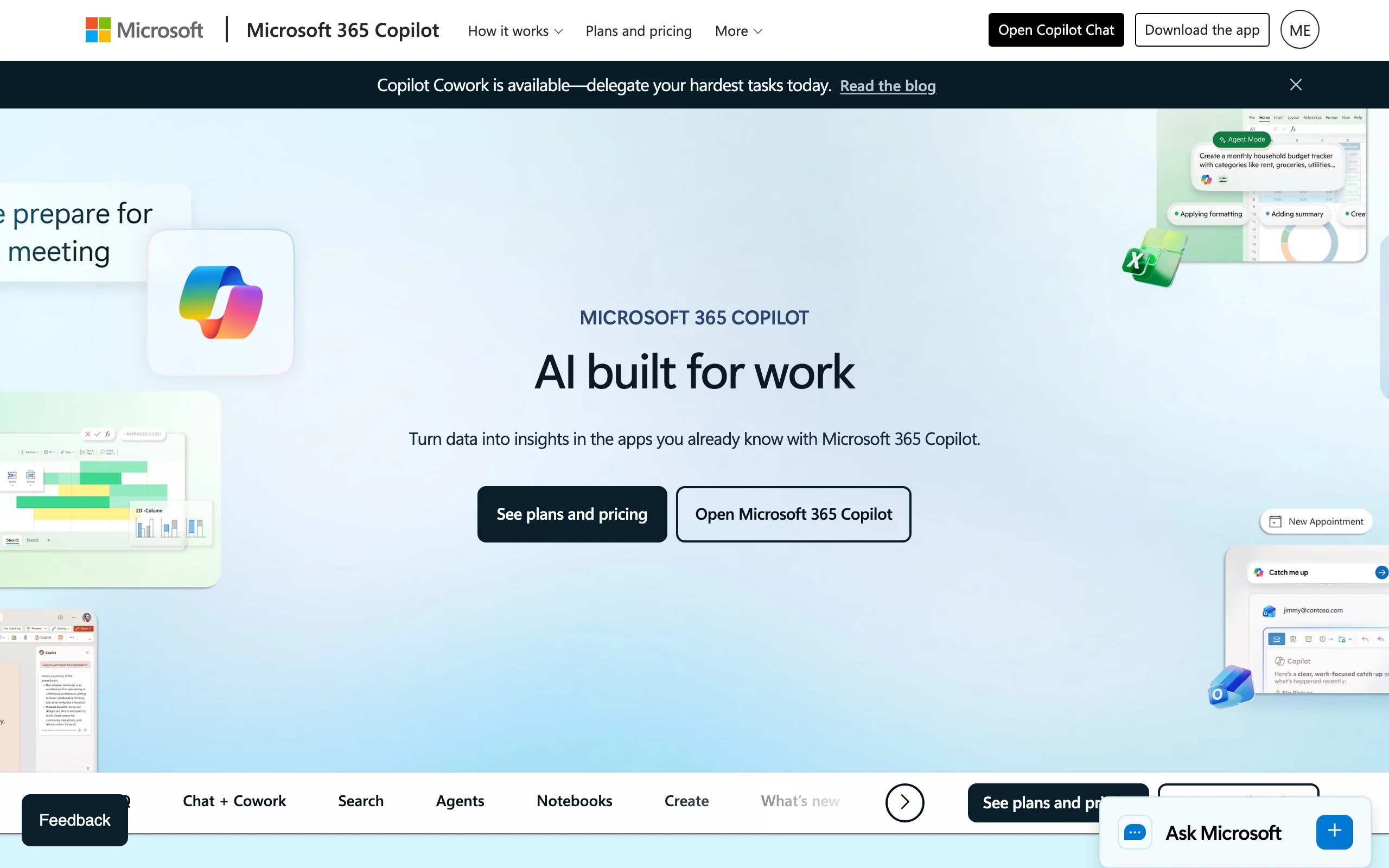
Microsoft 365 Copilot brings generative AI into Word, Outlook, Teams, and the rest of Office, drafting, rewriting, and summarizing where lawyers already work. It is not legal-specific, but for general correspondence, memos, and first drafts, it removes friction for firms already standardized on Microsoft 365.
Key features
- Drafts, rewrites, and summarizes in Word and Outlook
- Summarizes long email threads and meetings in Teams
- Pulls context from your existing Microsoft 365 files
- Familiar interface with no new app to learn
Best for
- Firms already on Microsoft 365 wanting AI in their daily tools
- Lawyers who want a writing assistant rather than a legal database
Pricing
- Around $30/user/month as an enterprise add-on (business tiers from ~$18-$21)
- Requires a qualifying Microsoft 365 license, so the true cost is higher
Pros
- AI inside the Office tools most firms already use
- Predictable per-seat pricing through existing Microsoft licensing
Cons
- Not legal-specific, with no verified citations or legal review
- Real cost depends on your underlying Microsoft 365 license
7. Calendly, best for client scheduling
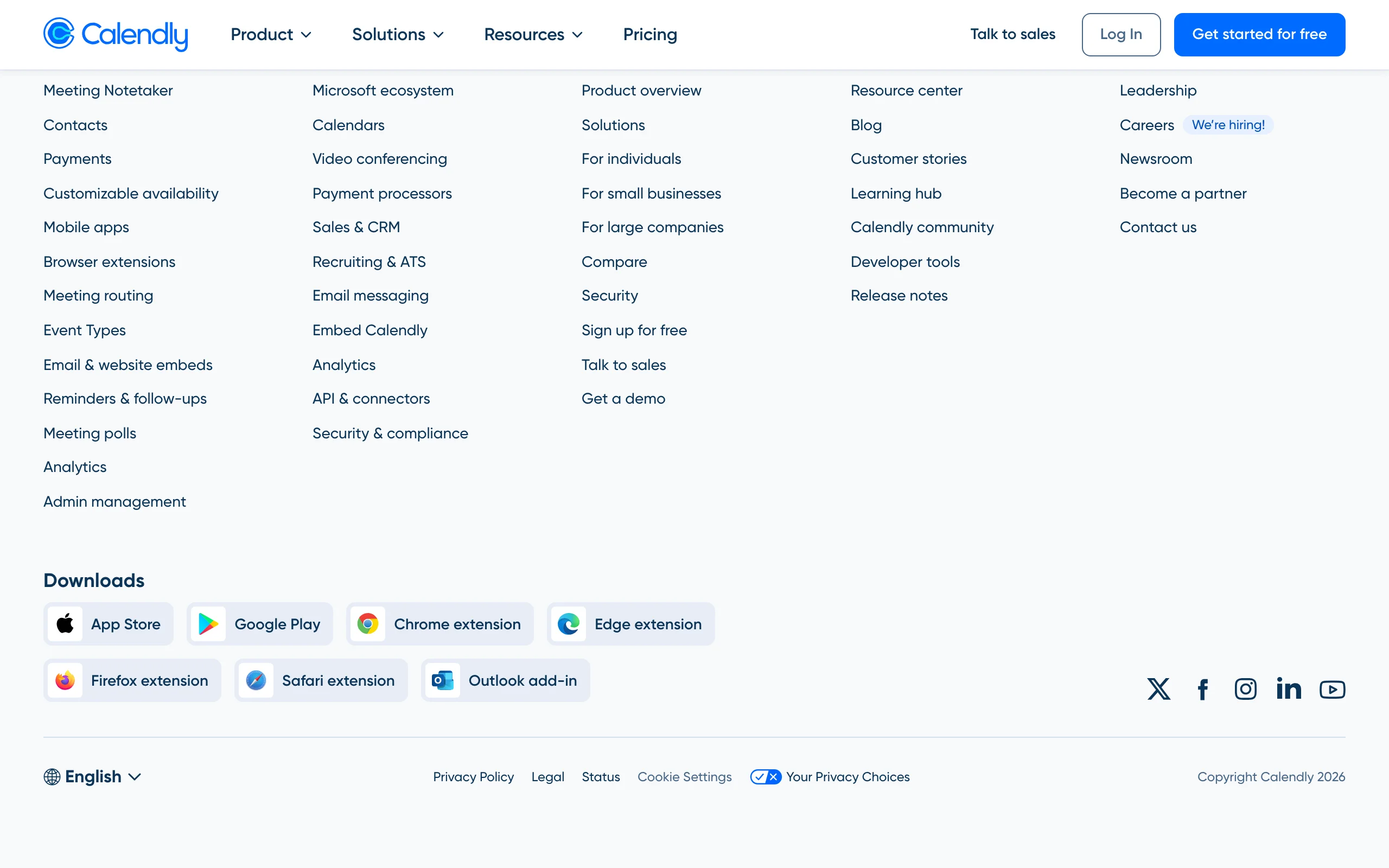
Calendly removes the back-and-forth of booking consultations and client calls. You share a link, clients pick an open slot, and the meeting lands on your calendar with reminders that cut no-shows. For intake-heavy practices, automating scheduling is a small change that saves real time every week.
Key features
- Self-serve booking pages tied to your calendar
- Automated reminders and follow-ups
- Buffer times, availability rules, and round-robin for teams
- Integrations with video, CRM, and calendar tools
Best for
- Solo lawyers and intake teams booking consultations
- Anyone losing time to scheduling email chains
Pricing
- Free plan for one event type; Standard from $10/seat/month (annual)
- Teams from $16/seat/month (annual); Enterprise custom
Pros
- Free tier covers basic solo scheduling
- Simple for clients, with strong calendar integrations
Cons
- Not legal-specific; no matter or intake context
- Advanced routing requires paid tiers
How to choose the right productivity tools for your practice
You do not need all seven. The goal is a stack that covers your biggest time drains without overlap. Use these questions to decide.
1) What is your single biggest time sink?
- If it is research and drafting: start with LegesGPT, which compresses both, much like the tools in our roundup of legal AI tools for lawyers.
- If it is disorganized matters and billing: start with a practice-management platform (Clio, MyCase, or Smokeball).
- If it is signatures or scheduling: add DocuSign or Calendly as targeted fixes.
2) What is your firm size and budget?
- Solo and small firms: MyCase and LegesGPT keep costs low with transparent pricing; Calendly's free tier helps.
- Growing firms: Clio's ecosystem scales well; Smokeball suits hourly-billing teams that lose time to manual entry.
3) How much overlap can you avoid?
- Several tools include e-signature (LegesGPT, Clio, MyCase), so you may not need standalone DocuSign.
- Pick one practice-management platform, not two, then layer an AI assistant and a scheduler on top.
4) Are you already on Microsoft 365?
- If yes: Copilot adds AI without a new vendor, though without legal-specific safeguards.
- If you need verified legal answers: pair it with, or replace it by, a legal-specific tool like LegesGPT.
Start with the one tool that fixes your biggest bottleneck, run it for a month, then add the next. A lean, well-chosen stack beats a dozen subscriptions you barely use.