
Legal work runs on billable hours, and most of those hours go to reading, researching, drafting, and reviewing. AI for legal work attacks exactly that, turning tasks that used to take an afternoon into a few minutes.
The catch is that "legal AI" now covers very different jobs: research copilots, contract robots, e-discovery engines, and all-in-one assistants. They do not save you the same kind of time, so the best tool depends on where your hours actually leak.
In this guide we compare the 9 most efficient AI tools for legal work in 2026. For each one you get a plain-language description, key features, pricing, and honest pros and cons, plus a short framework at the end to help you choose.
Best AI for legal work: a brief overview
- LegesGPT: Best overall for everyday legal work: research, contract review, case law, and drafting in one workspace, with verified citations.
- Harvey AI: Best for large firms: enterprise-grade legal AI built for big teams and complex matters.
- CoCounsel: Best for Westlaw users: AI research and review inside the Thomson Reuters ecosystem.
- Lexis+ AI: Best for citation-grounded research: conversational search anchored to the LexisNexis database.
- Spellbook: Best for contract drafting in Word: clause suggestions and risk flags inside Microsoft Word.
- Robin AI: Best for high-volume contracts: fast review, redlining, and playbook enforcement.
- Luminance: Best for due diligence: pattern analysis across very large document sets.
- Lawgeex: Best for in-house approvals: automated first-pass review against your policies.
- Everlaw: Best for litigation: AI-assisted e-discovery and deposition prep.
| Tool name | Key strength | Pricing | Platforms |
|---|---|---|---|
| LegesGPT | All-in-one research, review, case law, and drafting with citations | From $19.99/month; $1 three-day trial | Web |
| Harvey AI | Enterprise legal AI for large firms and complex work | Custom (contact sales) | Web |
| CoCounsel | AI research and review integrated with Westlaw | Custom (contact sales) | Web |
| Lexis+ AI | Conversational research grounded in LexisNexis sources | Custom (contact sales) | Web |
| Spellbook | Contract drafting and review inside Microsoft Word | Custom; free trial available | Word add-in |
| Robin AI | High-volume contract review and negotiation | Custom; limited free tier | Web, Word |
| Luminance | Document analysis for diligence and compliance | Custom (contact sales) | Web |
| Lawgeex | Automated first-pass contract approval for in-house teams | Custom (contact sales) | Web |
| Everlaw | AI-assisted e-discovery for litigation | Custom (contact sales) | Web |
1. LegesGPT, best overall for everyday legal work
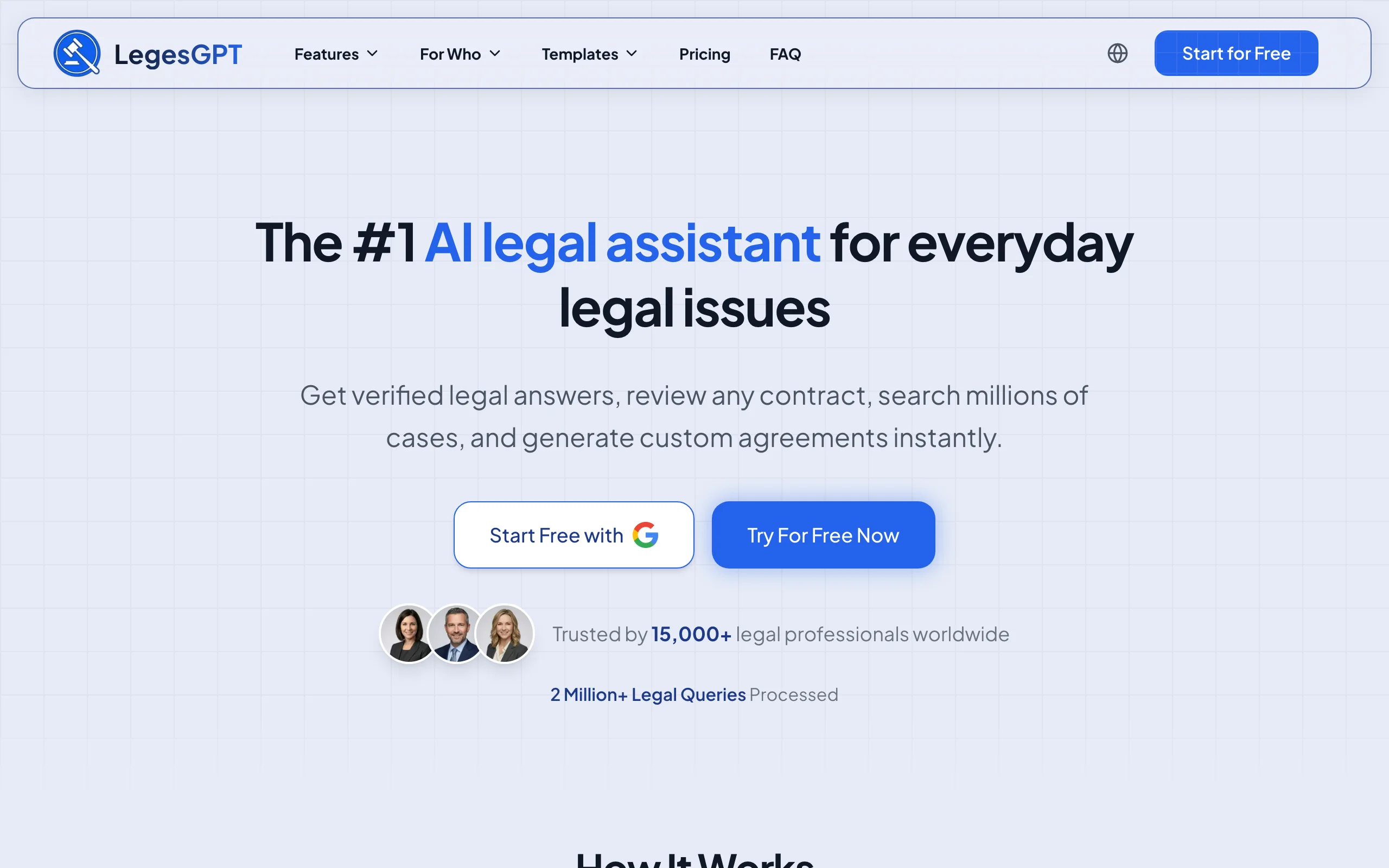
LegesGPT is an all-in-one legal AI workspace. You can ask a legal question in plain language and get an answer with real citations, drop in a contract to surface risks, search millions of cases, or generate a jurisdiction-specific agreement, all from the same place. The efficiency win is consolidation: one tool instead of a research platform, a drafting add-on, and a separate chatbot stitched together.
It is built for solos, small firms, and lawyers who want broad coverage without an enterprise procurement process. You can see the full plan breakdown on the LegesGPT pricing page.
Key features
- Legal chatbot that answers in plain language with verified citations
- Document review that flags risks and lets you chat with the file
- Case law search across 38+ countries
- AI document generator for contracts, NDAs, and agreements
- Jurisdiction-aware drafting and analysis
Best for
- Solo lawyers and small firms that want one tool for most tasks
- Professionals who need cited answers, not unverified guesses
- Anyone replacing several point tools with a single workspace
Pricing
- Paid plans start from $19.99 per month (Plus $49.99, Premium $99.99)
- $1 three-day trial; no free tier
Pros
- Covers research, review, and drafting in one place
- Every answer is backed by verifiable citations
- Transparent self-serve pricing, no sales call required
Cons
- Web only, with no public API, mobile app, or Word add-in
- An all-in-one tool may go less deep than a specialist on a single task
2. Harvey AI, best for large law firms
Harvey is enterprise legal AI built on frontier language models and tuned for legal work. It handles research, summarization, and document analysis at the scale large firms and in-house teams need, often with custom workflows and security review baked into the rollout.
It is the high-end option, priced and provisioned for big organizations rather than individuals. If you are a solo practitioner, it is likely more than you need.
Key features
- Research and drafting across large, complex matters
- Document analysis and summarization at scale
- Workflow customization for firm-specific processes
- Enterprise security and access controls
Best for
- Large law firms and corporate legal departments
- Teams with enterprise budgets and procurement processes
Pricing
- Custom enterprise pricing (contact sales)
Pros
- Strong performance on complex, high-volume work
- Built for firm-wide deployment
Cons
- No transparent or self-serve pricing
- Overkill for individuals and very small teams
3. CoCounsel, best for Westlaw users
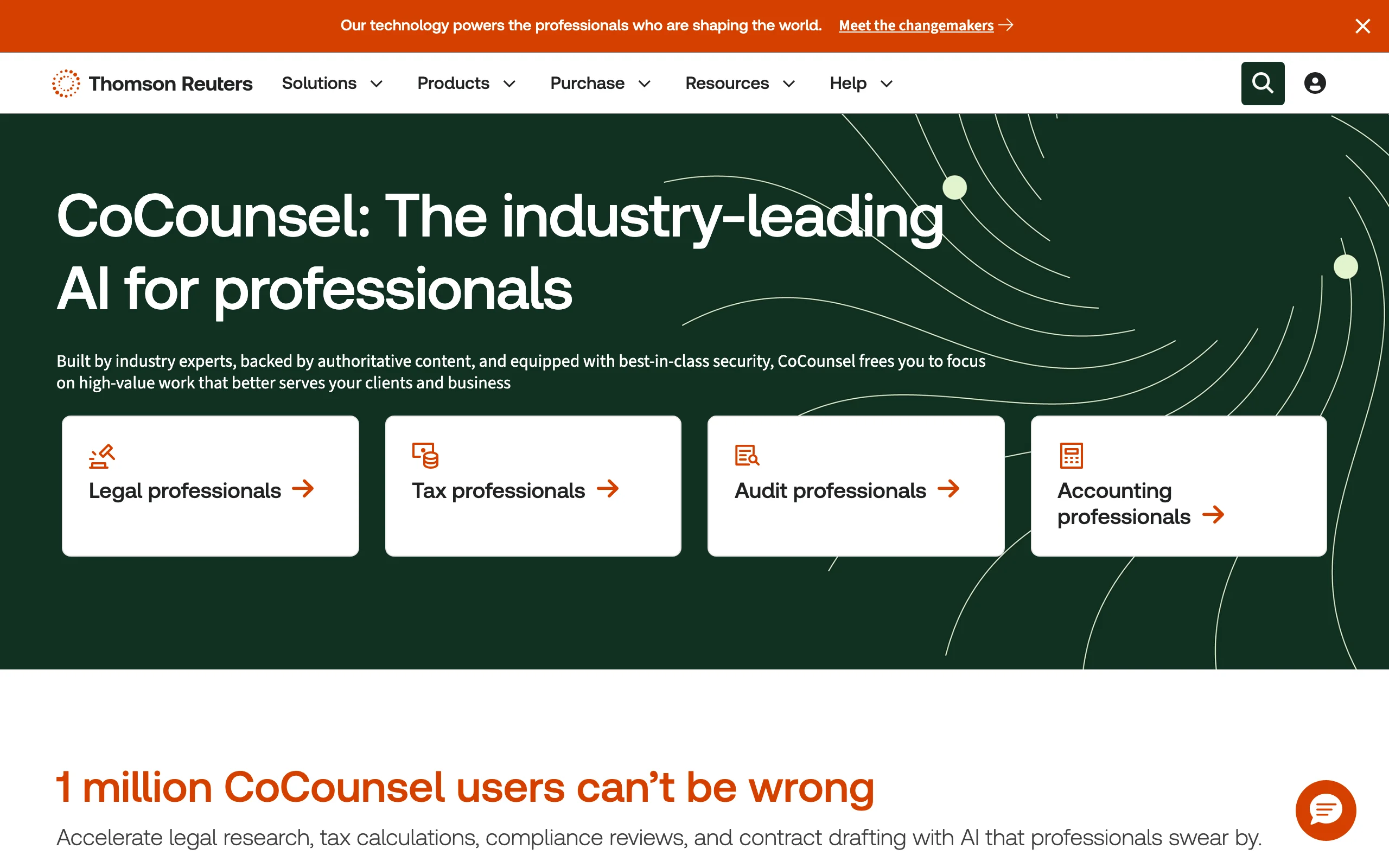
CoCounsel, part of Thomson Reuters, brings AI research, document review, and deposition prep into the Westlaw ecosystem. If your team already runs its research through Westlaw, the tight integration removes a lot of copy-paste friction between tools.
Key features
- AI legal research connected to Westlaw content
- Document review and summarization
- Deposition preparation support
- Integration with existing Thomson Reuters workflows
Best for
- Firms already subscribed to Westlaw
- Research-heavy practices that value ecosystem integration
Pricing
- Custom pricing, typically as an add-on to Westlaw (contact sales)
Pros
- Deep integration with a trusted research database
- Reduces tool switching for existing Westlaw teams
Cons
- Most valuable only if you already pay for Westlaw
- Pricing is not public
4. Lexis+ AI, best for citation-grounded research
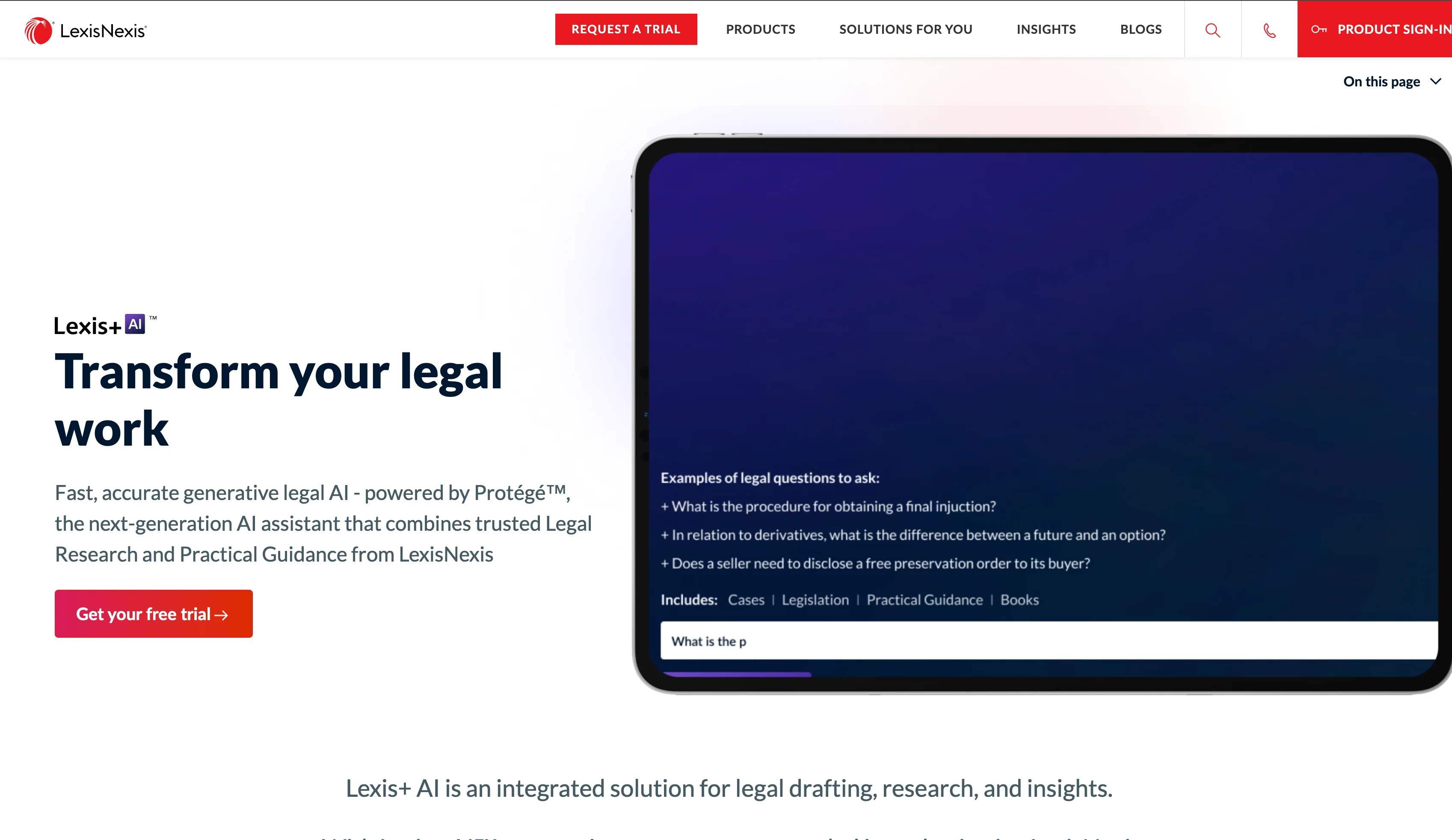
Lexis+ AI layers conversational search, summarization, and drafting on top of the LexisNexis database. Its emphasis is grounding answers in verifiable sources, which matters when you cannot afford to chase a hallucinated citation.
Key features
- Conversational legal research over LexisNexis content
- Document summarization and drafting assistance
- Linked citations back to source authorities
- Regular updates to legal data
Best for
- Research-heavy practices that want trusted citations
- Teams already invested in LexisNexis
Pricing
- Custom pricing as part of a LexisNexis subscription (contact sales)
Pros
- Answers tied to authoritative, verifiable sources
- Backed by a large, maintained legal database
Cons
- Requires a LexisNexis subscription
- Pricing is not transparent
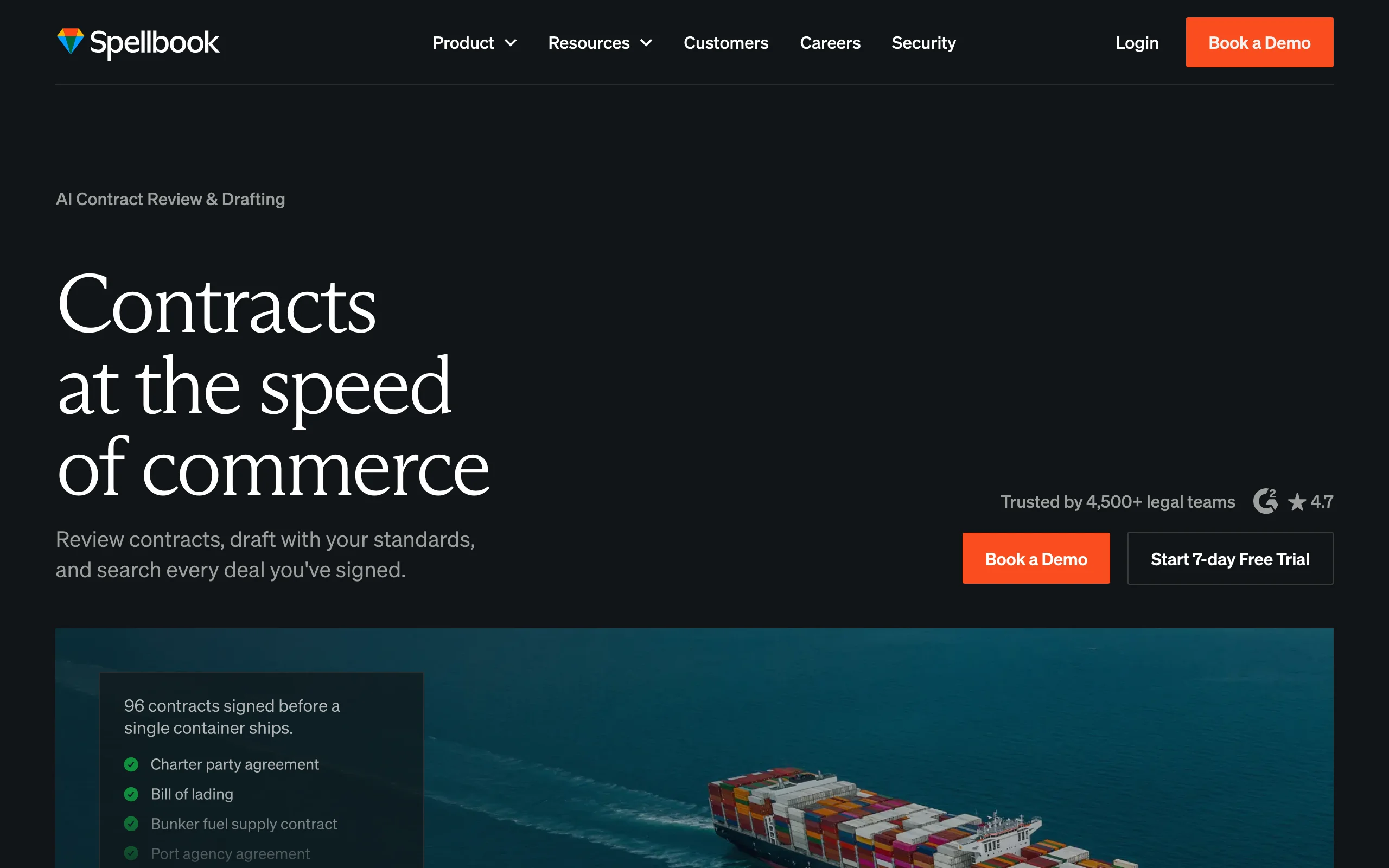
5. Spellbook, best for contract drafting in Word
Spellbook works directly inside Microsoft Word, suggesting clauses, flagging risks, and benchmarking language against market standards. Because it lives where transactional lawyers already draft, adoption requires almost no workflow change.
Key features
- Clause suggestions and drafting inside Microsoft Word
- Risk flagging on contract language
- Benchmarking against common market terms
- Review support for incoming agreements
Best for
- Transactional lawyers who draft in Word
- Teams that want AI without leaving their editor
Pricing
- Custom per-seat pricing; free trial available (contact sales)
Pros
- No workflow change, it meets you in Word
- Focused specifically on contract drafting and review
Cons
- Narrower scope: contracts, not research or litigation
- Pricing requires a sales conversation
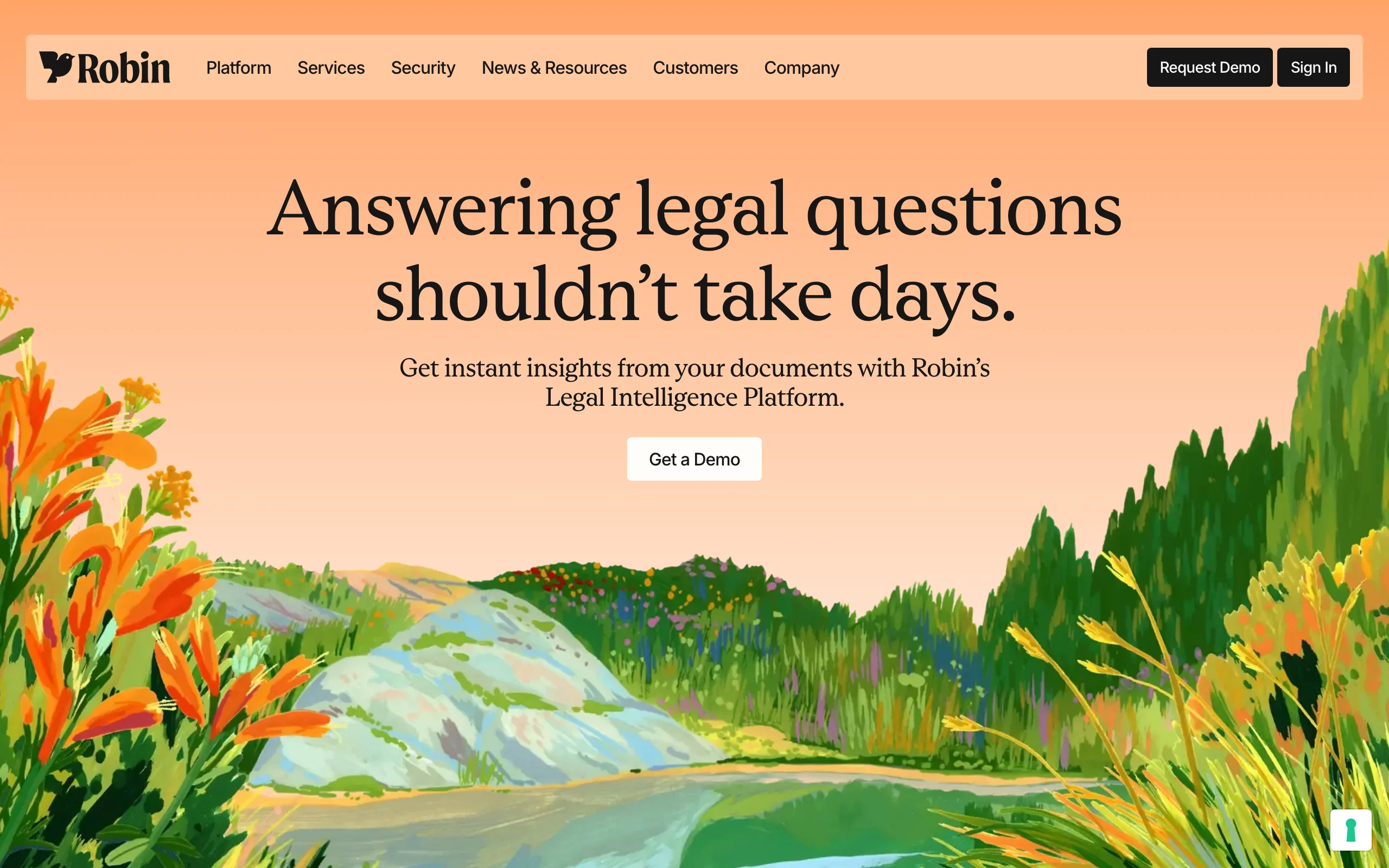
6. Robin AI, best for high-volume contracts
Robin AI pairs AI with a contract-editing interface to speed up review cycles, redlining, and playbook enforcement. Teams that push a large number of contracts through every month tend to see the biggest time savings here.
Key features
- Fast contract review and redlining
- Playbook enforcement for consistent positions
- Negotiation support and clause libraries
- Integrations with common document workflows
Best for
- In-house teams with high contract volume
- Operations that need consistent, repeatable review
Pricing
- Custom pricing; a limited free tier has been offered (contact sales)
Pros
- Built for speed and consistency at volume
- Strong fit for repeatable negotiation playbooks
Cons
- Focused on contracts rather than broad legal work
- Enterprise features sit behind custom pricing
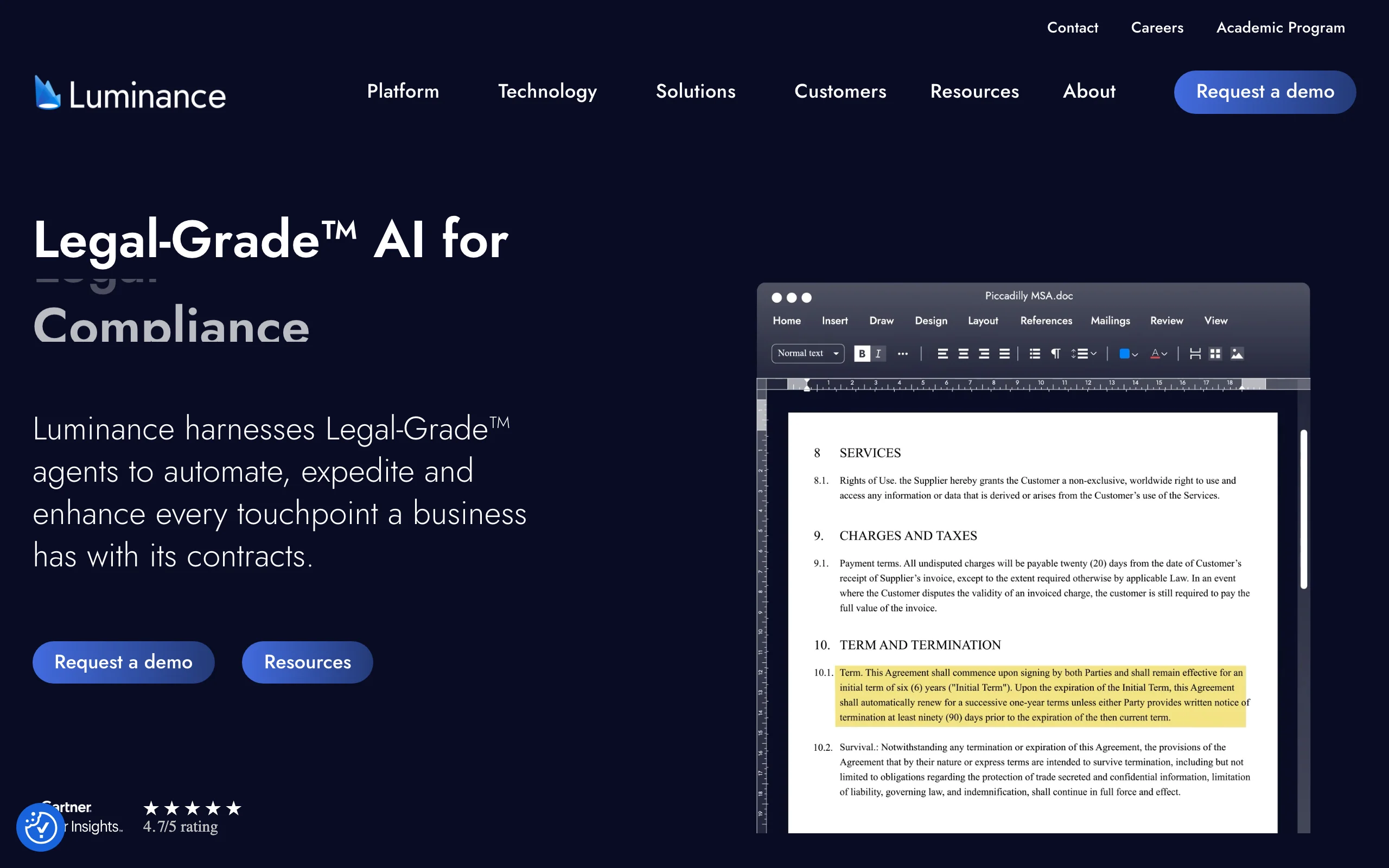
7. Luminance, best for due diligence
Luminance shines when you need to make sense of huge document sets quickly: M&A diligence, lease portfolios, or compliance reviews. Its pattern recognition surfaces anomalies that a human reviewer might miss on document number 400.
Key features
- Pattern analysis across large document sets
- Anomaly and risk detection in diligence
- Contract and compliance review at scale
- Visual data-room style analysis
Best for
- M&A and due diligence teams
- Compliance reviews over large volumes of documents
Pricing
- Custom enterprise pricing (contact sales)
Pros
- Excellent for large-scale document analysis
- Surfaces issues humans miss in bulk review
Cons
- Built for volume, less suited to one-off tasks
- Enterprise pricing and onboarding
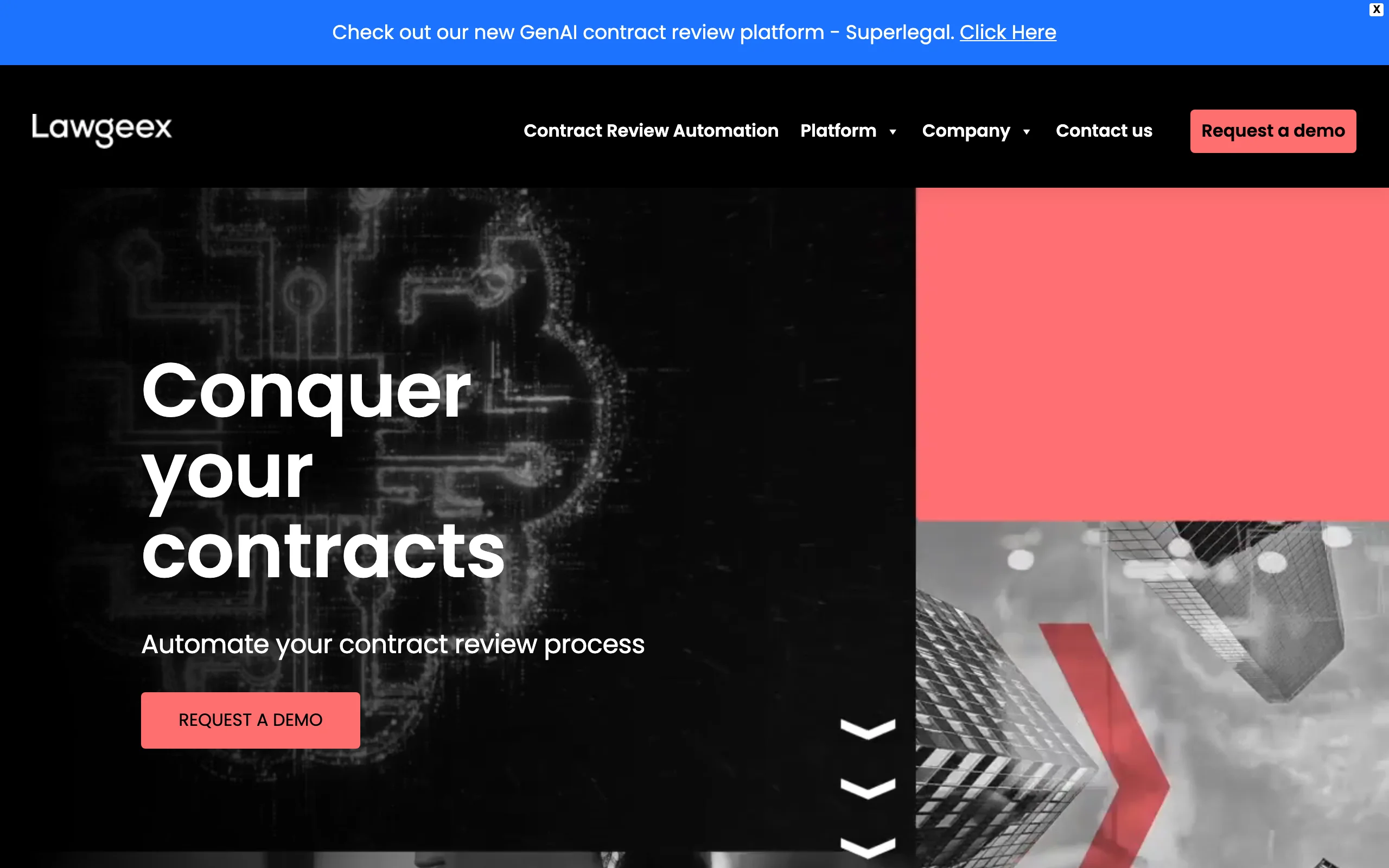
8. Lawgeex, best for in-house approvals
Lawgeex automates the first-pass review of incoming contracts against your policies. It approves the standard agreements and escalates only the ones that need a human, so your lawyers see the contracts that actually require judgment.
Key features
- Automated first-pass contract review
- Policy and playbook-based approval
- Escalation routing for non-standard terms
- Reporting on review activity
Best for
- In-house legal teams handling routine contract volume
- Operations that want to triage approvals automatically
Pricing
- Custom enterprise pricing (contact sales)
Pros
- Removes routine approvals from the legal queue
- Consistent application of your policies
Cons
- Aimed at in-house teams, not litigation or research
- Requires upfront policy configuration
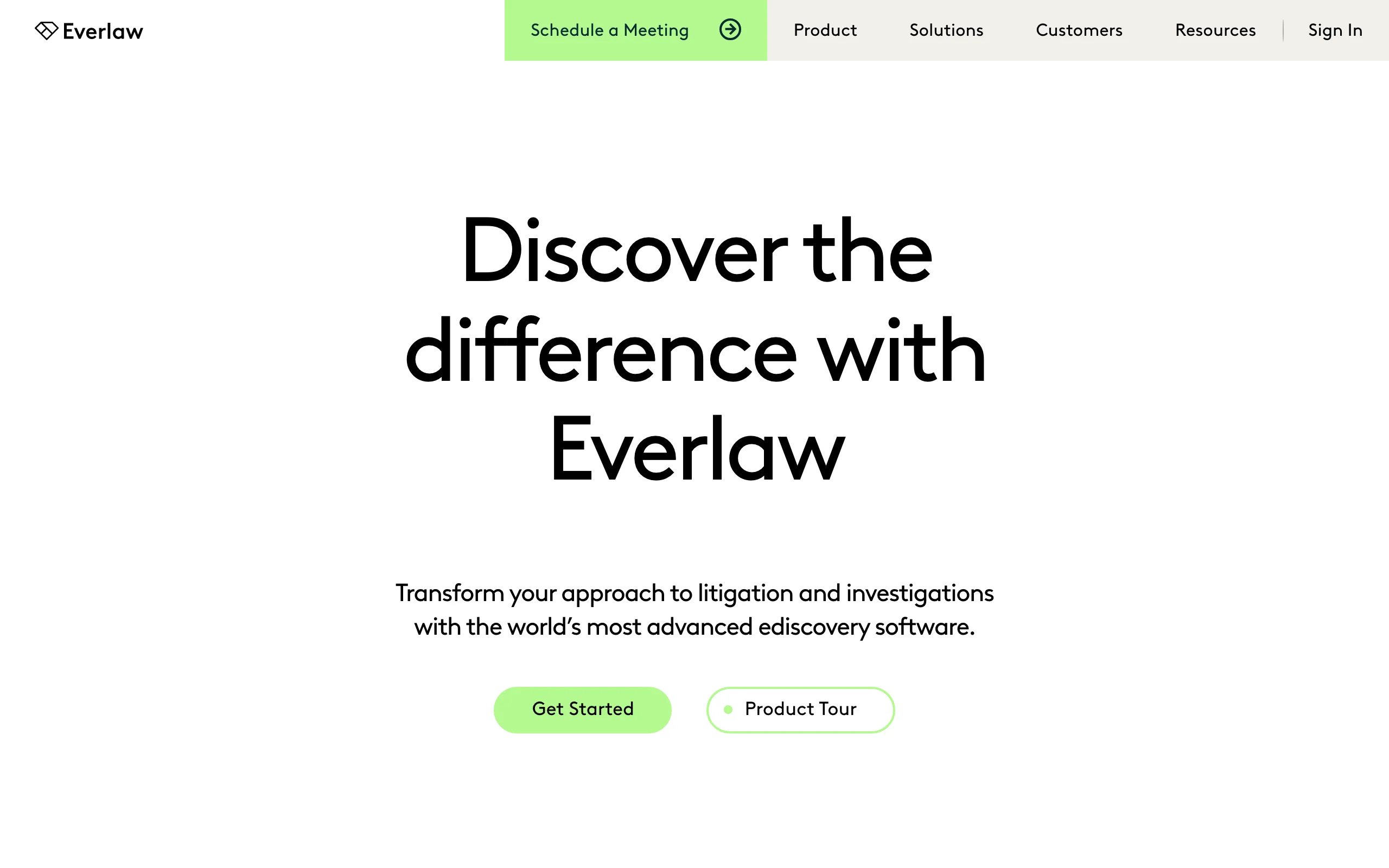
9. Everlaw, best for litigation
Everlaw applies AI to the discovery grind: clustering documents, predicting relevance, and summarizing depositions. Review teams spend their time on the documents that matter instead of reading every single one.
Key features
- AI-assisted document review and clustering
- Predictive coding for relevance
- Deposition and transcript summarization
- Collaboration tools for litigation teams
Best for
- Litigation teams handling e-discovery
- Cases with large document review burdens
Pricing
- Custom enterprise pricing (contact sales)
Pros
- Major time savings on large discovery sets
- Purpose-built for litigation workflows
Cons
- Specialized for discovery, not general legal work
- Enterprise pricing and setup
How to choose the best AI for legal work
The most efficient tool is the one that removes your biggest bottleneck. Work through these three questions.
1) Do you need one tool or a specialist?
If your work spans research, contracts, and drafting, an all-in-one workspace saves you from paying for and switching between several tools. Start with LegesGPT and add a specialist later only if one workflow demands it.
If your firm has a single dominant task (only contracts, or only discovery), a point solution like Spellbook or Everlaw may go deeper on that one job.
2) Where do your hours actually leak?
- Drowning in research: LegesGPT, Lexis+ AI, or CoCounsel.
- Buried in contracts: Spellbook, Robin AI, or Lawgeex.
- Facing diligence or discovery mountains: Luminance or Everlaw.
Pick the category that matches your pain, then choose within it on budget and platform.
3) What is your budget and buying process?
Enterprise tools like Harvey, Lexis+ AI, CoCounsel, Luminance, and Everlaw use custom pricing and a sales cycle. They fit firms with budget and procurement teams.
If you want transparent pricing and to start the same day, LegesGPT publishes its tiers and offers a $1 three-day trial. Test it on a few real tasks before you commit, the same way you would trial any tool.
Whatever you choose, the rule that keeps AI a time-saver rather than a liability is simple: let it handle the first 80 percent, the searching, sorting, and drafting, and keep a human on the final 20 percent of judgment and verification.